Desk devices
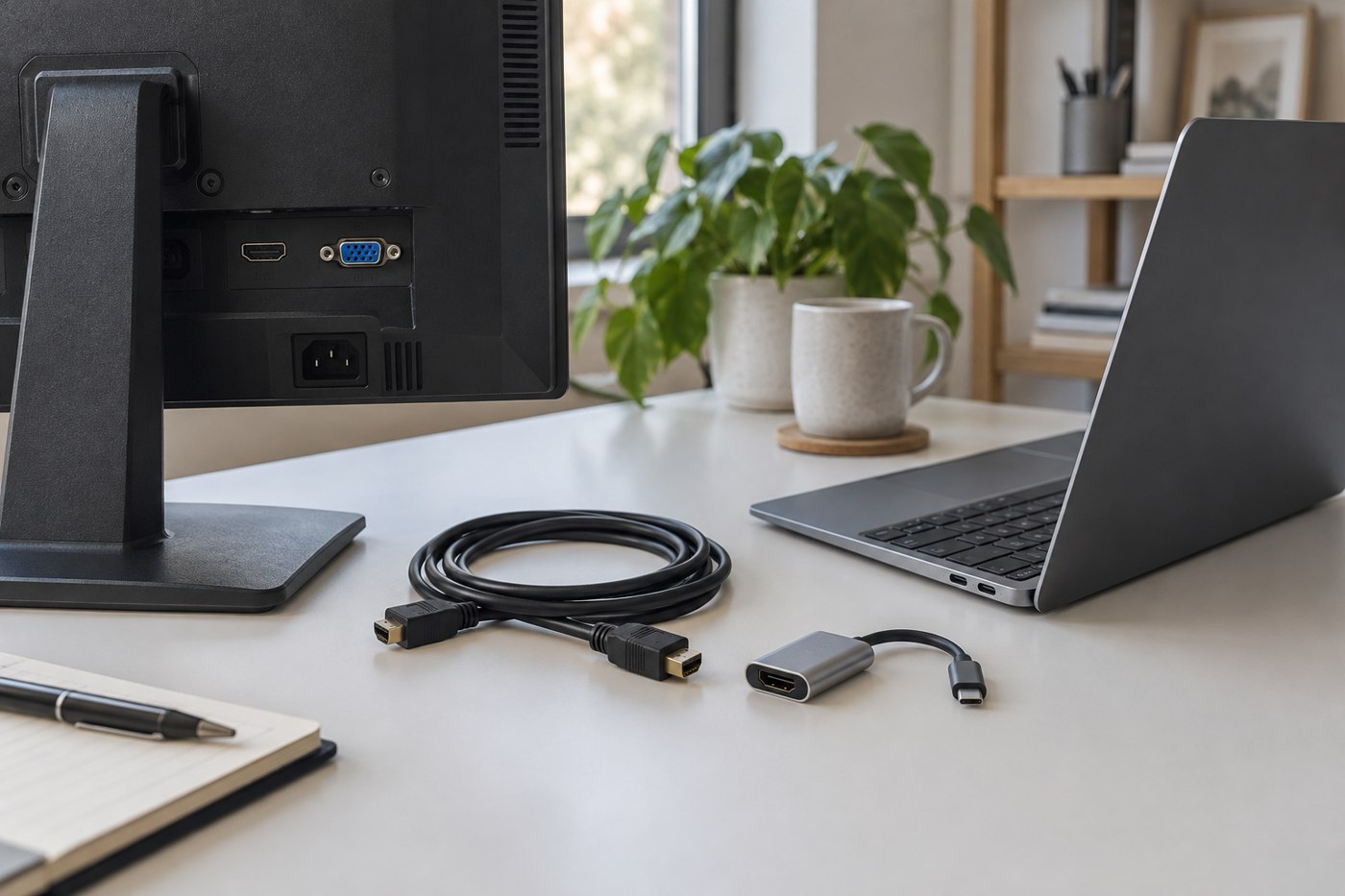
Read monitor connection specifications before choosing a cable
Match the computer output, monitor input and desired display mode before putting a cable in your basket.
Displays, keyboards, pointing devices and the equipment around a computer.
34 articles
Match the computer output, monitor input and desired display mode before putting a cable in your basket.
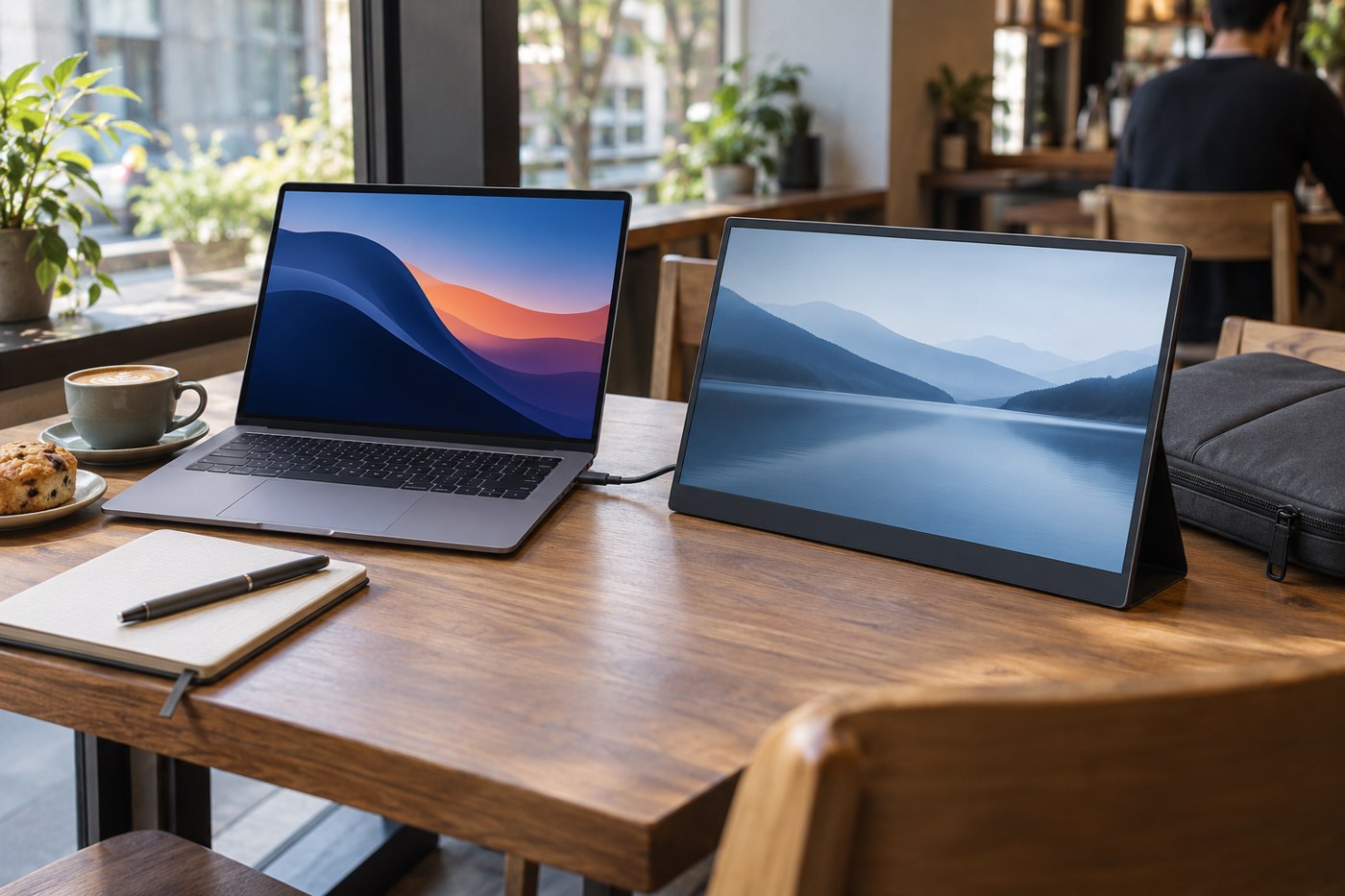
A portable screen has to fit your bag, your temporary desk and the connections your laptop can actually supply.
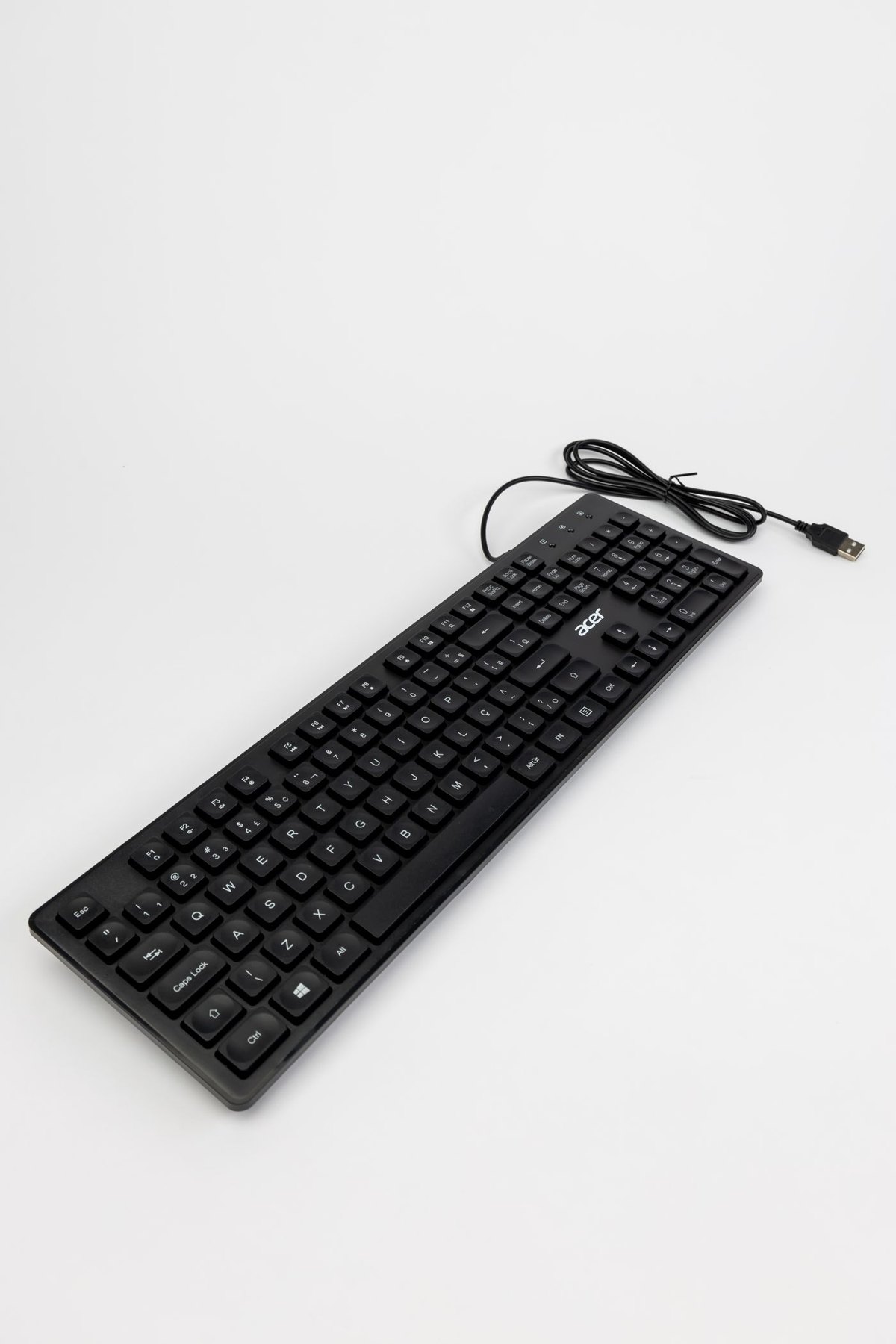
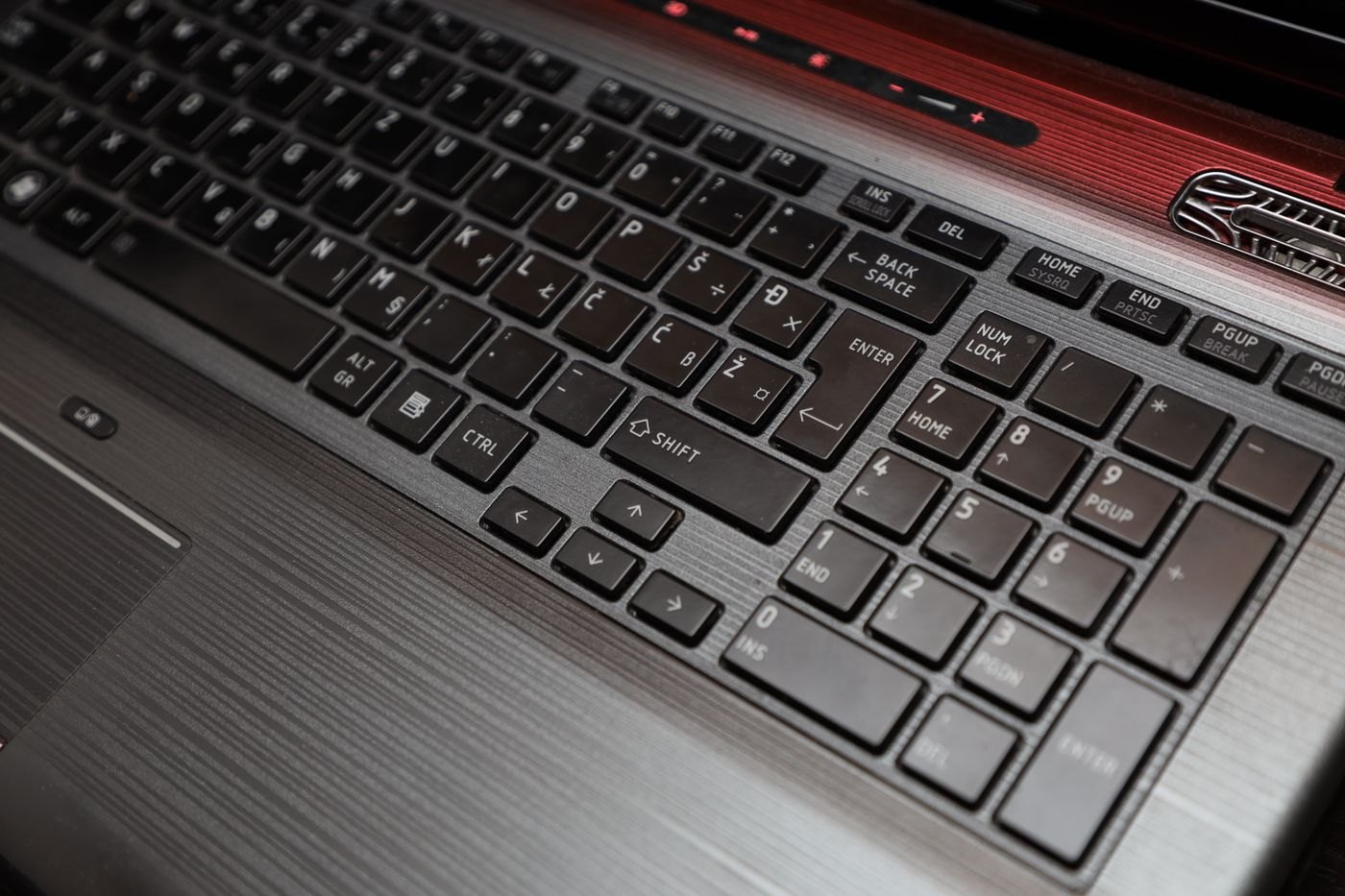
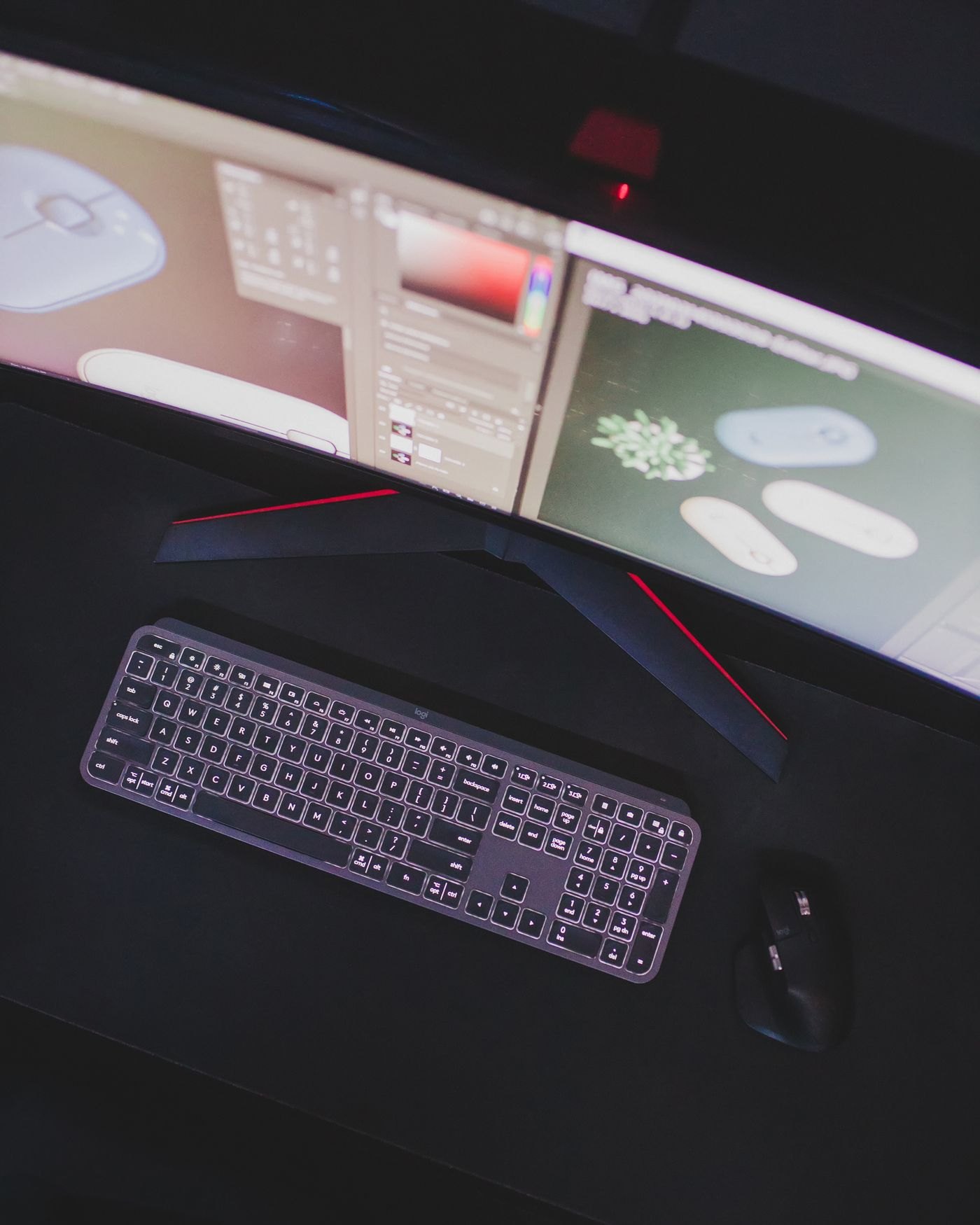
Use the keys you need and the space your pointing hand uses to judge full-size, compact and separate number-pad layouts.
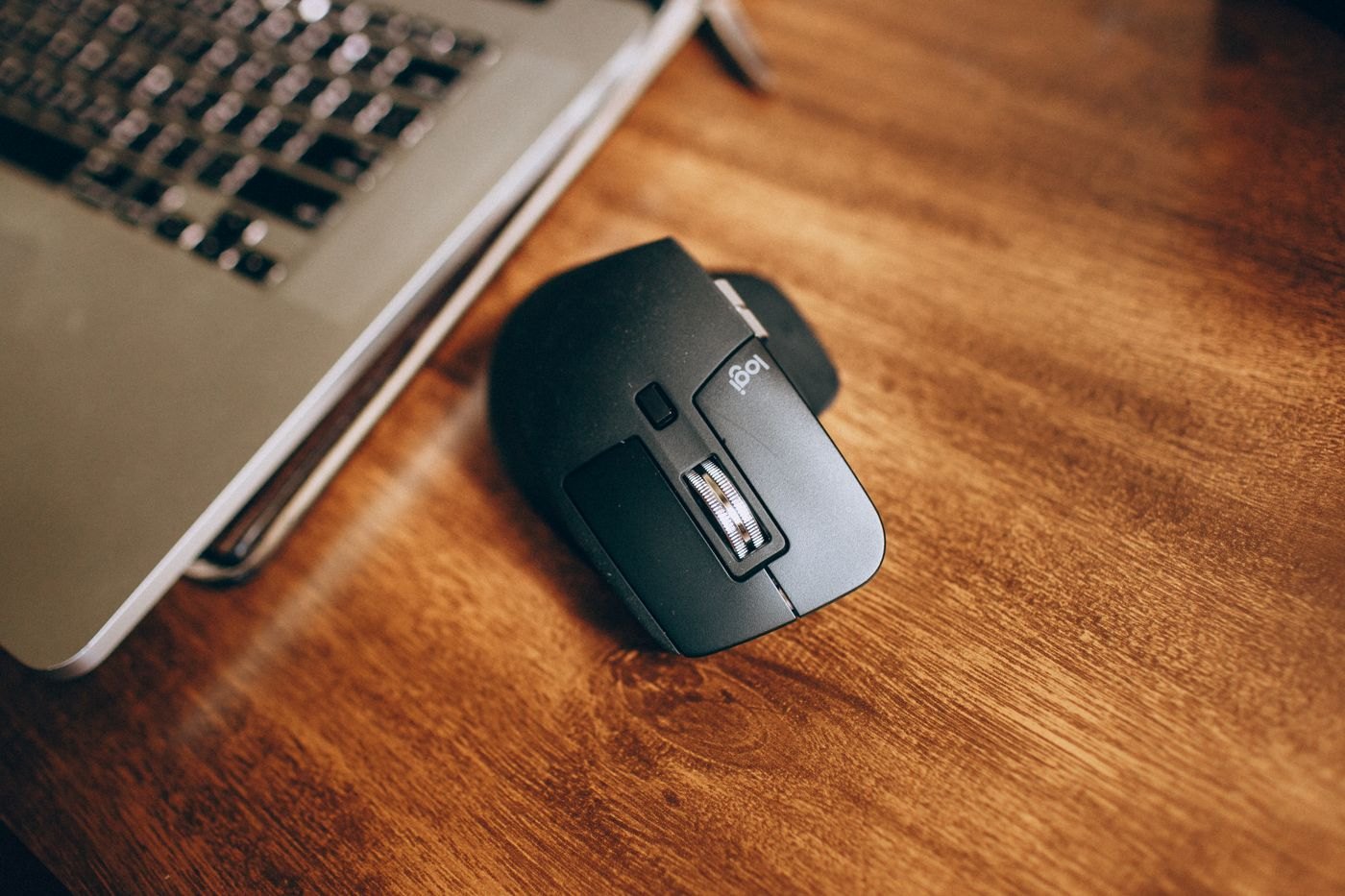
Compare a mouse's grip, controls and transport requirements across the two places where you expect to use it.
Build a compatibility record around the laptop model, display arrangement, peripherals and power requirement.
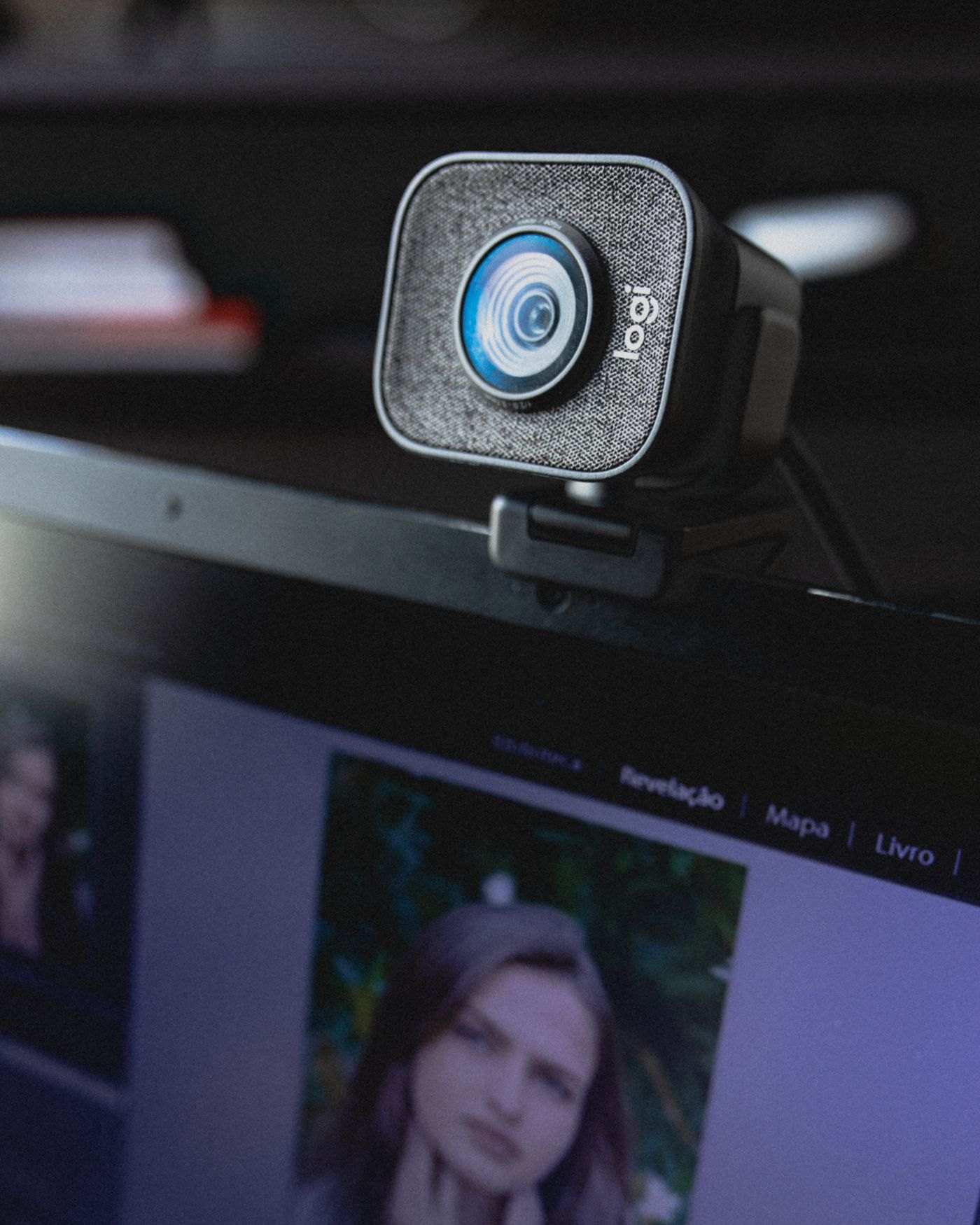
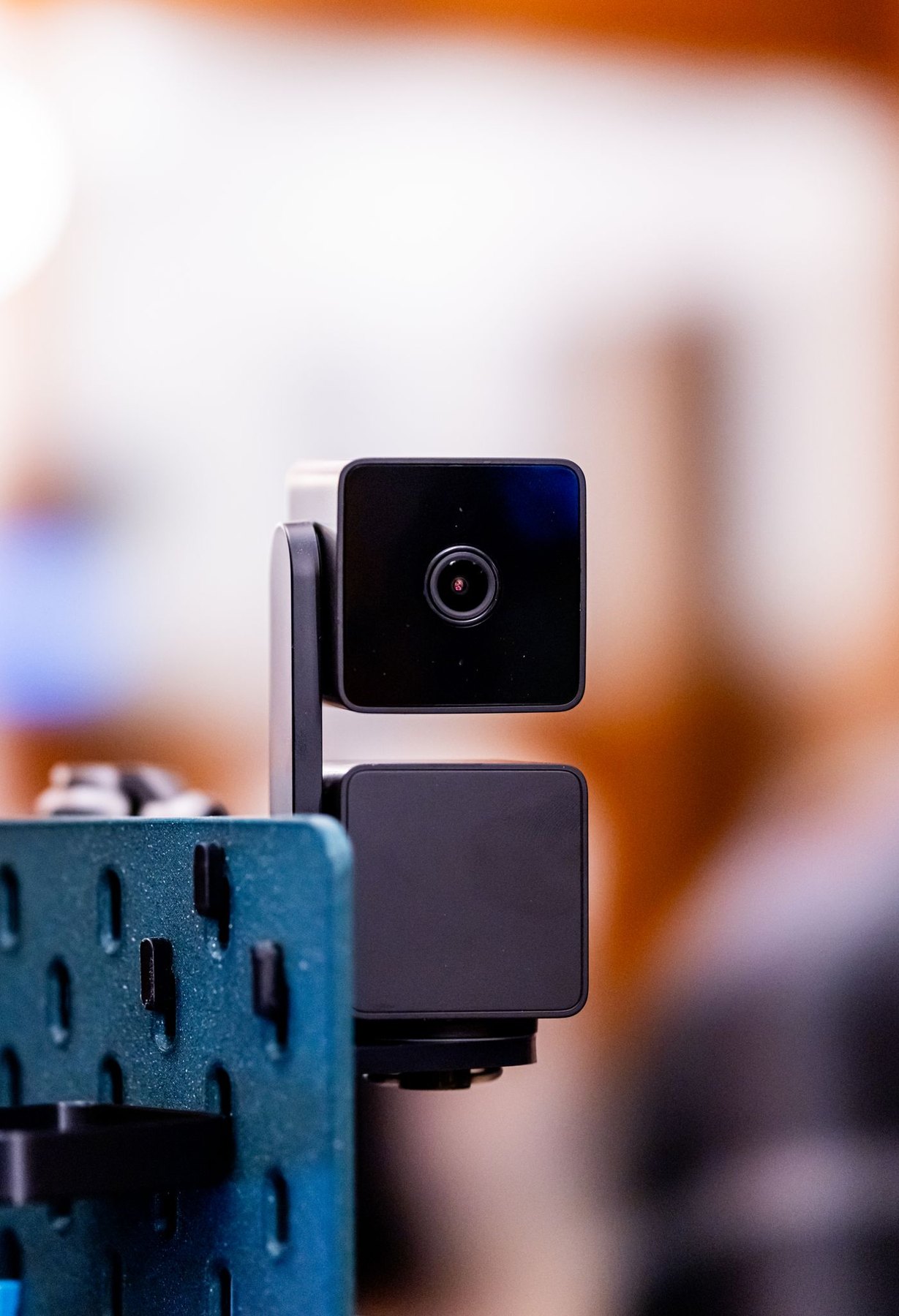
Find a stable camera position that leaves room for your screen, hands and ordinary desk work.
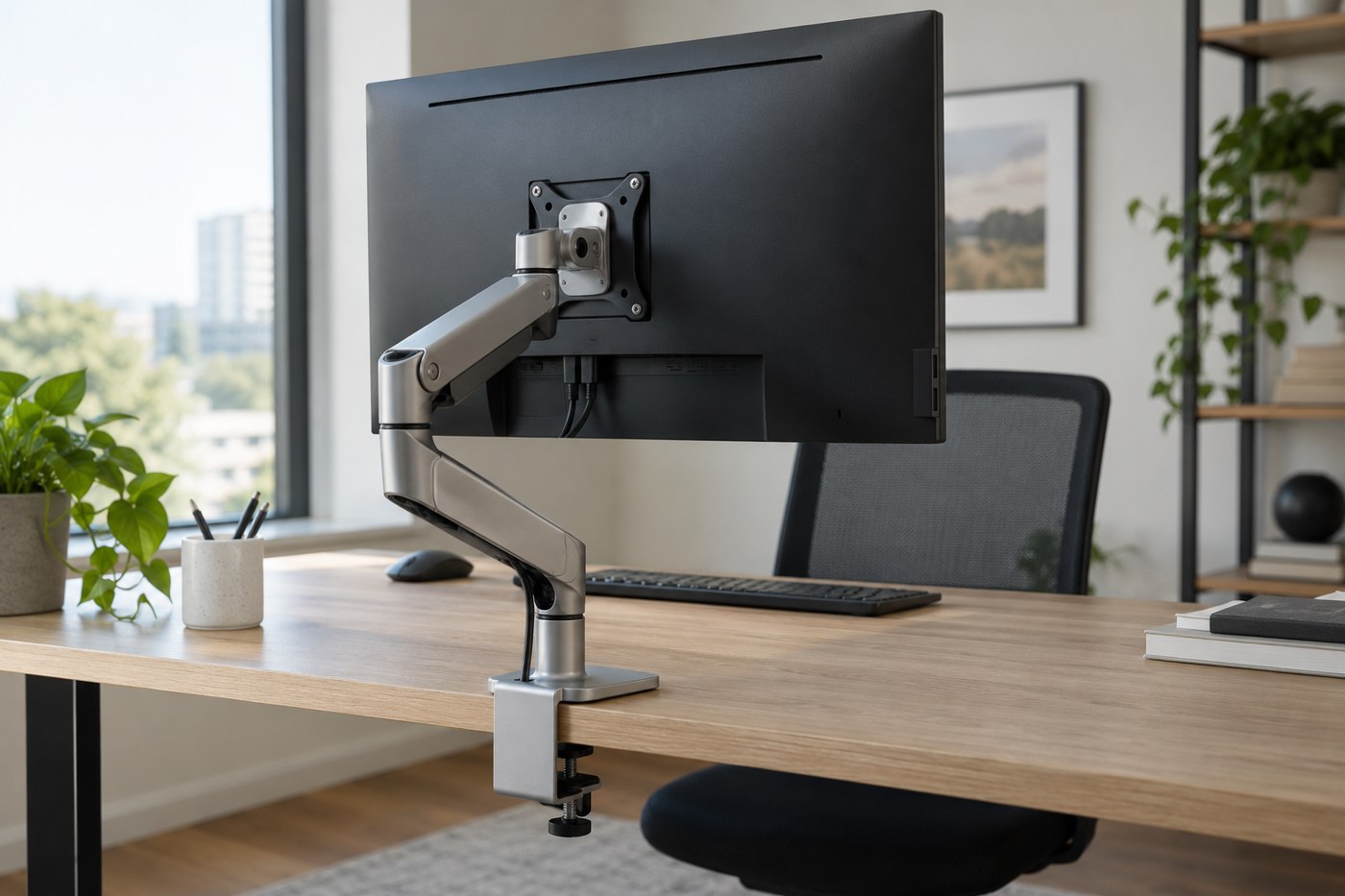
Check the mounting pattern, supported load, desk construction and movement space before choosing an arm.
Compare the complete working arrangement, including keyboard position, screen size and the space needed to put everything away.
Separate display switching, USB peripherals and paired wireless devices when planning a desk shared by two computers.
A keyboard's physical arrangement, printed legends and operating-system input setting are three separate things.
Measure the working area and choose a surface you can clean without making the whole desk harder to manage.
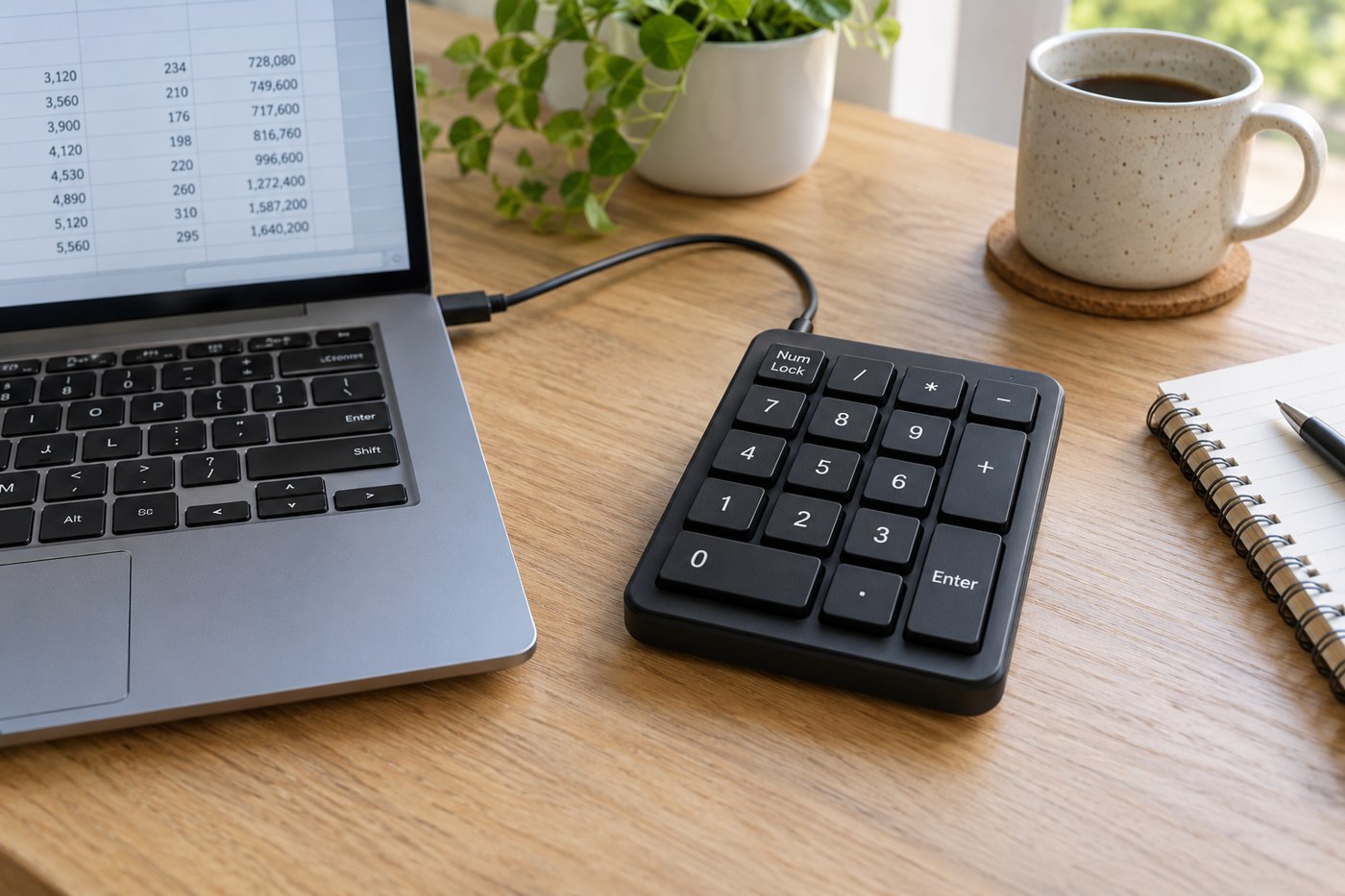
Check key positions, number-lock behaviour and the applications you use before adding a separate numeric keypad.
Work out what the room is doing to your picture before paying for a higher-resolution webcam.
Leave controlled slack for the full desk travel while keeping leads away from moving parts and the chair.
Identify the old display's input and the new computer's output before deciding whether an adapter is worthwhile.
Compare the space needed during printing, replacement supplies and computer support for the documents you actually produce.
Read screen size, resolution, scaling and adjustment together when most of your day involves words and numbers.
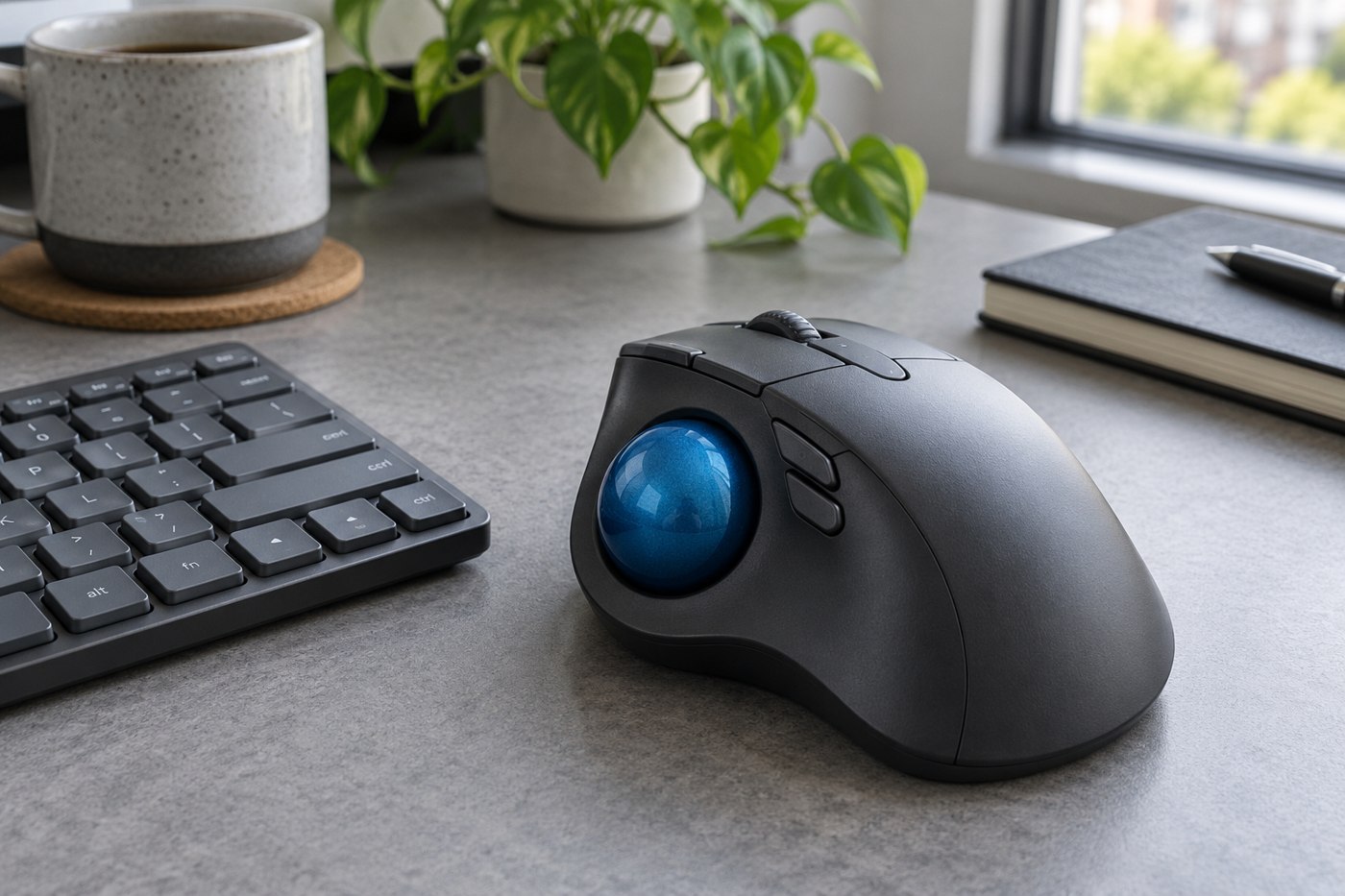
Assess the ball position, button reach and learning period without treating a different pointing device as a guaranteed improvement.
Match the stem, key sizes, stabilizers and row profile before treating a replacement set as compatible.
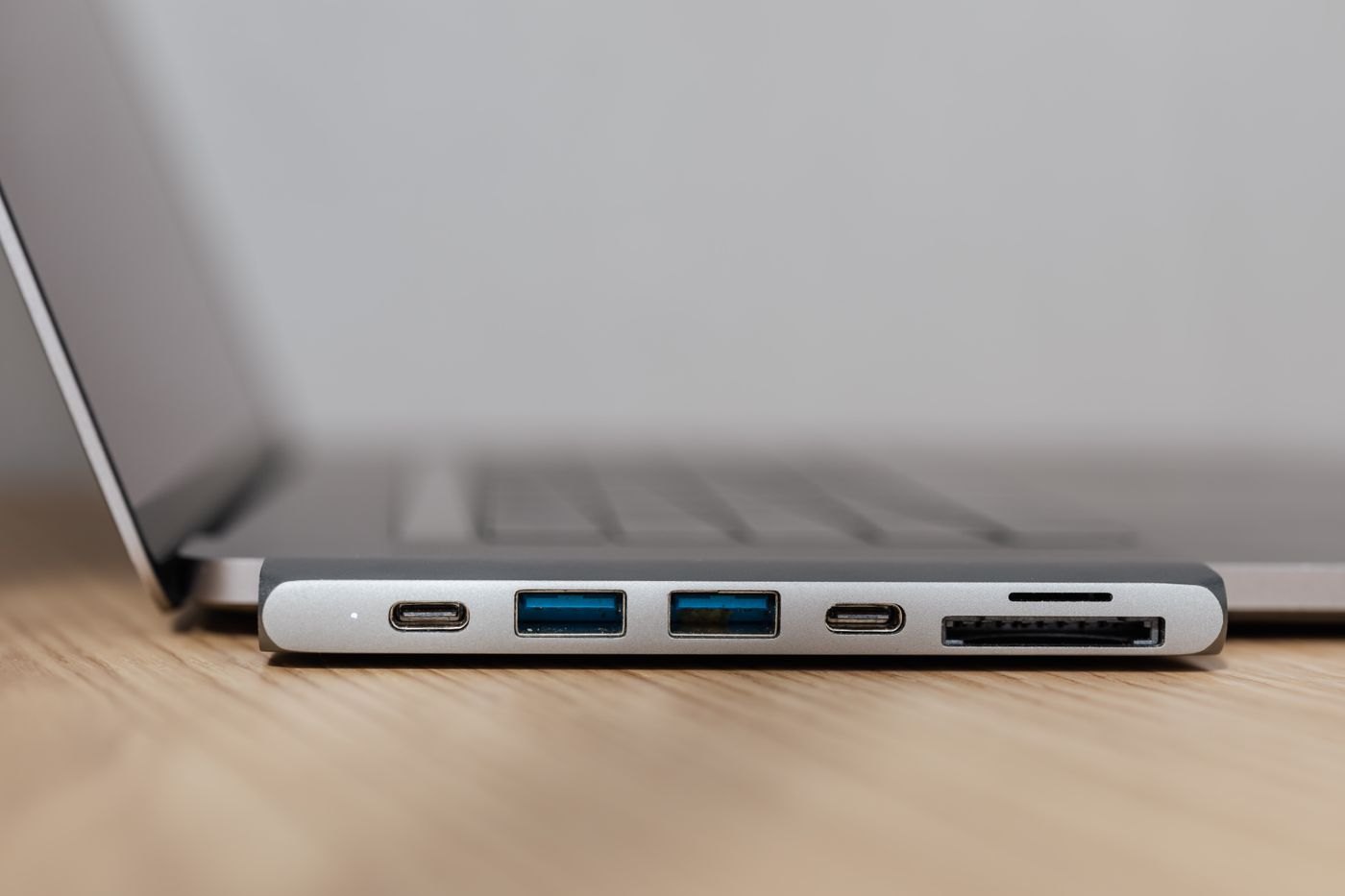
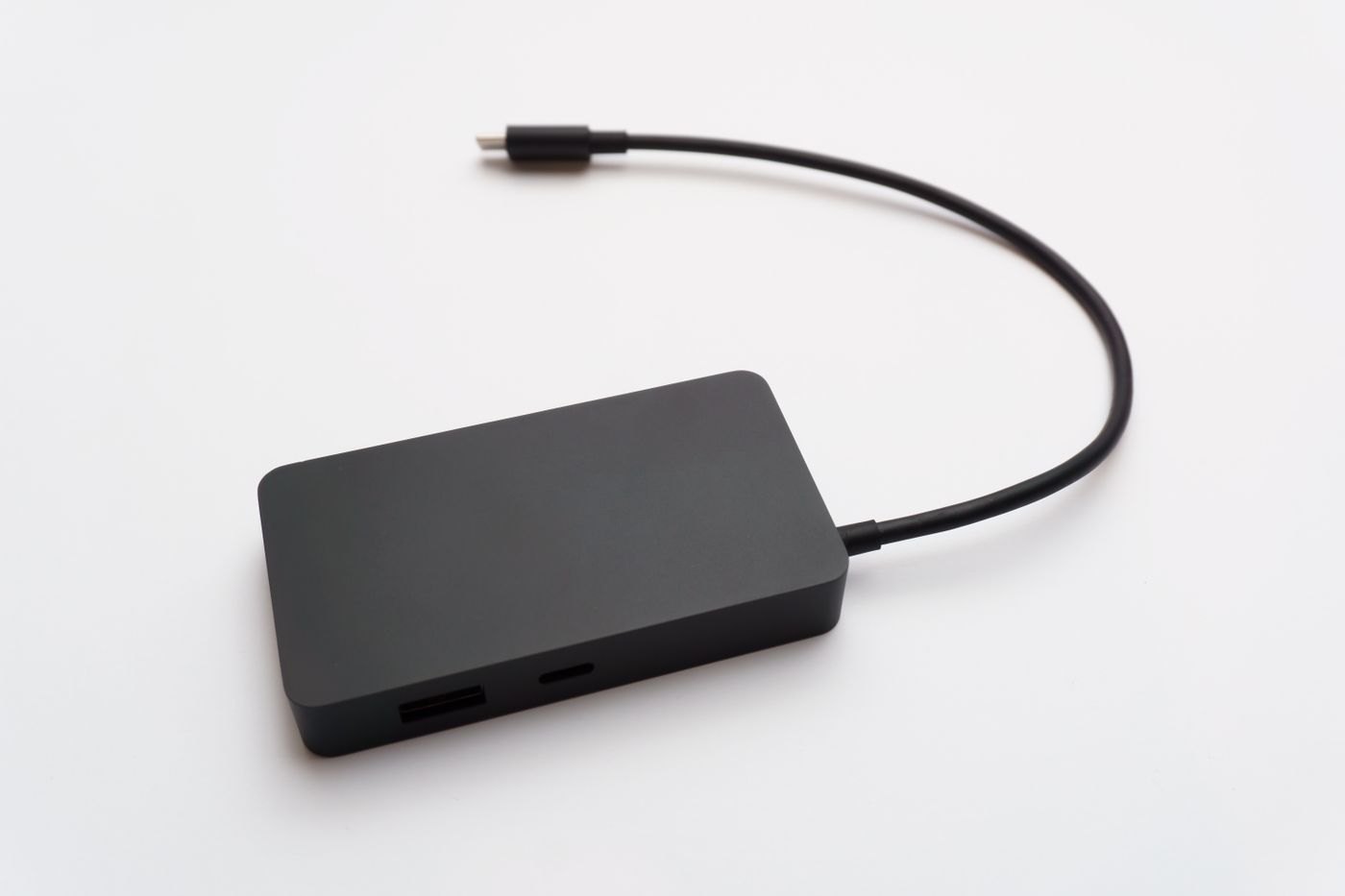
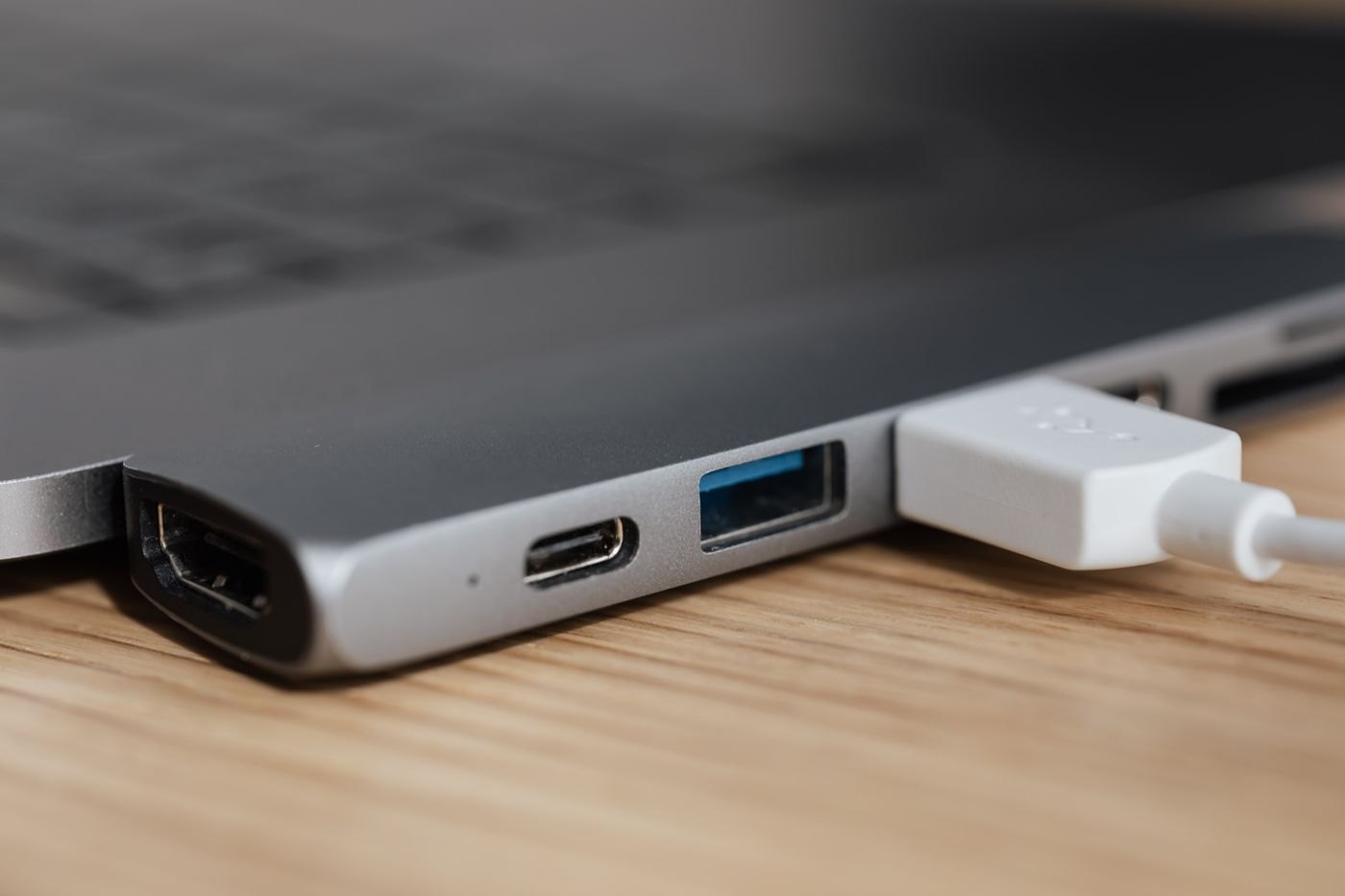
Choose by the functions and power arrangement you need, because the names hub and dock do not guarantee a fixed feature set.
Create a repeatable packing sequence so a temporary desk can become a clear table without tangled leads or misplaced parts.
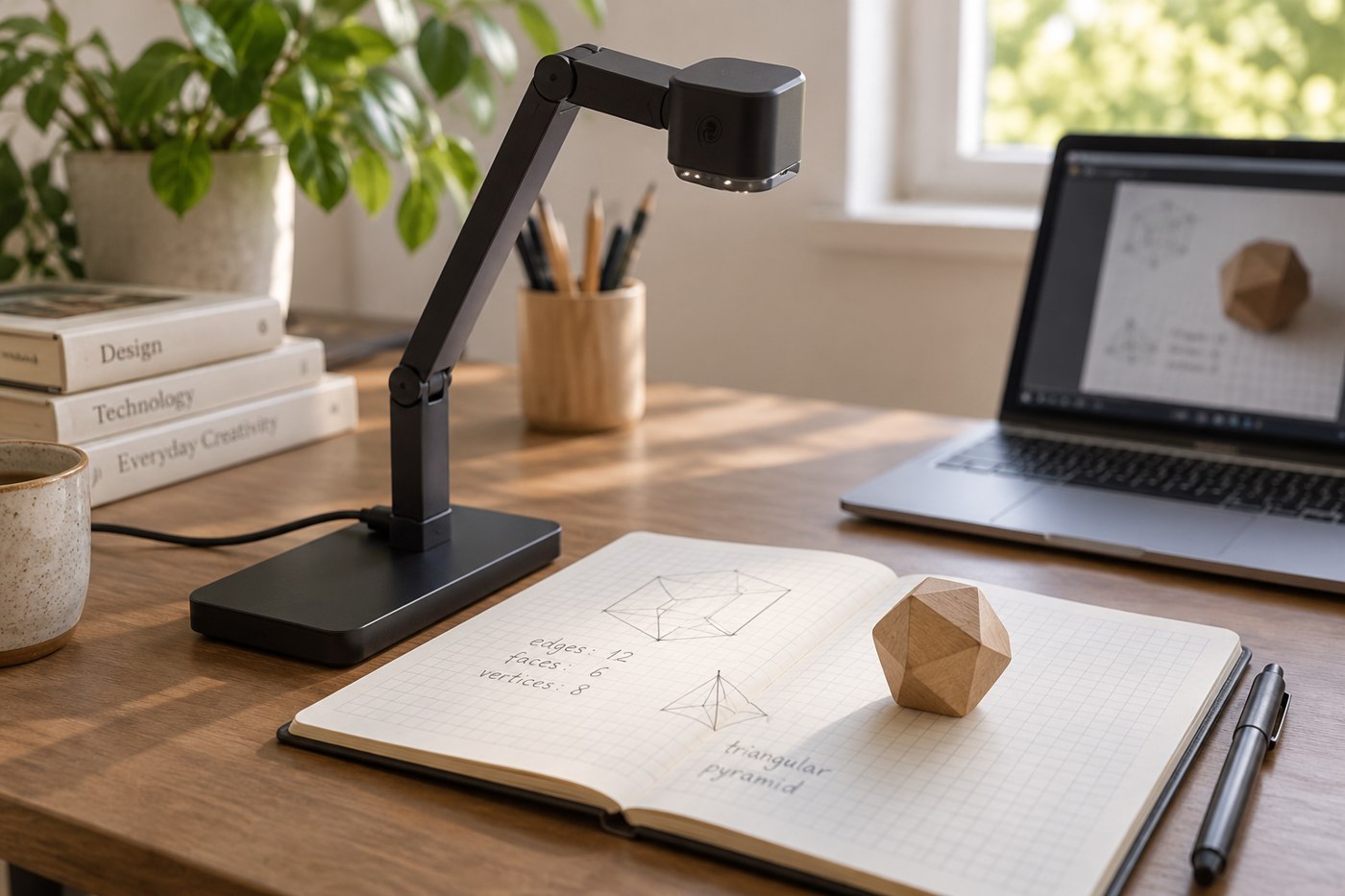
Compare the visible area, focus behaviour and software controls using the objects you want other people to see.
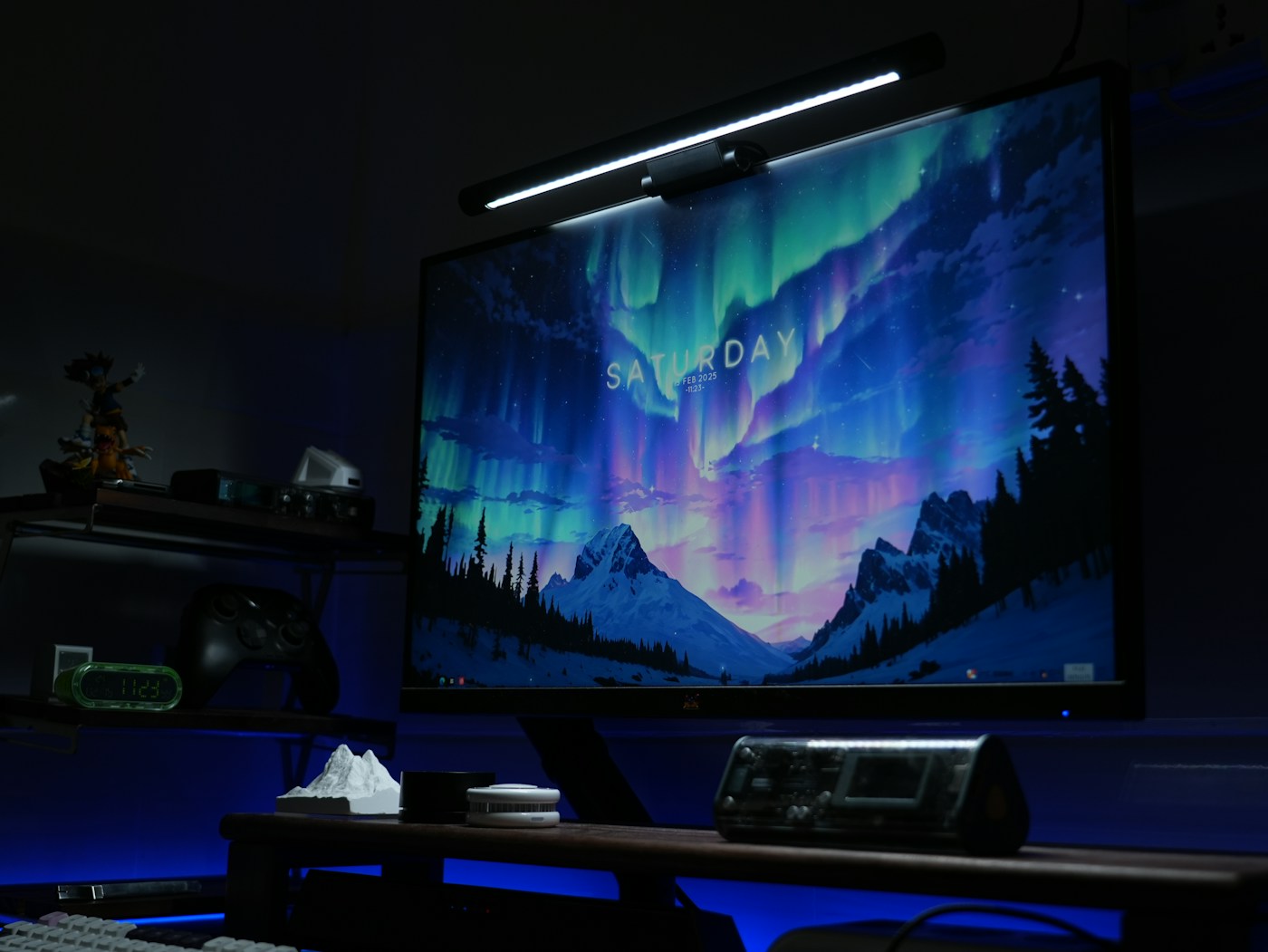
Check the monitor's shape, clamp area, power arrangement and webcam position before adding a light above the screen.
Check paired-device switching, operating-system keys and the tasks you expect to move between a tablet and a computer.
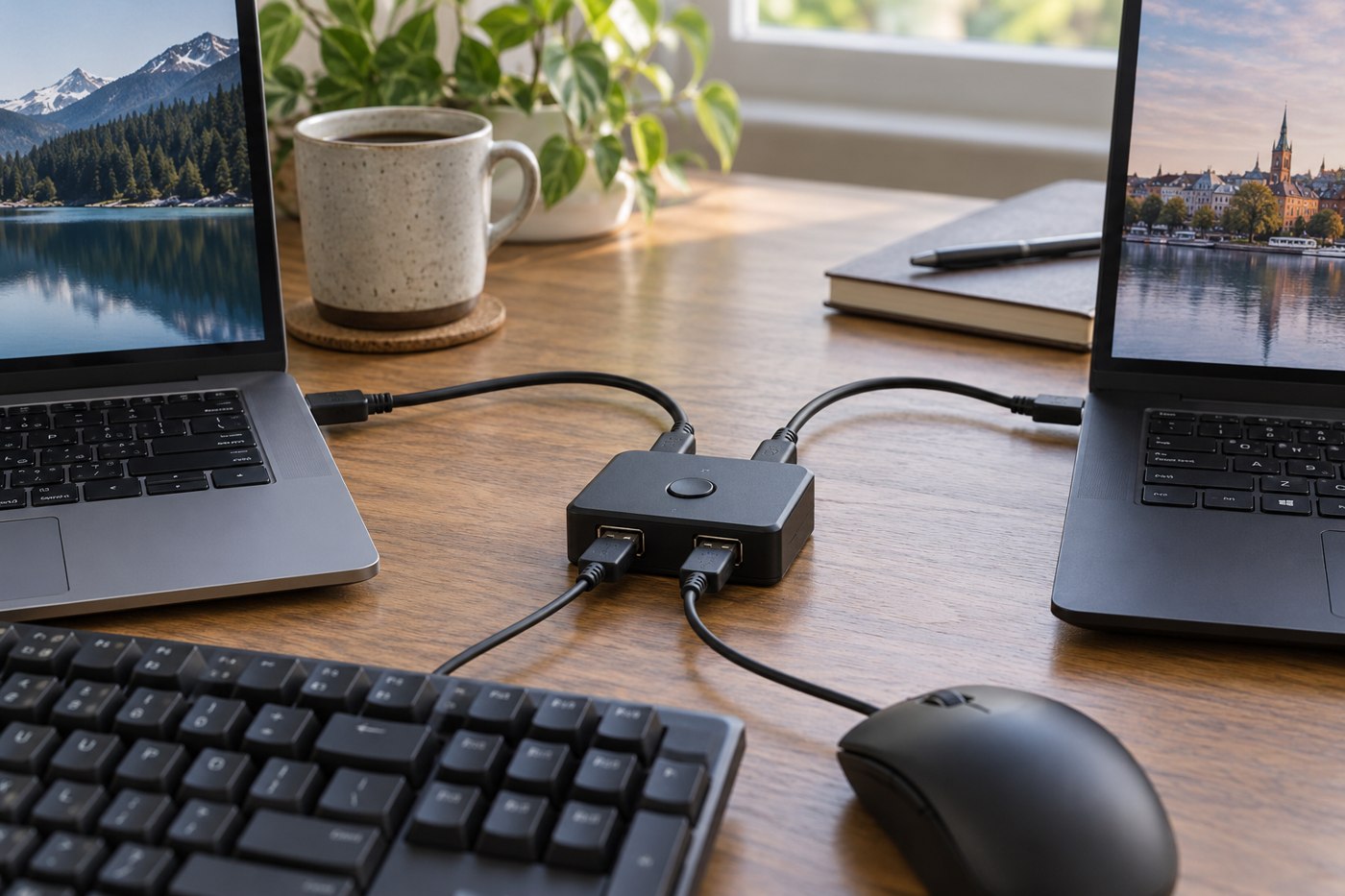
Identify the host connections, peripheral requirements and switching behaviour before sharing USB devices between computers.
Check condition, included parts and the modes you will use while the seller's inspection window is still open.
Consider the sound of the whole keyboard on your desk, including larger keys and the way you type.
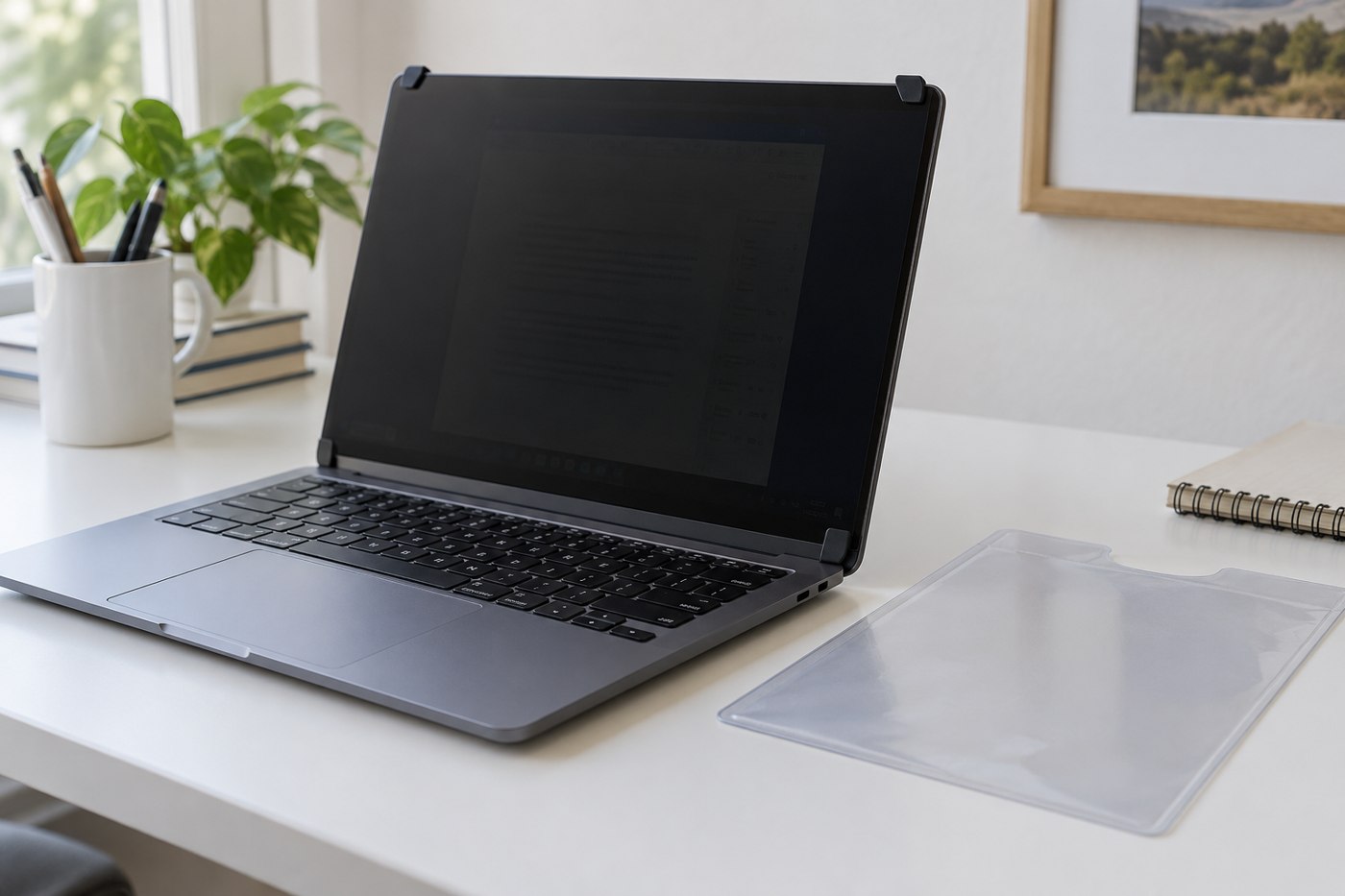
Use the display's actual dimensions and construction, then check what the filter obscures from different positions.
Give the pen surface, keyboard shortcuts and pointer a workable relationship before choosing a larger drawing tablet.
Measure the pointer movement you use before choosing a pad that leaves too little room beside the keyboard.
A monitor's USB sockets need the right computer connection before they can act as a home for your peripherals.
Pack a verified set of equipment around the work you need to finish, then confirm the destination's space and connections.
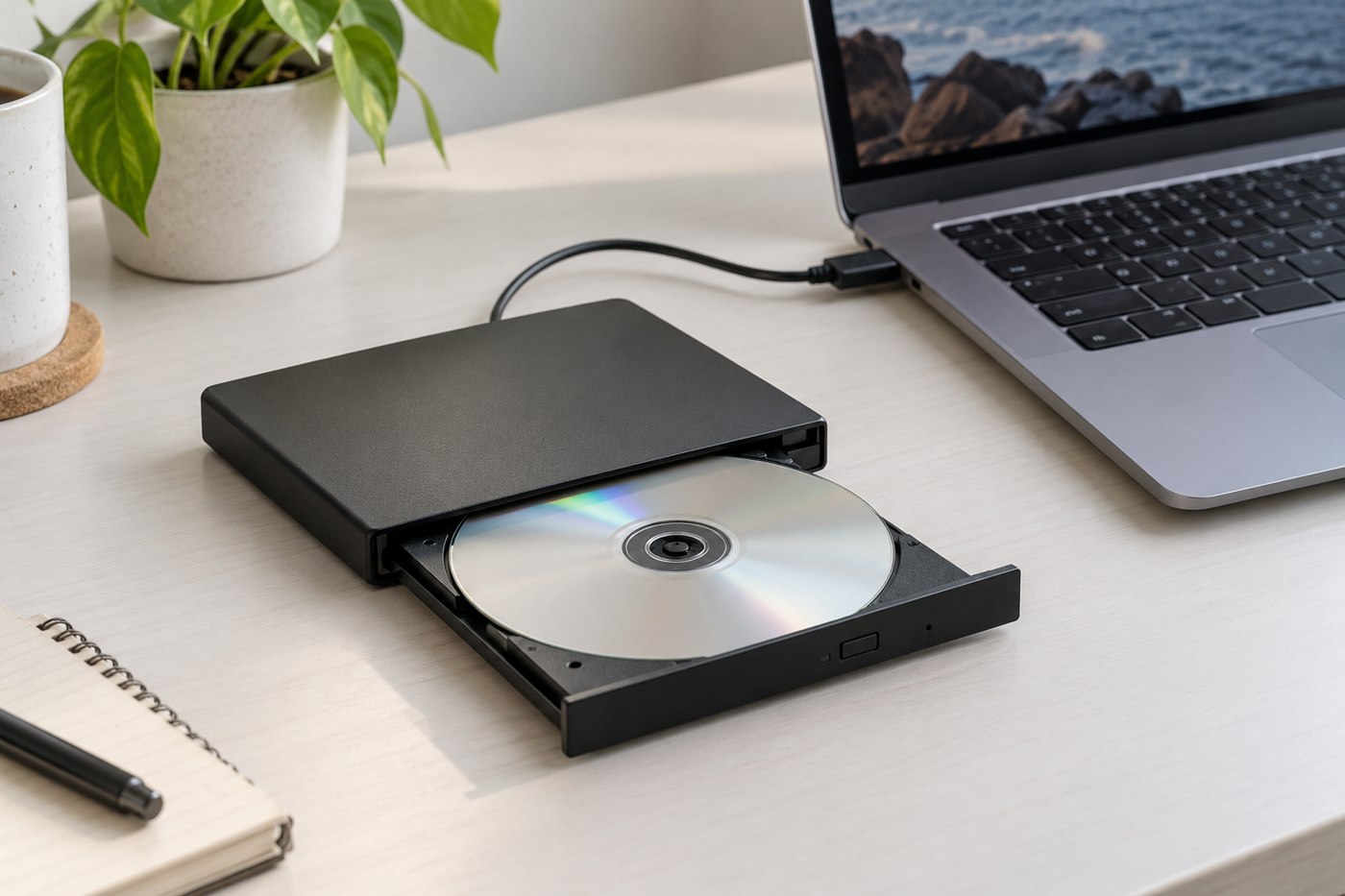
Match the disc types, computer support and playback software before buying an external drive for an old collection.
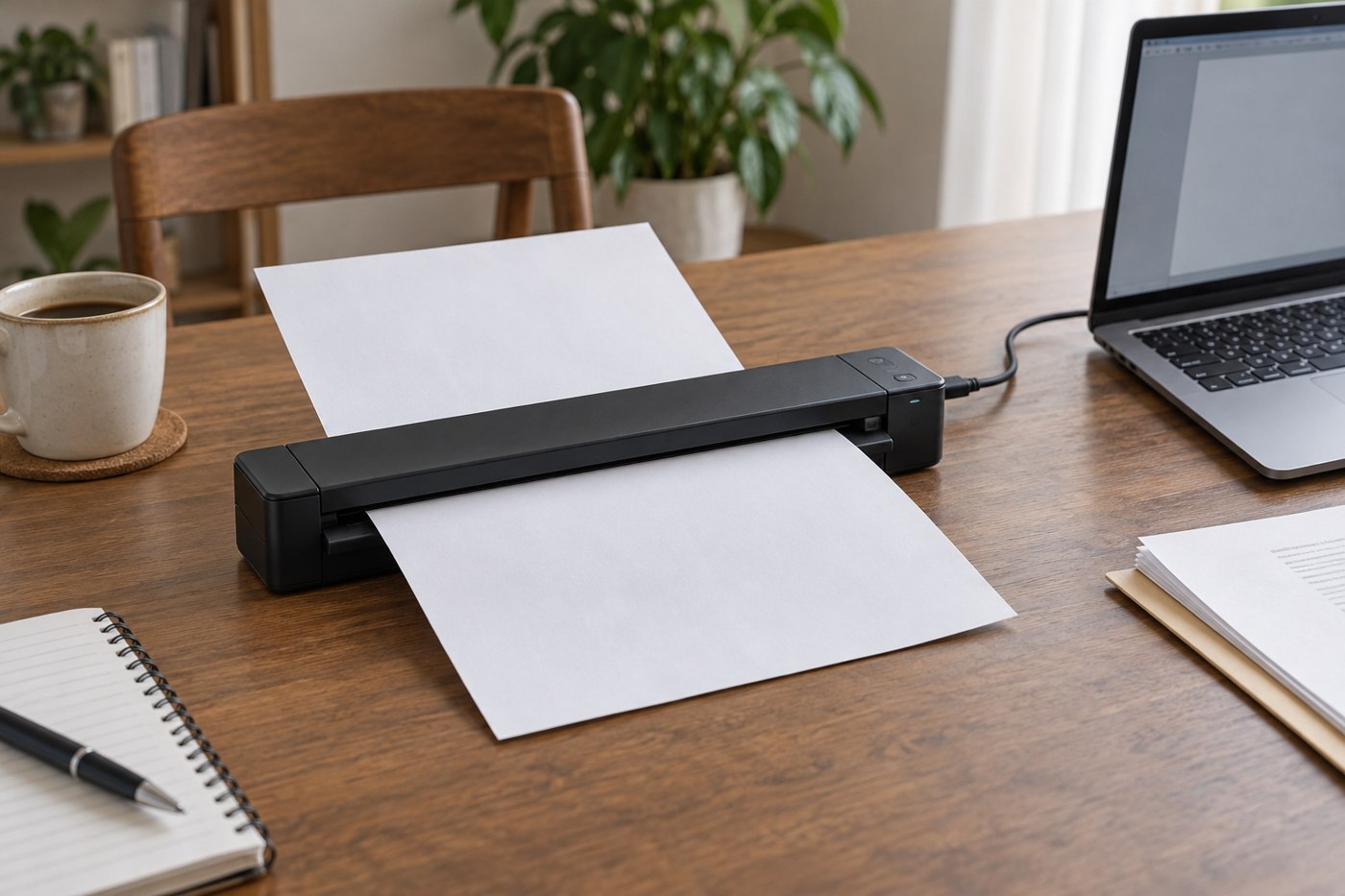
Match the scanner's paper handling and output workflow to your documents before prioritizing portability.
No matching articles. Try a shorter phrase or clear the search.