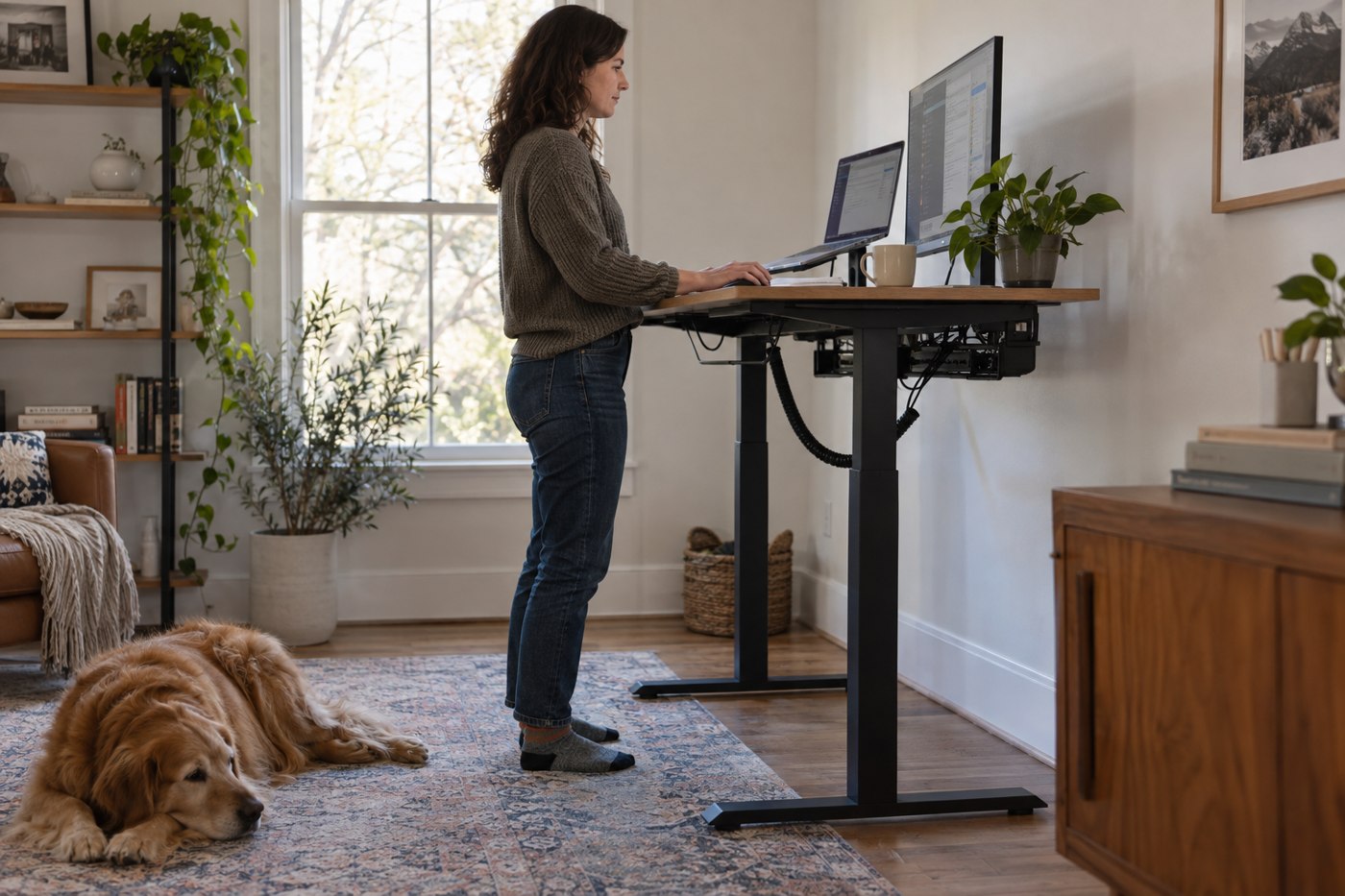
A cable arrangement that looks neat at sitting height can become tight when a desk rises. Plan it with the desk's whole movement in mind. Read the desk manufacturer's cable-management instructions first, including where accessories may be attached and which moving areas must remain clear.
List the equipment that moves with the desktop and the equipment that stays on the floor or a nearby shelf. A monitor, dock and lamp may all rise together, while a wall outlet does not. This distinction identifies the leads that need enough free length to span the changing distance.
Route before fastening
Place cables loosely along the intended route and move the empty or safely arranged desk slowly through its permitted range. Watch from more than one side. A lead can appear loose at the back while snagging on a support underneath. Check that connectors are not carrying tension and that a cable cannot become pinched at a hinge or lifting column.
Use the desk's approved tray or guides where suitable. Leave accessible service loops for equipment you disconnect, but avoid long hanging loops near the chair, feet or drawers. Do not tightly bundle cables merely to make the underside look tidy, particularly if the equipment instructions require ventilation or separation.
Include the things that change
Laptop leads are often moved more frequently than monitor cables. Give the laptop connection enough reach for its normal positions without leaving the dock hanging from it. If you add a microphone arm or monitor arm, check that its movement and the desk's movement can occur together without exhausting the same small loop of slack.
Label the two ends of similar leads while you can still see the route. A simple device name makes later troubleshooting easier and discourages pulling an unknown cable from a crowded tray. Keep power adapters in supported, ventilated positions according to their instructions rather than wrapping them in fabric to hide them.
After fastening, repeat the movement check with the normal equipment in place. Pause if anything catches, shifts or pulls; do not rely on the desk to force a tight cable free. Recheck the route whenever you add or replace a device. Cable management for a moving desk is a working arrangement, not a one-time photograph.