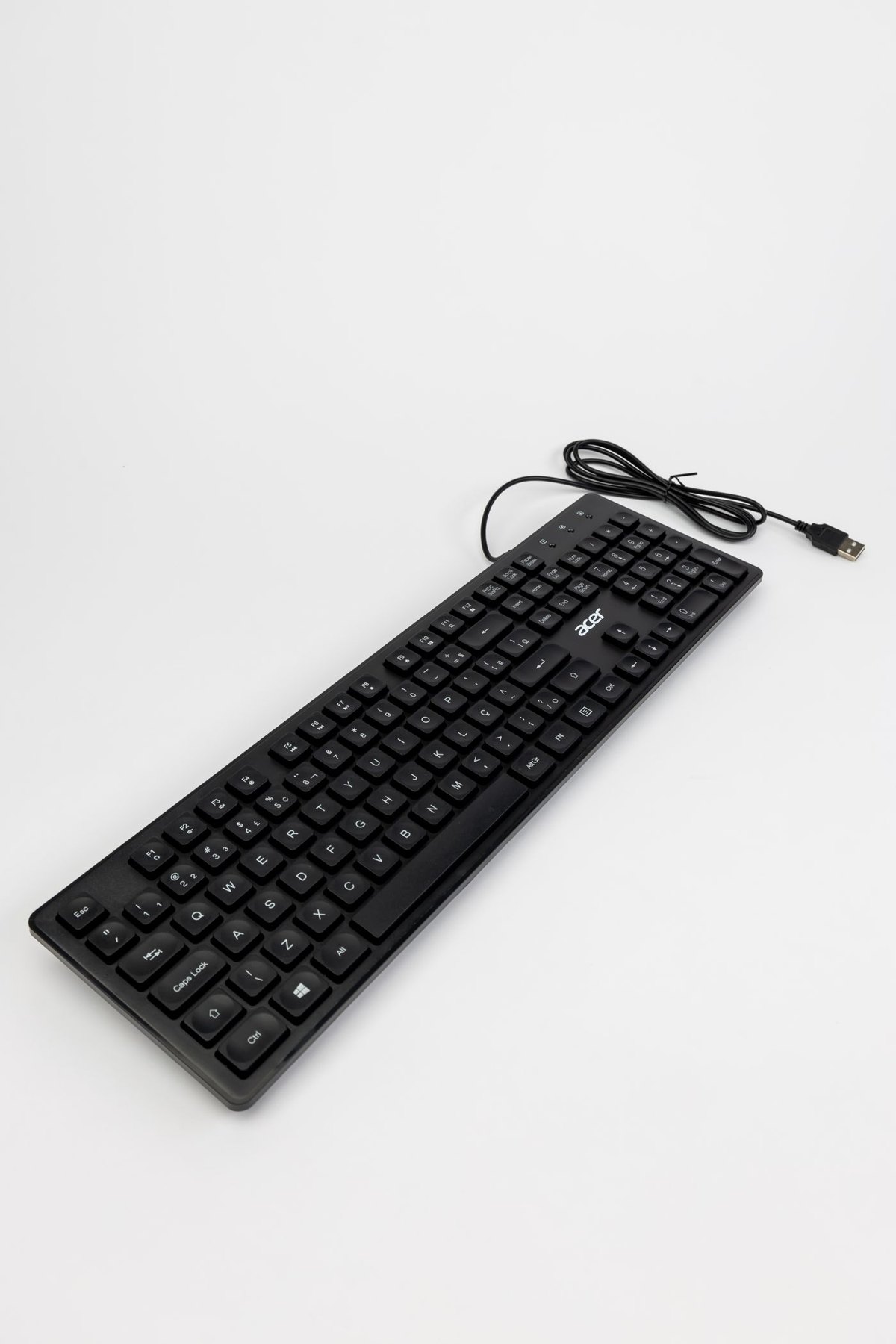
Keyboard size is a decision about the whole work surface. Measure the width available after placing the laptop or monitor, then leave room for the mouse movement you actually use. A keyboard that fits between two objects can still leave the mouse squeezed into an awkward strip.
Before buying, list the keys you reach for during a normal task. Spreadsheet entry may make a number pad valuable. Editing documents may depend on dedicated navigation keys. Someone who mainly writes messages may rarely touch either group. Compact boards often retain functions through key combinations, but having a function technically available is different from finding it convenient every few minutes.
Make the trade visible
Draw the outlines of the candidate keyboards on paper and put them on the desk. Include the wrist rest if you plan to use one. Position your hands as you normally type, then move the mouse, reach for a notebook and use the laptop's trackpad. This makes it easier to see whether a few centimetres of saved width create useful space or simply change the appearance of the desk.
A separate number pad can sit beside the keyboard during data entry and move away afterward. That flexibility comes with another cable, receiver or battery to manage. If you enter figures throughout the day, repeatedly retrieving a separate pad may be more irritating than keeping an integrated one in place.
Check what compact means in that listing
Percentages and informal names do not show every key position. Inspect a clear top-down photograph of the exact regional model. Look for arrow-key spacing, the position of Delete, and the size of the right Shift key. A layout that works for one shortcut habit can interfere with another even when the total key count is similar.
Do not assume a smaller chassis means smaller keys, or that two keyboards with the same name use an identical arrangement. Compare the actual dimensions and key diagram. If you switch between a built-in laptop keyboard and an external one, consider whether the differences will cause frequent mistypes.
The smallest workable keyboard is not necessarily the best choice. Keep the keys that save effort in your recurring work and remove the space that has no clear purpose. After a short trial, judge the arrangement with your usual documents and applications rather than a typing demonstration alone.