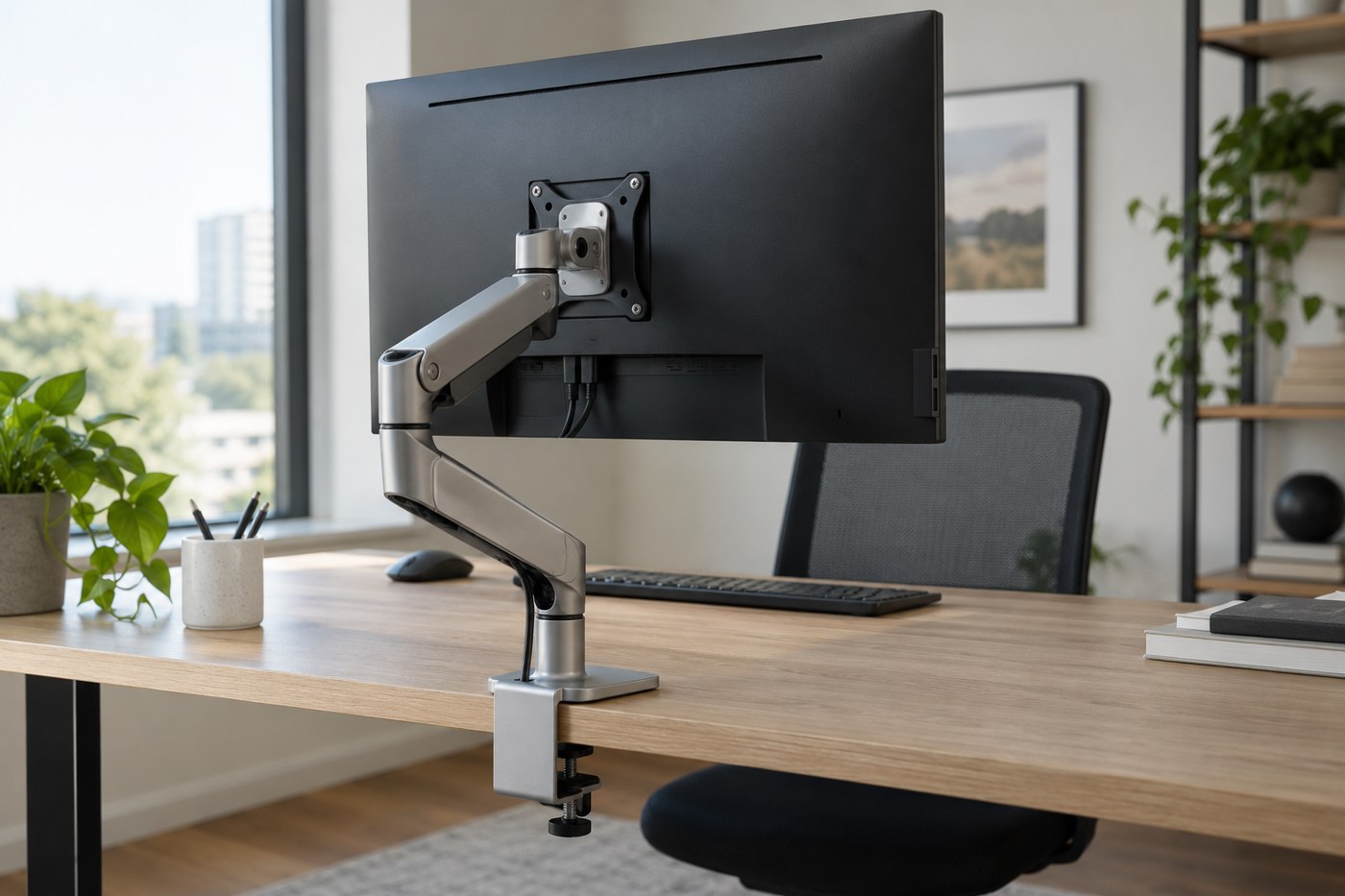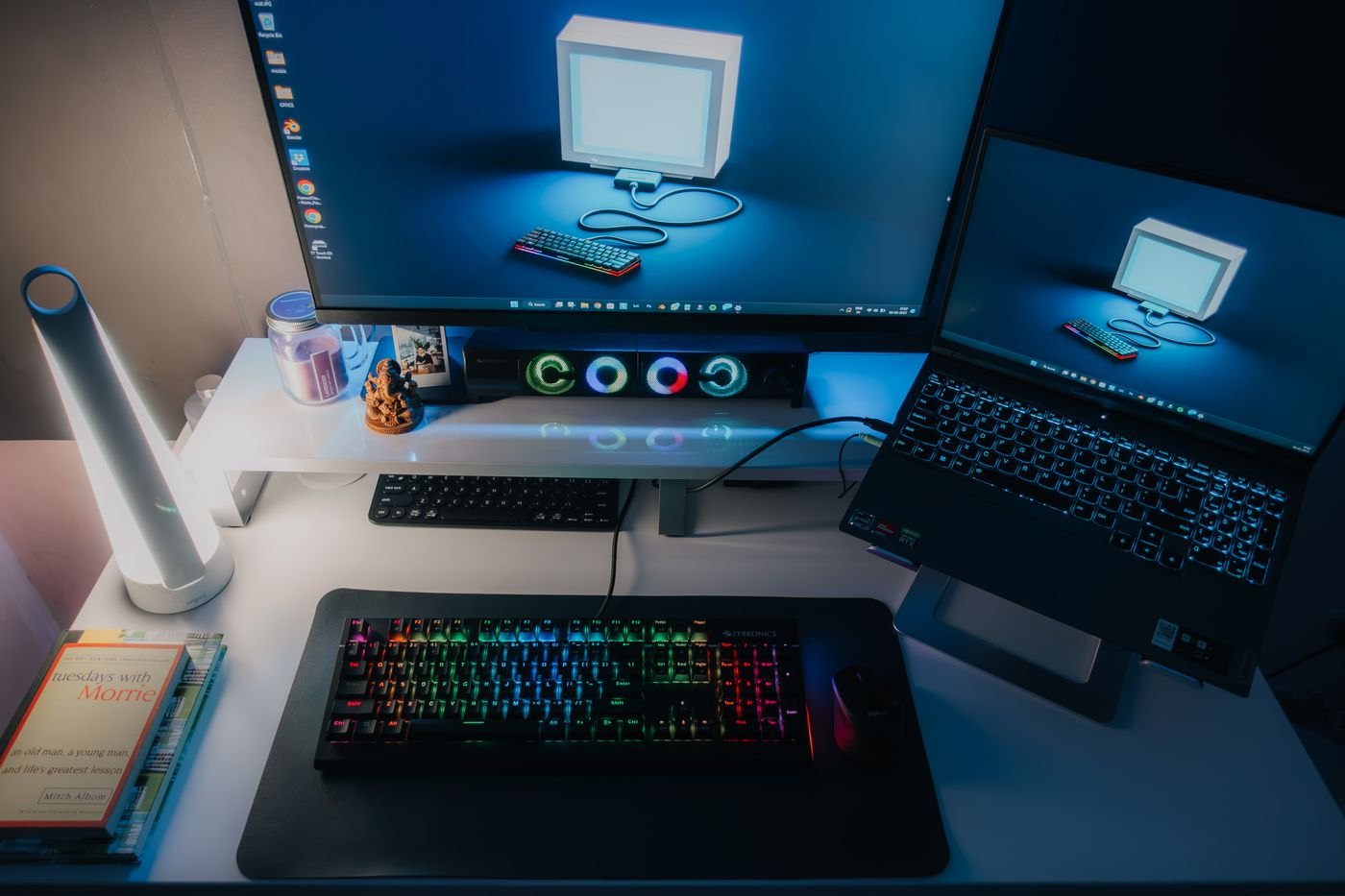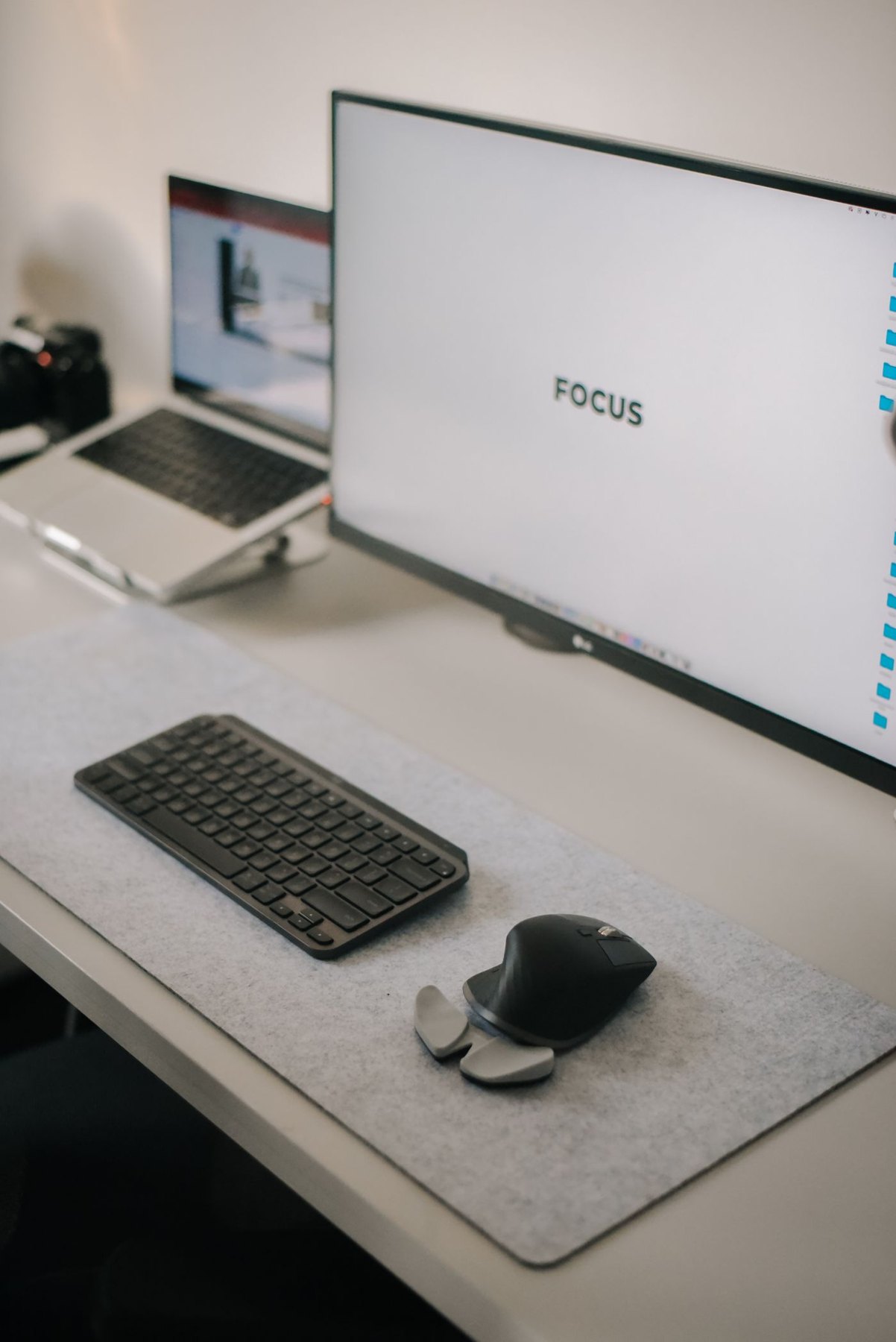
Raising a laptop and adding a monitor are not interchangeable upgrades. A stand changes the position of the laptop you already own. A monitor adds another display and introduces a connection, power supply and support footprint. Decide which problem you are trying to solve before treating the more expensive arrangement as the next step.
If the laptop's screen is sufficient but sits in an inconvenient place, a stand may be enough. Try a stable temporary mock-up without blocking vents, then consider where a separate keyboard and mouse would go. A raised laptop keyboard is not automatically a convenient typing surface, so include those accessories in the space and cost calculation.
When an additional display earns its place
A monitor is useful when you need a larger working area, want a different screen position, or regularly keep two documents visible. Test your intended layout using the applications you actually use. Bigger dimensions alone do not establish how much readable content will fit after you choose a comfortable display scale.
Consider whether the laptop remains open. An open laptop can become a useful reference screen but also takes width and may sit behind the keyboard. If you intend to close it, check the computer manufacturer's requirements for that operating mode, including power and input devices. Do not assume every model behaves identically when its lid is shut.
Compare the end of the day
For a dining table or shared desk, packing away can decide the result. A folding stand and small keyboard may fit in a drawer. A monitor generally needs a permanent or carefully managed storage location and should not be moved by its panel. Include the time spent reconnecting cables and resetting window positions in your comparison.
For a permanent desk, measure depth as well as width. A monitor base may consume the very area you hoped to recover, while a stand may leave useful storage space underneath only if ventilation and access remain clear. Keep frequently used ports reachable in either setup.
Choose based on a short trial of the complete arrangement. If a stand solves the position problem and your content remains readable, you may not need a second screen. If you continually switch between documents because the available screen area is limiting your work, a compatible monitor addresses a different and more specific need.