Storage & imaging
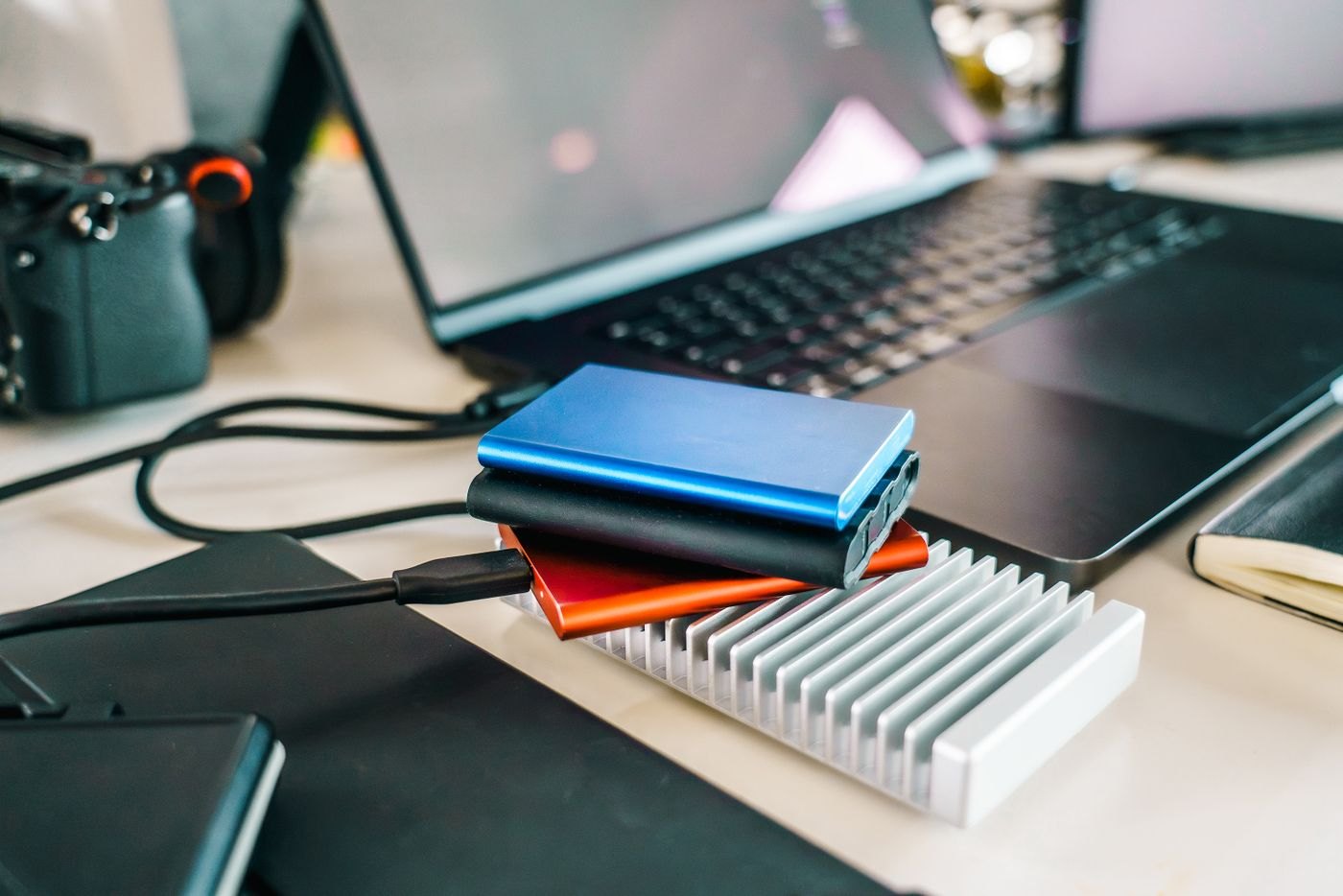
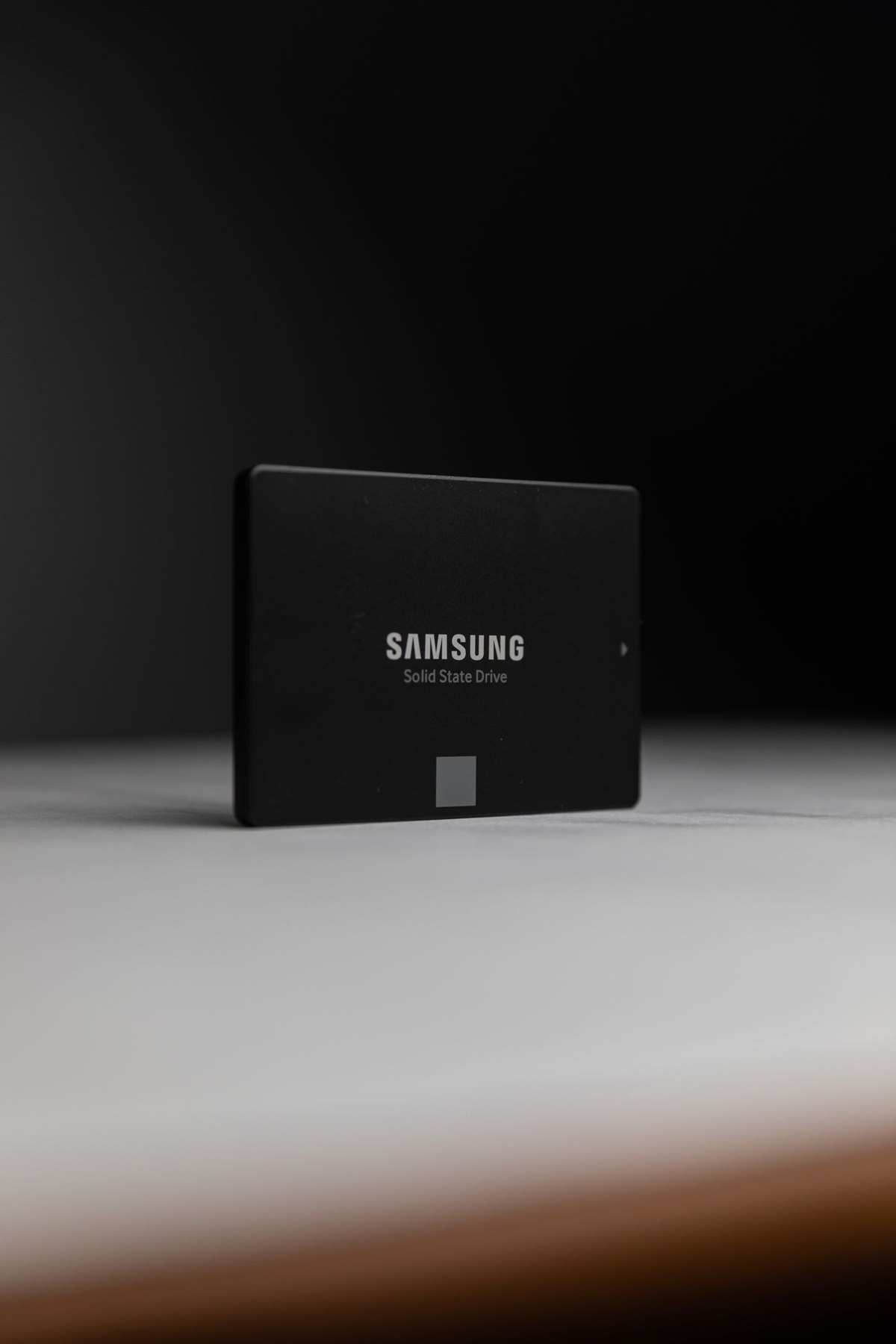
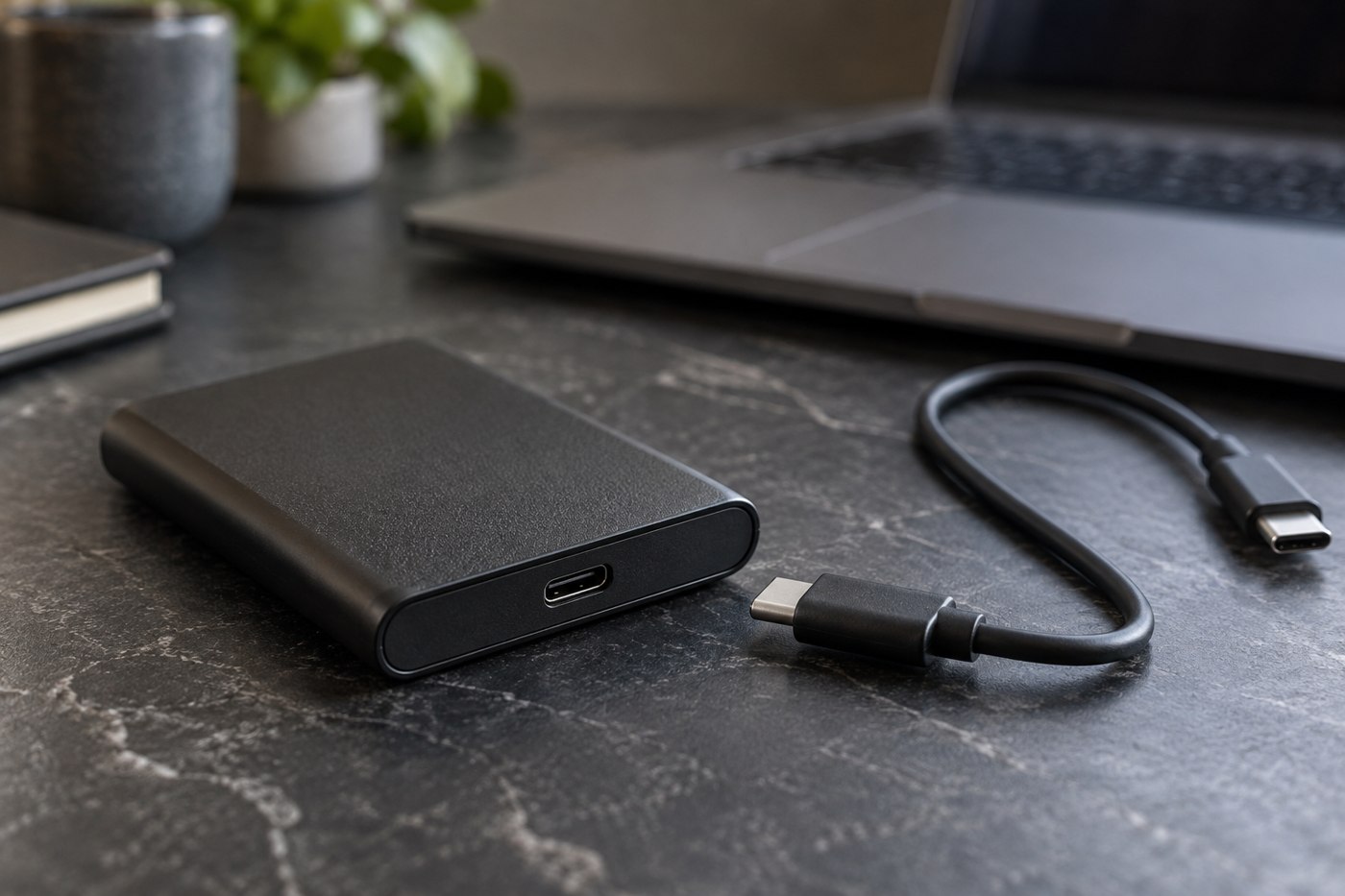
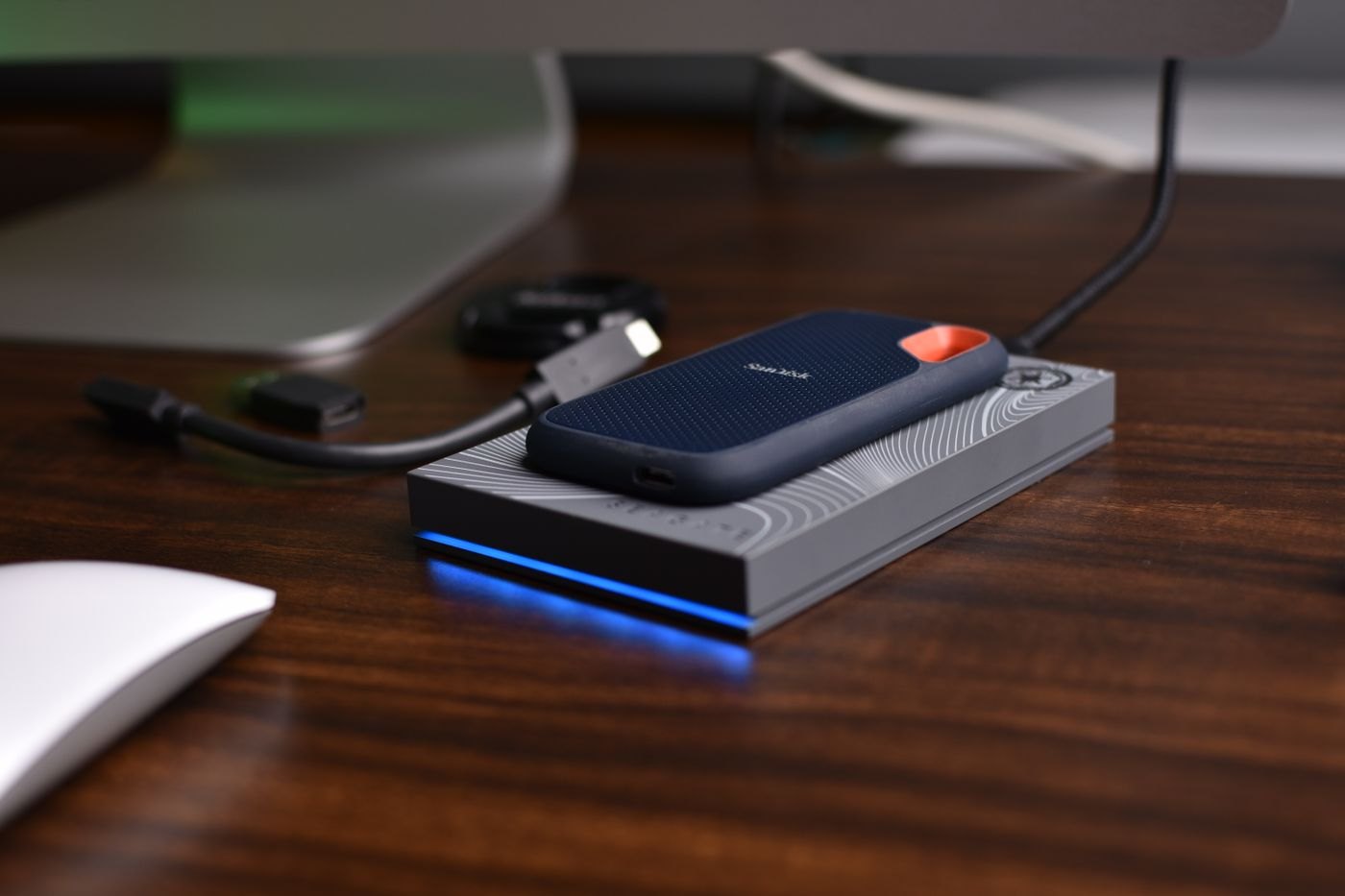
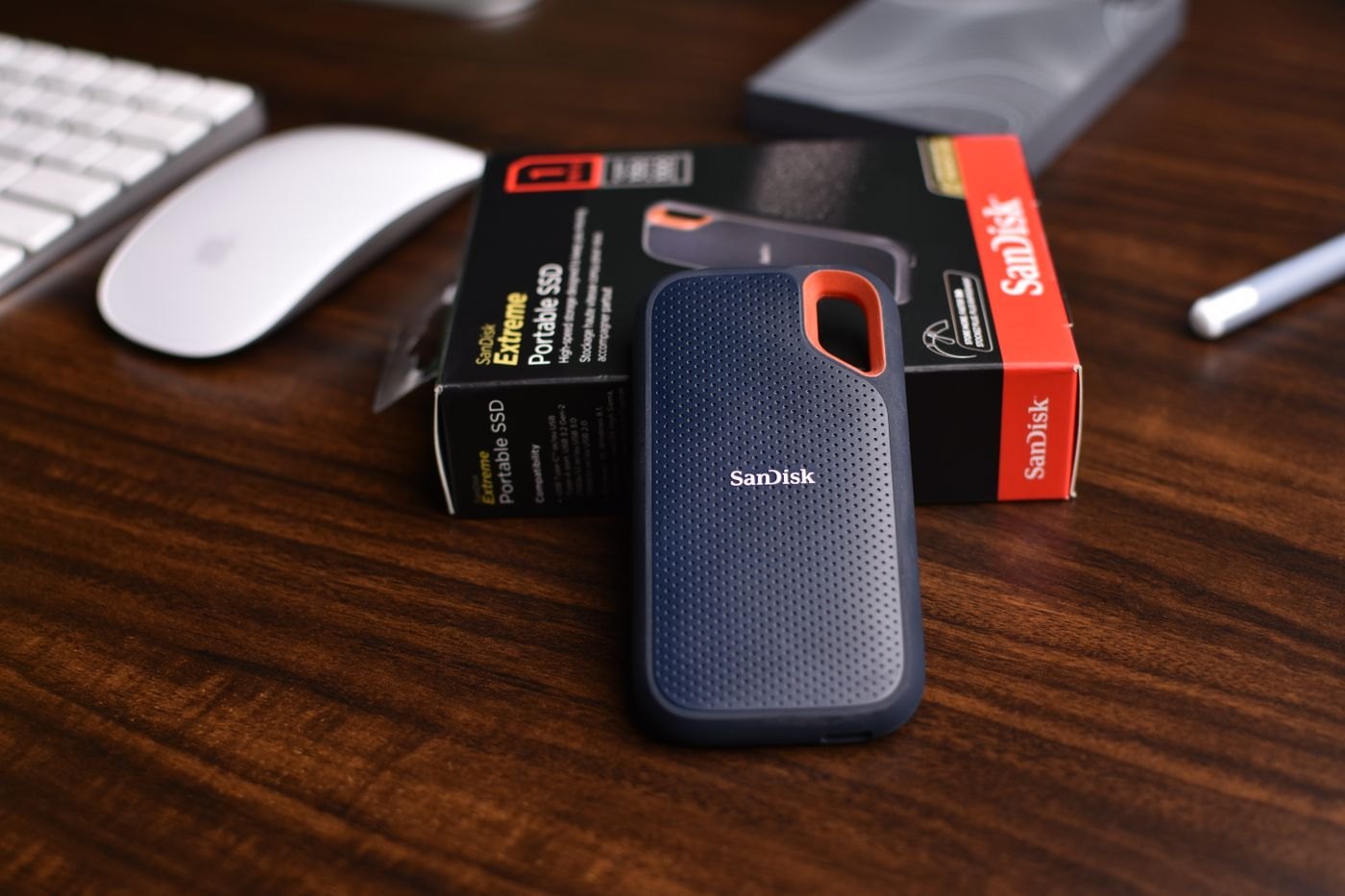
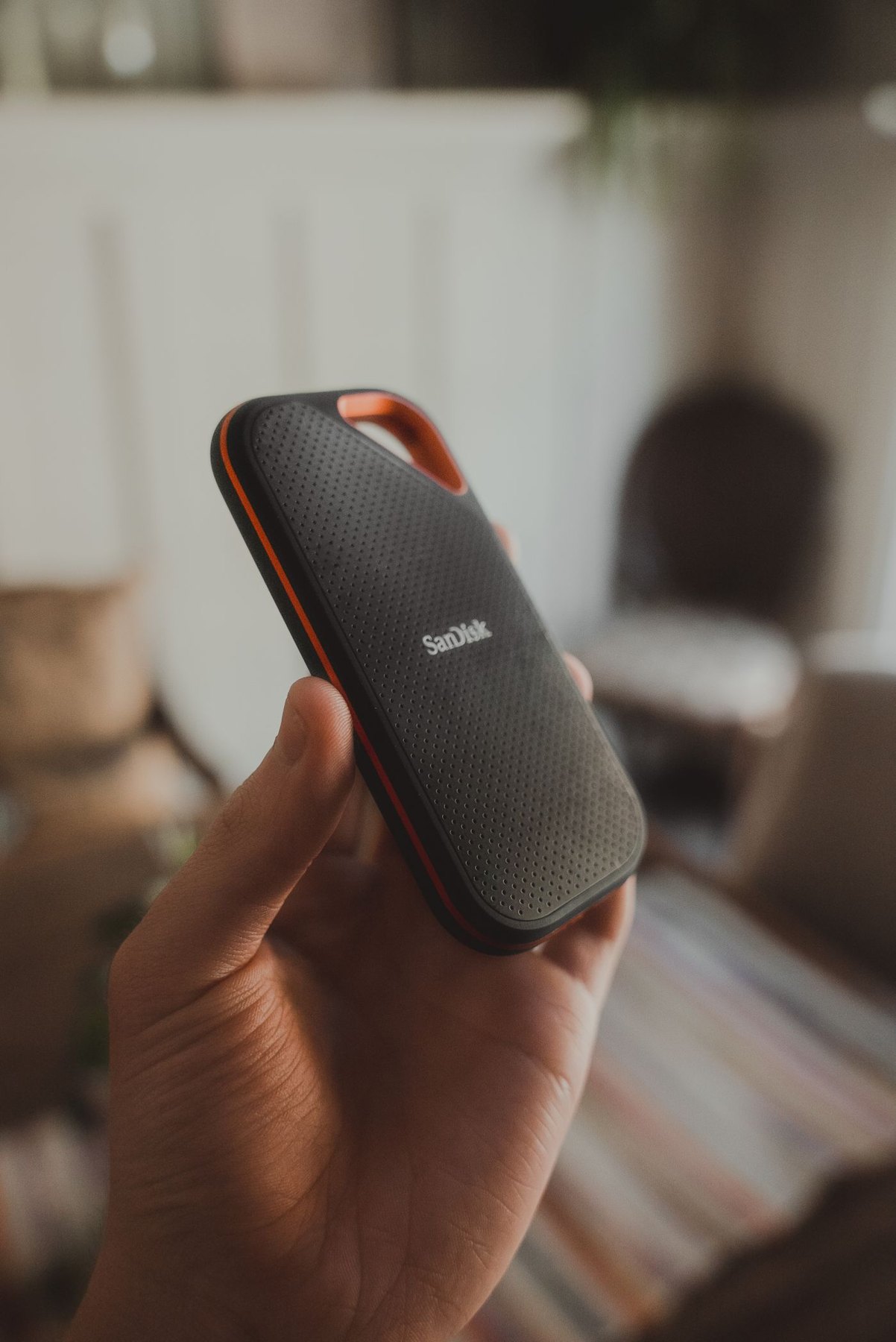
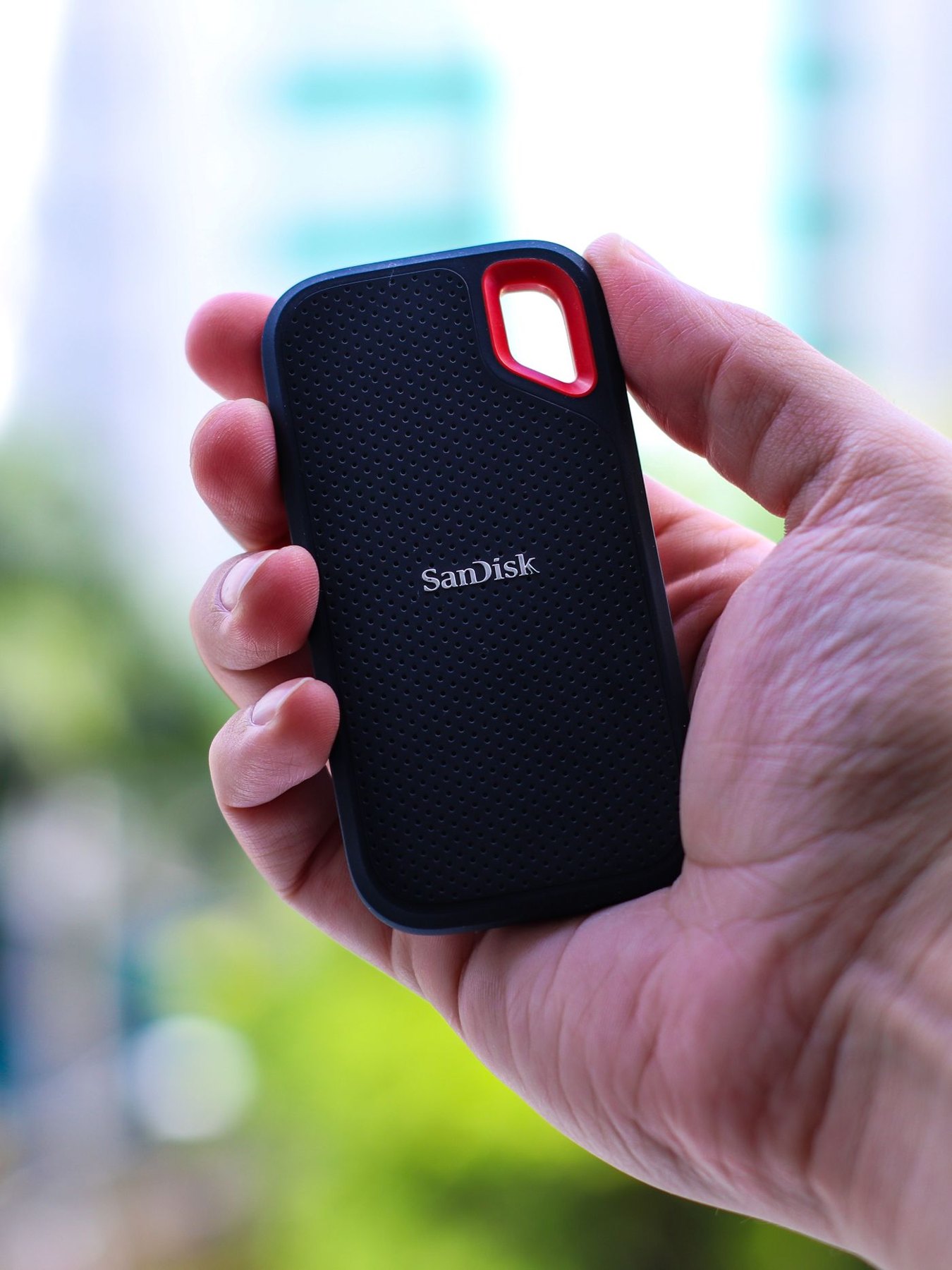
Choose a portable SSD for files you actually move
Estimate your real transfer sizes, check the complete connection and decide what needs a separate backup before choosing a portable SSD.
Keep files organized and choose the drives, cards and camera accessories that fit the work.
31 articles
Estimate your real transfer sizes, check the complete connection and decide what needs a separate backup before choosing a portable SSD.
Match the drive to when, where and how you make backups, including the space needed for older versions.
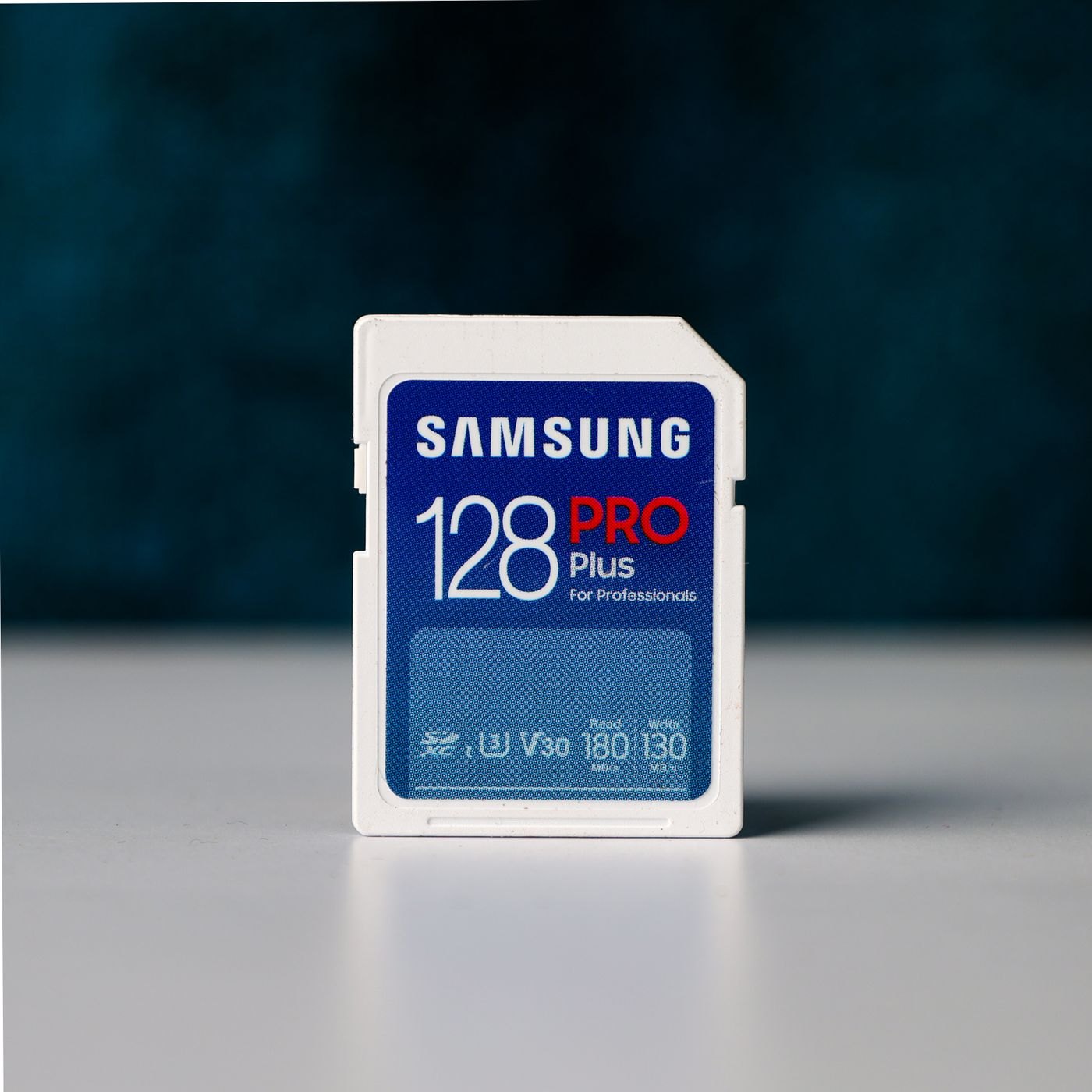
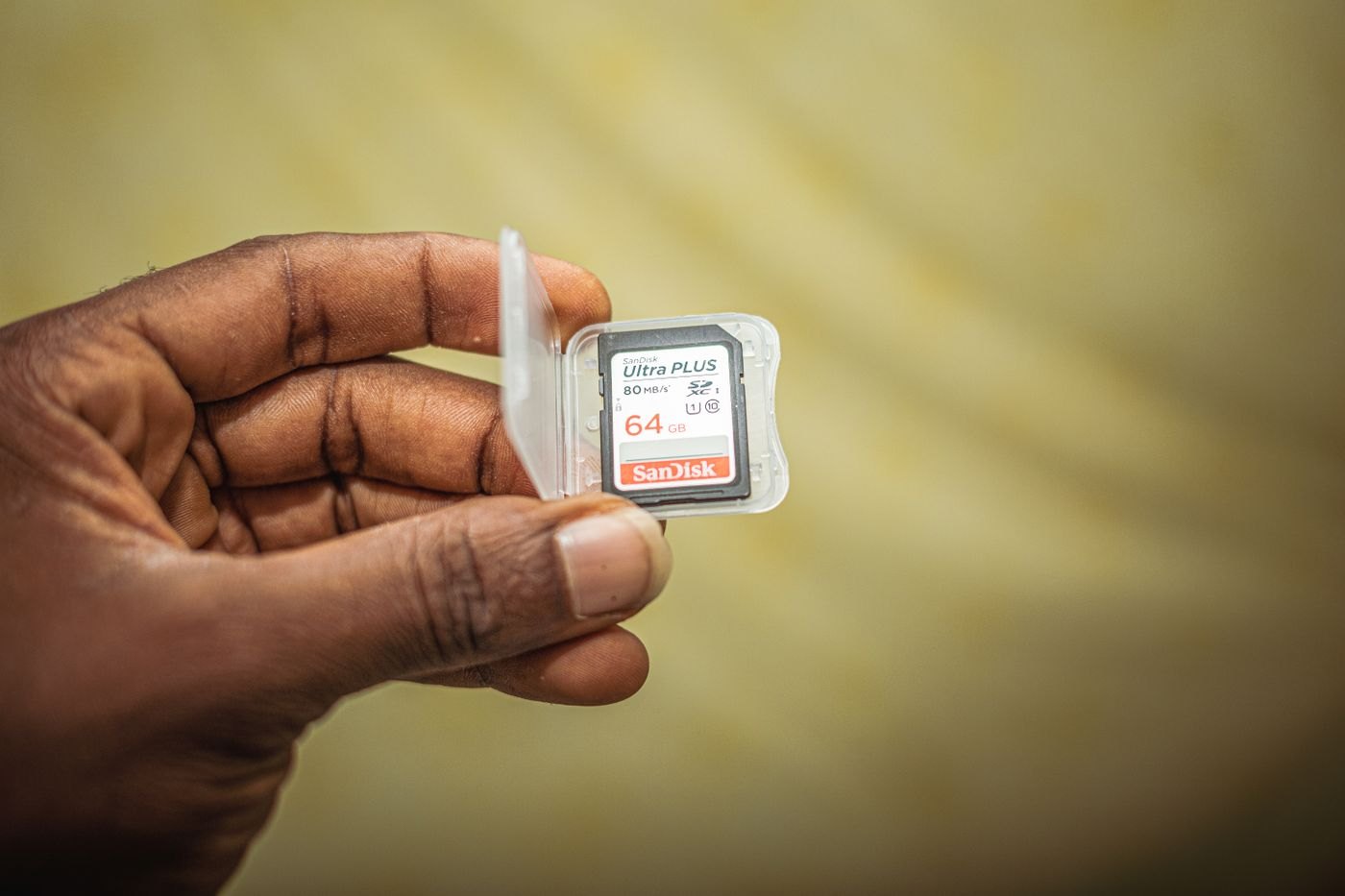
Use the camera's recording requirements to interpret memory-card labels and avoid choosing on capacity alone.
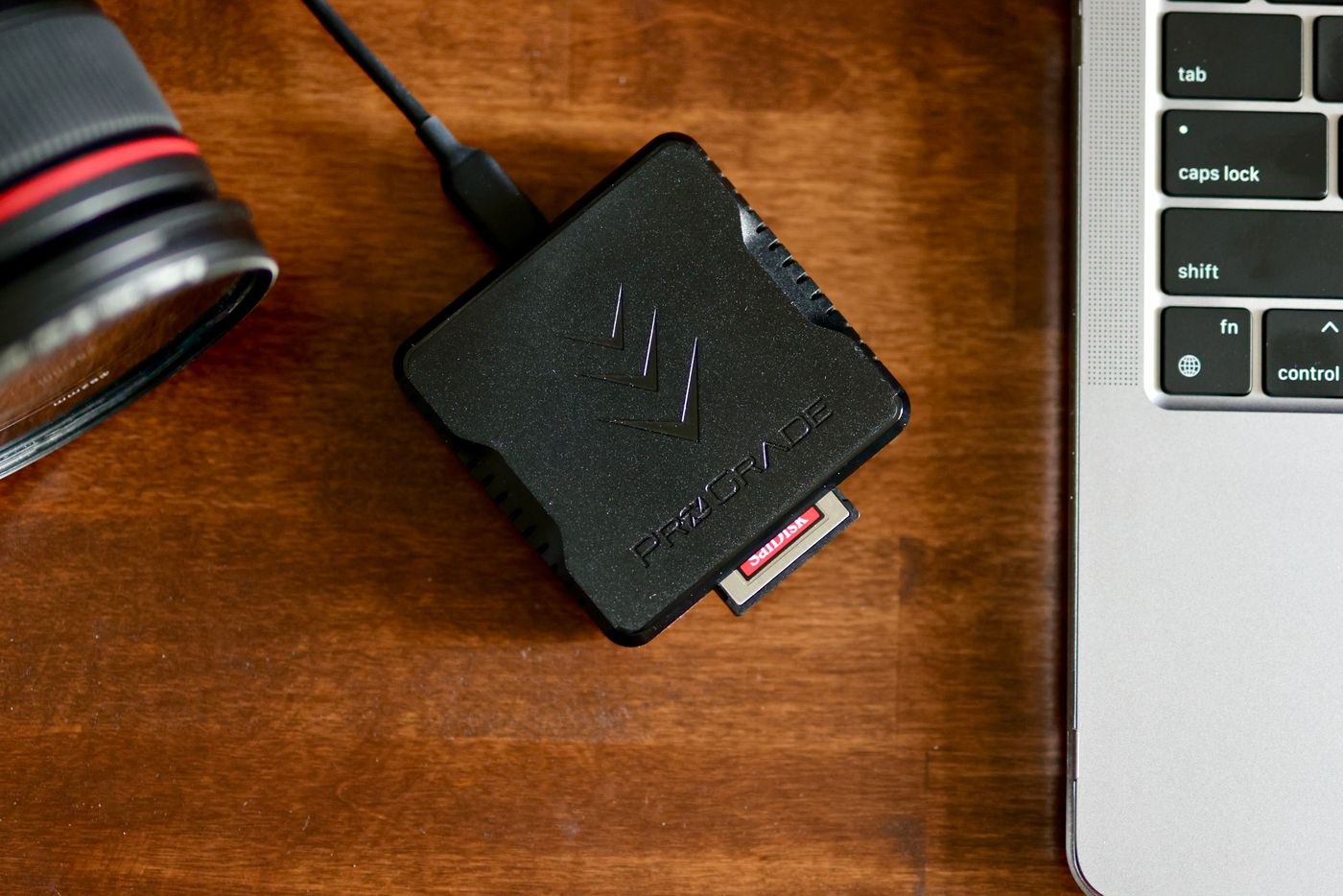
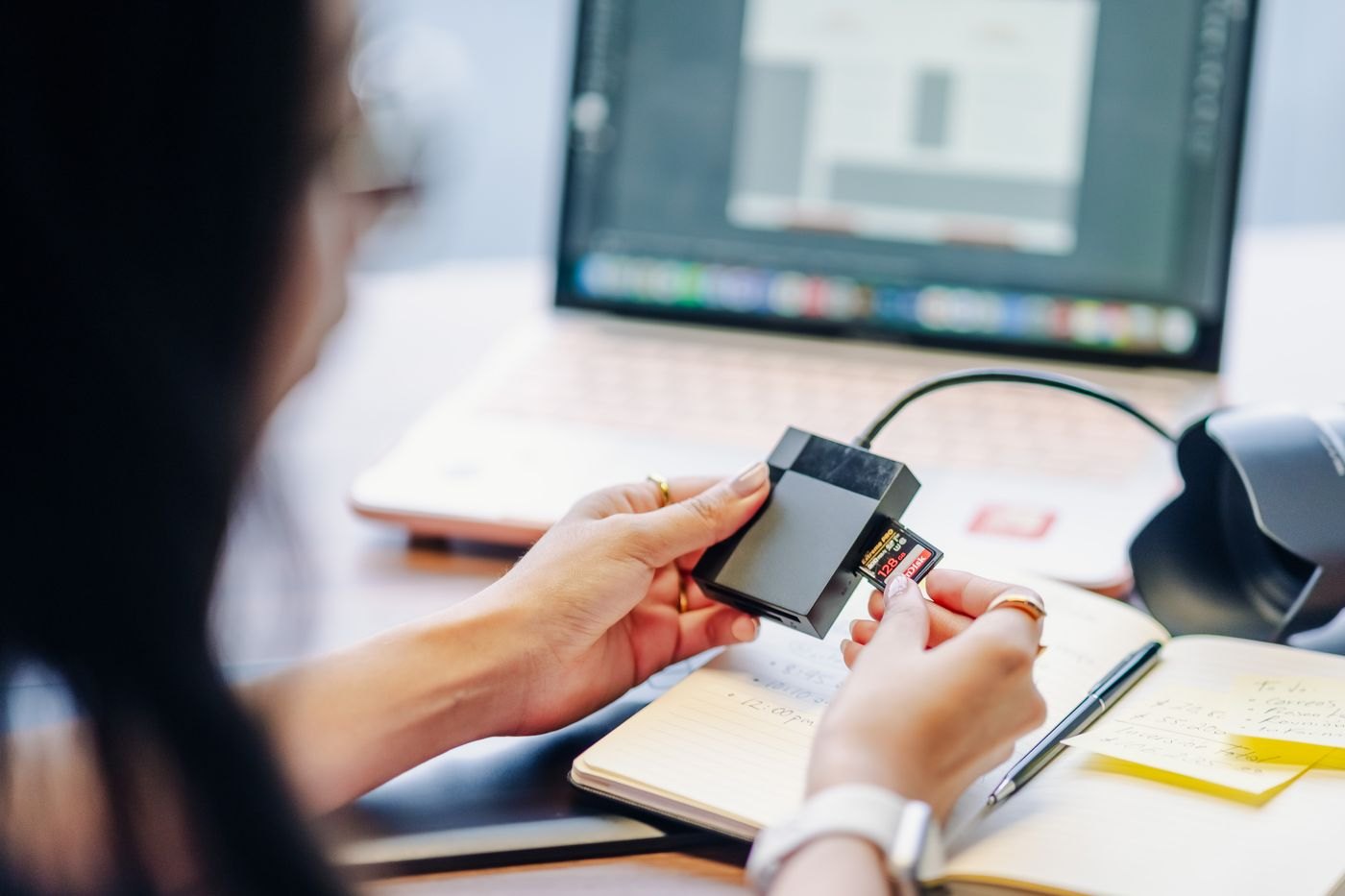
Check physical card types, supported standards and connection details before buying a multi-slot reader.
Build a repeatable import, copy and recovery routine for a growing photo collection.
Use dates, events and a short naming rule to make photo folders understandable years later.
Plan the handover between operating systems before changing a drive's format or removing the old computer.
Estimate the full import job, including copies and editing files, before inserting a nearly full camera card.
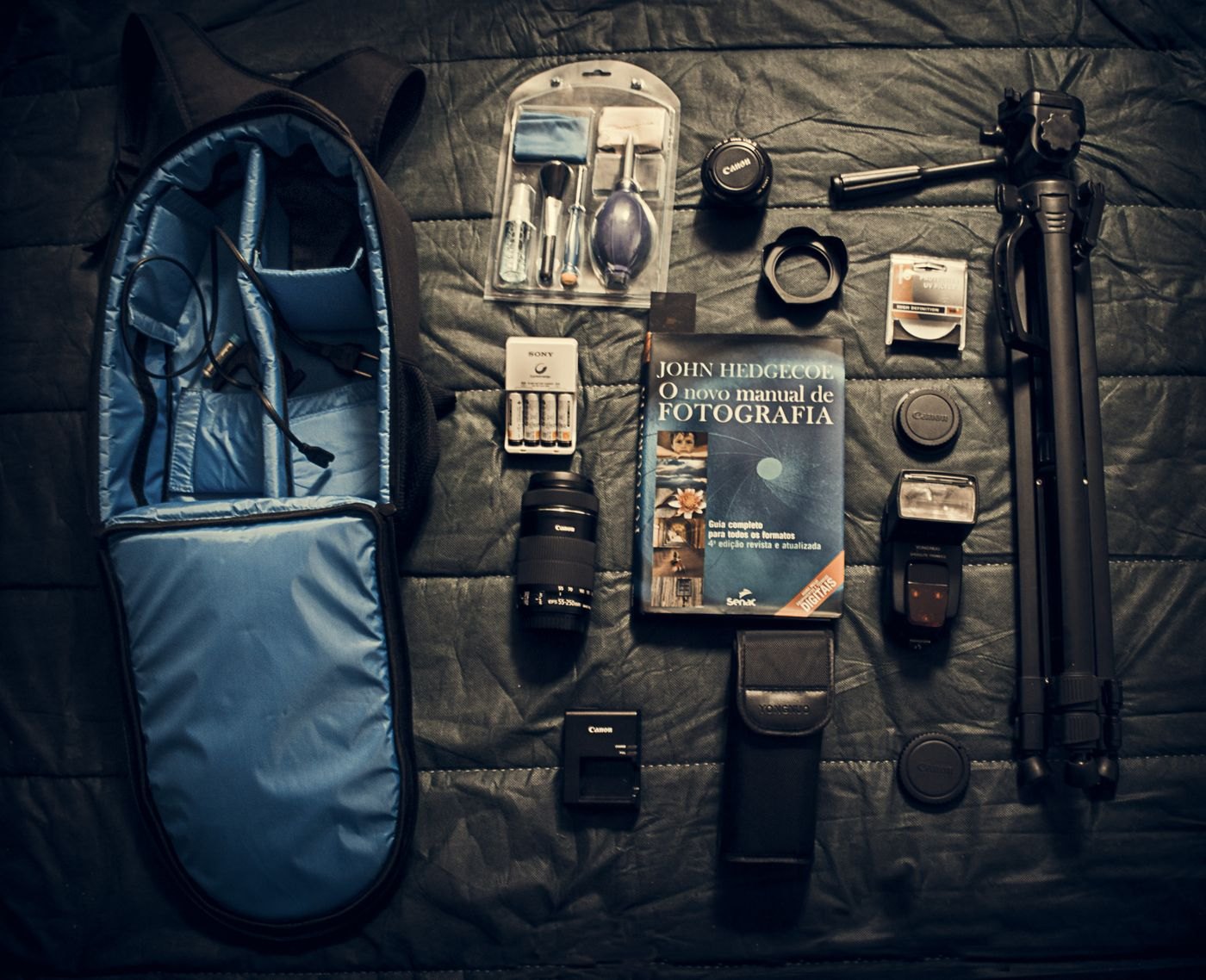
Measure the camera in its normal working configuration and leave room for access, rather than choosing a bag by camera count.
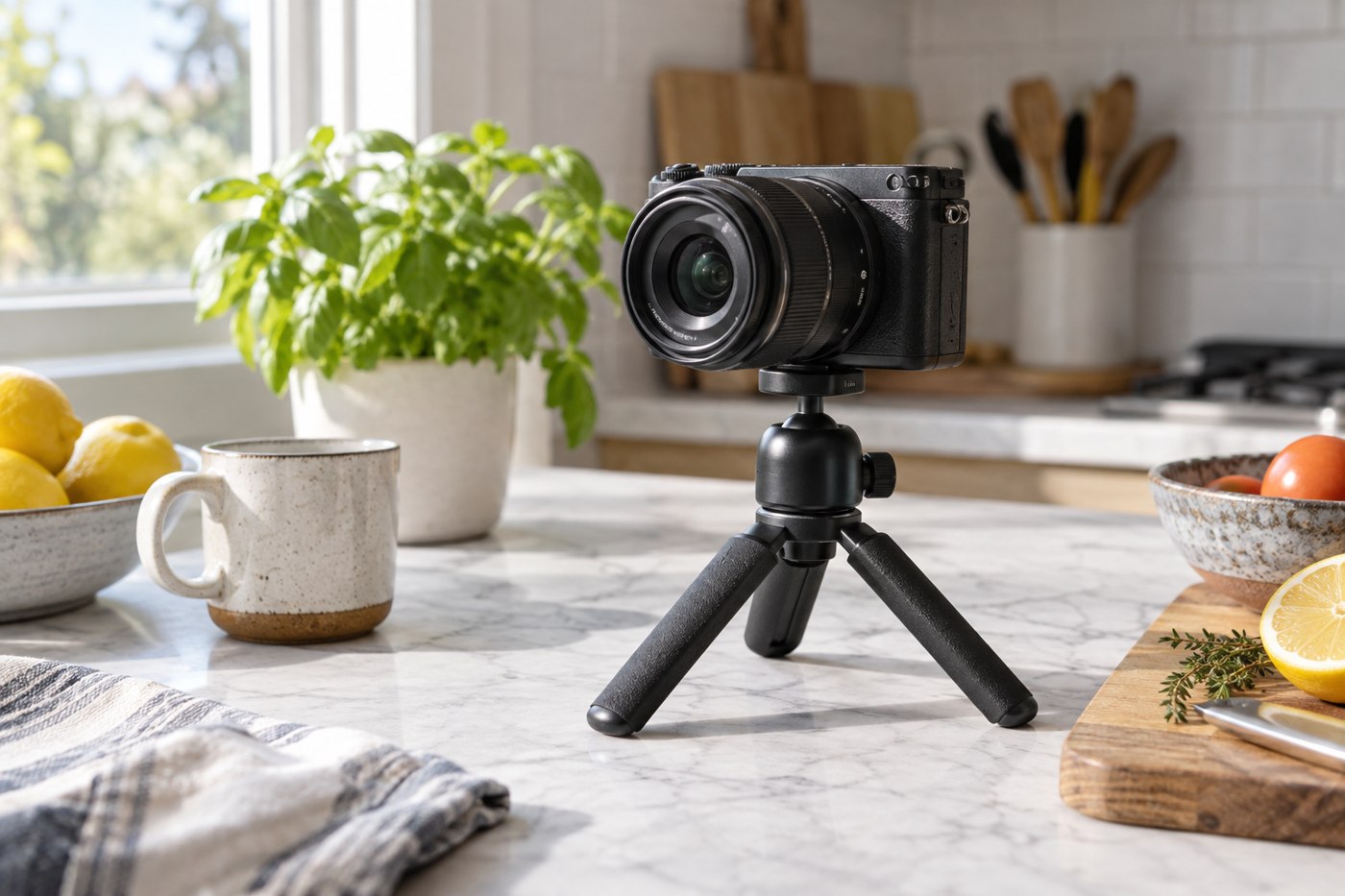
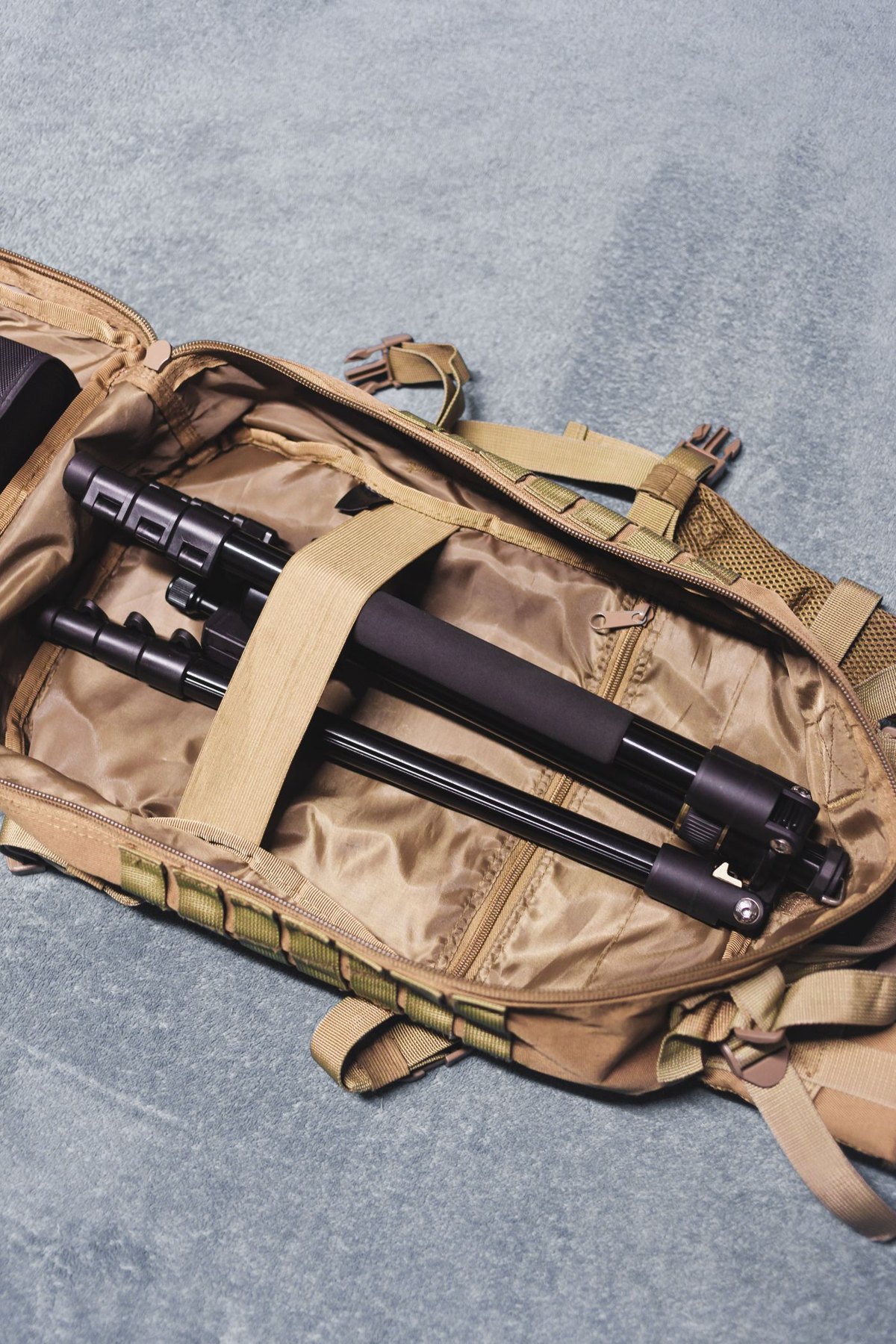
Match a tabletop tripod to the camera, surface and framing position before trusting its small size.
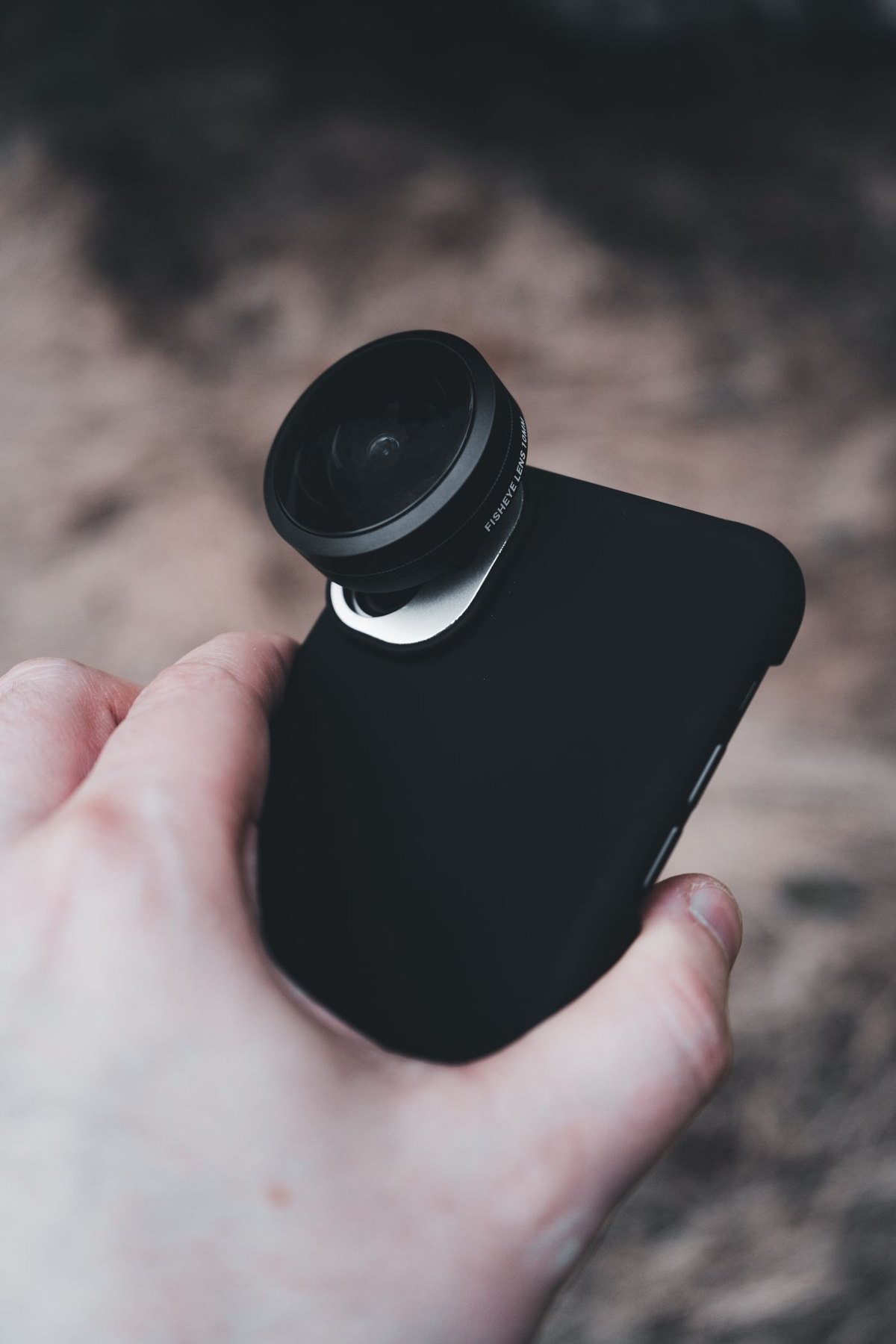
Check the exact phone, camera position and case before considering a clip-on or mounted lens.
Give working storage and backup storage separate jobs so freeing space does not accidentally remove your safety copy.
Use a controlled connection check to distinguish a cable problem from a storage problem without risking your only files.
Pack a deliberately limited copy of travel files while keeping the original collection and sensitive material accounted for.
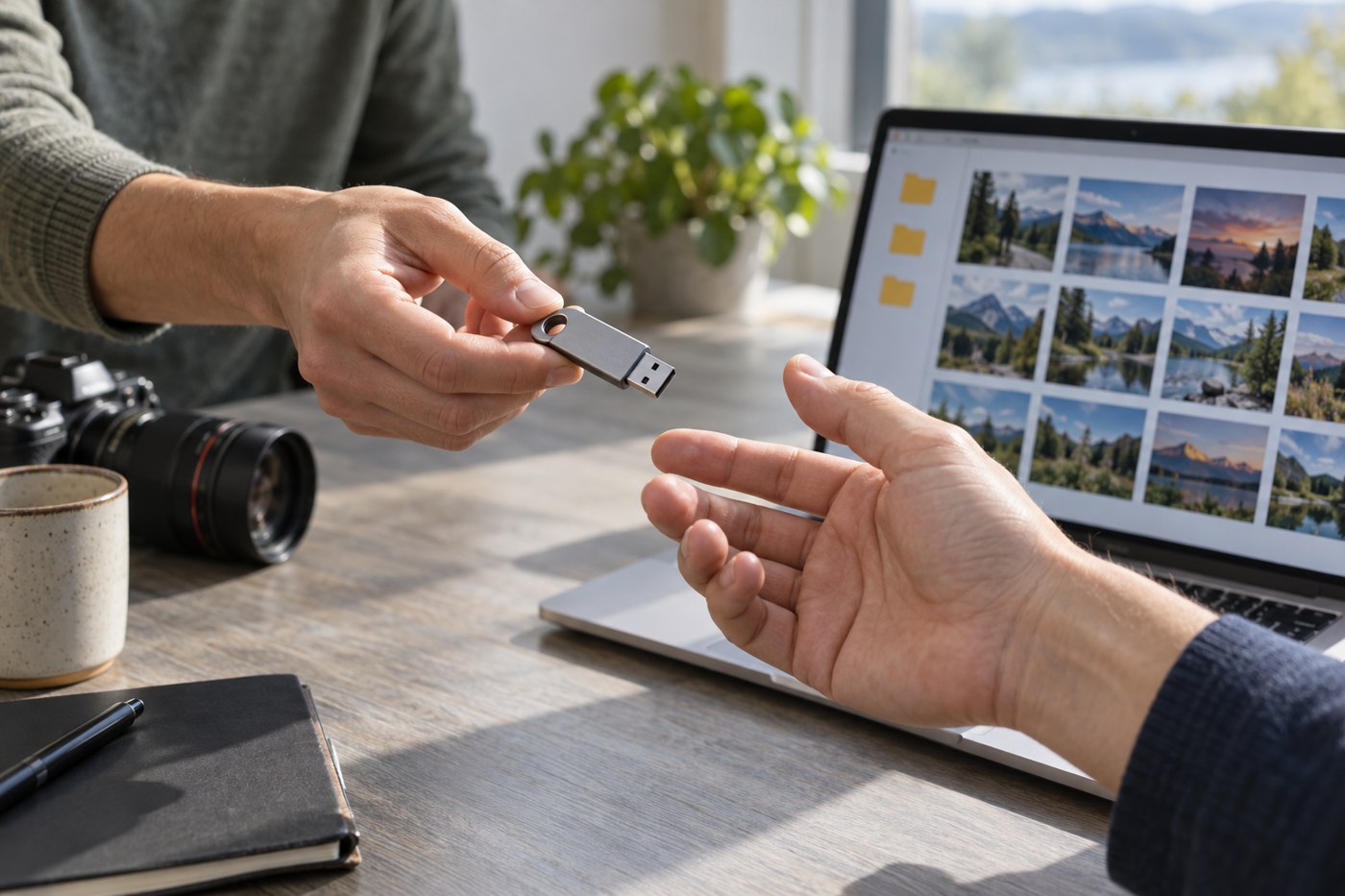
Choose document-sharing storage around the recipient's equipment, the files involved and a clear return or disposal plan.
Separate a single-file limit from available capacity before deciding whether a drive needs a different format.
Inspect the parts that determine fit and function, then compare the complete cost of a used accessory with an available alternative.
Choose a small video light by placement, adjustment and power needs rather than by the most impressive brightness label.
Use card identifiers and a simple physical separation rule to avoid confusing recorded material with cards ready for reuse.
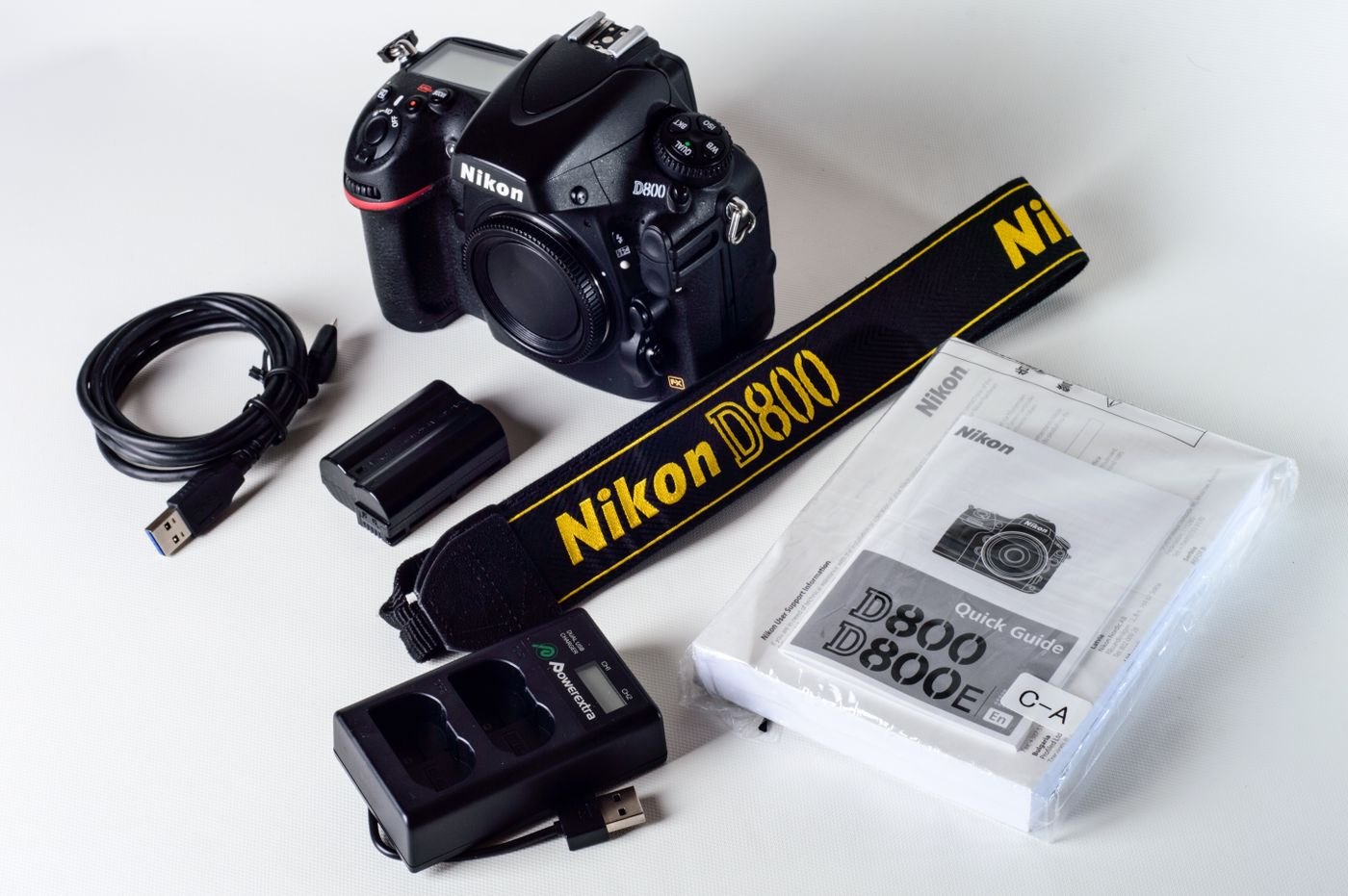
Match a replacement camera battery to the exact camera and charger, and check the seller's identification and support details.
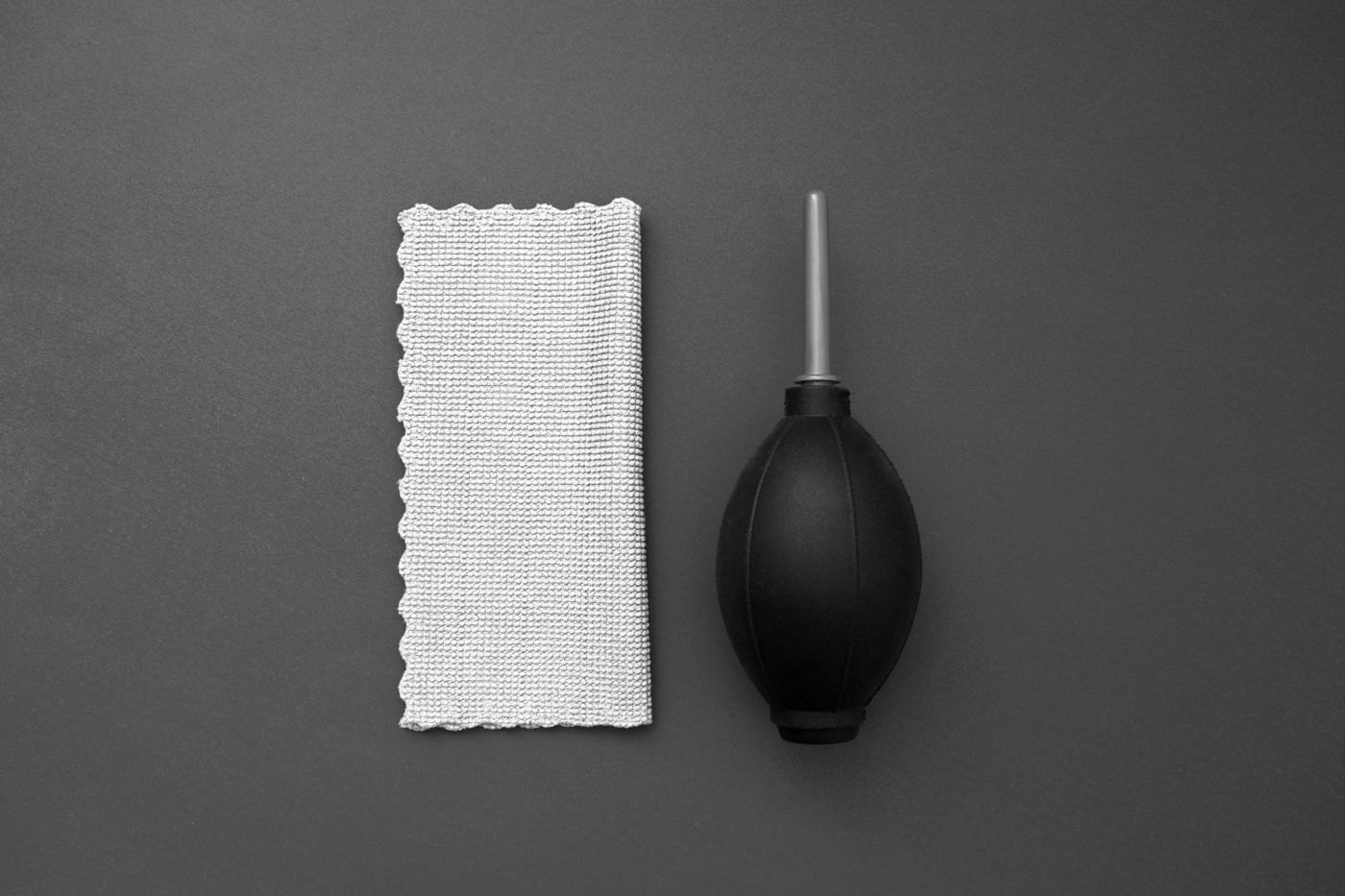
Build a small cleaning kit around the lens manufacturer's instructions and keep delicate internal parts outside its routine use.
Agree who copies, checks and returns each camera card so a shared event does not end with missing or uncertain files.
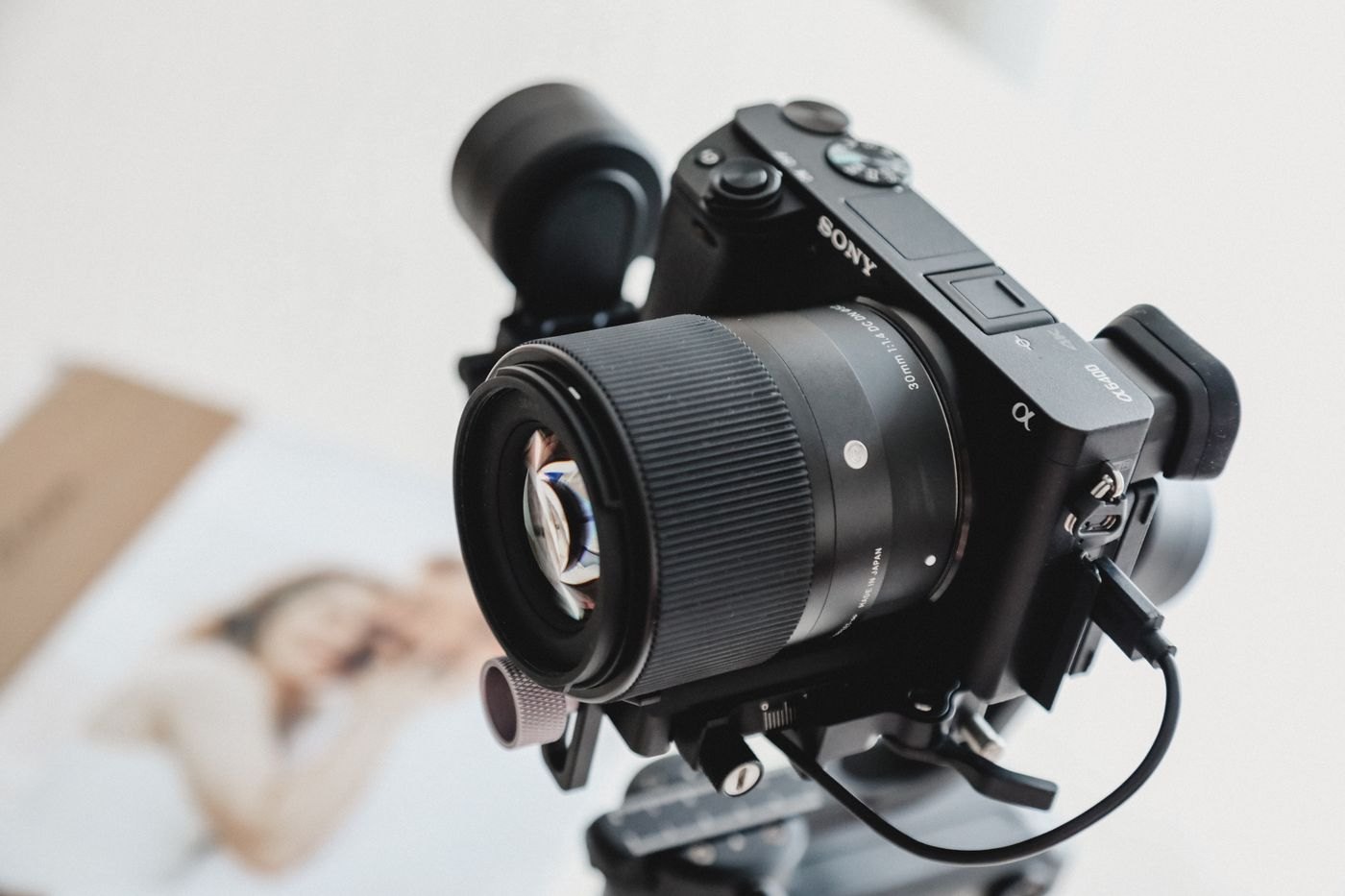
Verify both sides of a quick-release system: the connection to the camera and the fit in the support's clamp.
Choose compartments around the smallest easily lost items and the largest awkward connector in your kit.
Treat phone scanning as a capture, review and filing process, including page order and a tested final copy.
Separate source photographs, editable projects and delivery copies so an export does not become your only remaining version.
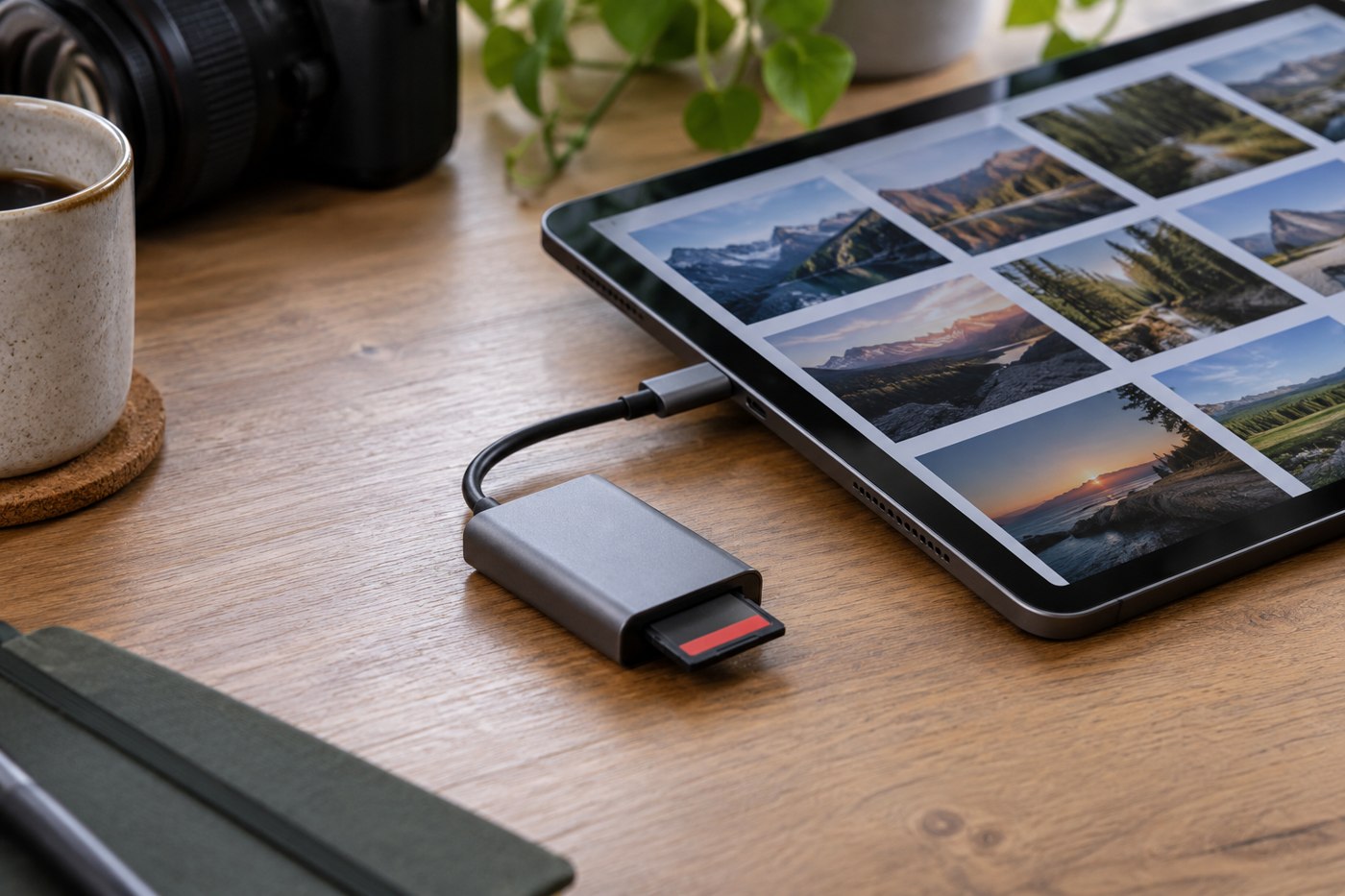
Check a tablet reader's connector, card support and file workflow before relying on it away from a computer.
Make a photo collection understandable to its next owner, with clear folders, context and a verified copy they can open.
Inspect identity, connection and test results while keeping a used drive outside any role as the sole home for important files.
Find out whether your storage problem is capacity, duplication, missing organisation or an incomplete backup process.
Build a short-trip camera kit around the photographs you expect to make and a complete charging and file-return routine.
No matching articles. Try a shorter phrase or clear the search.