Phones & tablets
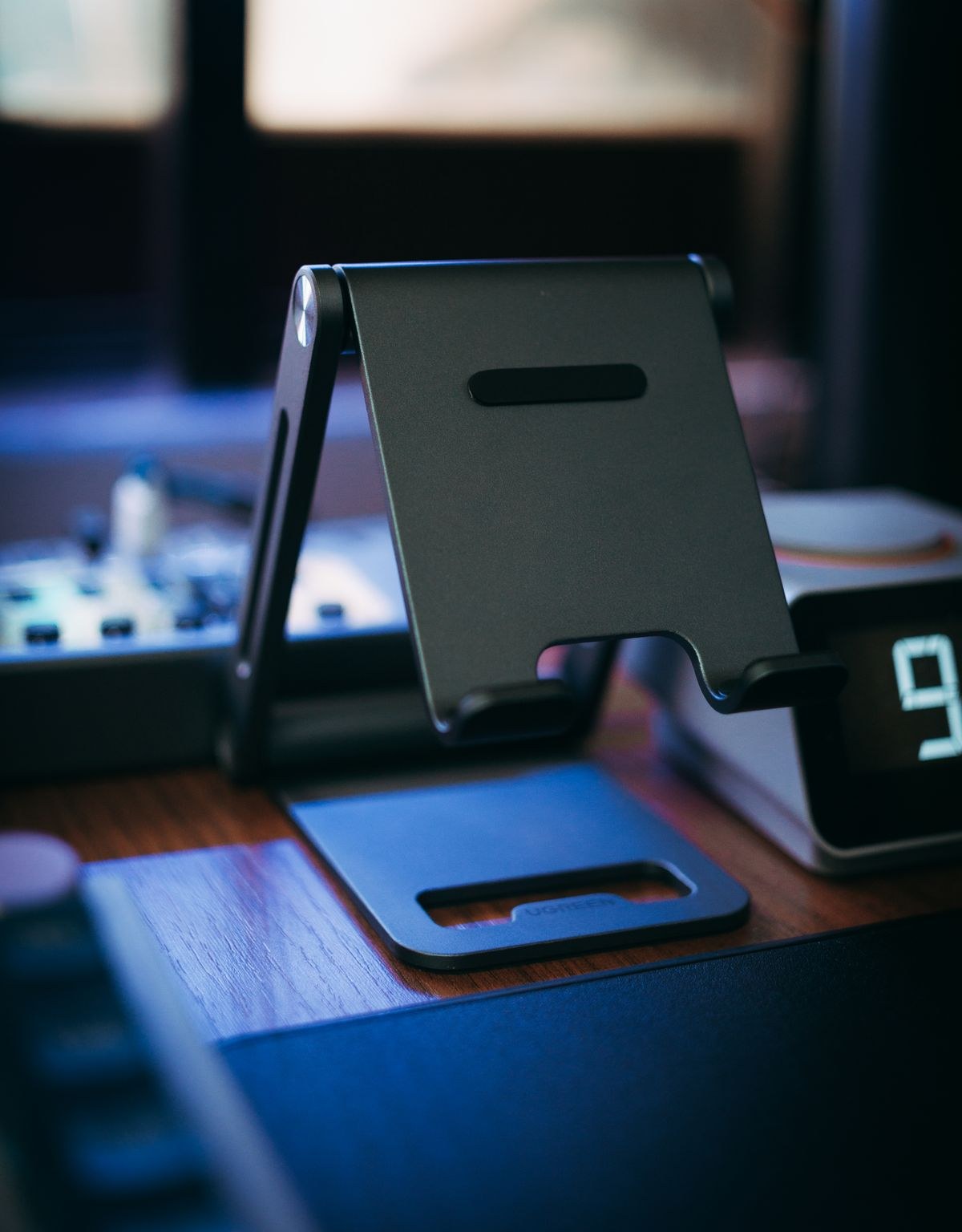
Choose a tablet stand for handwriting and video calls
Writing on a screen and looking into a camera ask different things of a stand. Check both positions before choosing one.
Stands, cases, input tools and ways to fit a mobile screen into the task at hand.
32 articles
Writing on a screen and looking into a camera ask different things of a stand. Check both positions before choosing one.
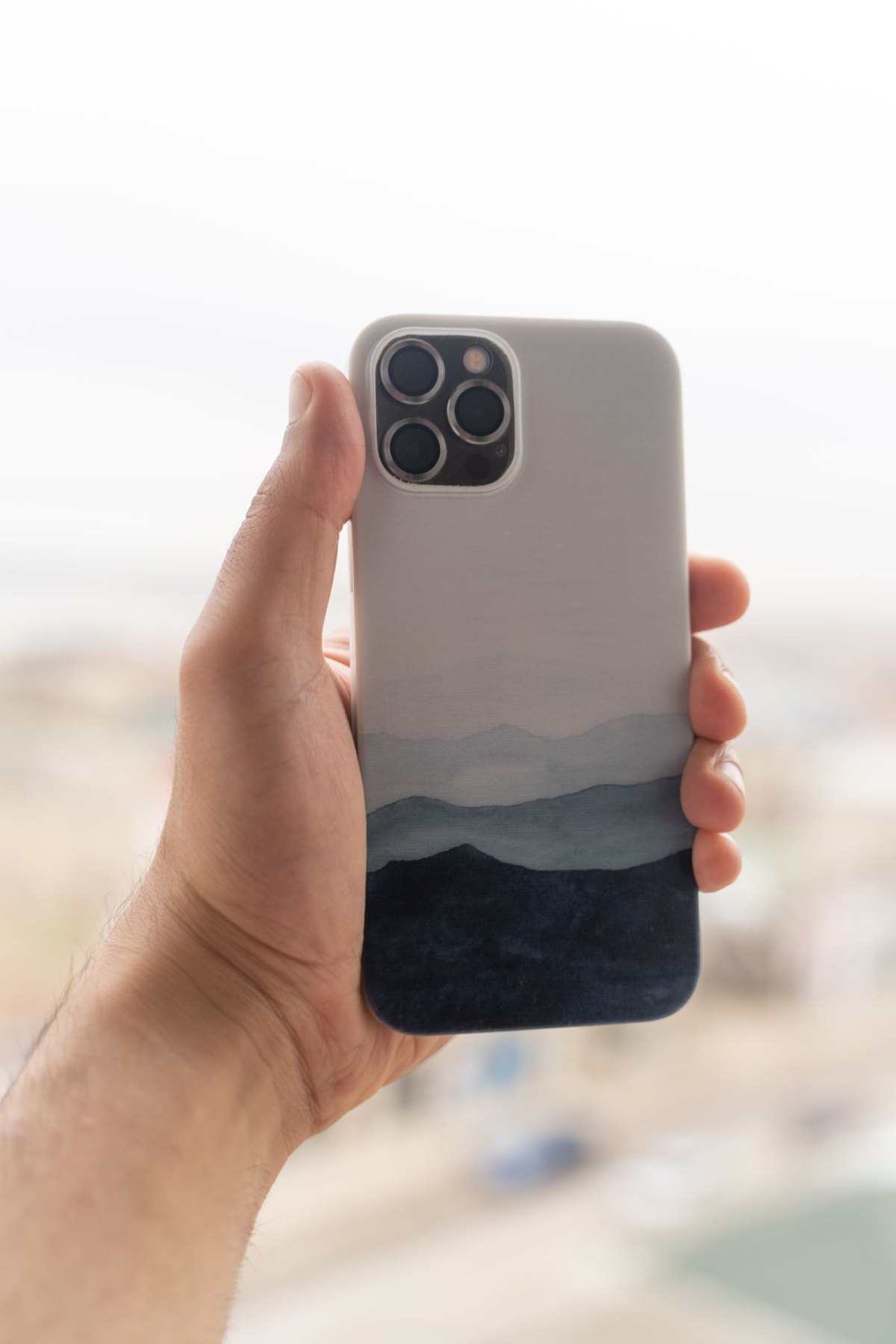
The case is part of the charging arrangement. Check its materials, attachments and fit before choosing a charging pad or stand.
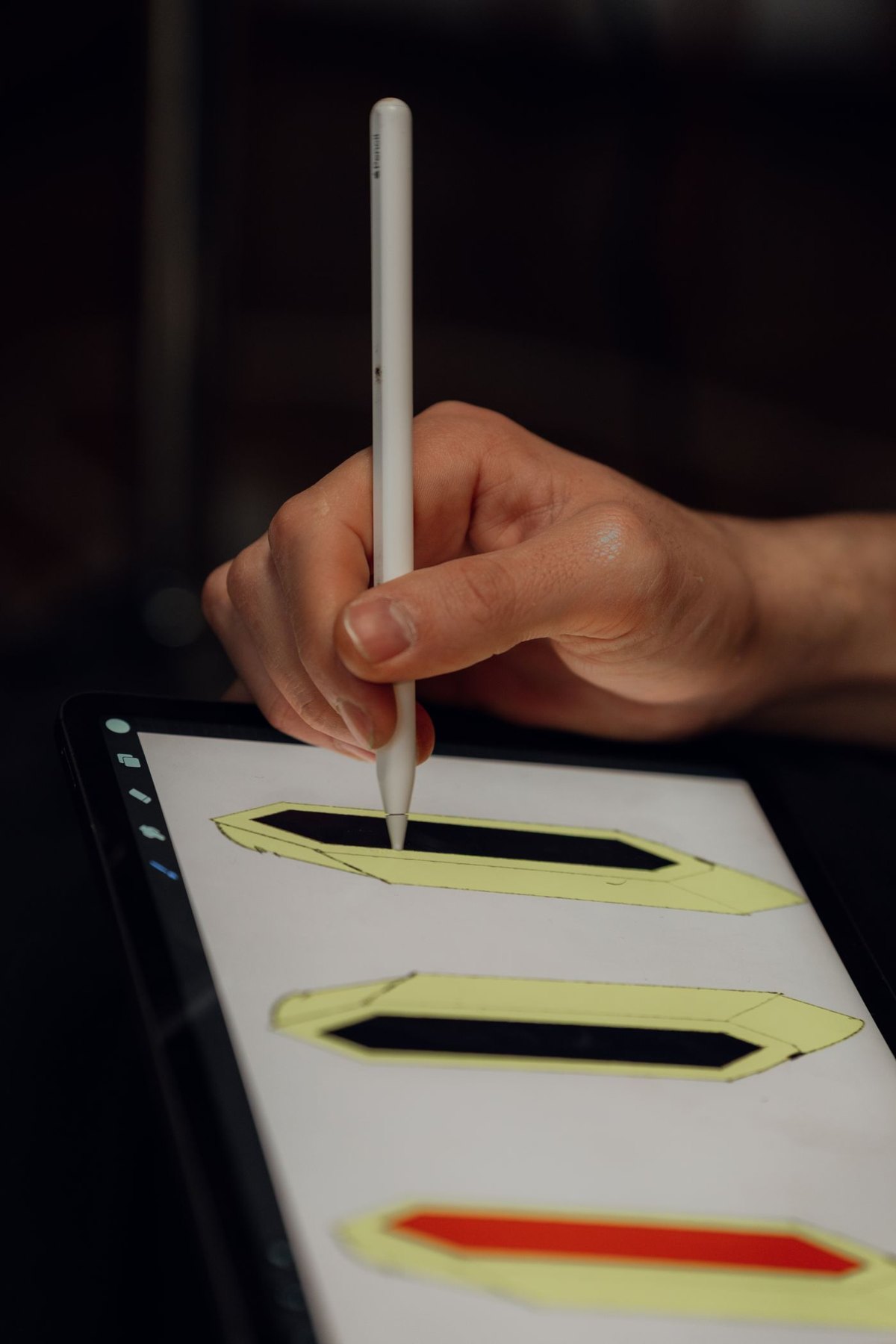
Match the exact pen to the exact tablet, then check the features your writing or drawing task needs.
Change the reading arrangement before deciding that the screen is too small.
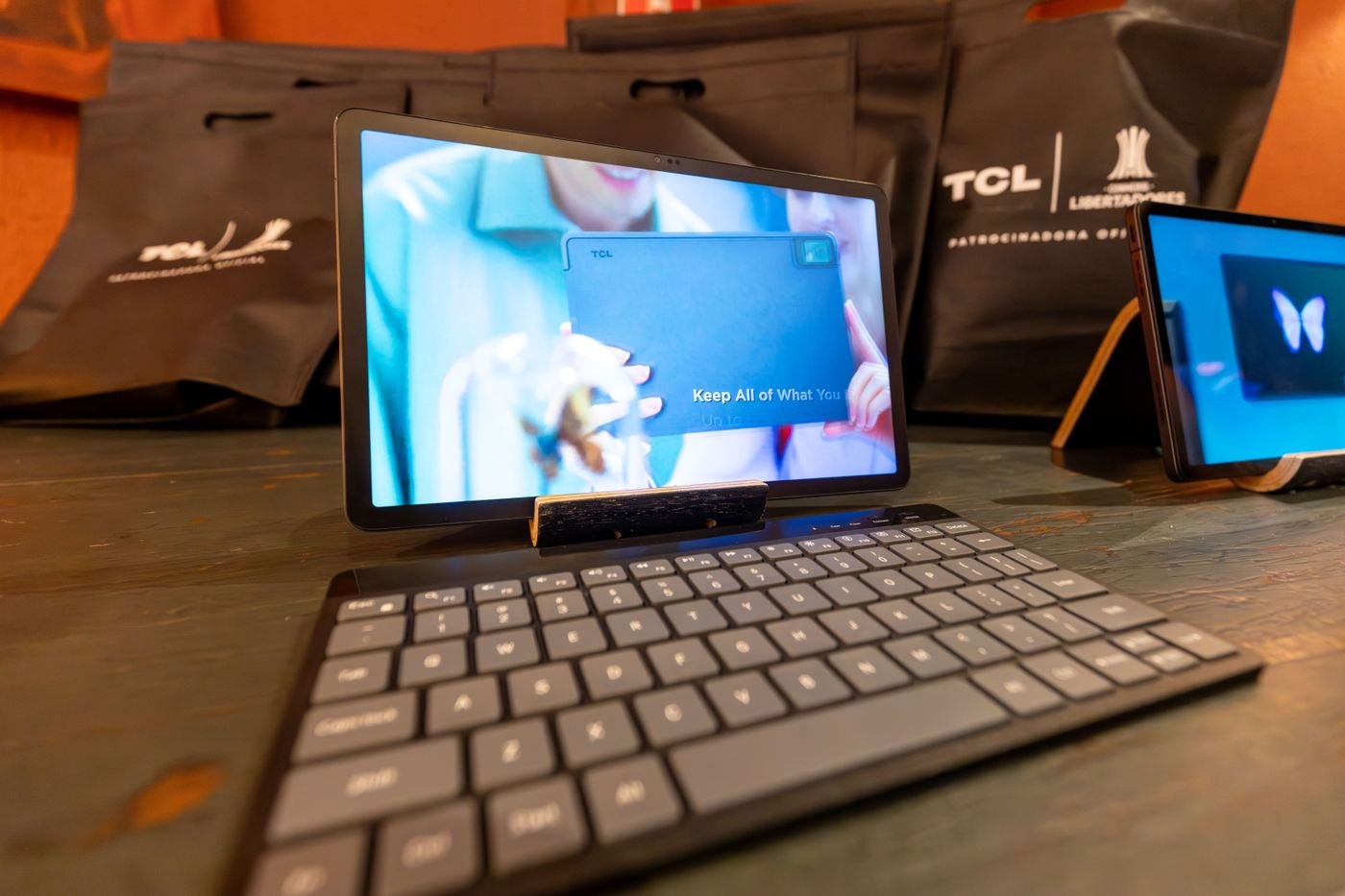
A keyboard case travels as one object; a separate keyboard gives you more control over where the screen and keys sit.
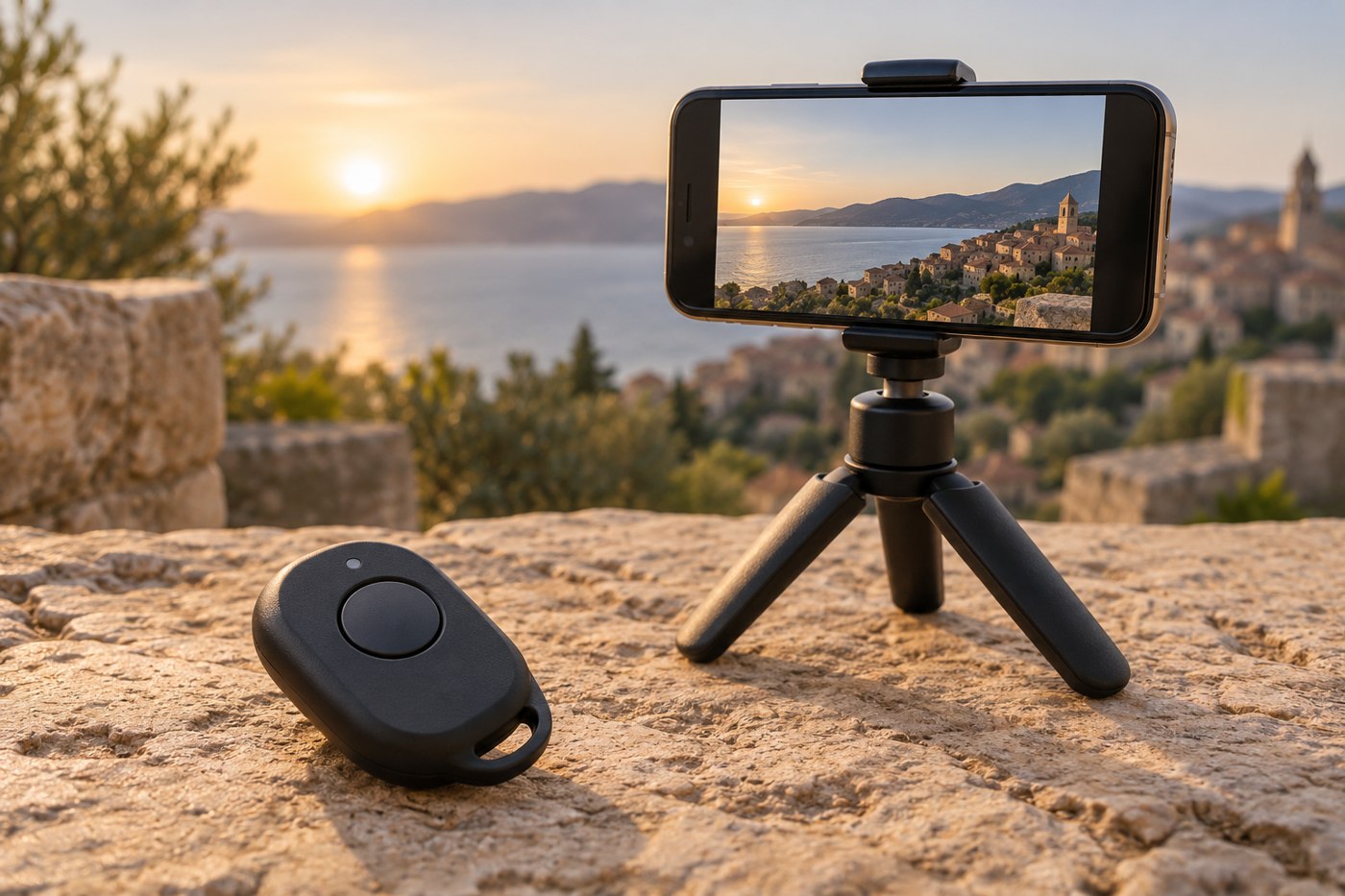
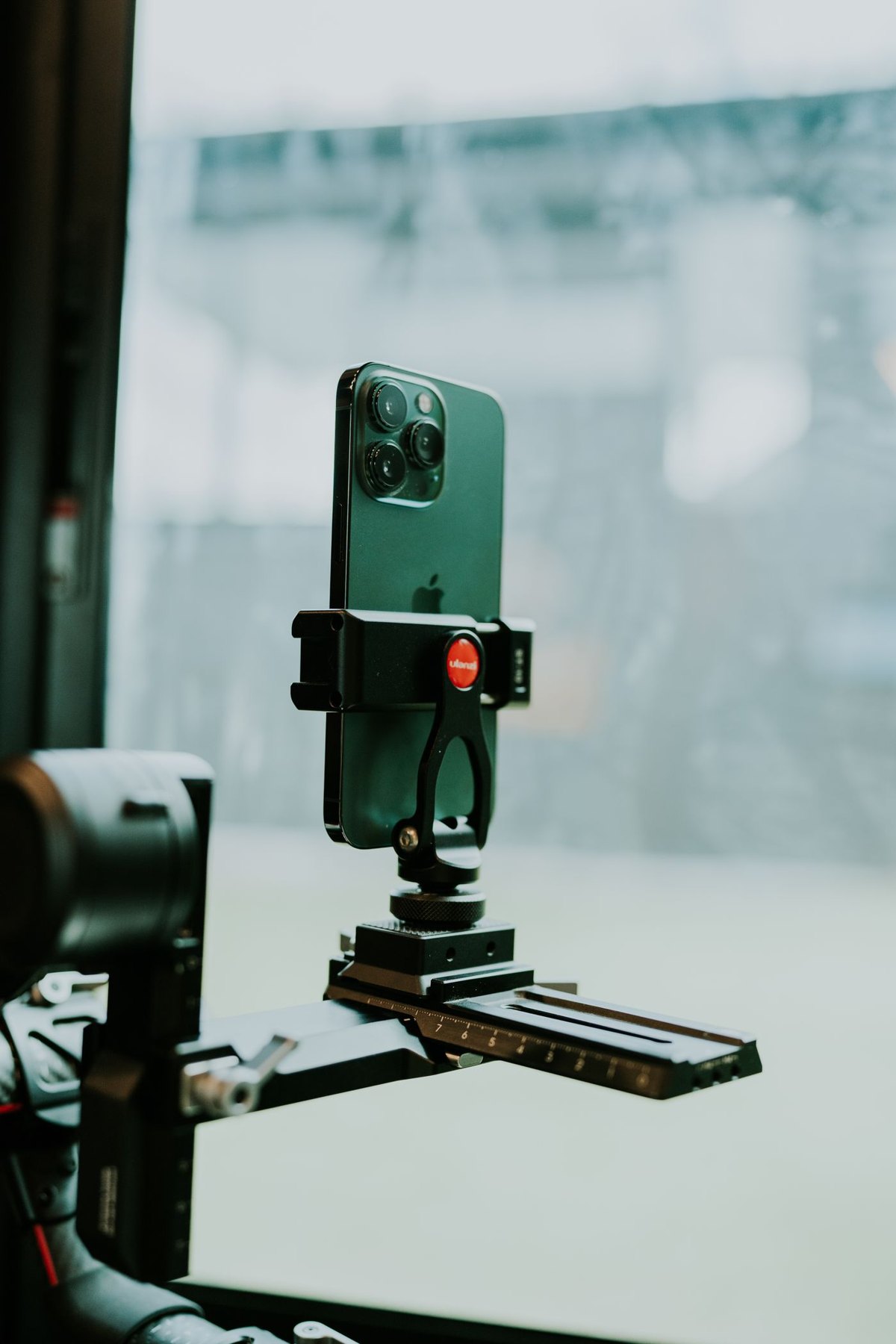
Choose a support that holds the phone in the required orientation and lets you start recording without disturbing the frame.
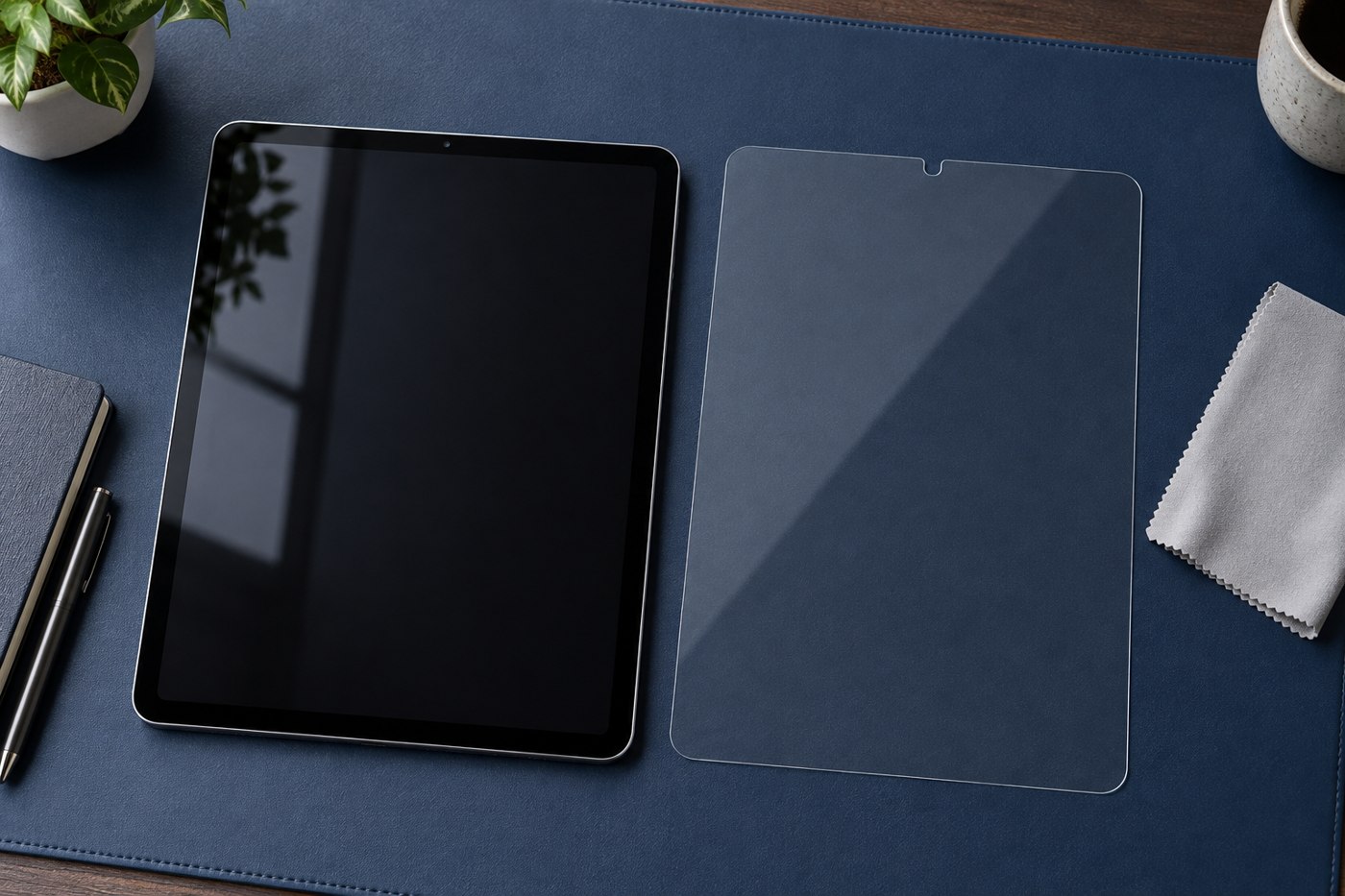
A screen protector changes the surface you touch. Choose it for the task as well as the tablet model.
Agree what is shared, what stays private and how the tablet returns to a ready state after each use.
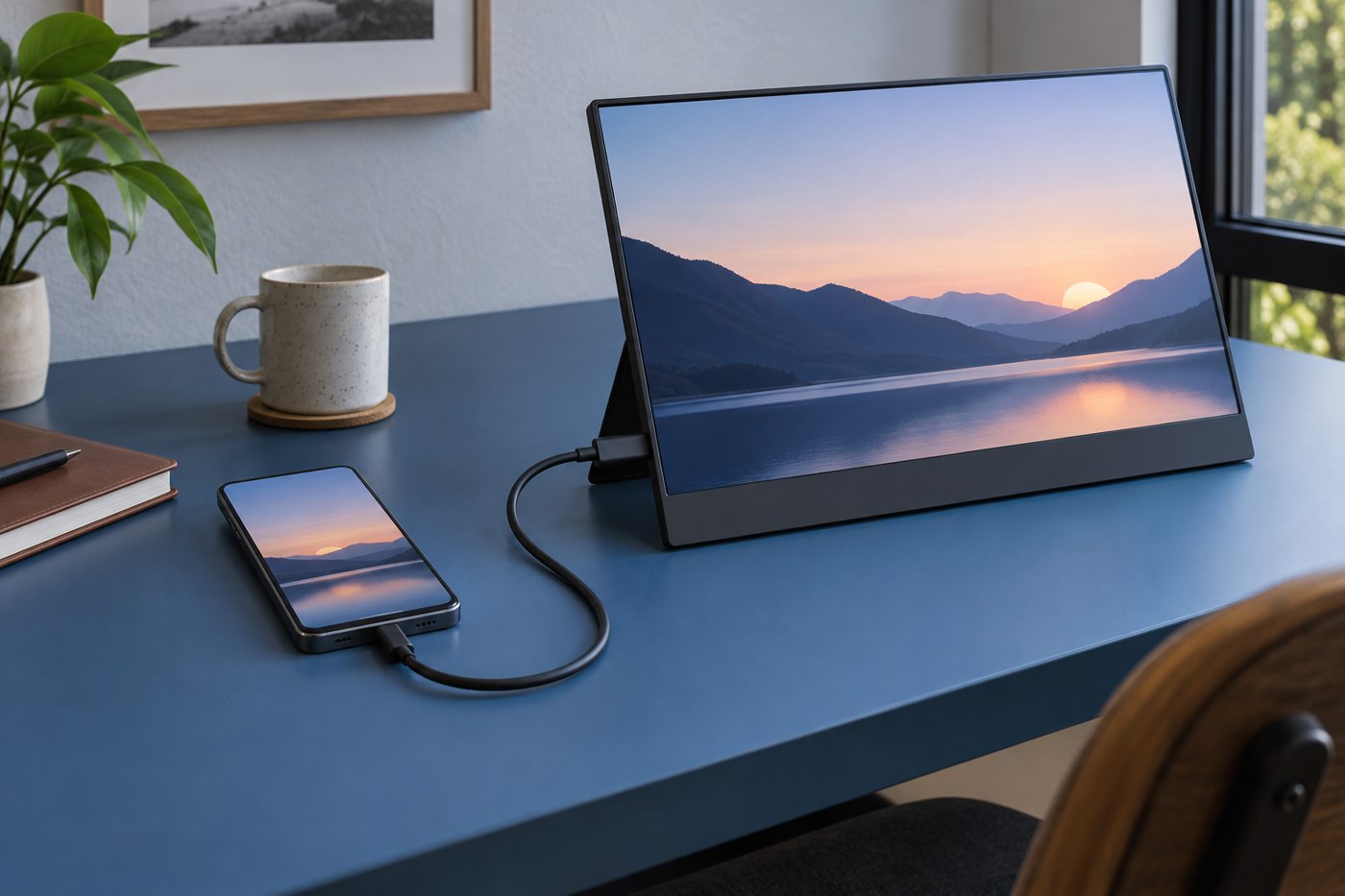
An external display connection depends on the phone, its port, the adapter and the software behaviour you expect.
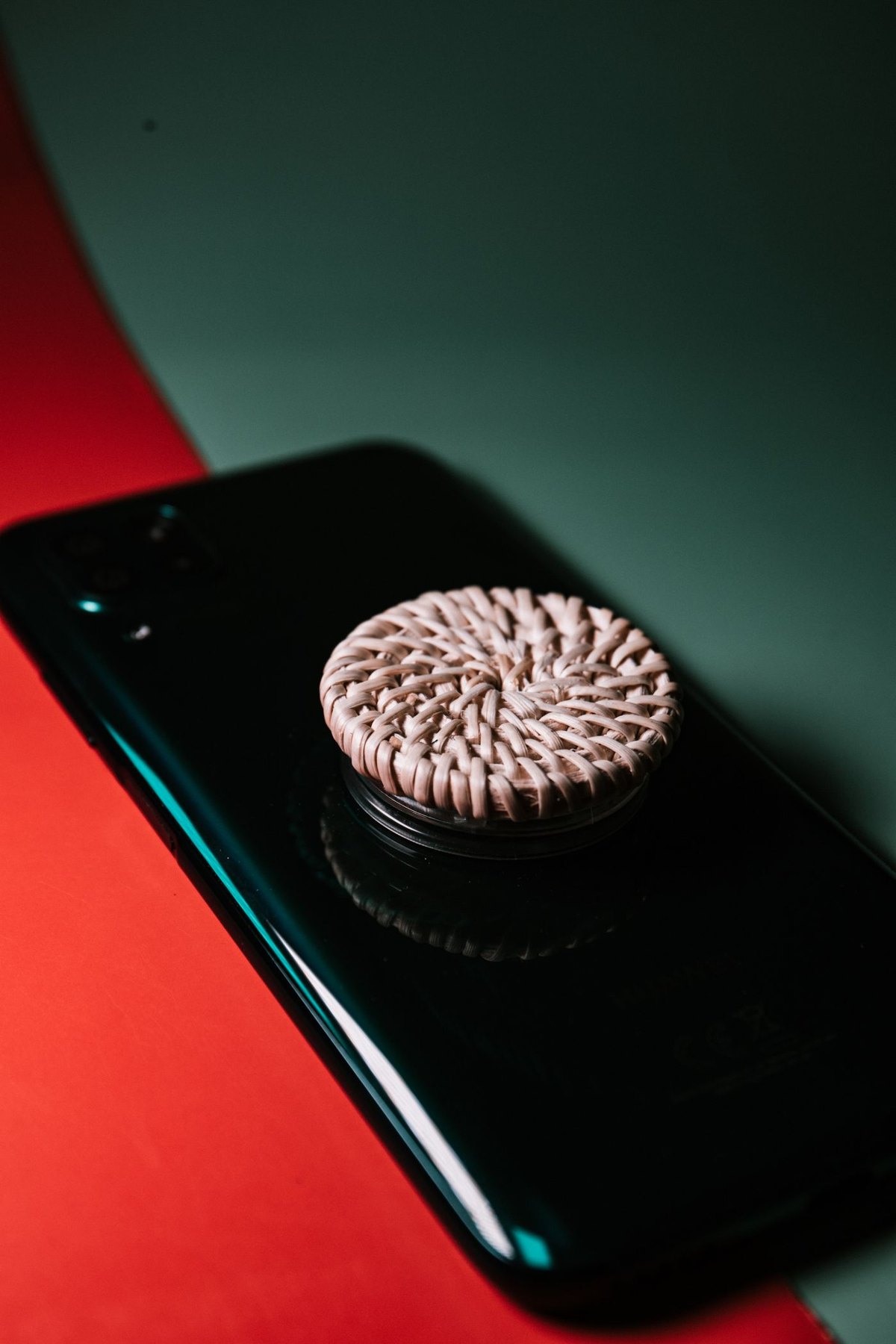
A grip should help with the way you hold the phone while leaving the rest of your routine workable.
Confirm that your information and account access work elsewhere before erasing the phone you are handing over.
Build a note-taking arrangement around retrieval and review, not just the experience of writing on the screen.
A used tablet needs a model check, a condition check and a clear route for resolving a problem after purchase.
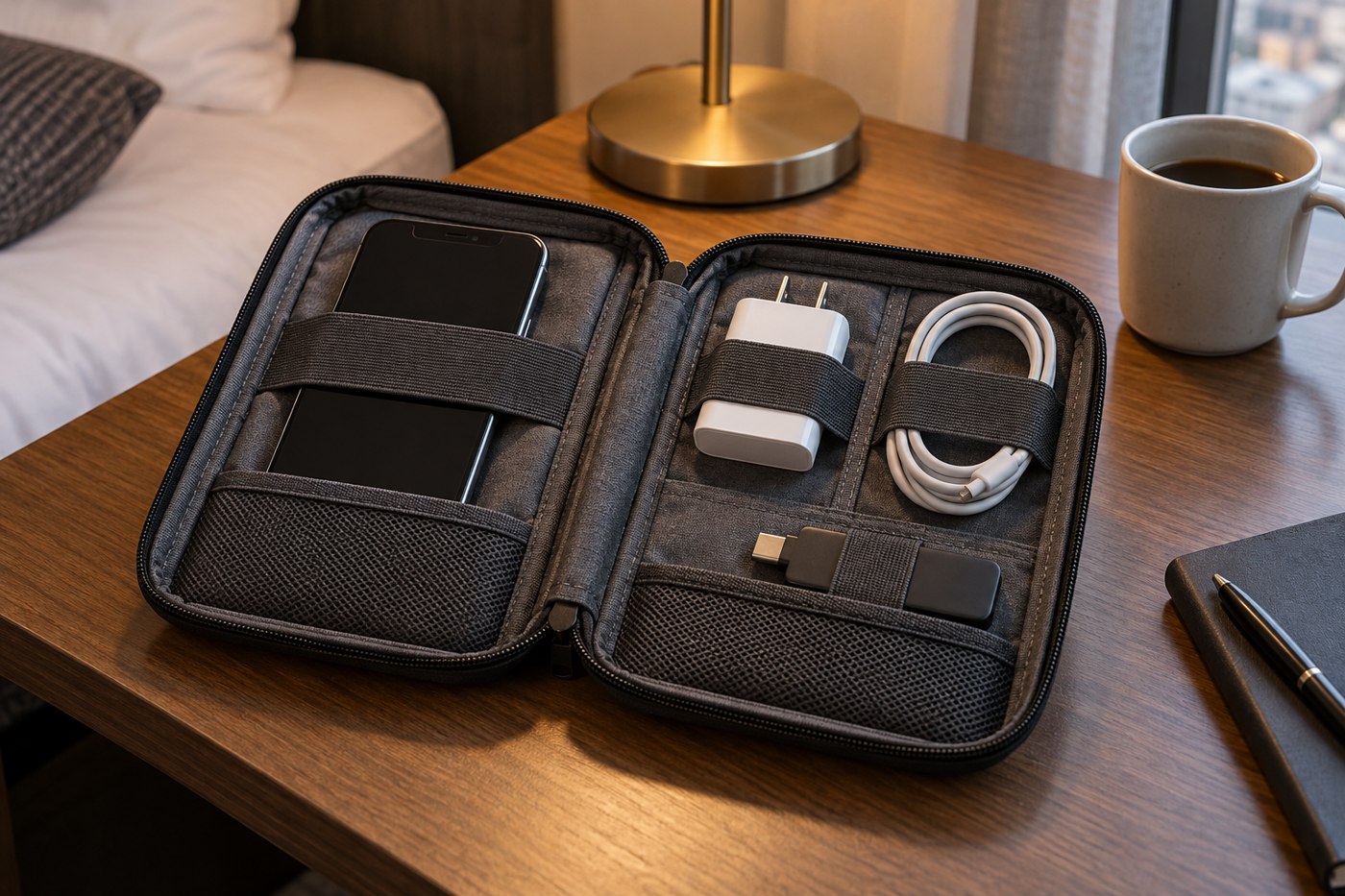
Choose a pouch by the objects and access pattern inside it, not only the advertised device size.
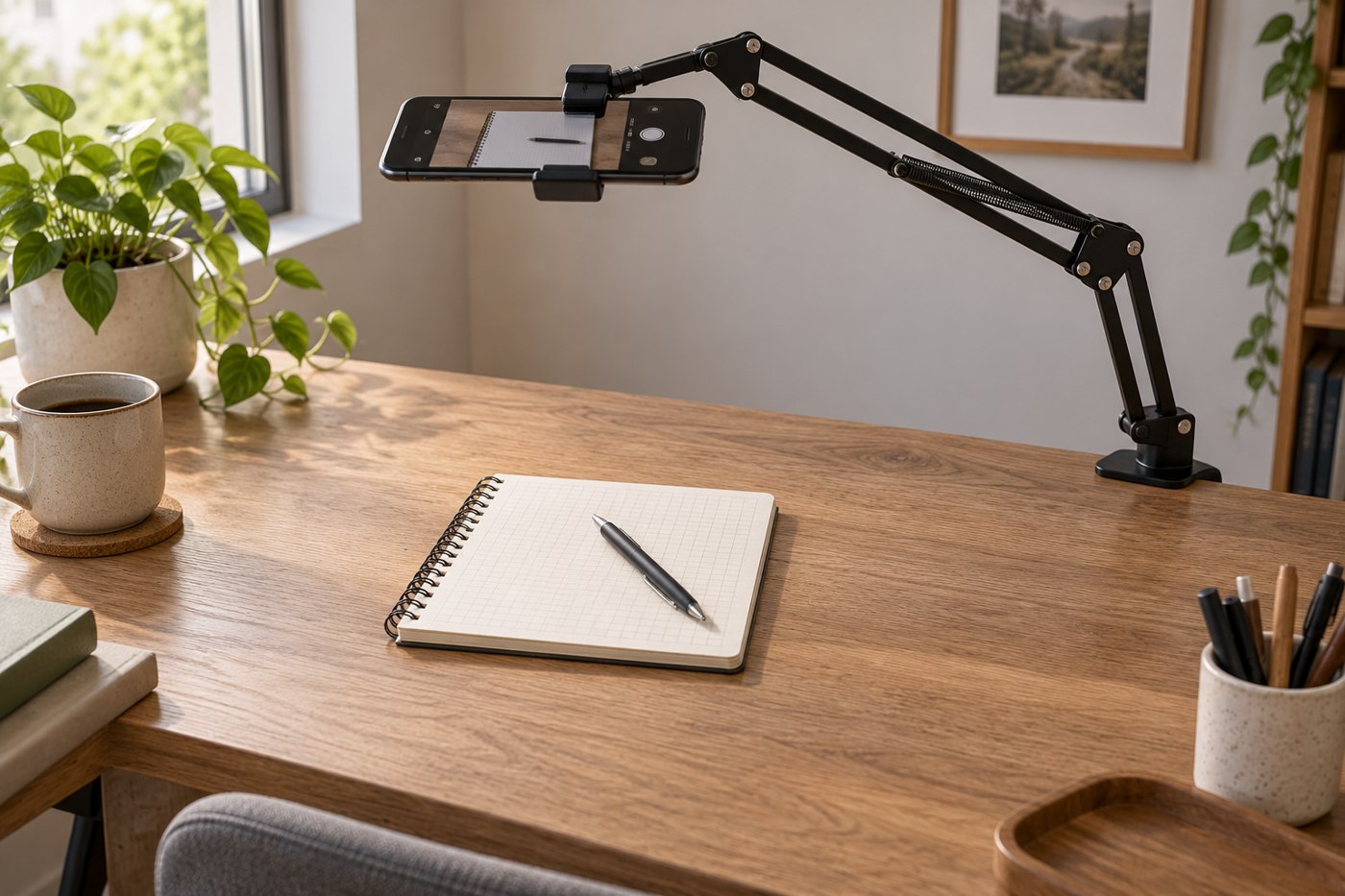
An overhead view needs a stable support, clear lens placement and a way to see the frame before recording.
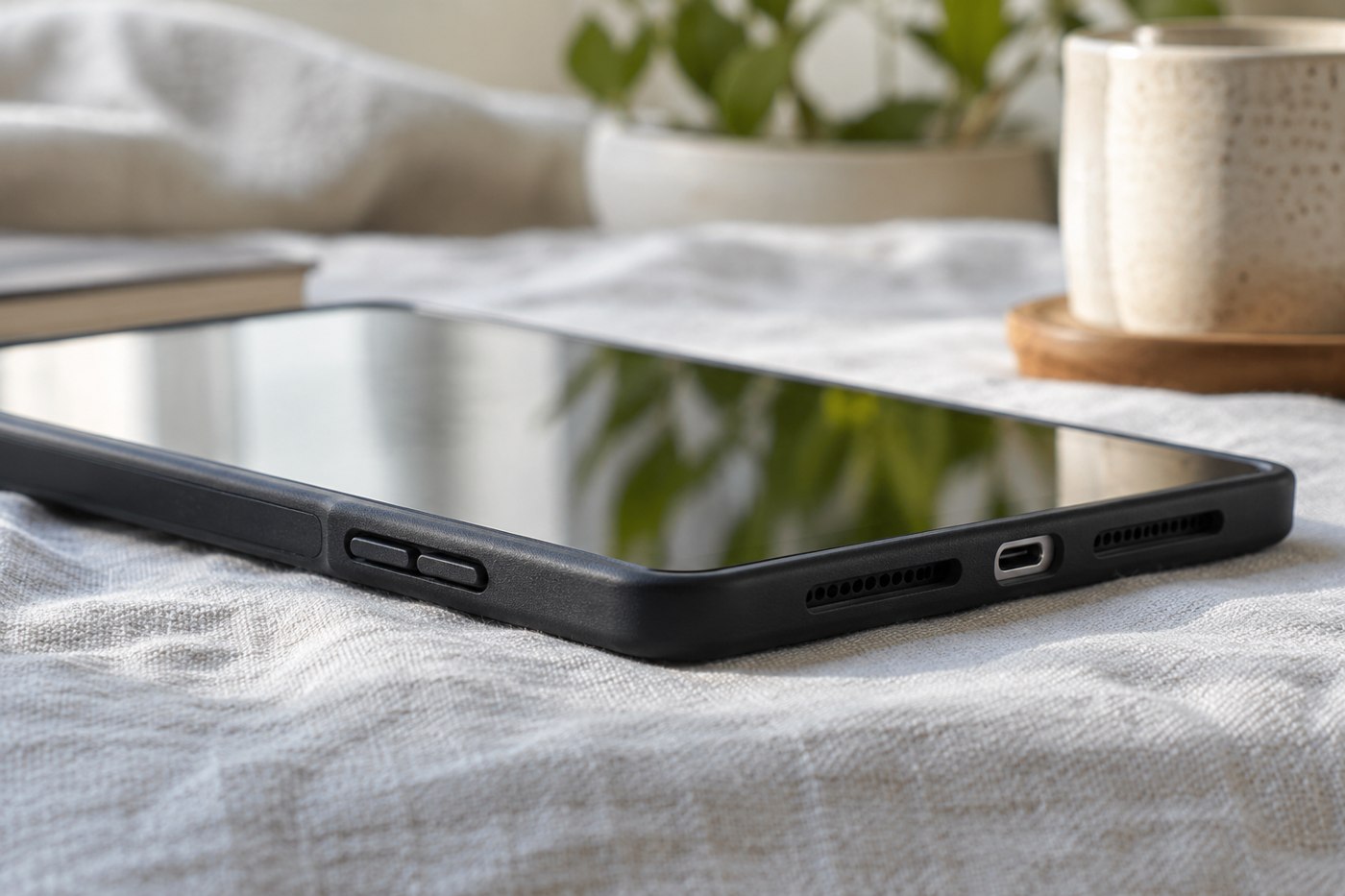
A case must fit the working parts of a tablet as well as its outline.
Decide whether independent mobile data solves a repeated problem before paying for a cellular tablet and a plan.
Move a verified copy of your photos, then decide what can be removed from the phone.
Compare the documents you read at a usable text size, then account for carrying and holding the tablet.
Give the tablet a defined job and enough space to reach it without disrupting the laptop.
A remote shutter should work with the phone and camera application you intend to use, including the mode you need.
Use instructions for both the device and the case material; a method suitable for one surface may not suit the other.
Test the complete presentation path, including the destination display and a usable fallback copy.
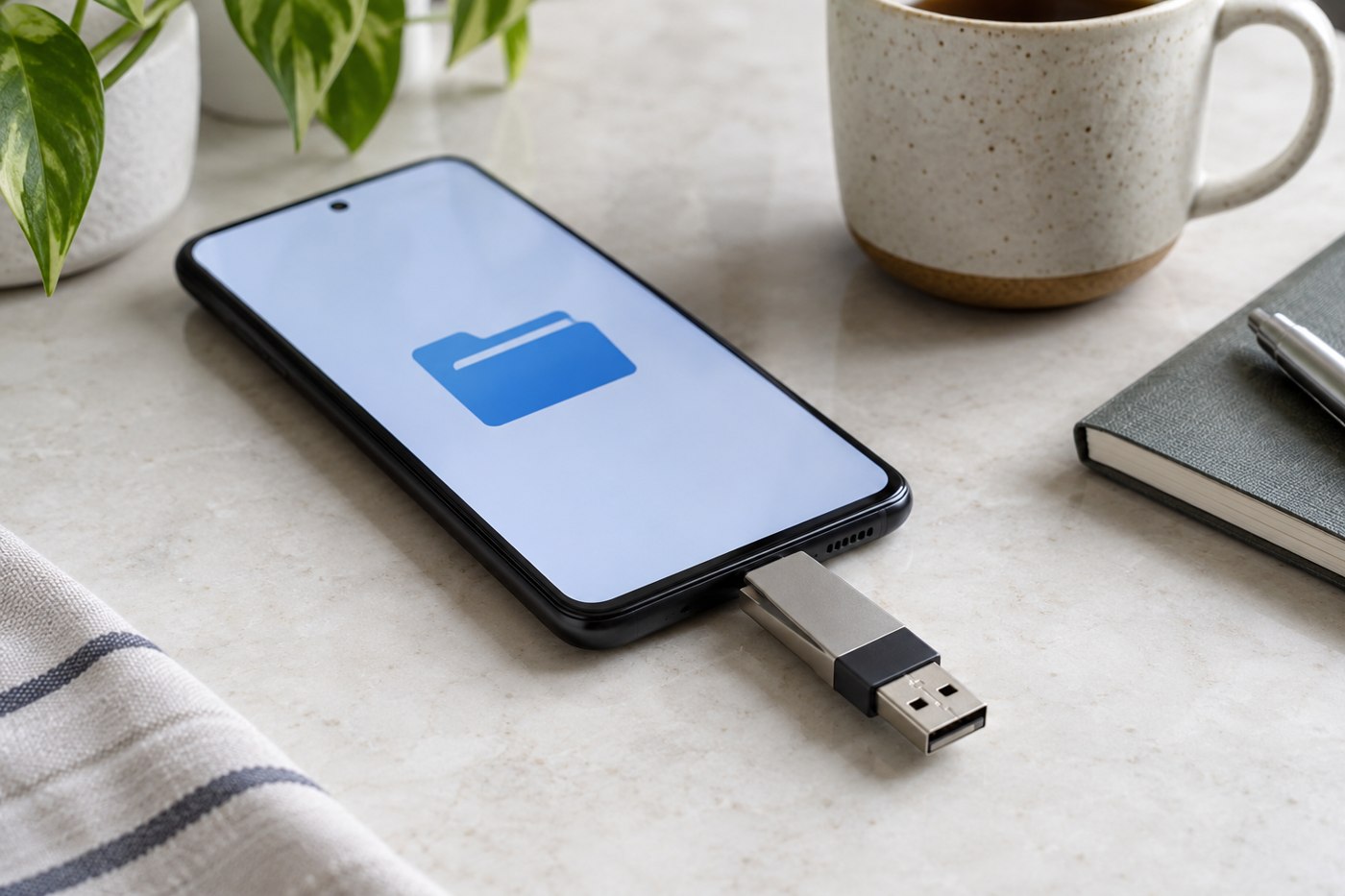
Check file-system support, power and the application path before treating a USB drive as phone storage.
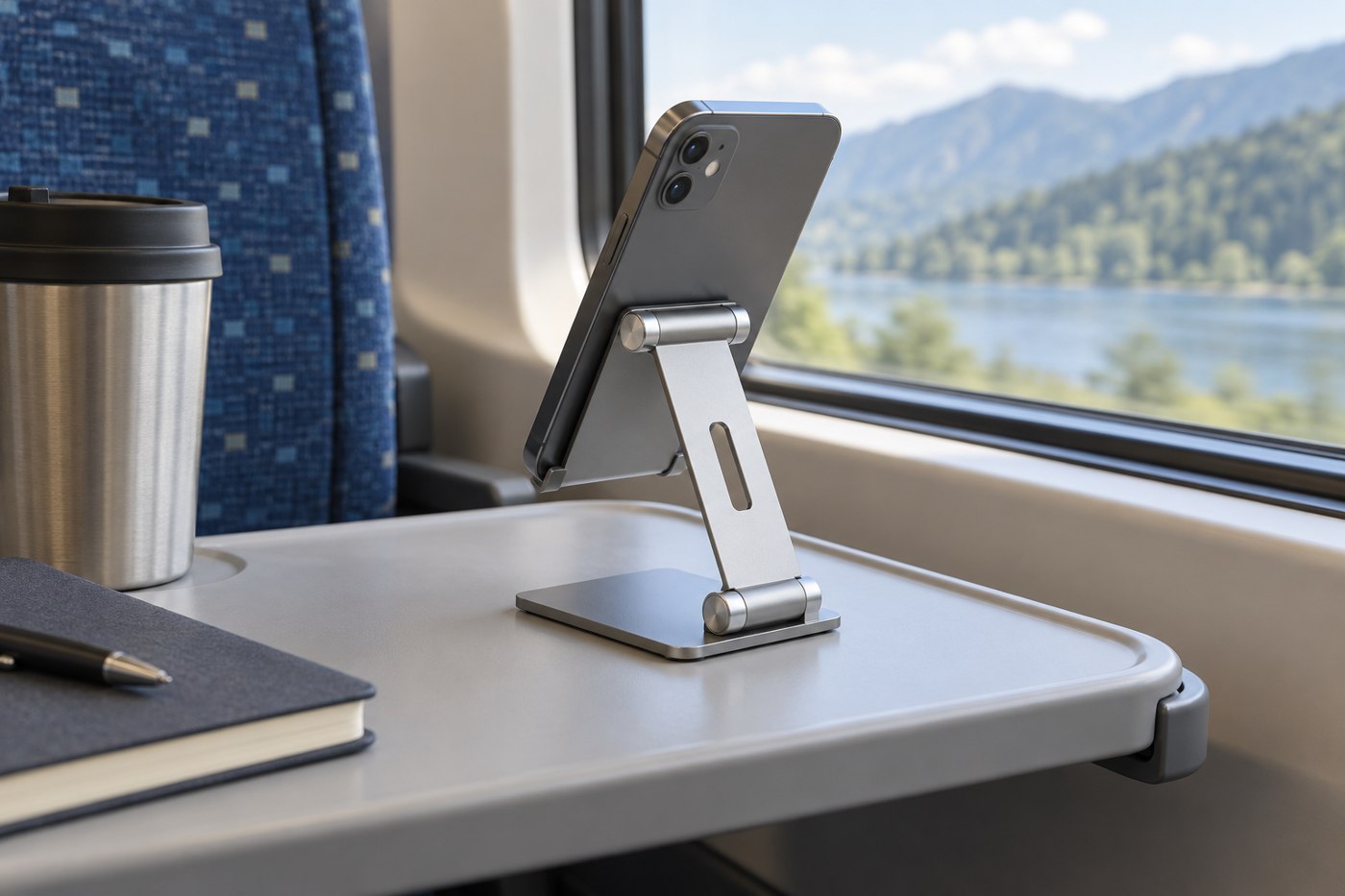
A travel stand needs to fit the small surface available and remain usable with your phone's case and cable.
Look at the action that is difficult, then choose an accessory that supports it without adding another awkward step.
Build a small camera kit around the photographs or videos you repeatedly make.
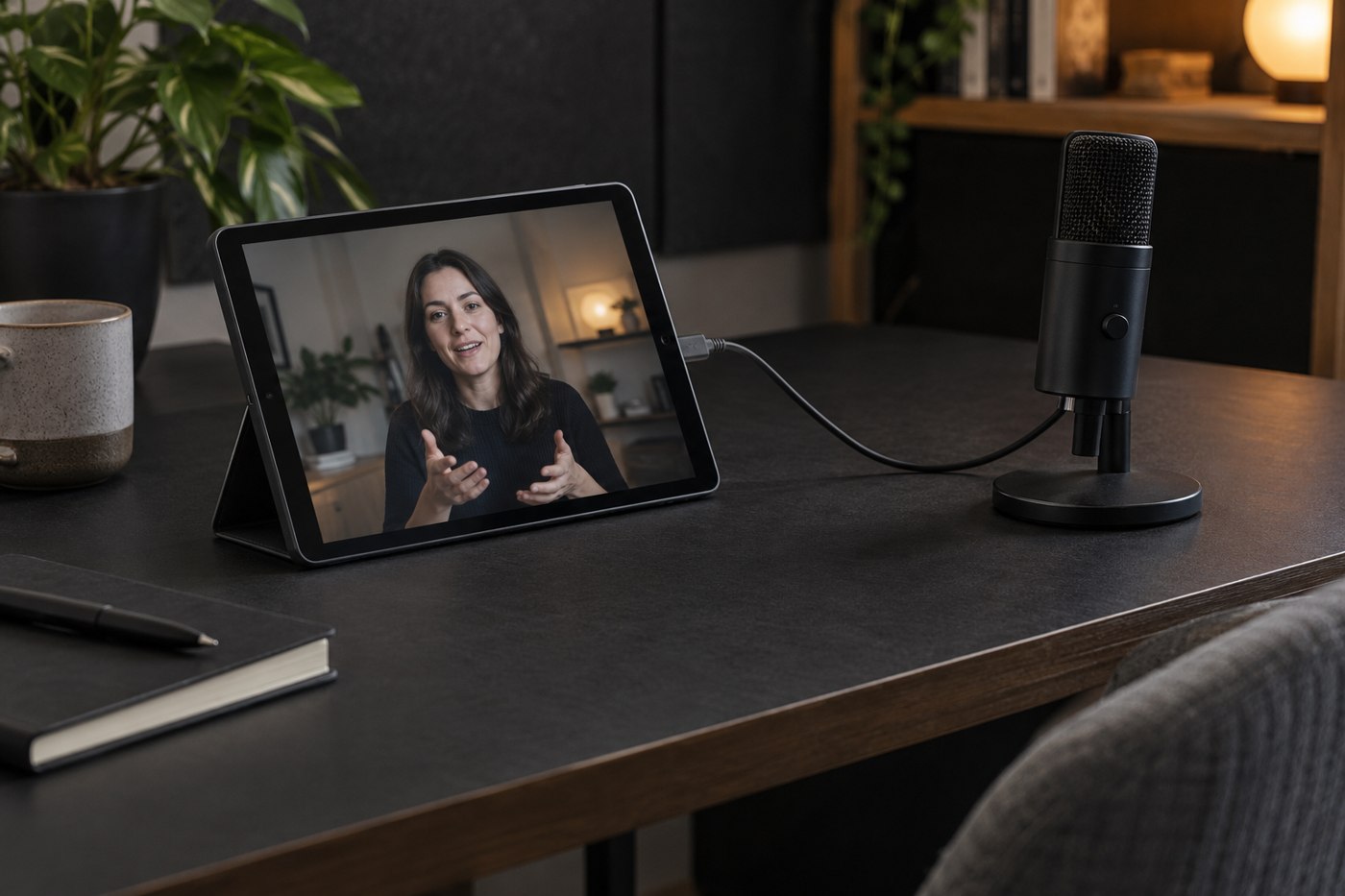
Choose an external microphone when you can identify what the built-in recording arrangement is failing to capture.
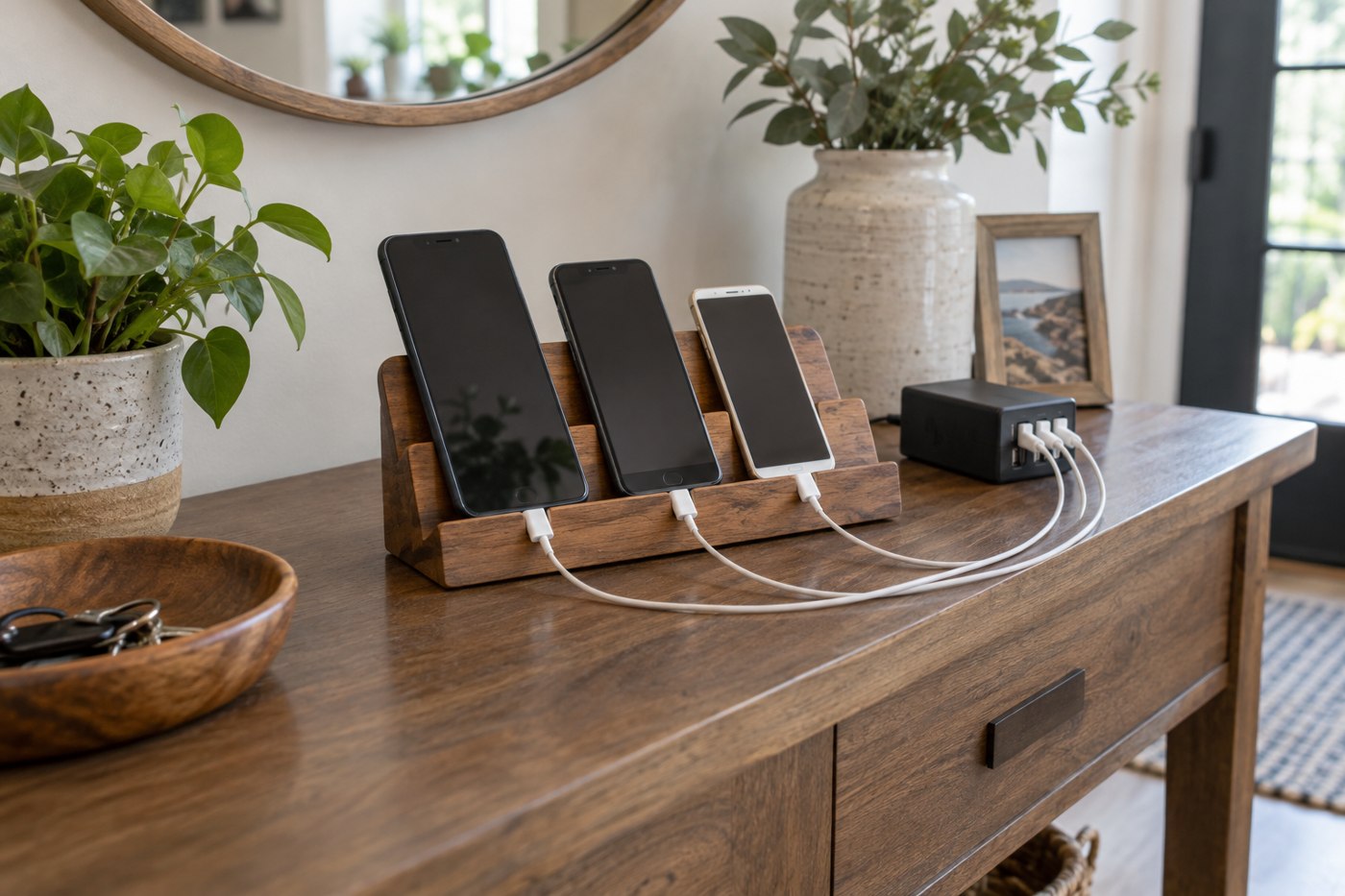
Build the charging spot around the devices, their supported chargers and the space needed to connect them comfortably.
A refurbished label needs a defined condition policy, exact model information and written after-sale terms.
A spare phone is useful when its intended role, account access and maintenance routine are clear.
Measure the tablet in its everyday case and leave space for an easy opening, not a forced fit.
No matching articles. Try a shorter phrase or clear the search.