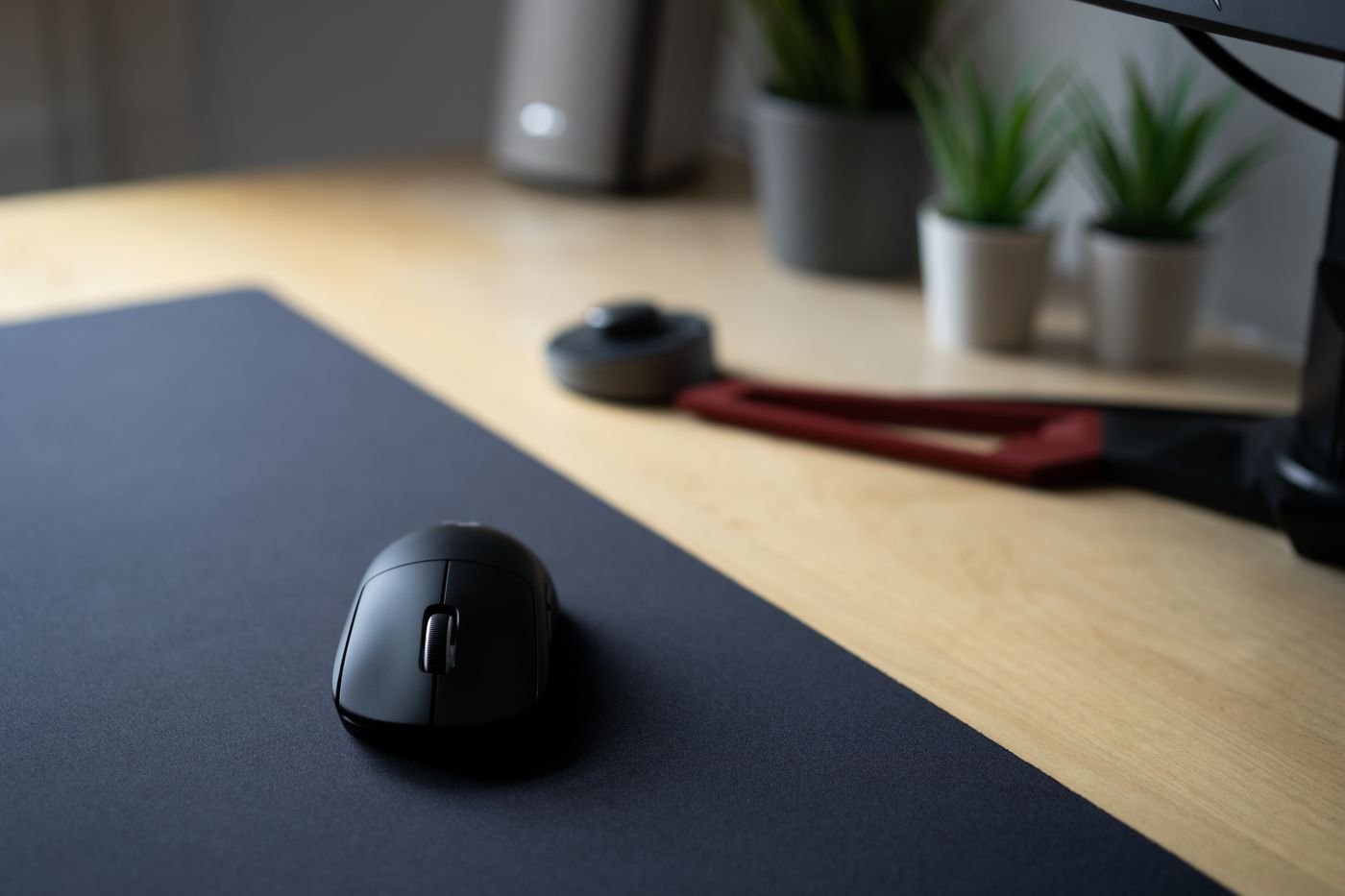
A small work surface can make a mouse pad feel like an optional extra, yet its dimensions are part of how the pointer works for you. Start with the mouse at the centre of its usual area and move through a normal task. Note where you run out of surface or repeatedly lift the mouse to reposition it.
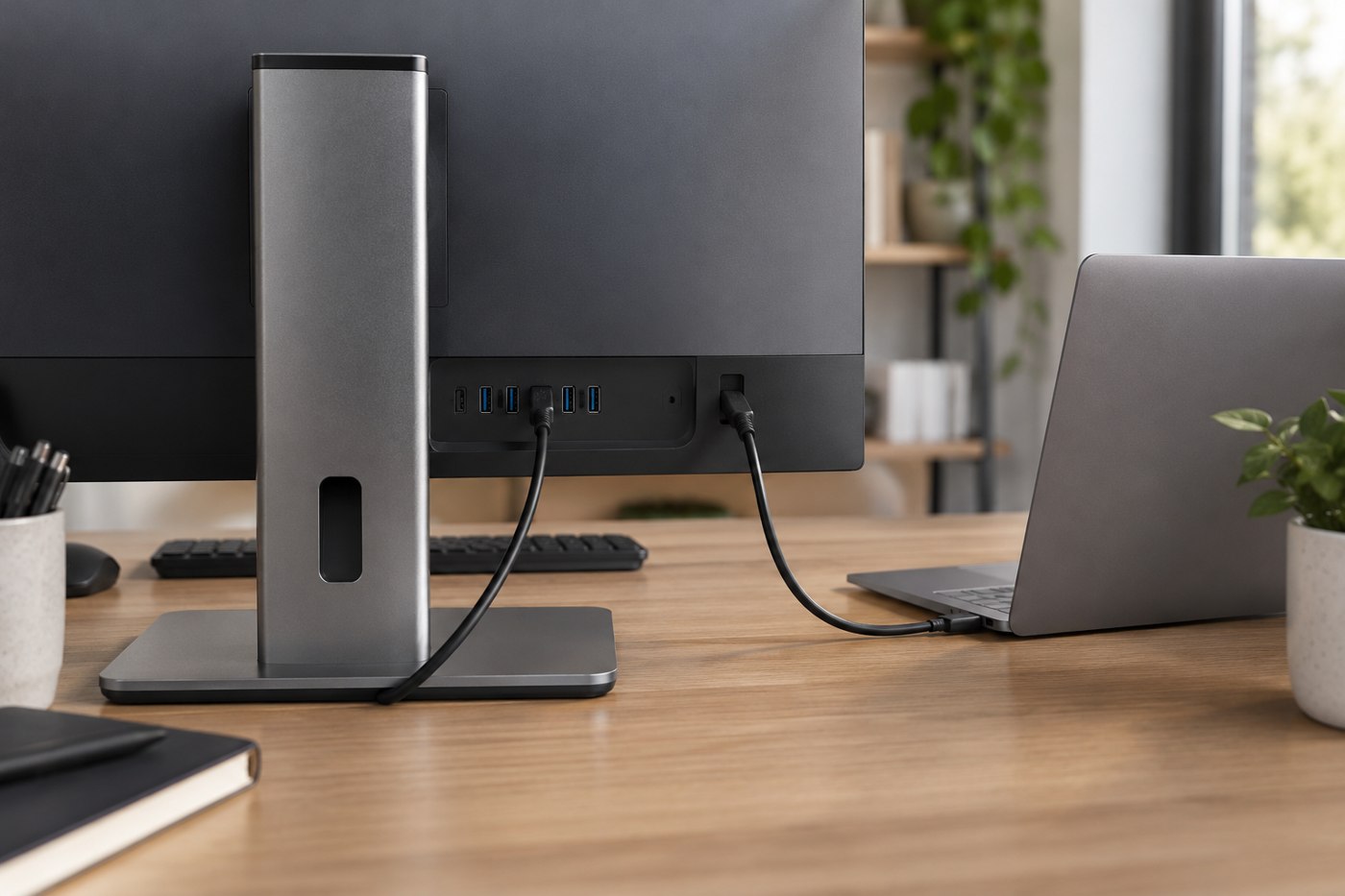
Measure that working area after the keyboard, laptop and any notebook are in place. The empty desk's width is not the relevant number. A pad that fits only when the keyboard is pushed into an inconvenient position is solving the wrong problem.
Match the outline to the desk
A rectangular pad offers a predictable movement area, while a shaped design may fit around an object but remove space where you need it. Check the usable surface inside stitched edges or raised borders. If the mouse often crosses an edge, a larger thin pad may be more useful than a smaller padded one.
Thickness changes the transition between desk and pad. Try the feel with your normal hand position rather than assuming more cushioning is always preferable. An integrated wrist support also fixes where your hand sits relative to the movement area; decide whether that matches your habits before buying.
Consider movement and maintenance together
Surface texture affects how the mouse feels in motion, so test the intended mouse if possible. Check that the pad's underside stays put on the desk. A pad that slides during dragging creates a different problem from a mouse that needs more travel space.
Read the material's cleaning instructions. A pad used on a dining table may need frequent removal and cleaning, while one on a dedicated desk may remain in place. Choose a material and size you can maintain without folding it against its instructions or putting it away while still damp.
Before replacing equipment, you can also inspect the pointer-speed settings you currently use. Make one modest change at a time and test familiar tasks; an extreme setting chosen only to fit a tiny pad may make precise work difficult.
The final pad should accommodate your ordinary movement without dominating the desk. If that cannot be achieved, reconsider the keyboard's width or the layout of nearby objects instead of accepting a permanently cramped strip for the mouse.