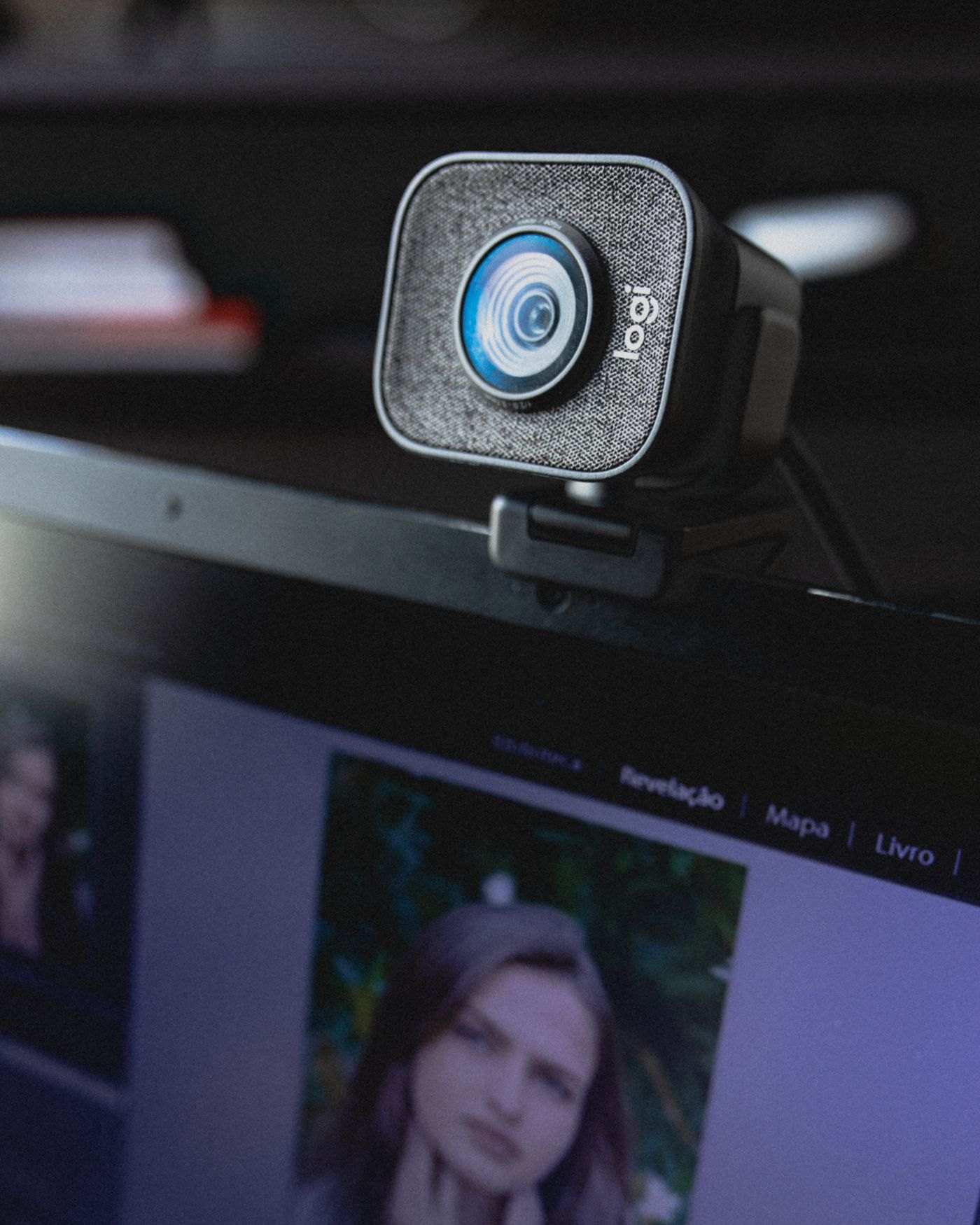
On a small desk, the obvious webcam position is often the only clear edge of the monitor. Before attaching it there, open the camera preview and consider what that position shows. The important relationship is between the lens, your seated position and the area you want in frame, not whether the camera looks centred in a photograph of the desk.
Start with the chair and screen where you actually use them. Position the camera so you can look near the lens without turning away from the conversation. A slight difference between lens height and the centre of the display is usually easier to live with than placing the webcam far to one side simply to hide its cable.
Check the attachment from behind
Read the webcam's mounting instructions and inspect the monitor's bezel. A clip must sit securely without pressing on the display area, blocking a built-in sensor or interfering with the screen's adjustment. A slim laptop lid may move when a heavy webcam or stiff cable pulls at it. If the clamp does not suit the display, consider a compatible small stand rather than forcing the jaws into place.
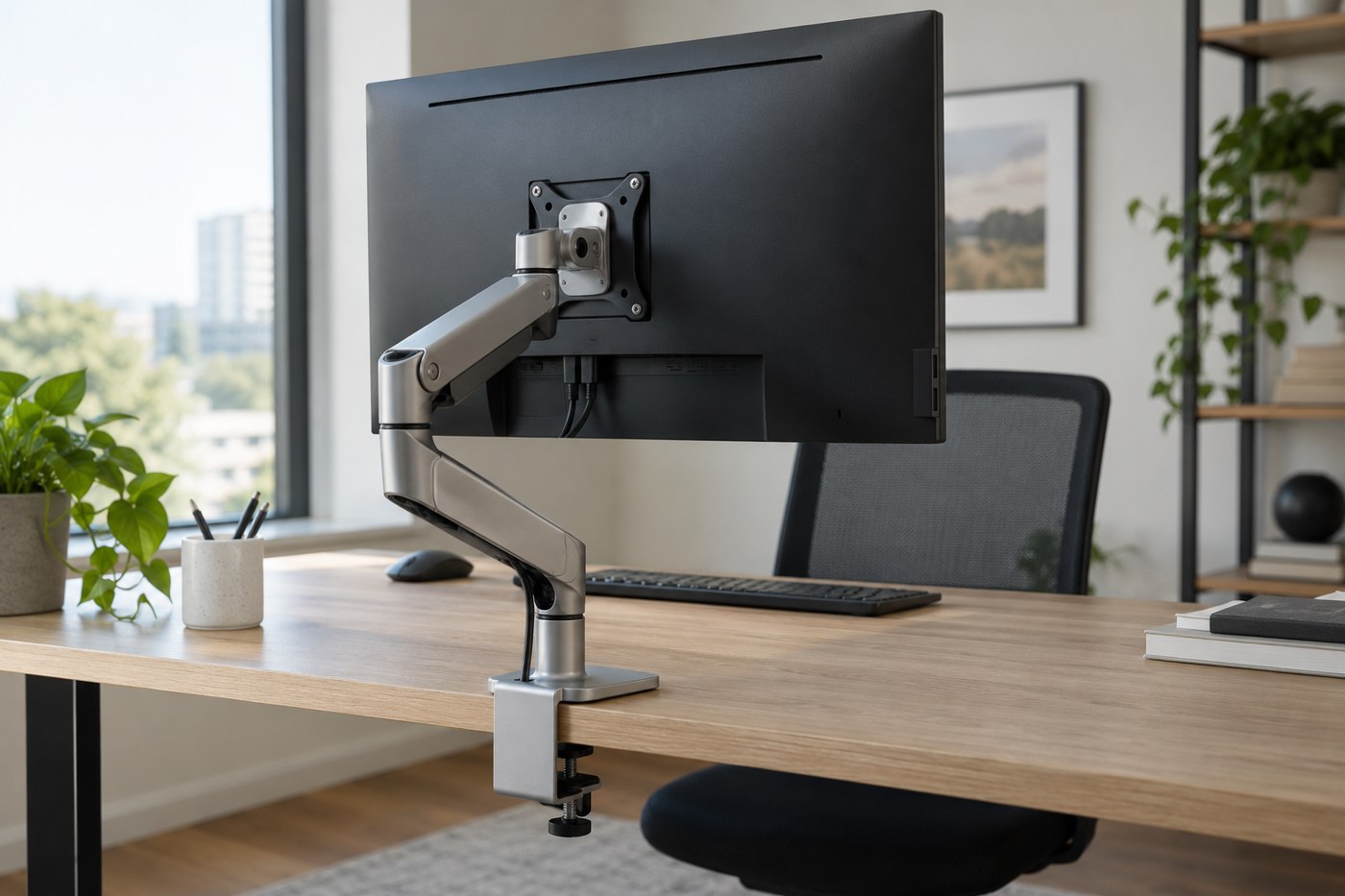
Leave a relaxed loop at the camera end of the cable. Move the screen through the positions you normally use and confirm the lead cannot pull the webcam sideways. Route the rest beside the monitor support instead of across the keyboard or under your mouse hand. Avoid covering vents or creating a snag where the laptop is lifted.
Use a preview of the actual call
Check framing inside the meeting application as well as a general camera utility. A program may crop, mirror or process the image differently. Put a notebook or other harmless object on the desk and verify that it is outside the frame if that matters. Do not use confidential papers as your test material.
Look for a bright window behind you, reflections from a desk lamp and distracting movement in the background. Move the camera or light before buying another accessory. A compact setup often improves most when the few objects already present stop obstructing one another.
When finished, mark or remember the support position so the camera is easy to reset after packing away. Test the privacy cover, if supplied, and confirm that closing it does not disturb the mount. A camera that can be placed consistently is more useful than a clever arrangement that needs adjustment before every call.