Power & cables
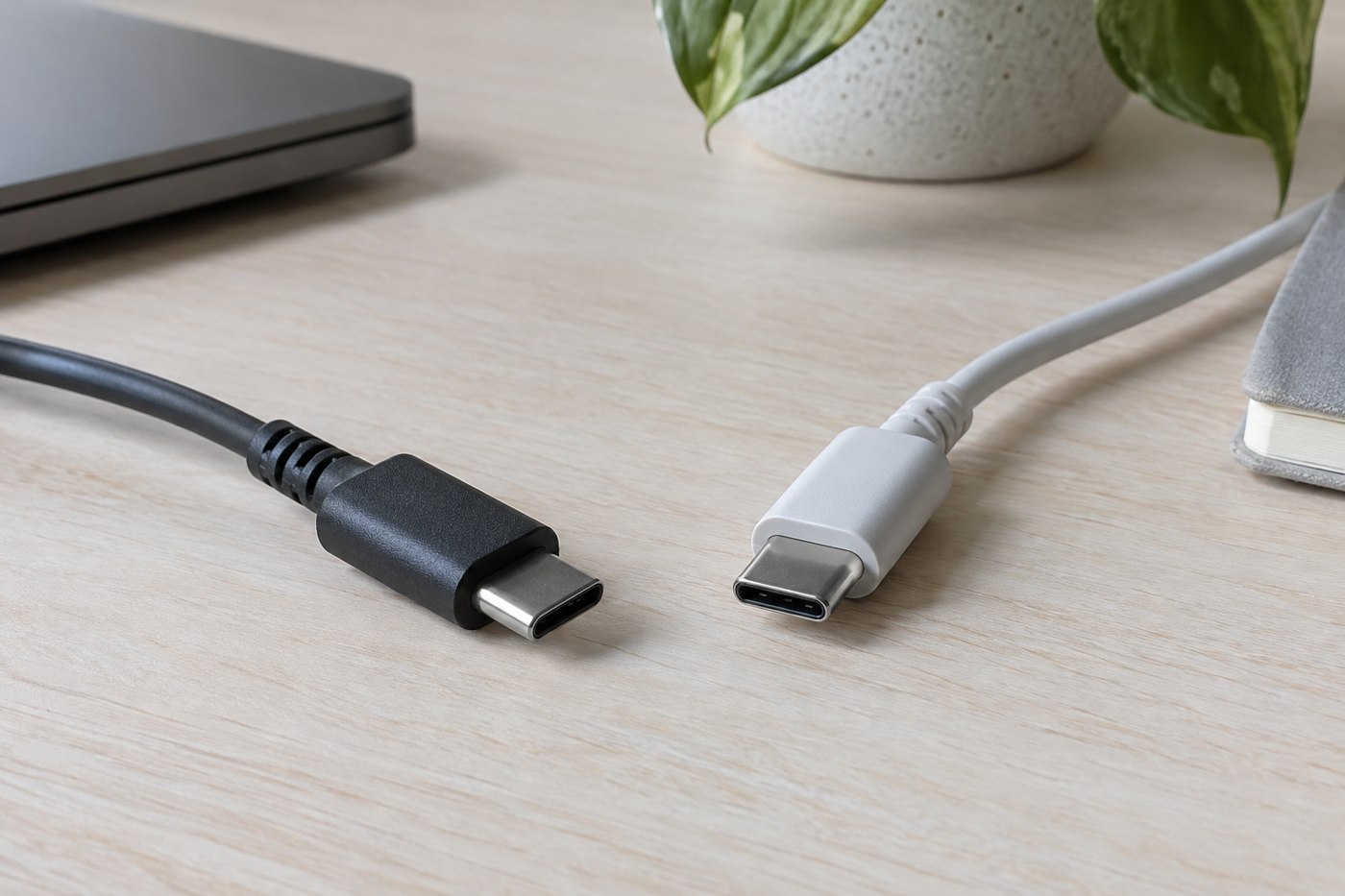
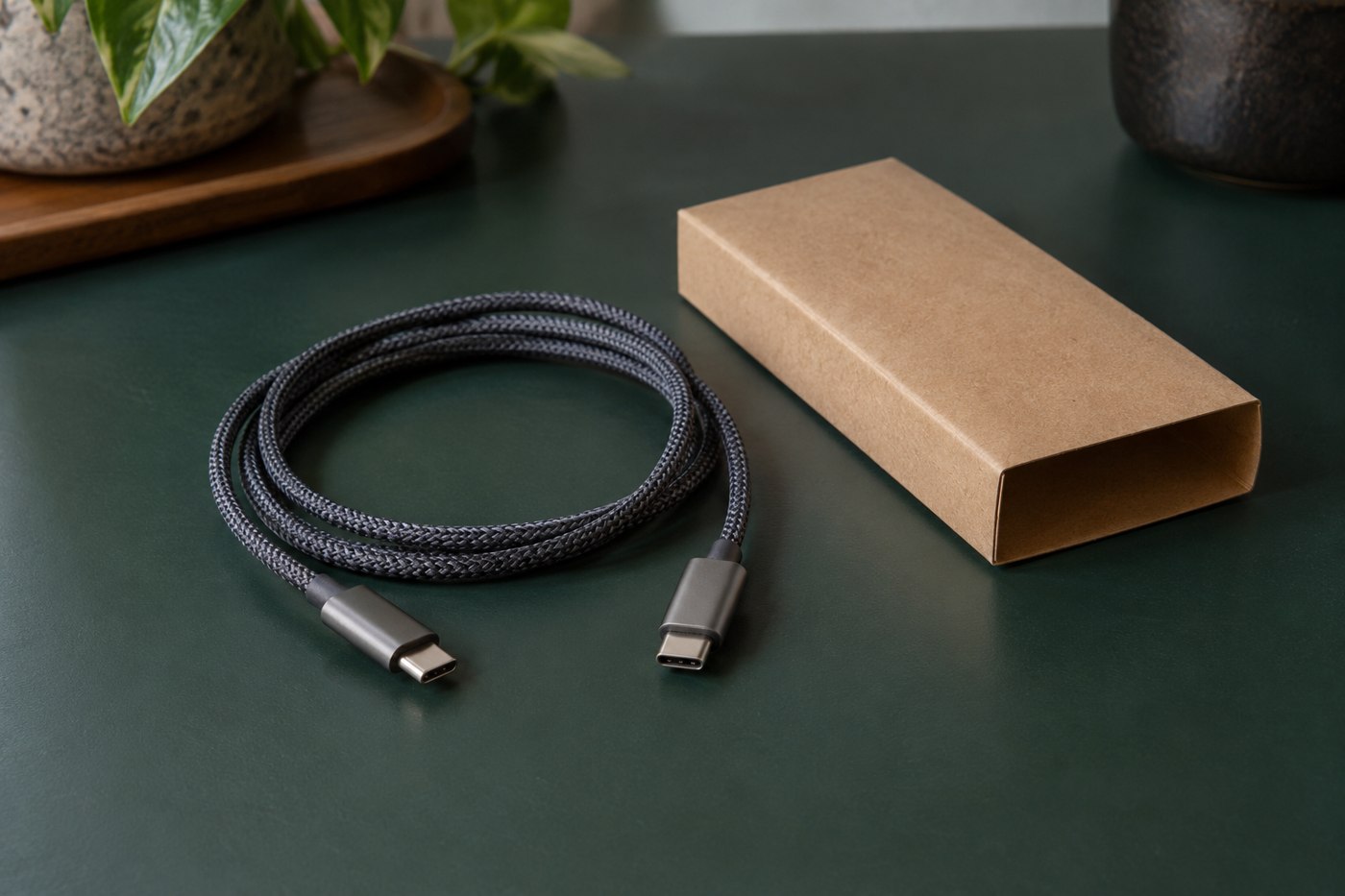
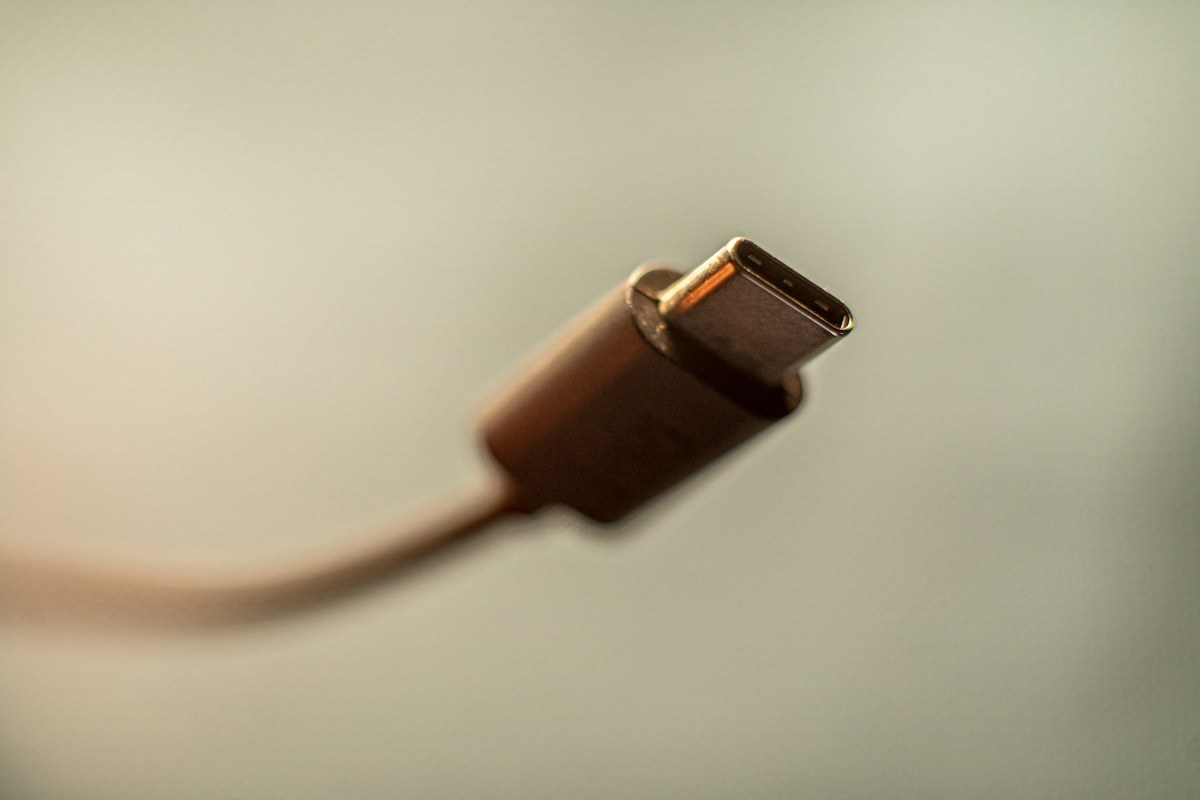
Why USB-C cables can support different functions
The connector shape is only one part of a cable specification. Read power, data and display claims separately.
Read power requirements, cable capabilities and charging arrangements together.
28 articles
The connector shape is only one part of a cable specification. Read power, data and display claims separately.
Match the charger's documented output to the laptop's requirements, then include the cable and any shared ports.
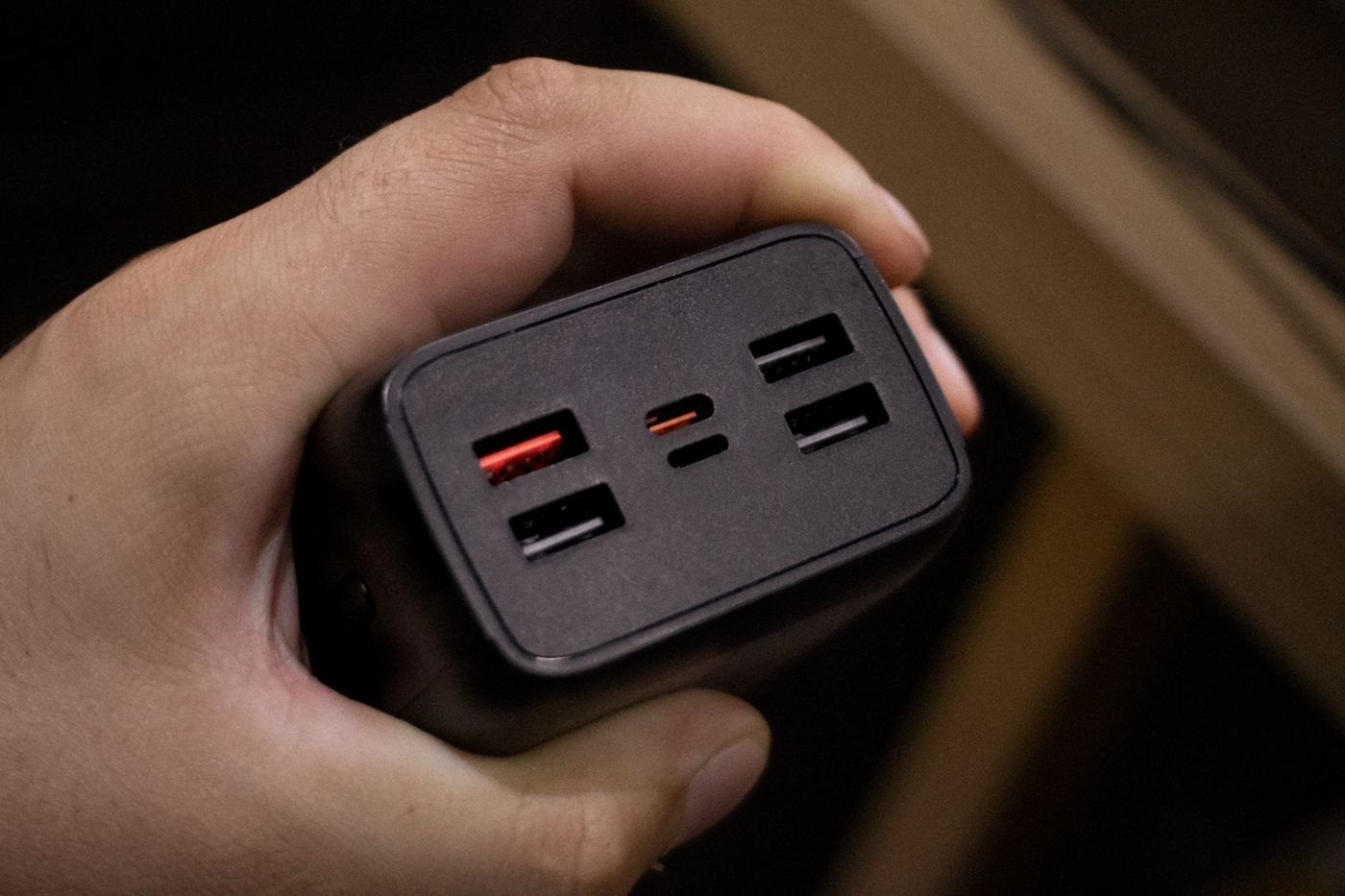
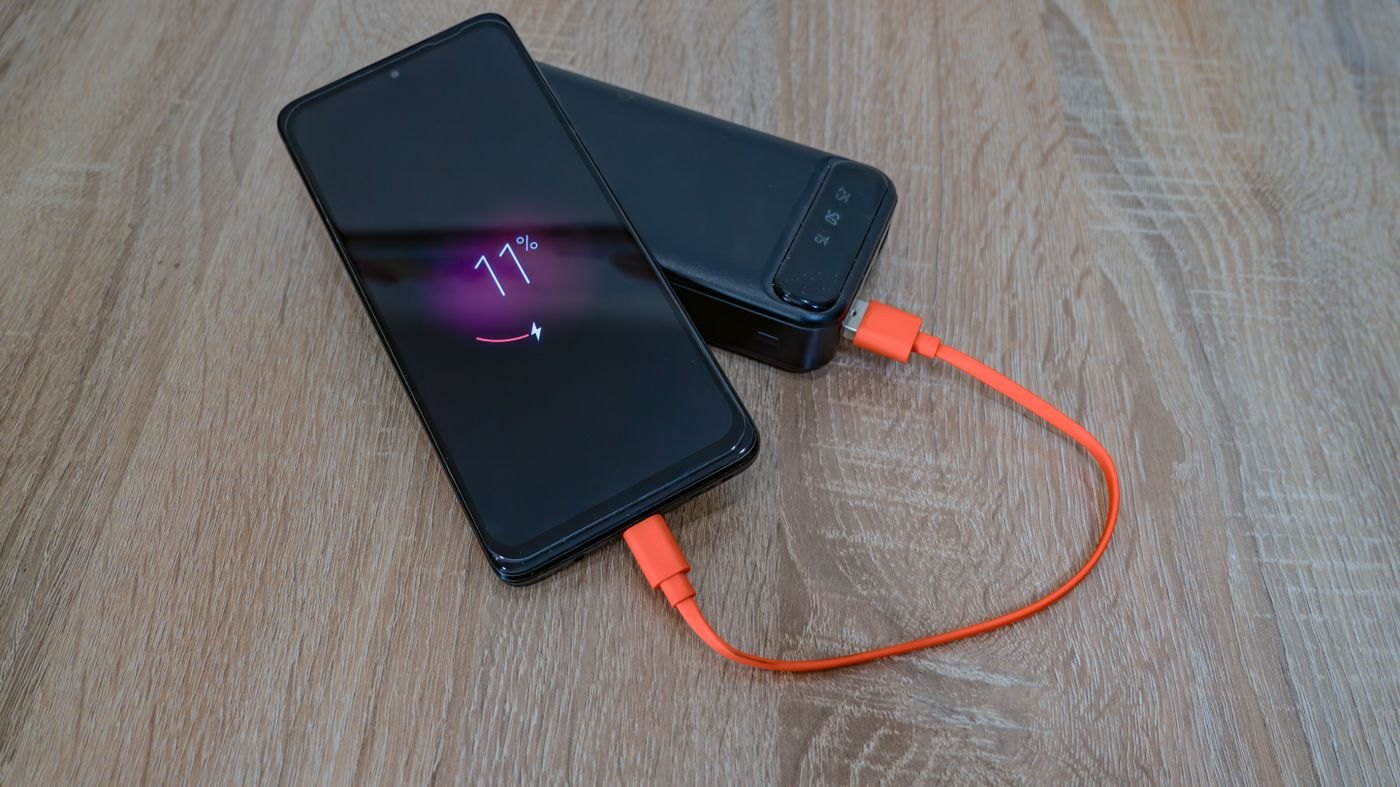
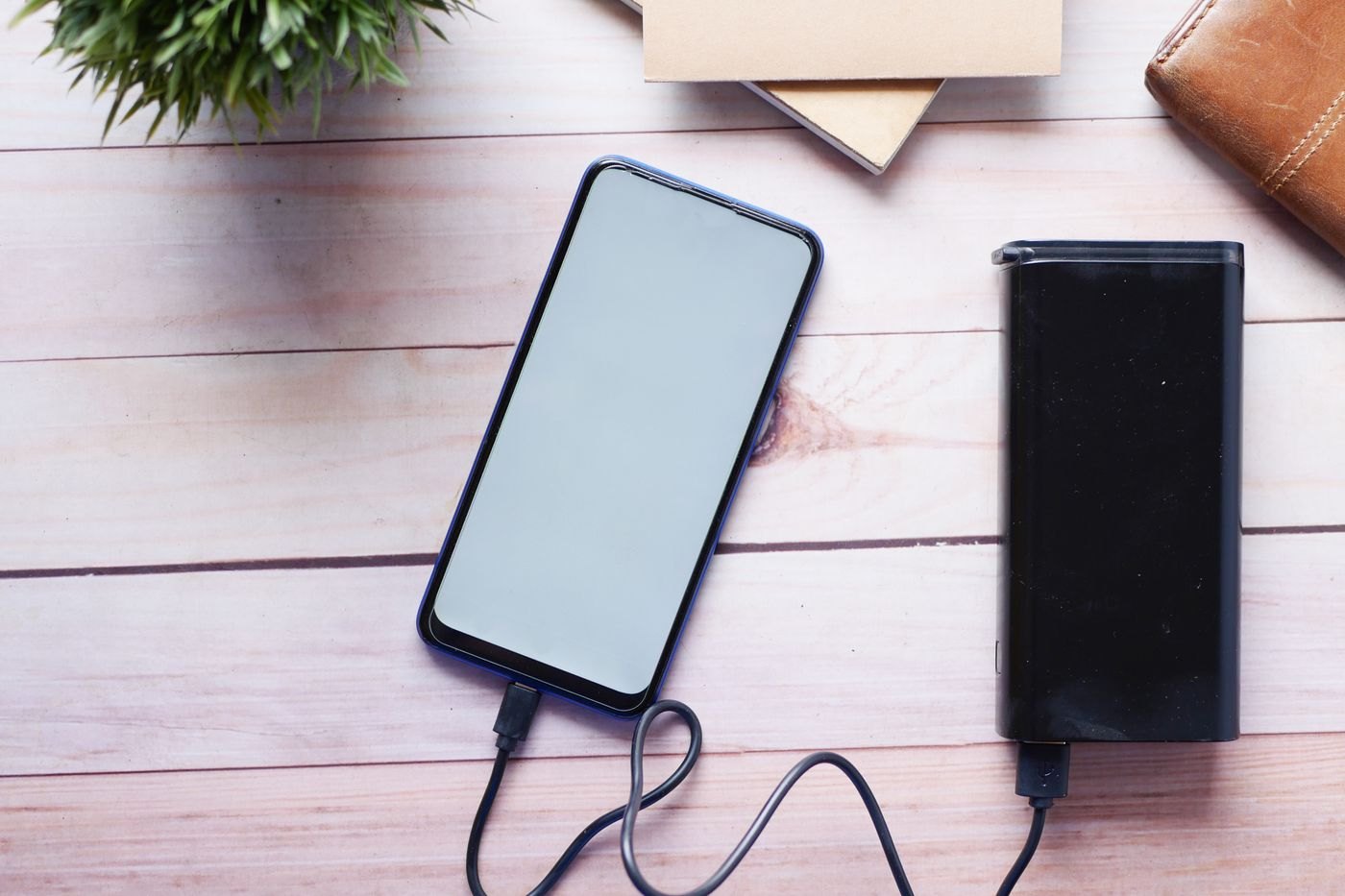
Capacity and output power answer different questions. Read the units before estimating what a power bank can do.
Measure the route from the outlet to the device, including the movement you make while using it.
Read the port-allocation chart for the combination you will use, rather than dividing the headline wattage yourself.
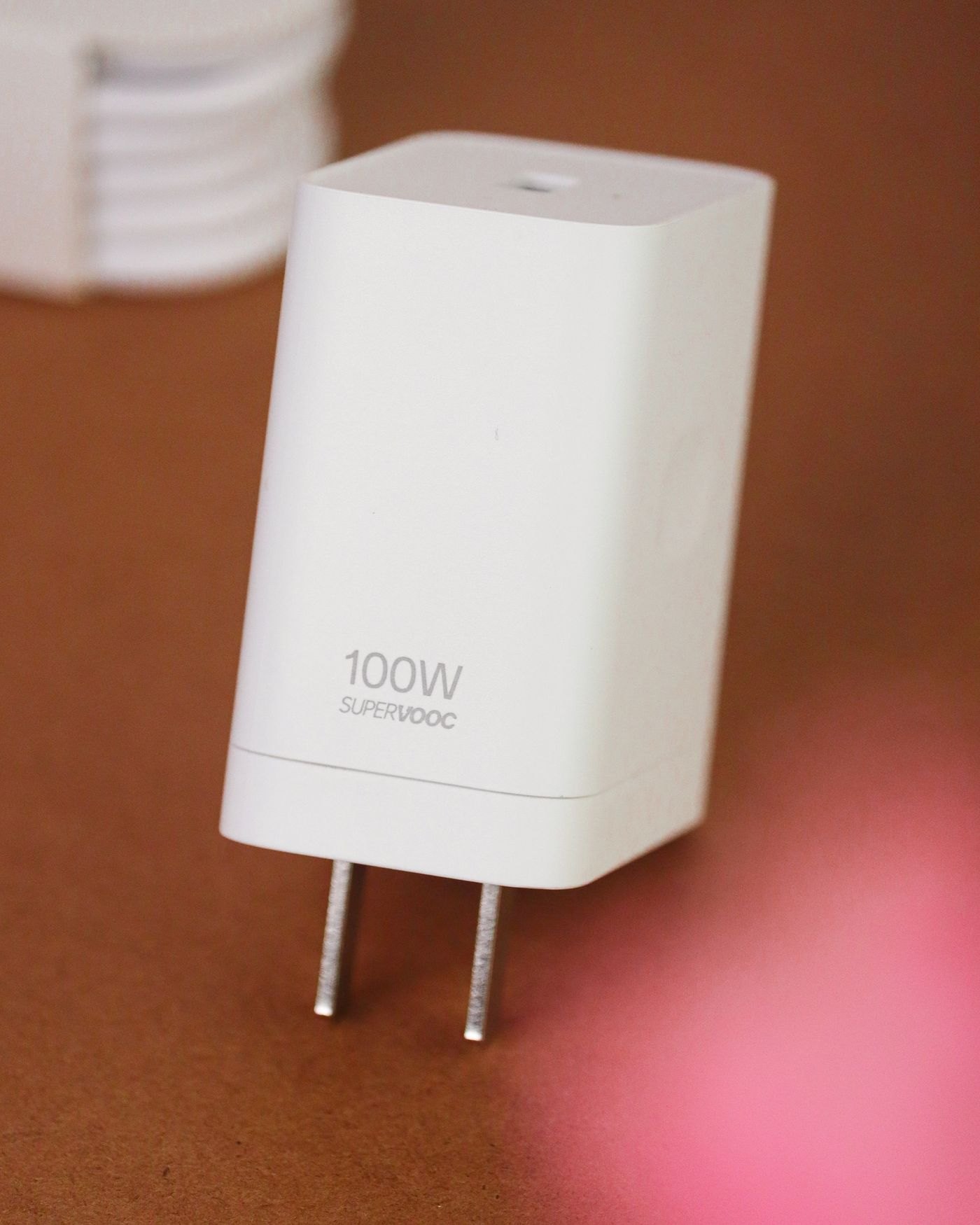
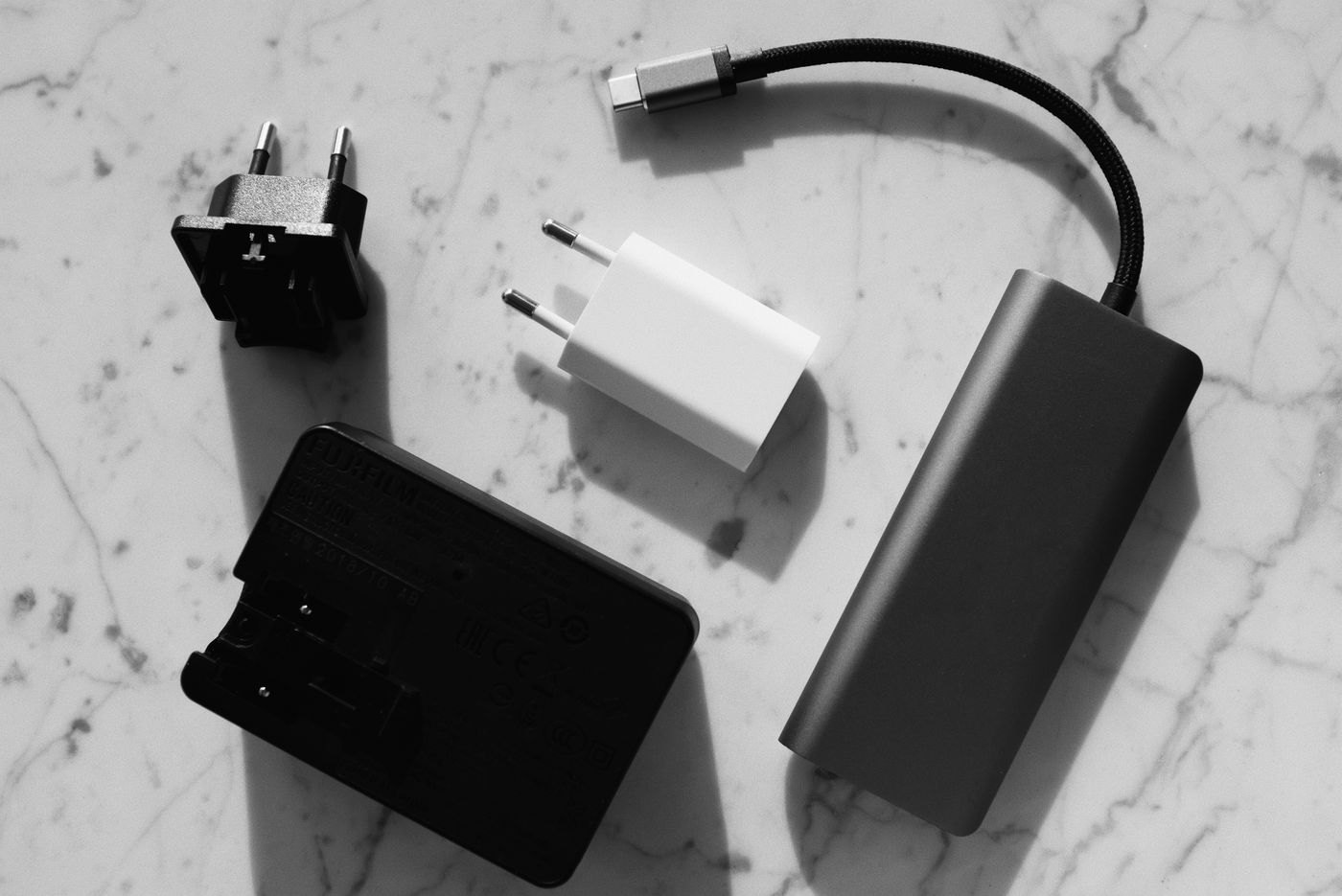
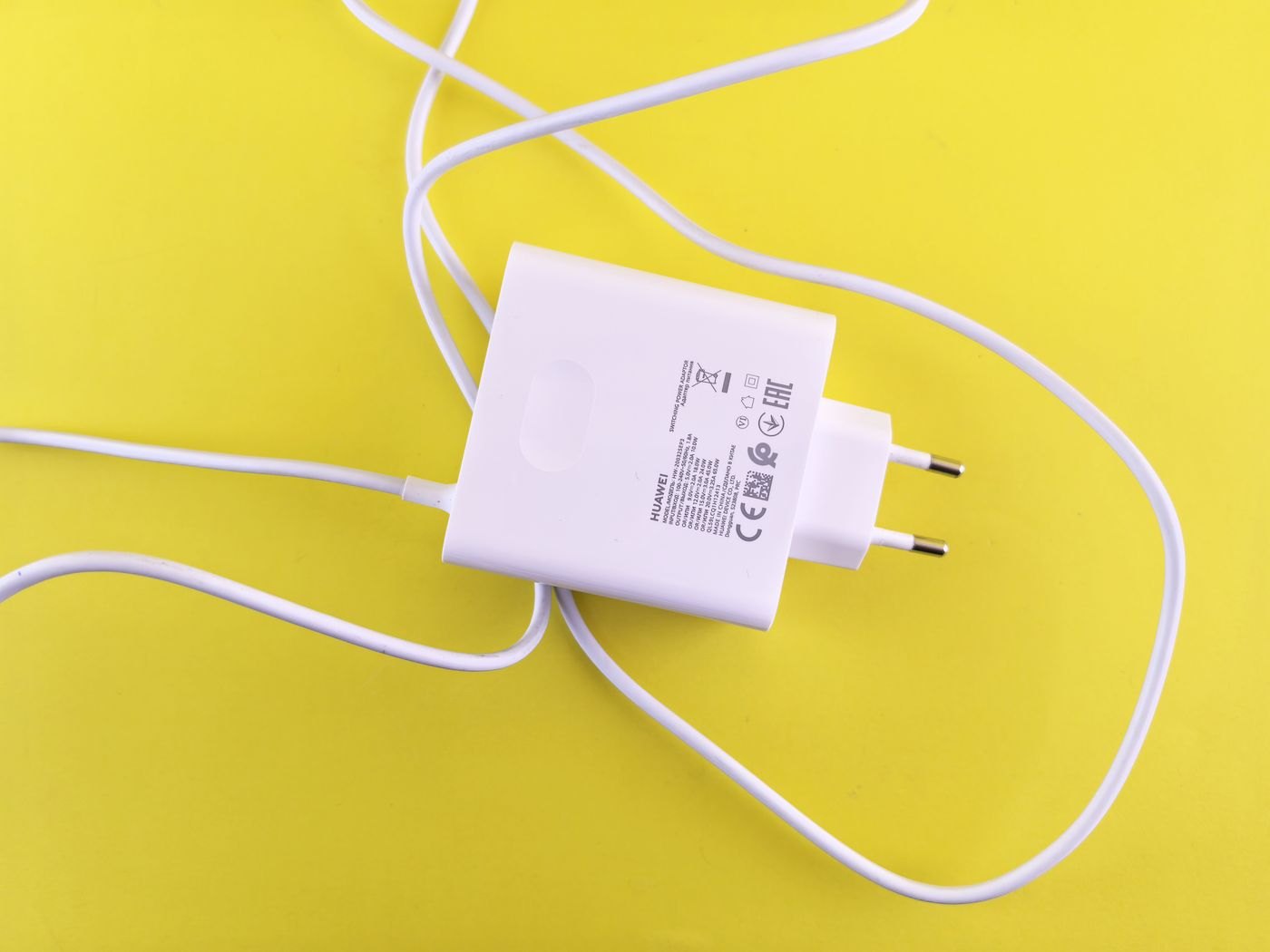
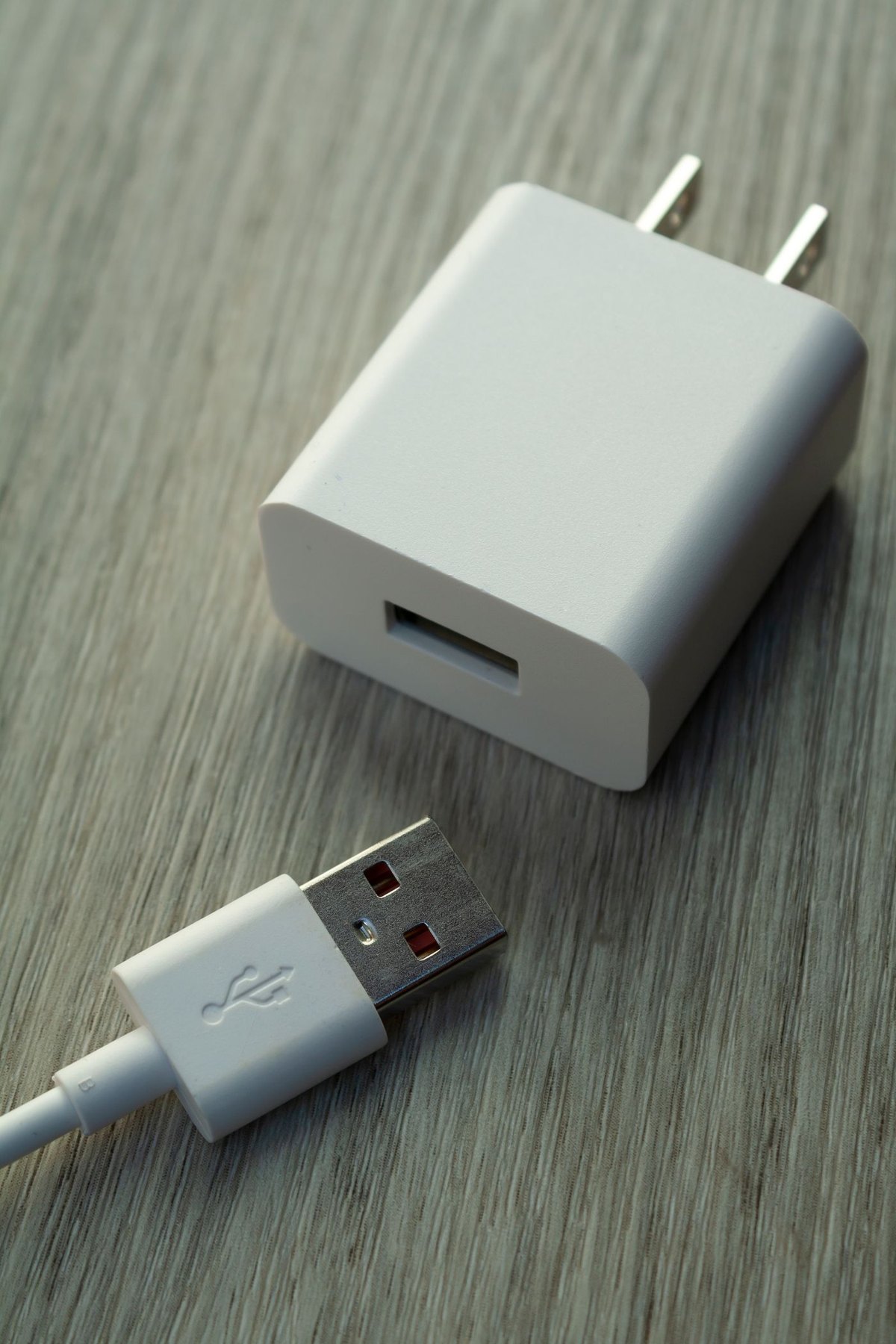
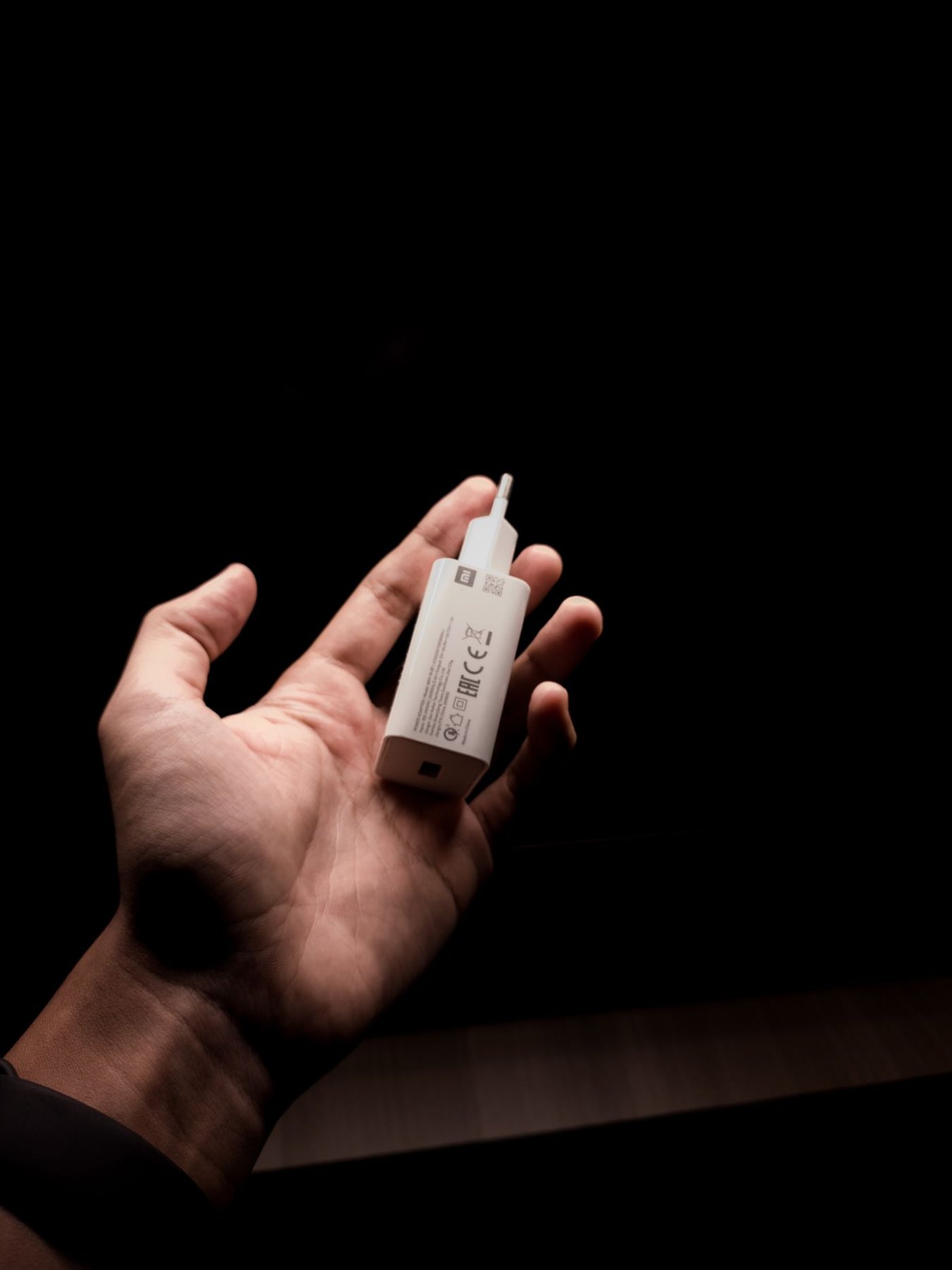
Separate the wall-plug question from the charger's electrical input and the device's charging requirements.
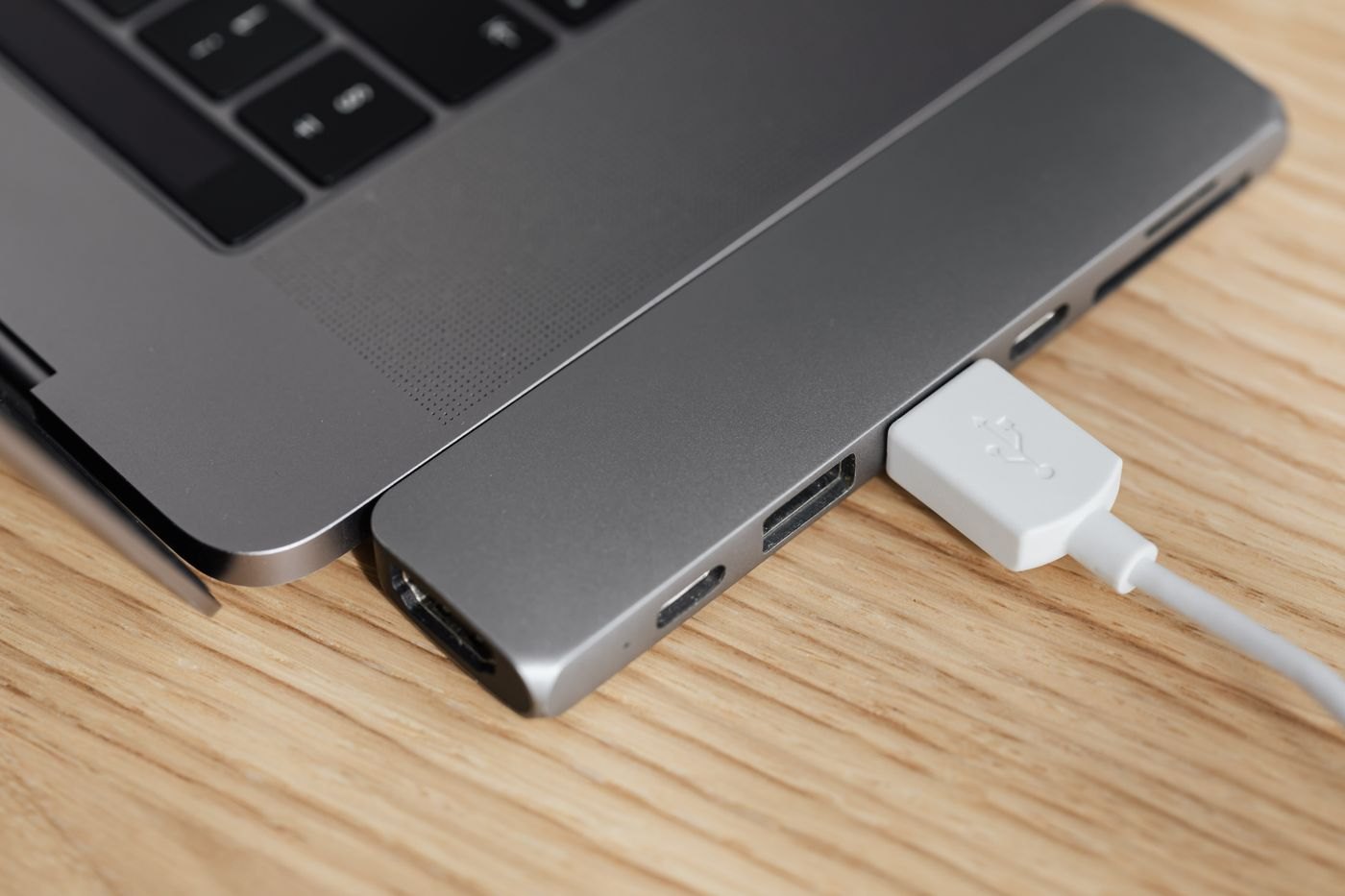
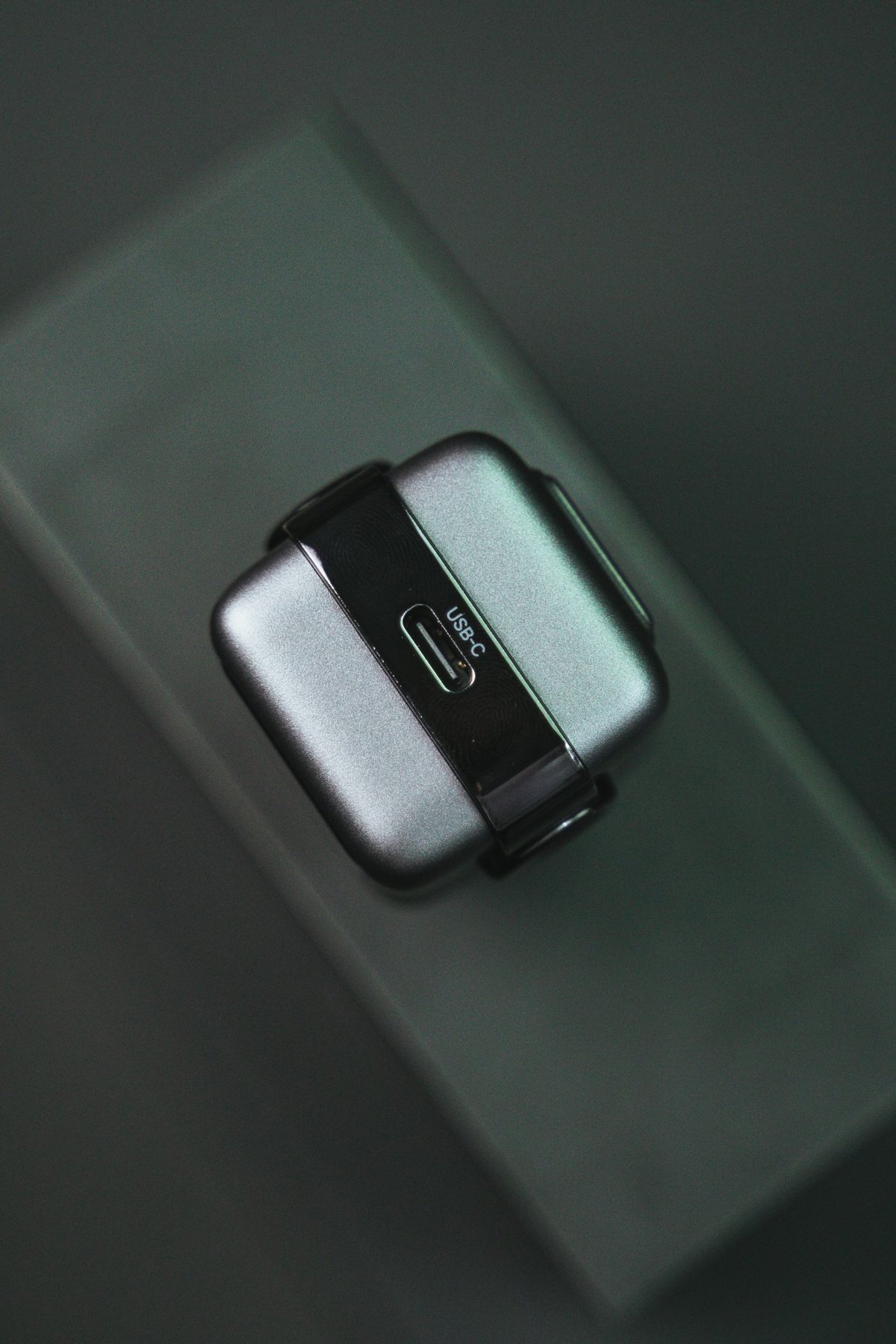
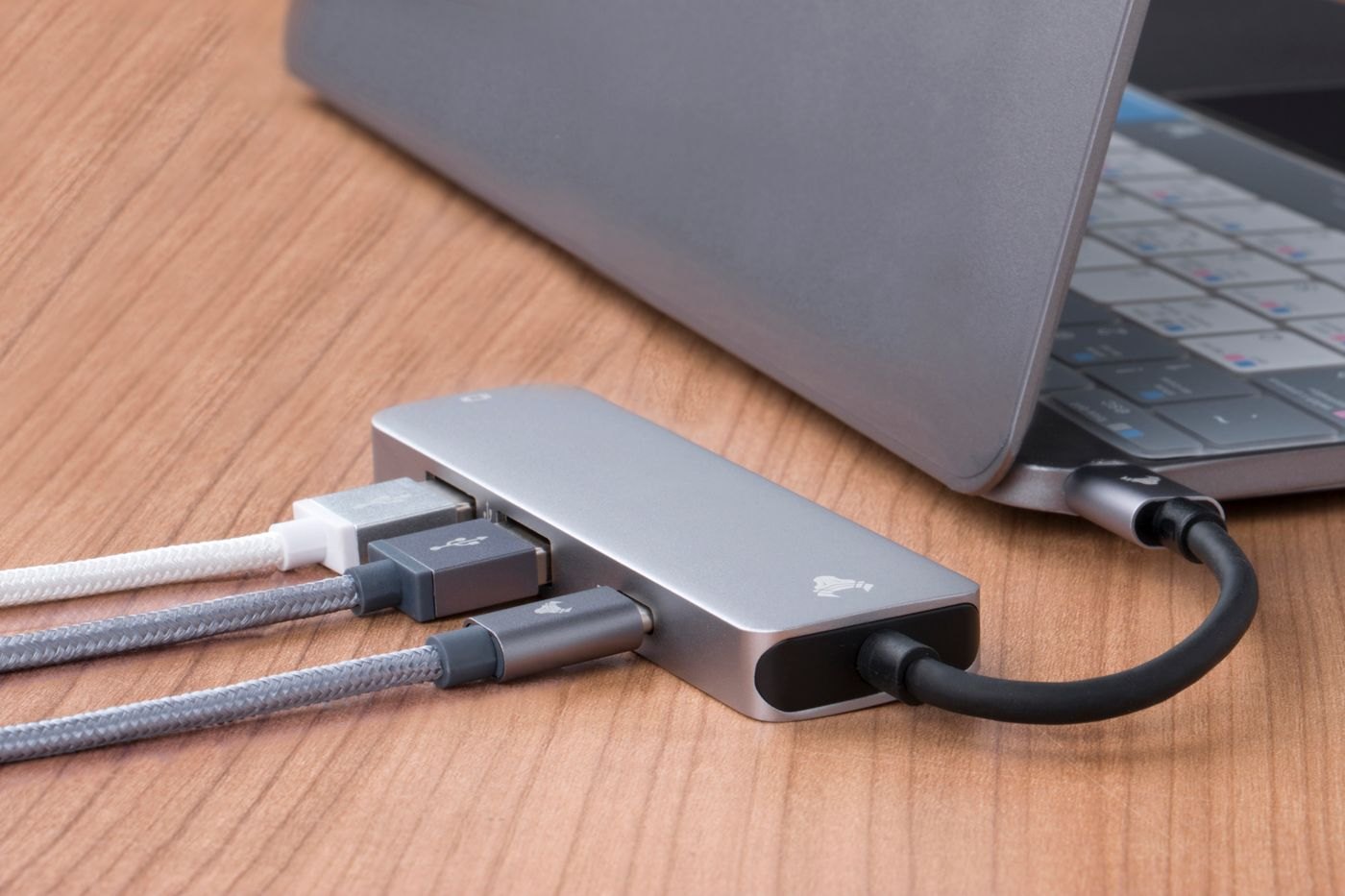
A USB-C socket's shape does not tell you whether it accepts power, sends video or supports the data task you need.
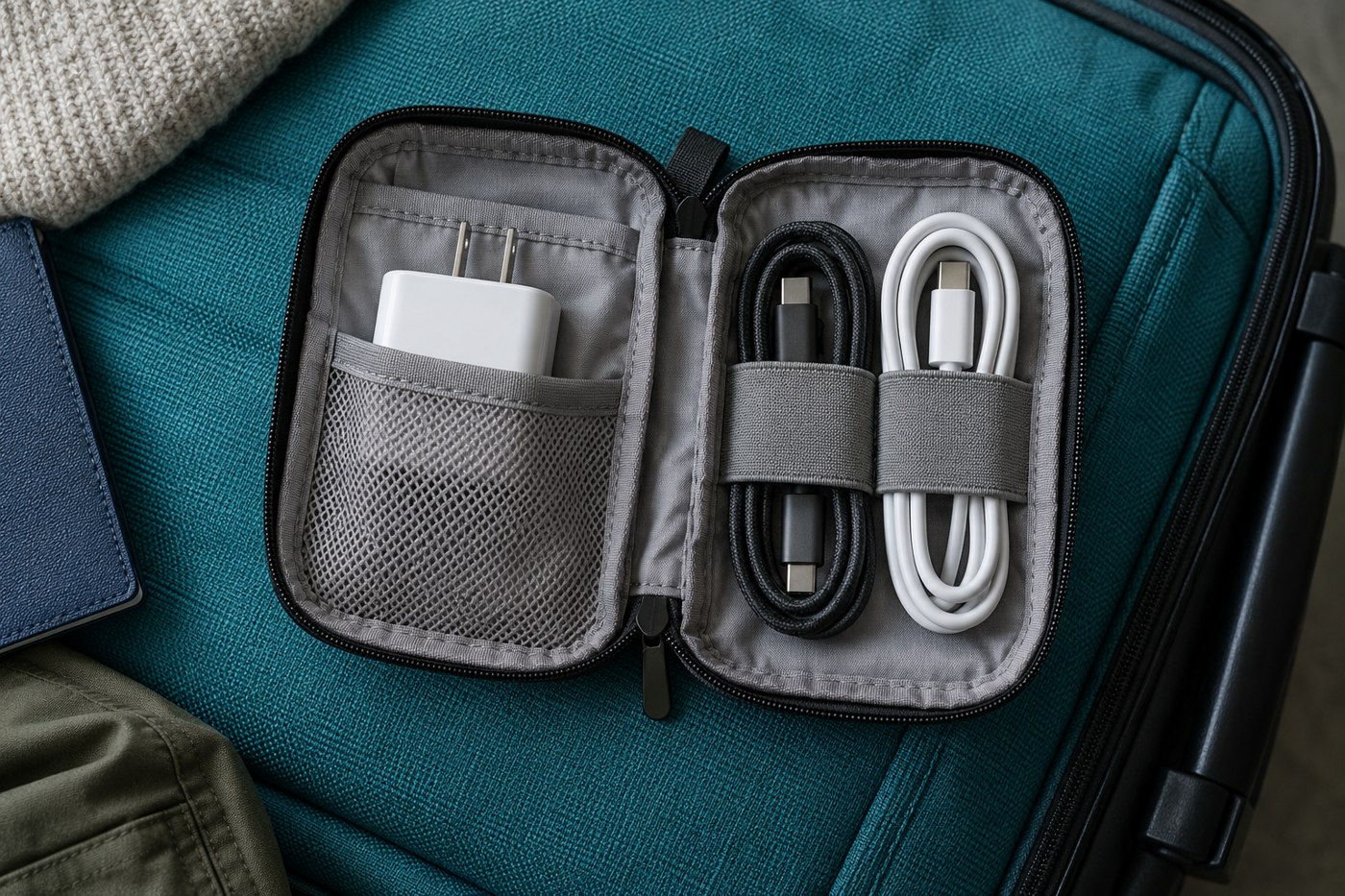
Store cables with gentle bends, identifiable purposes and no pressure on their connectors.
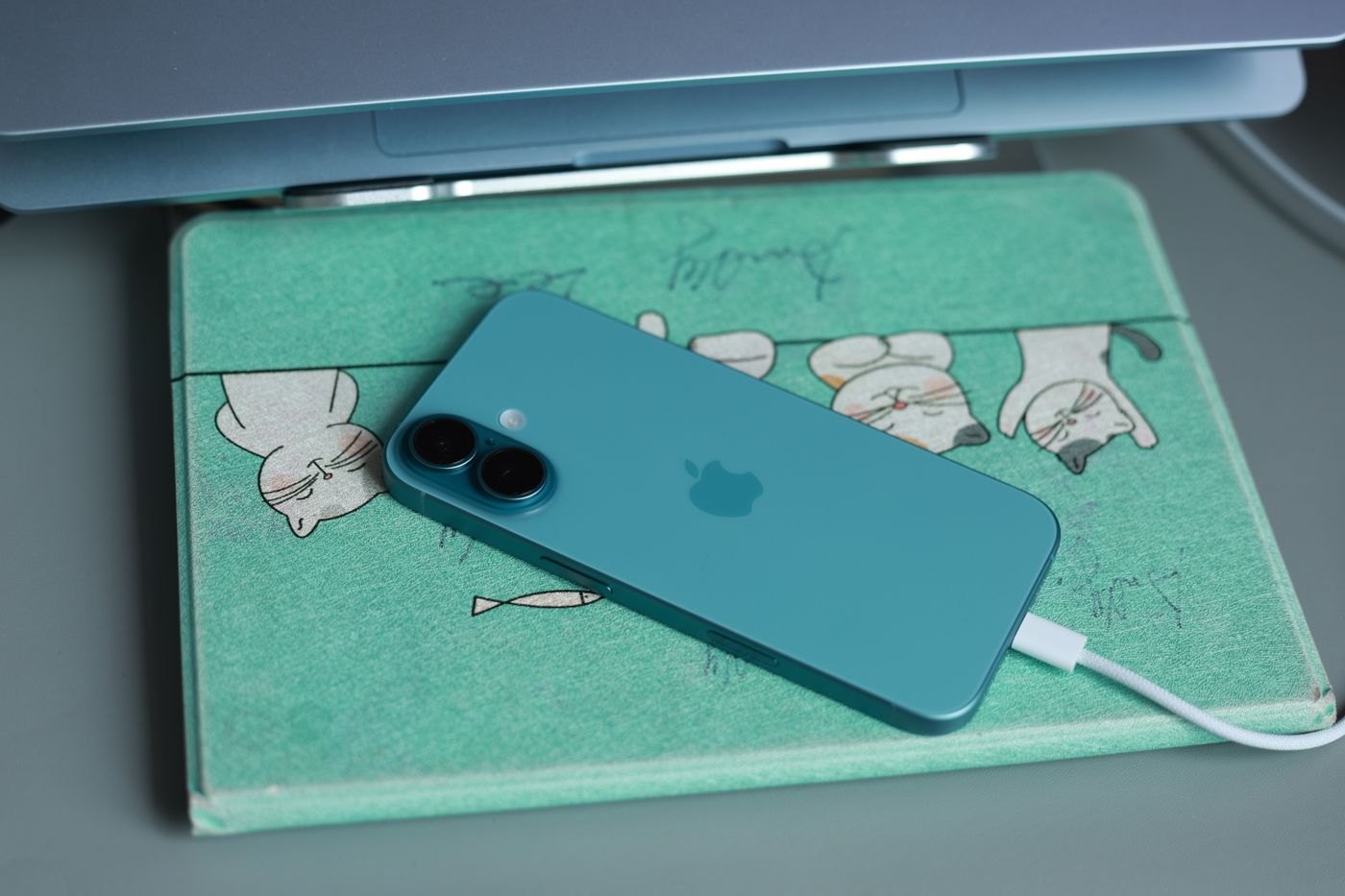
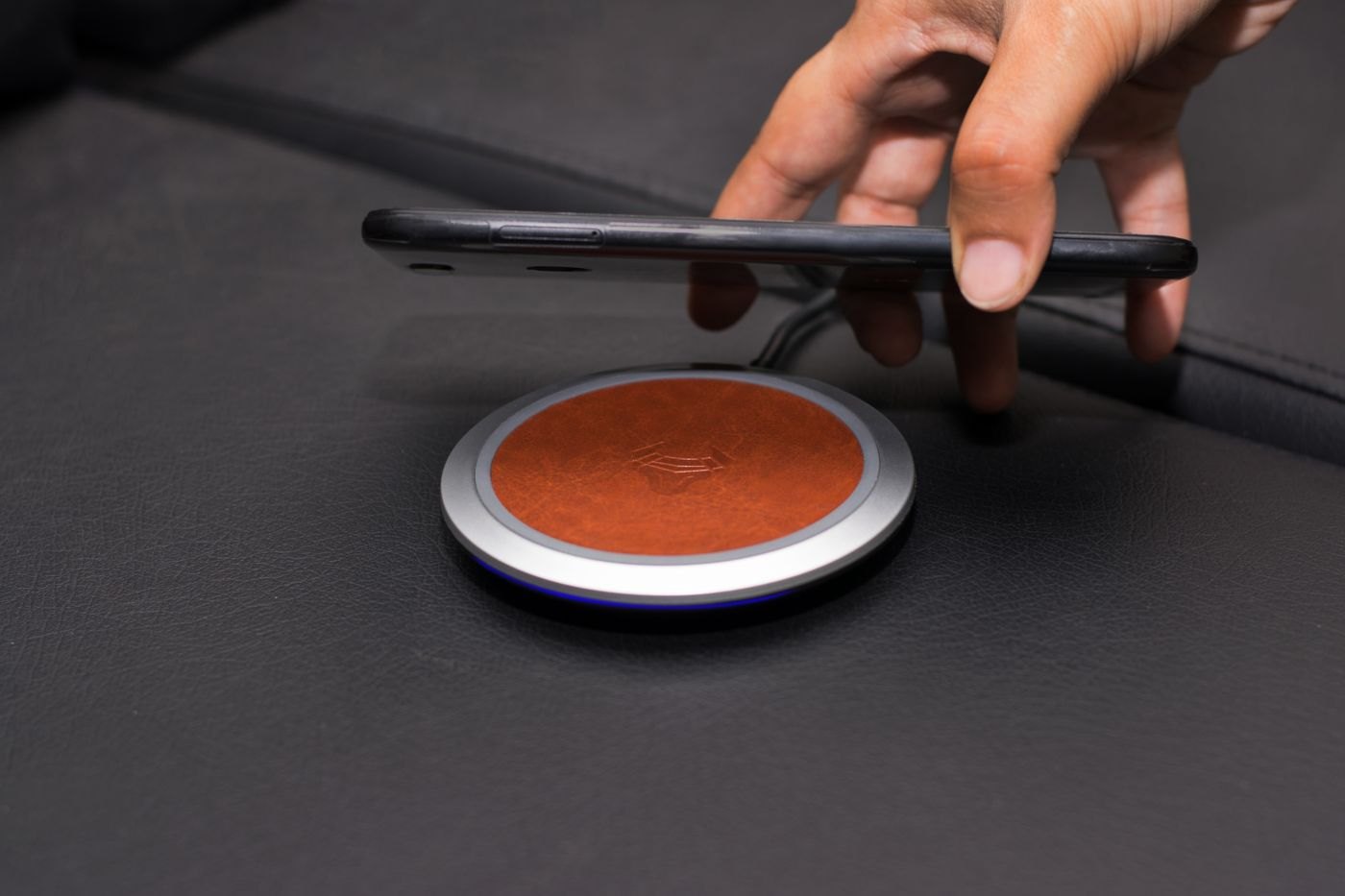
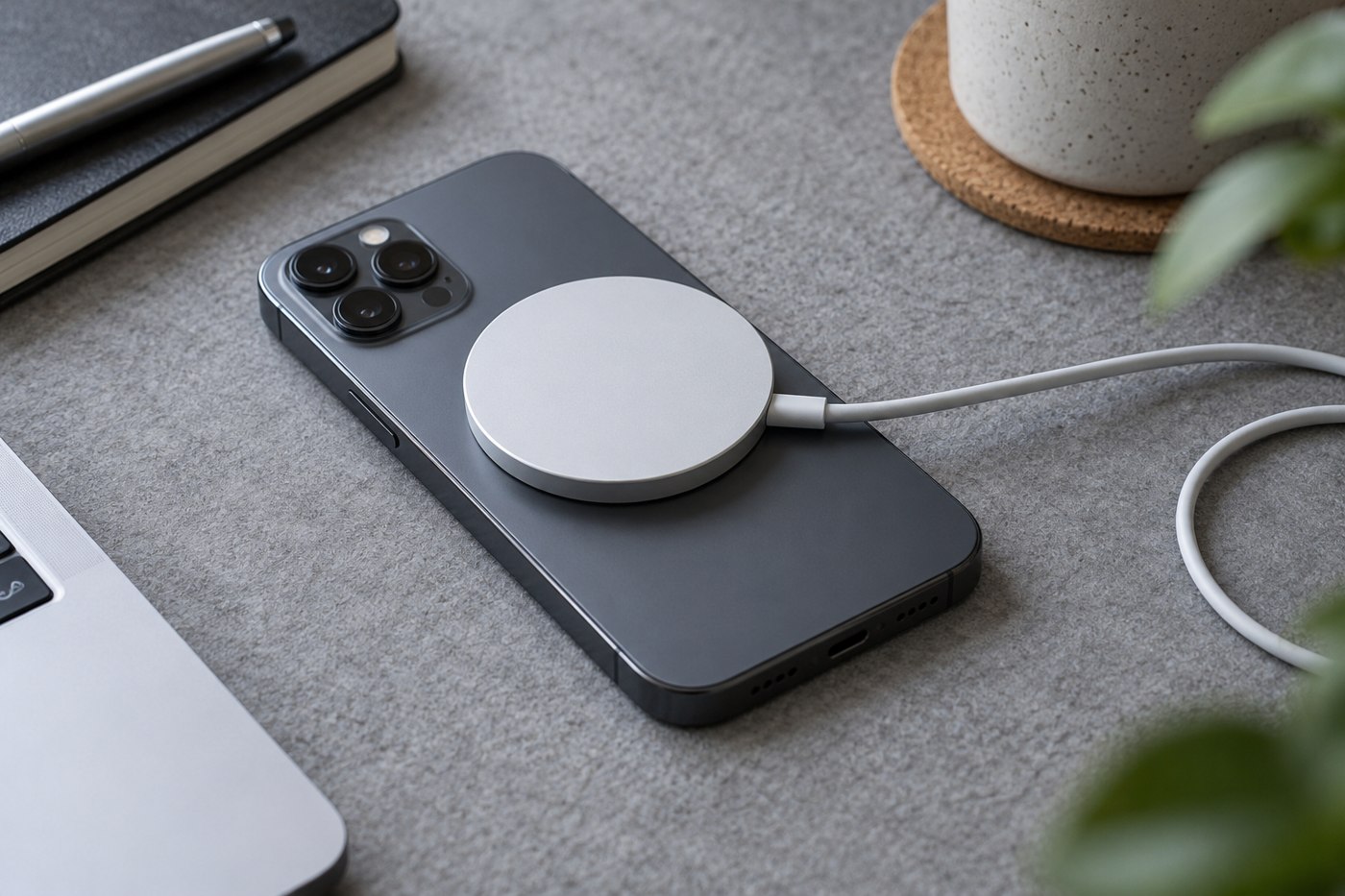
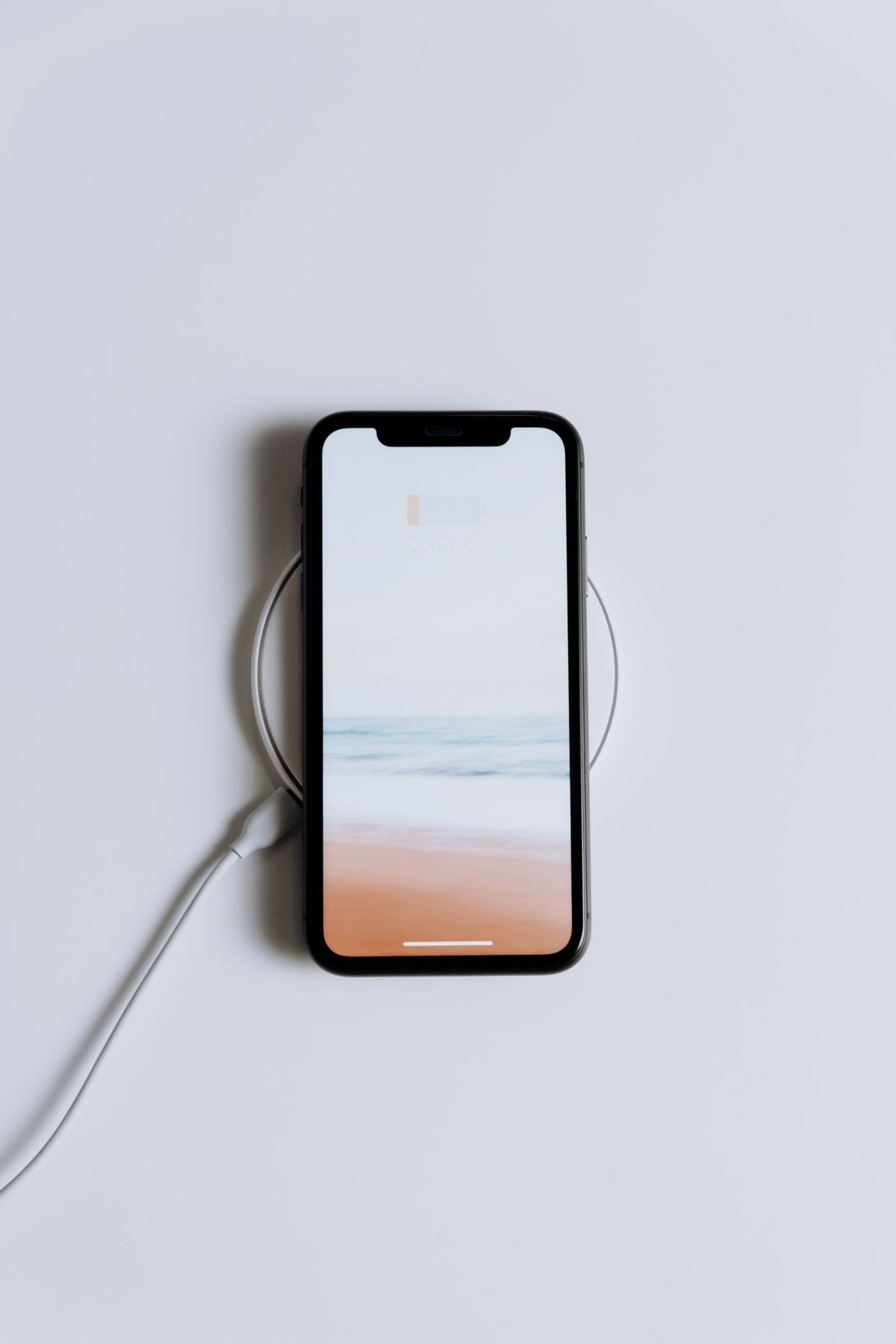
Check the phone's position on the charger and the case's supported features as one arrangement.
Choose portable power for the devices and time away from outlets, then consider what you are willing to carry.
USB Power Delivery is part of a charging match, not a promise that every supported product charges at the same rate.
An identifiable model, readable ratings and accessible manufacturer documentation are more useful than an unexplained safety badge.
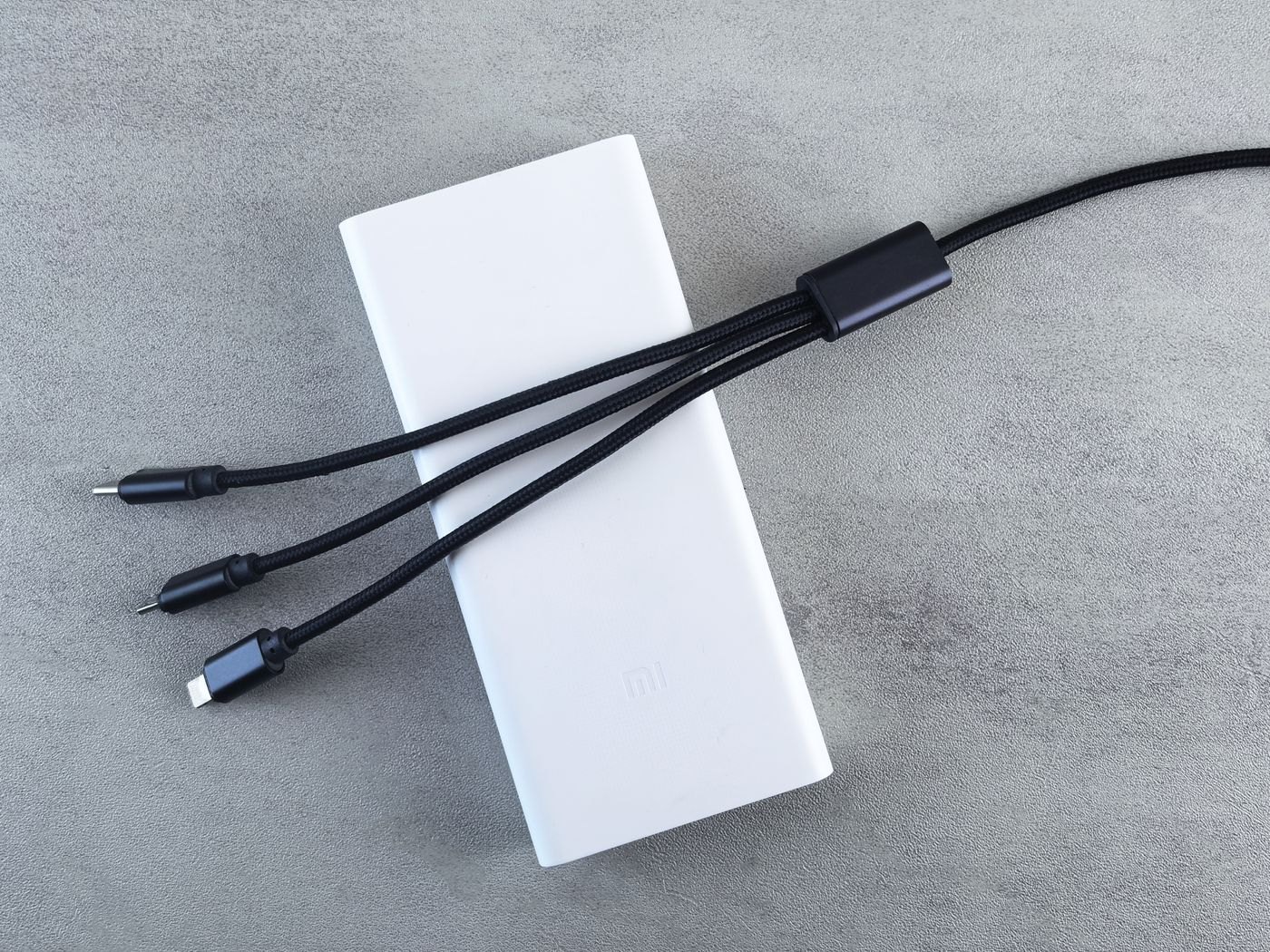
Pack a small set of verified connections and give each cable a reason to be there.
Replace a worn lead with one that meets the device's documented needs, then remove the damaged one from ordinary use.
Confirm both the attachment and the charging support of a magnetic accessory before making it part of your daily routine.
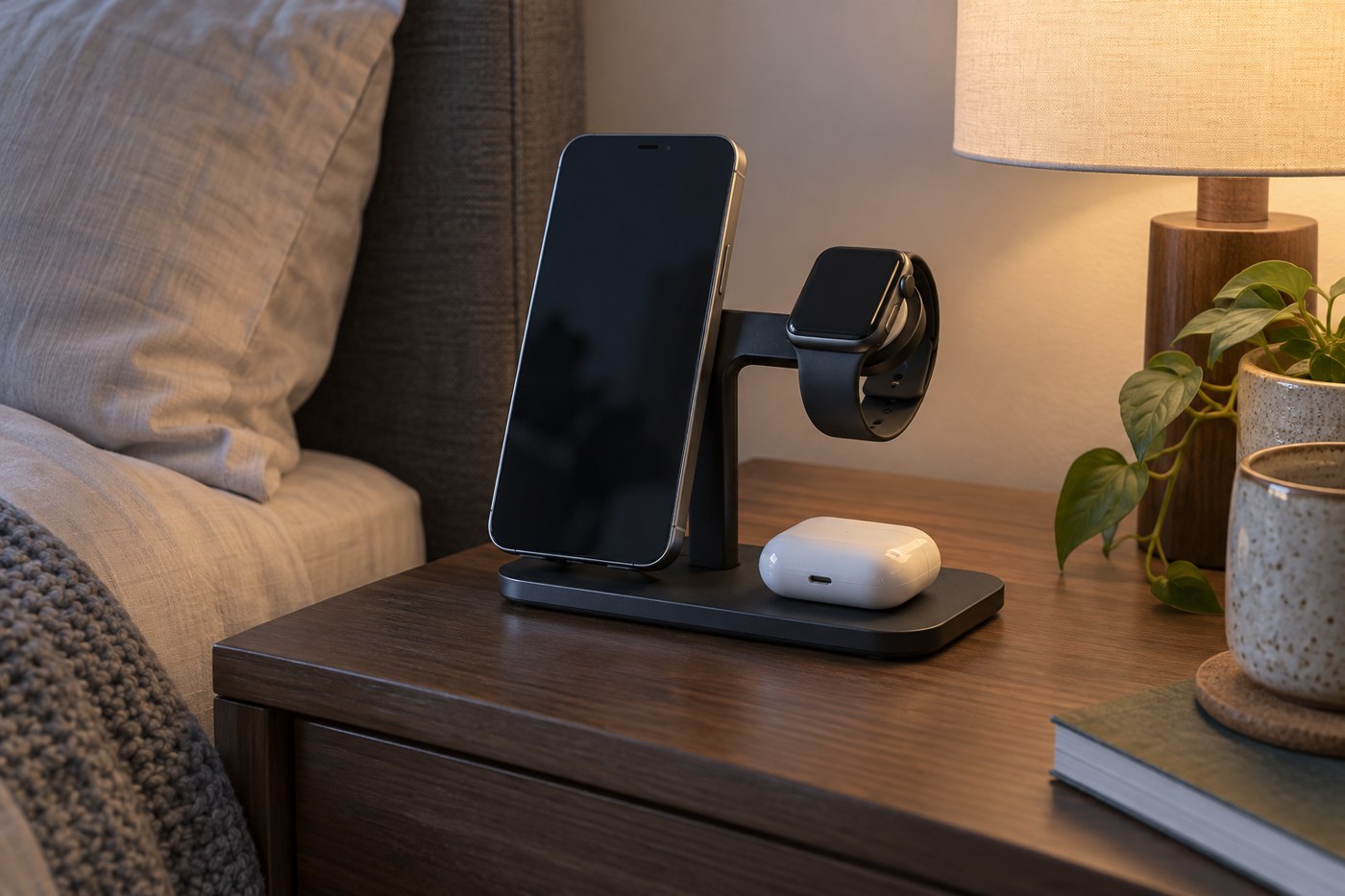
Choose a charging station around the devices that will occupy it together, including their cases and cables.
A slow-charging message can describe the power path, not necessarily a failed battery.
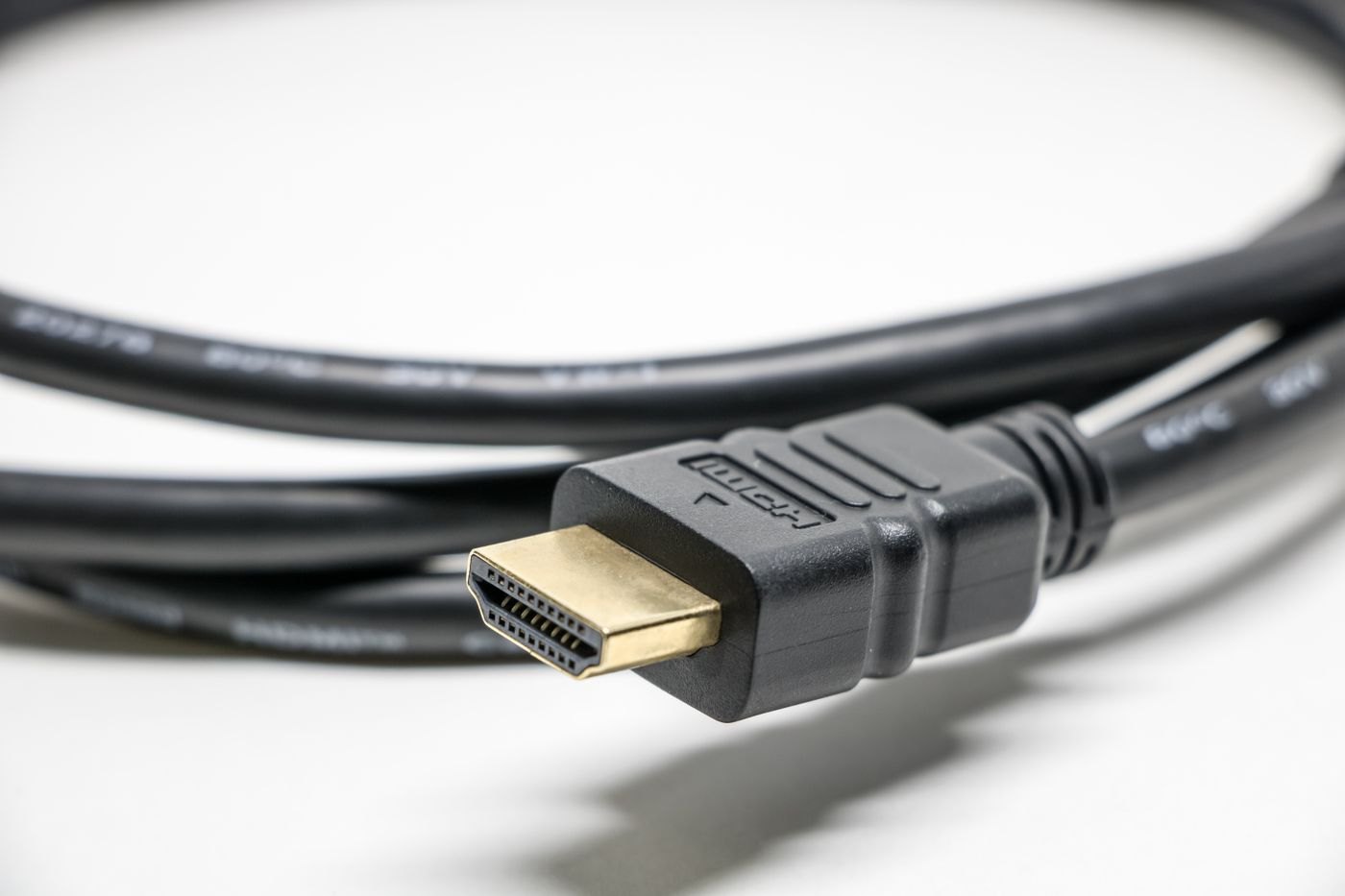
Choose the HDMI cable for the required display mode and actual length, with a traceable specification.
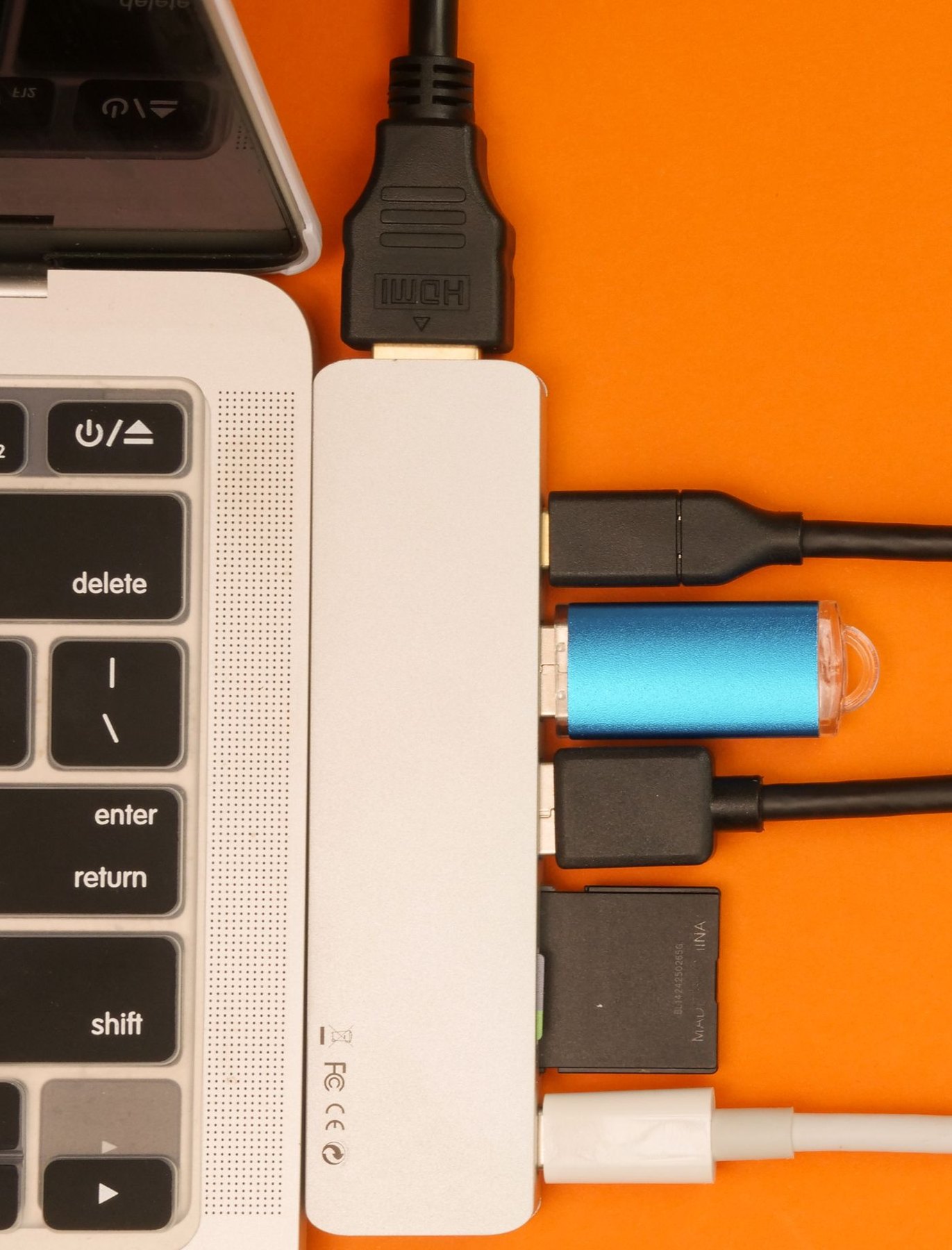
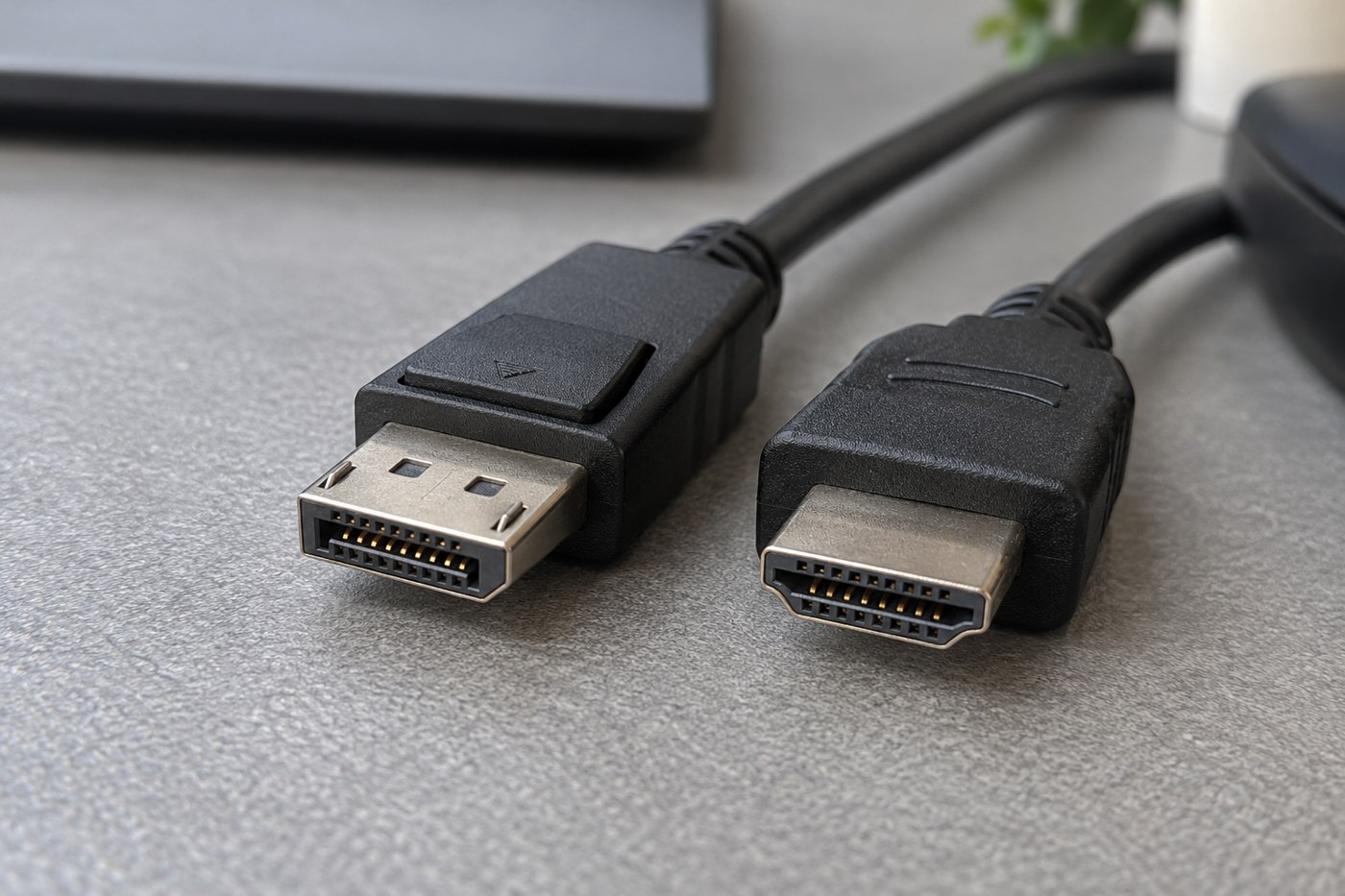
Compare the ports and display modes available on your equipment before preferring one connector family.
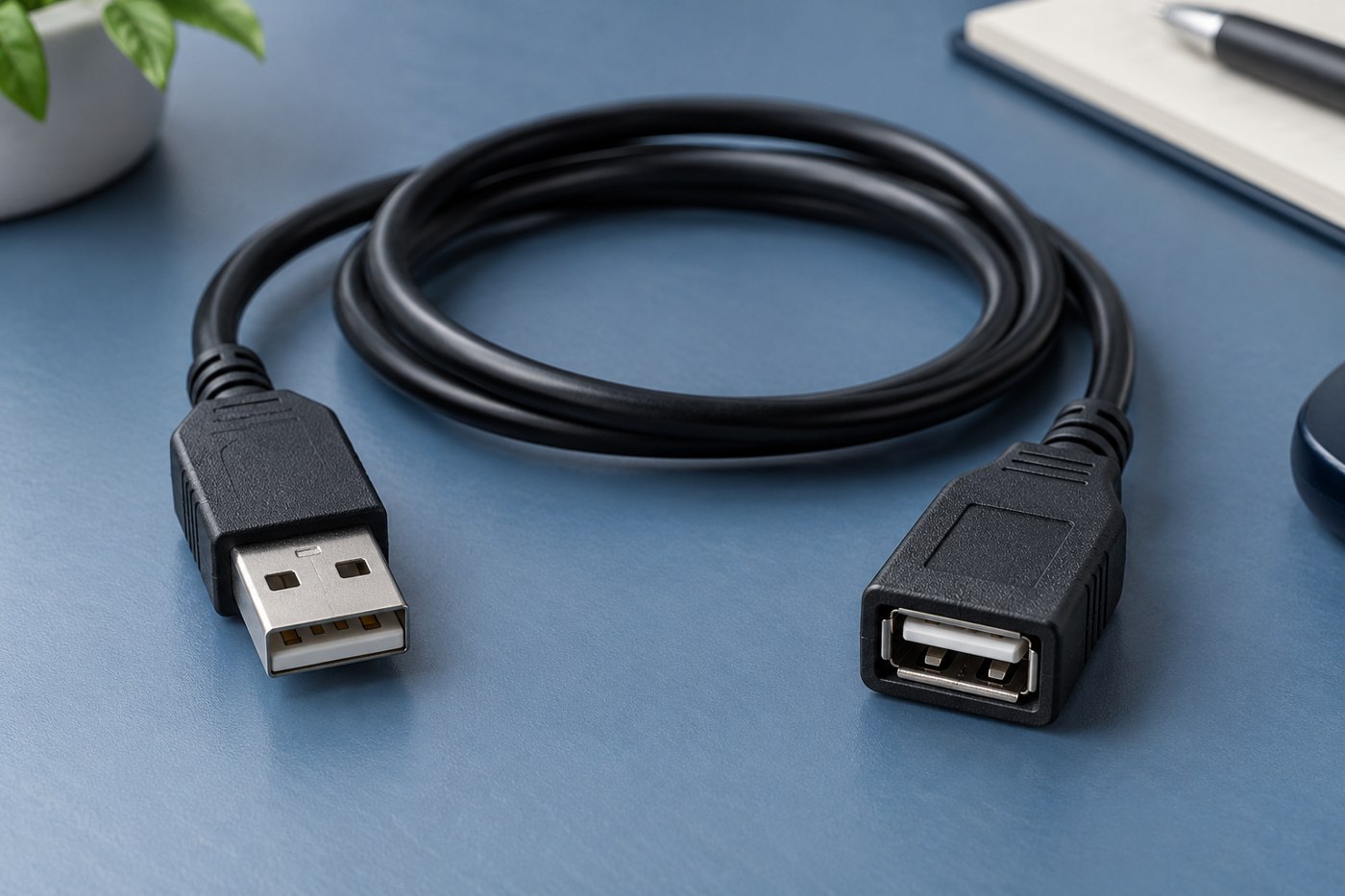
Identify the device and connection type before using an extension to solve a reach problem.
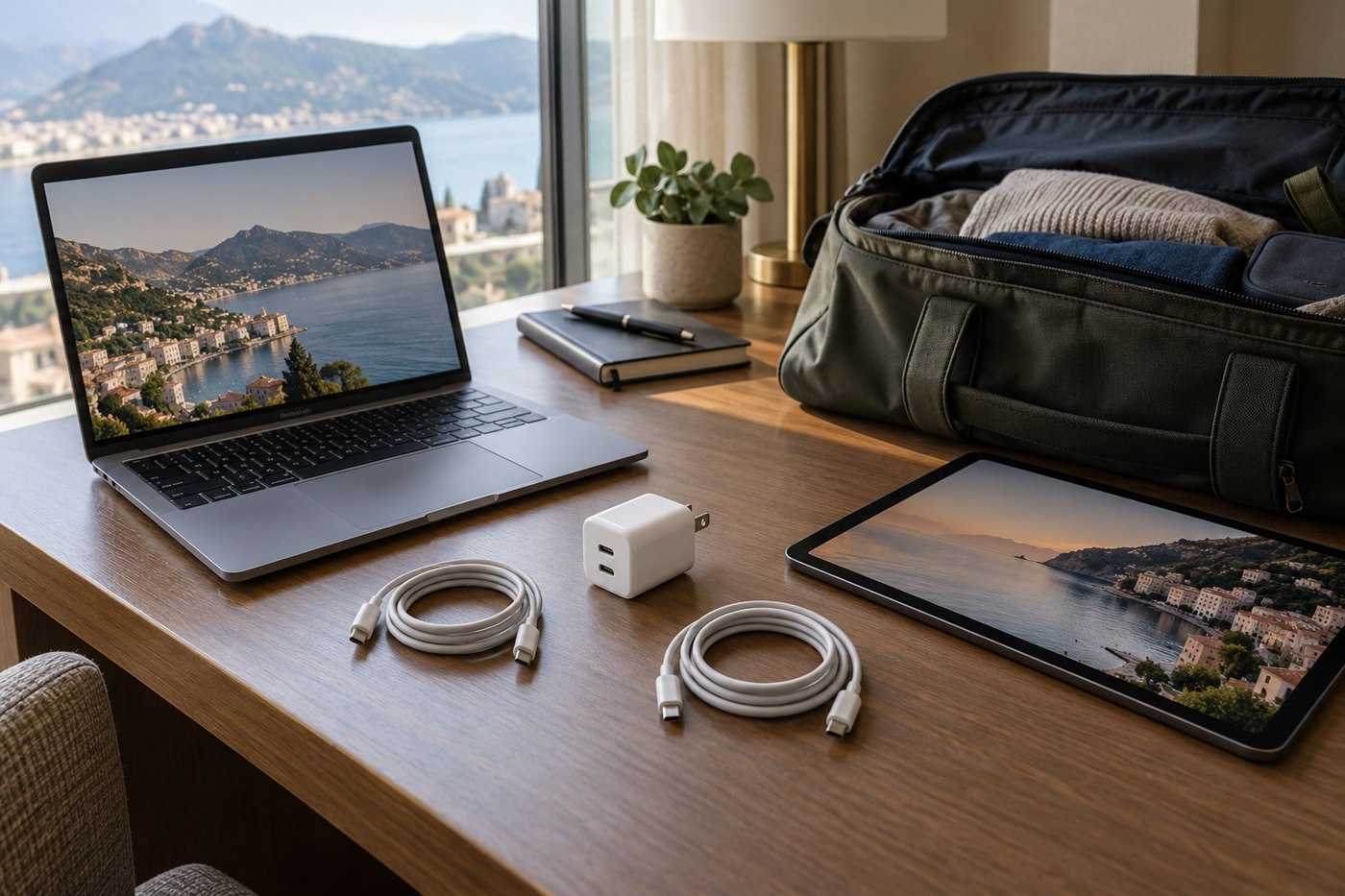
Plan the charging sequence as well as the equipment, especially when a single adapter serves both devices.
Know when to stop swapping accessories and use the manufacturer's service process.
Write down every step between the computer and screen before adding another adapter.
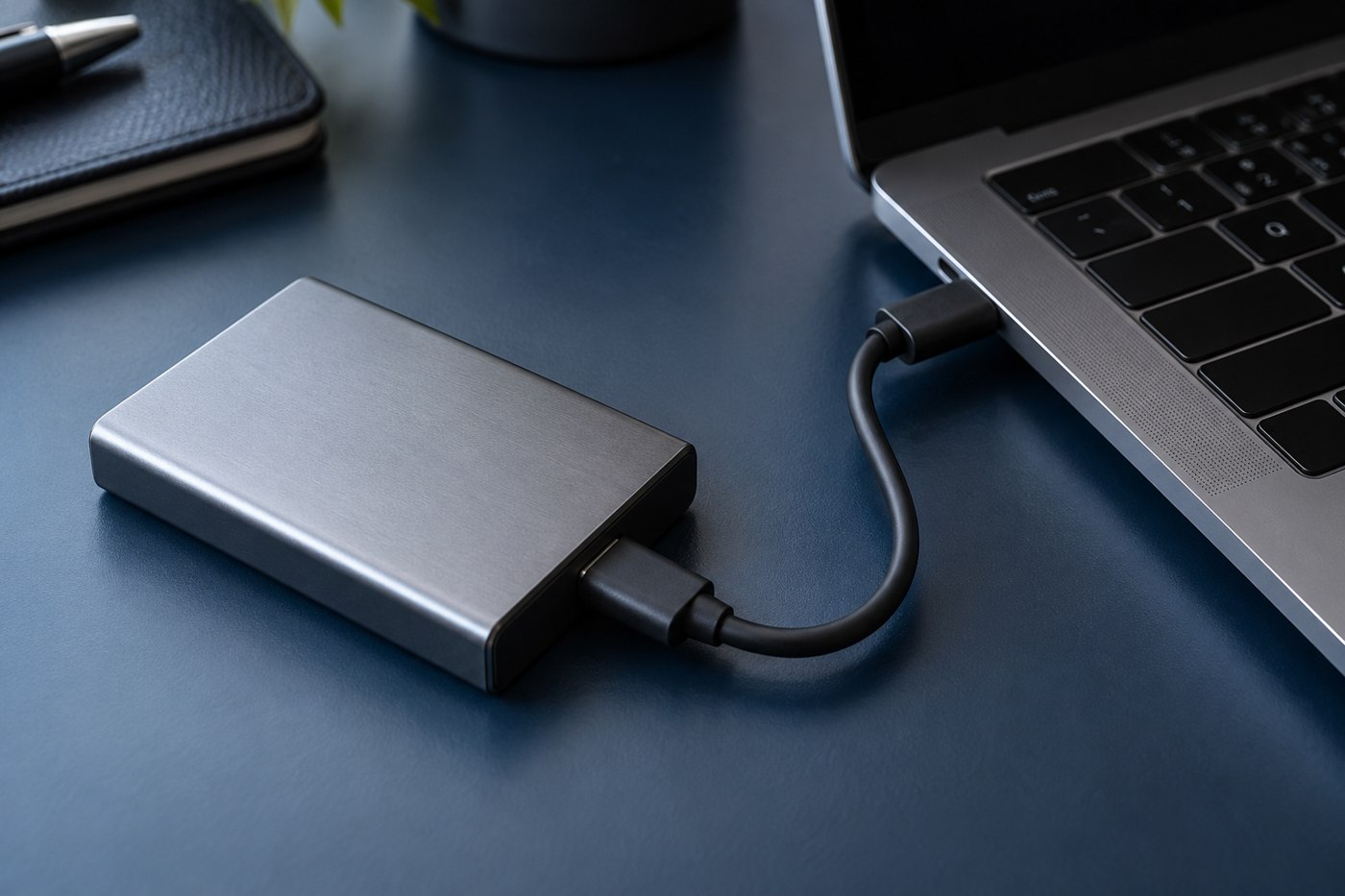
A short SSD cable should support the drive's data connection while leaving enough room to place the drive safely.
Turn the listing into a short specification: connector ends, length, power, data and any required display support.
Keep the charging equipment accessible and uncovered while making the phone easy to reach.
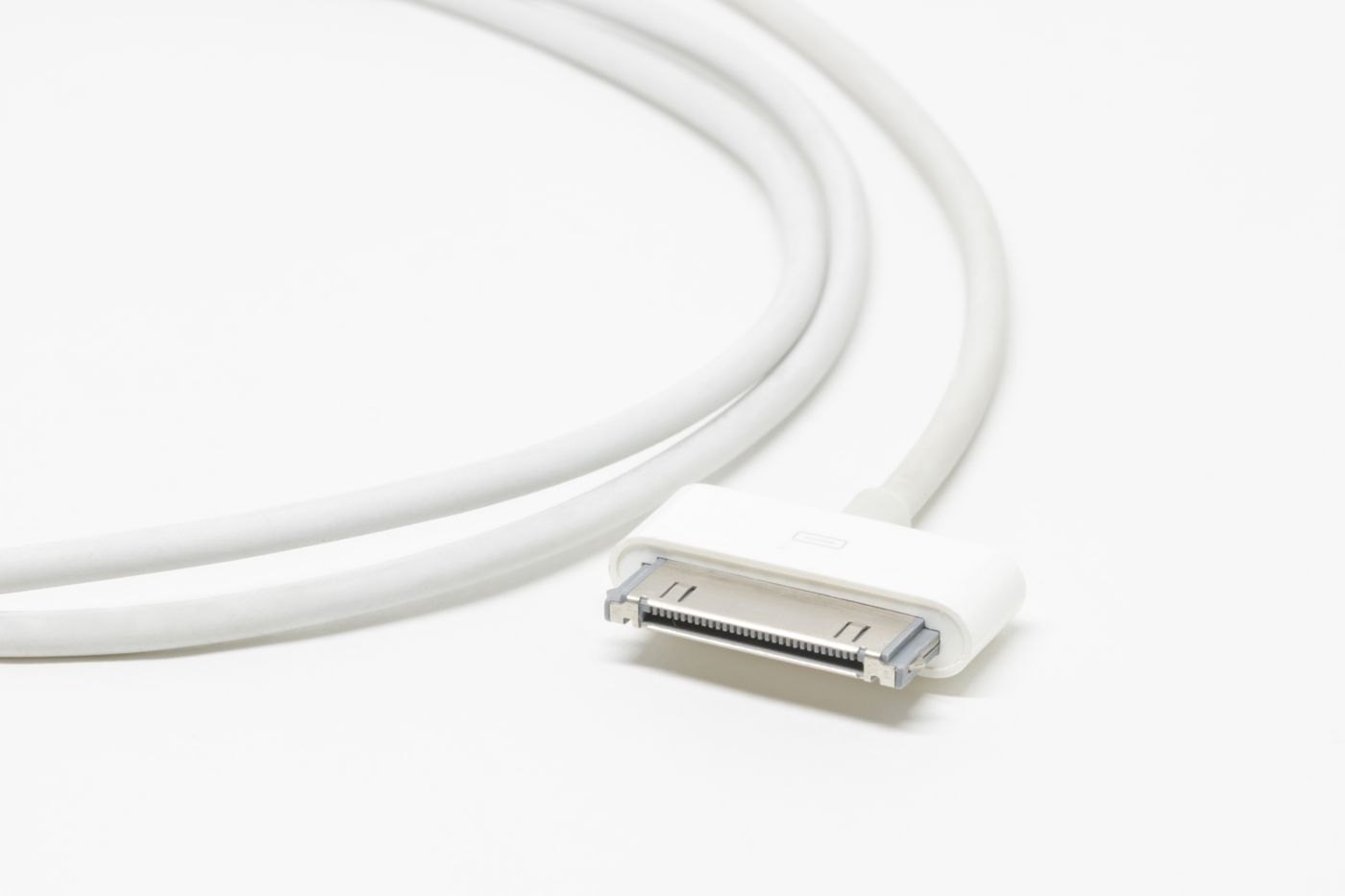
Use the device's original requirements and an identifiable replacement model, especially when the connector is proprietary.
Check the airline and relevant aviation authority for your actual batteries, itinerary and onboard-use plans.
No matching articles. Try a shorter phrase or clear the search.