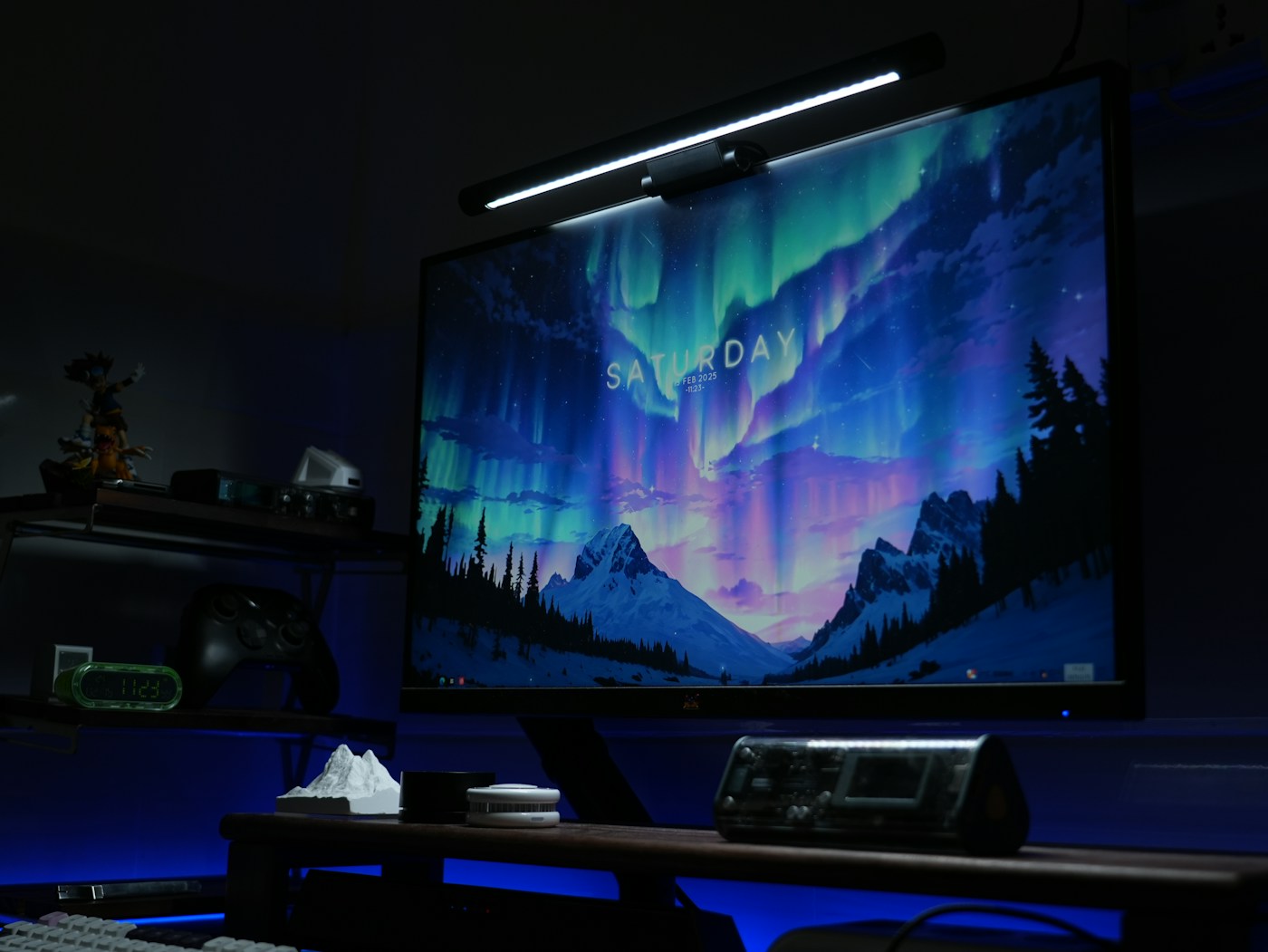
A monitor light bar uses the top of the display as a support, so the shape of that display matters. Start with a side view of your monitor and the light's mounting diagram. Measure the thickness where the clamp or counterweight actually sits, not at the thinnest part of the screen.
BenQ's ScreenBar Pro documentation, for example, specifies a thickness range and supported curvature conditions. Those measurements belong to that model. Use the corresponding instructions for the light you intend to buy rather than assuming every light bar has the same clamp.
Look at what already occupies the top edge
Find the webcam, built-in camera, microphones, sensors and ventilation openings. A light that fits mechanically can still obstruct another function. If an accessory webcam mount is offered, check its compatibility and whether it is included. Do not balance a camera on a surface that was not designed to hold it.
Also consider the rear shell. A rounded or stepped back can alter where a counterweight rests, while a very thin bezel may leave little permitted contact area. Follow the display manufacturer's restrictions as well as the light's instructions. Pressure on the active screen area is not an acceptable way to achieve a stable fit.
Test the desk, not just the lamp
Think about what you want illuminated: a keyboard, notebook or a particular work area. The useful beam should reach that area without an unwanted reflection in the display. Screen angle, desk depth and glossy objects affect the result, so a demonstration on another desk is only a starting point.
Check the power input and the intended source. A USB connector does not mean every spare monitor port is an appropriate supply. Follow the specified requirement and confirm whether the light stays on, turns off or changes state when the computer sleeps if that behaviour matters to you.
Once mounted, adjust the screen through the positions you use and verify that the support remains secure. Set brightness for the task and inspect the display from your normal seated position for reflections. If the light interferes with the camera or cannot illuminate the needed area, a separate desk lamp may fit the room better. The purpose is useful light in a specific place, not simply filling the monitor's top edge.