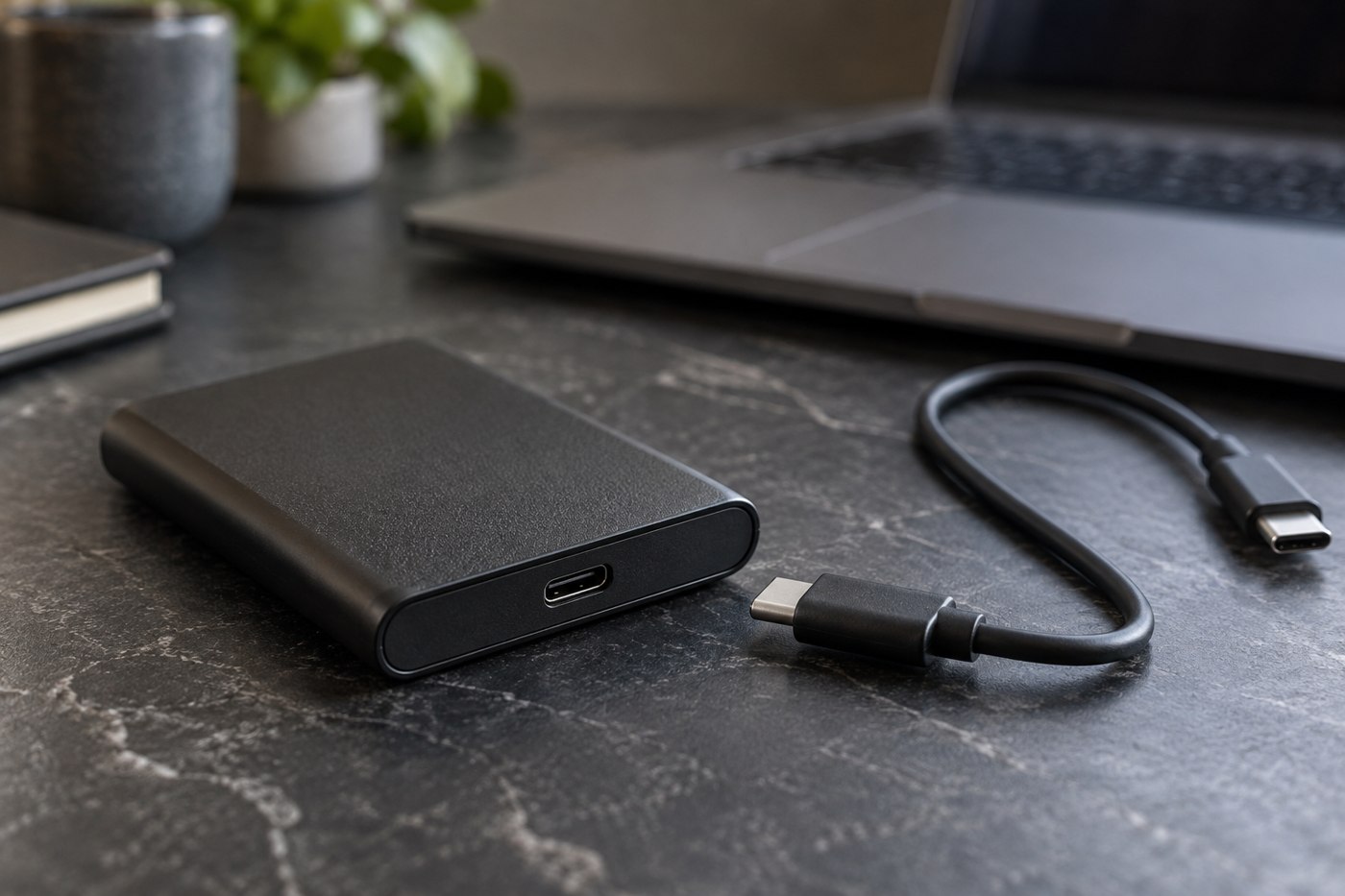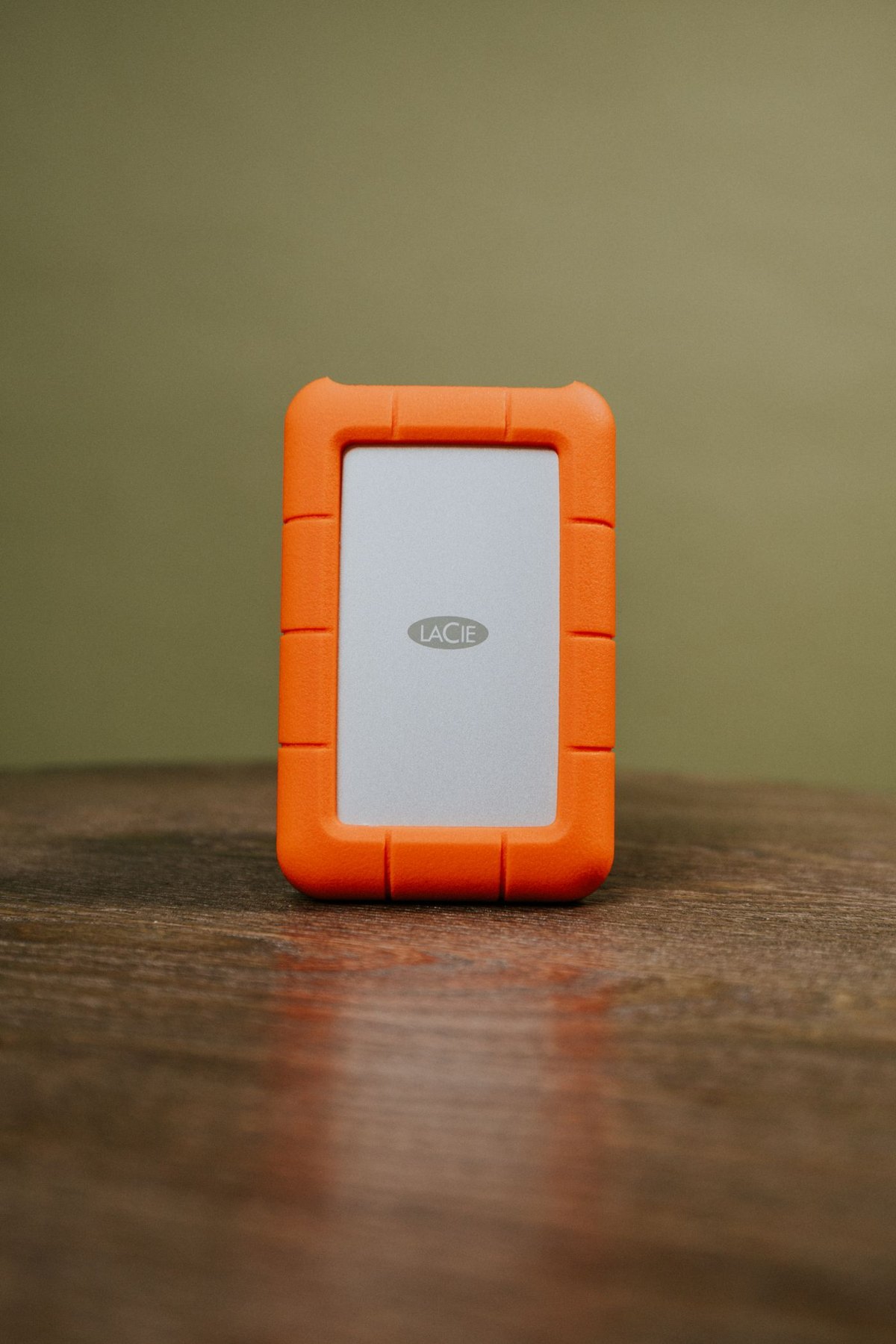
A travel drive needs a defined purpose. It might hold a second copy of new photographs, documents required at a destination or a project you will edit away from home. Decide which of these jobs applies before copying your entire computer onto a device that will spend days in a bag.
For material you need to read during the trip, create a clearly named folder containing only the current versions. Open the files using the device and applications you will carry. A document that opens correctly at home may depend on software, fonts or account access absent from the travel machine. Resolve that before departure rather than treating file presence as readiness.
Keep new material distinct
If the drive will receive photographs during the trip, give new imports their own dated folders. Avoid mixing them with old exports of similar subjects. Keep source cards unchanged until you have verified the copy and completed whatever additional backup arrangement you chose. A travel drive holding the sole copy of new photographs is working storage, regardless of its label.
Leave room for the expected new material and an unplanned extension of the trip. Estimate from a comparable day of shooting or work, then multiply by the period you actually need to cover. Do not use the camera's card capacity as the only forecast if you carry several cards or intend to record more video than usual.
Reduce the consequences of losing the bag
Consider whether each sensitive file truly needs to travel. If you protect the drive with encryption, confirm that the destination device supports it and that you have a secure way to recover access. Do not store the only recovery information on the protected drive itself.
Keep the home copy intact. When possible, avoid storing every copy of new work in the same pouch. Physical separation is a planning choice, not a guarantee against loss, but it helps prevent one missing bag from containing the whole collection.
After returning, import new material into its permanent home and update the regular backup. Verify that the transfer includes every day's folder before clearing travel storage. Leave a note if a project remains active on the portable drive, so it does not disappear from your normal backup routine once the suitcase is put away.