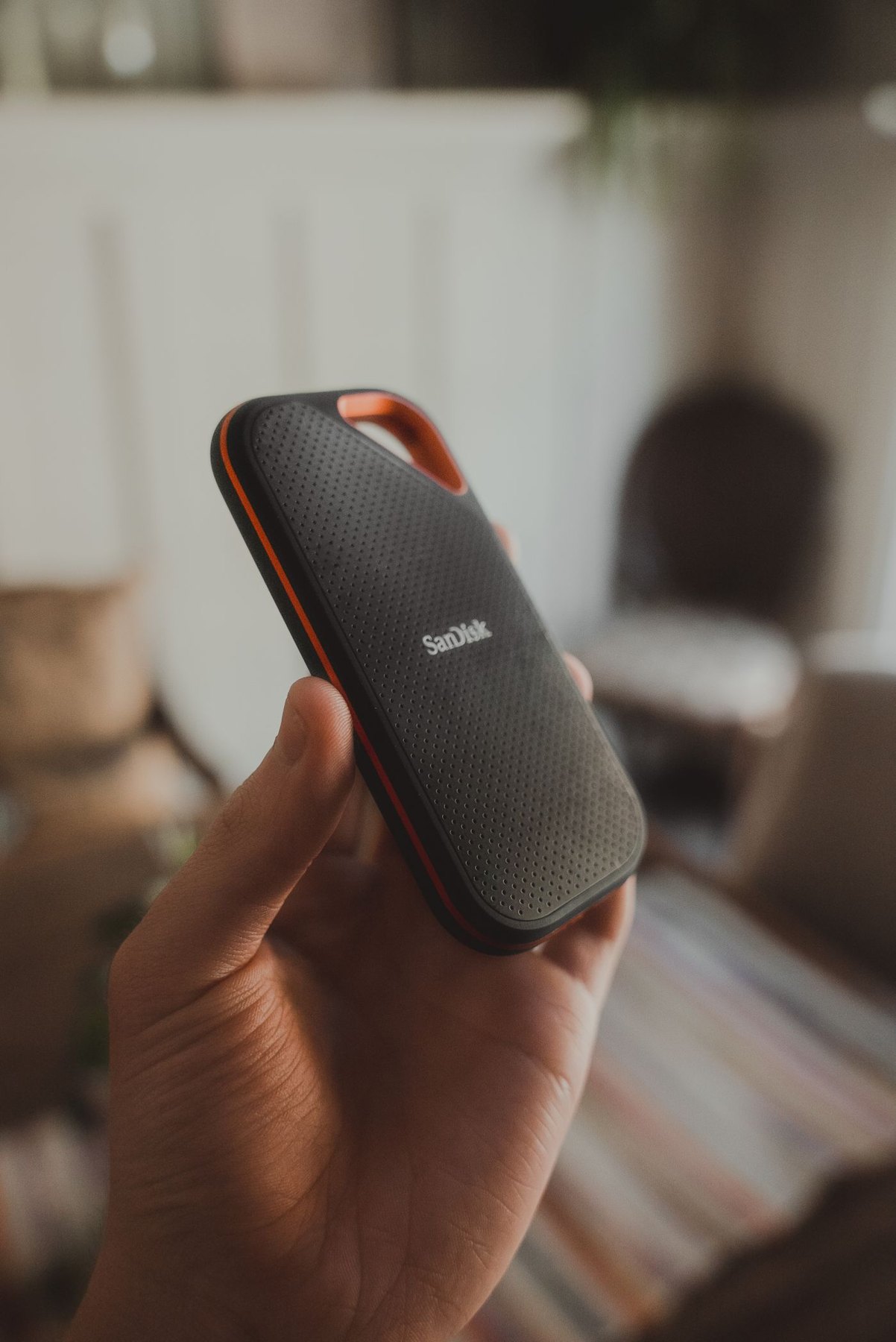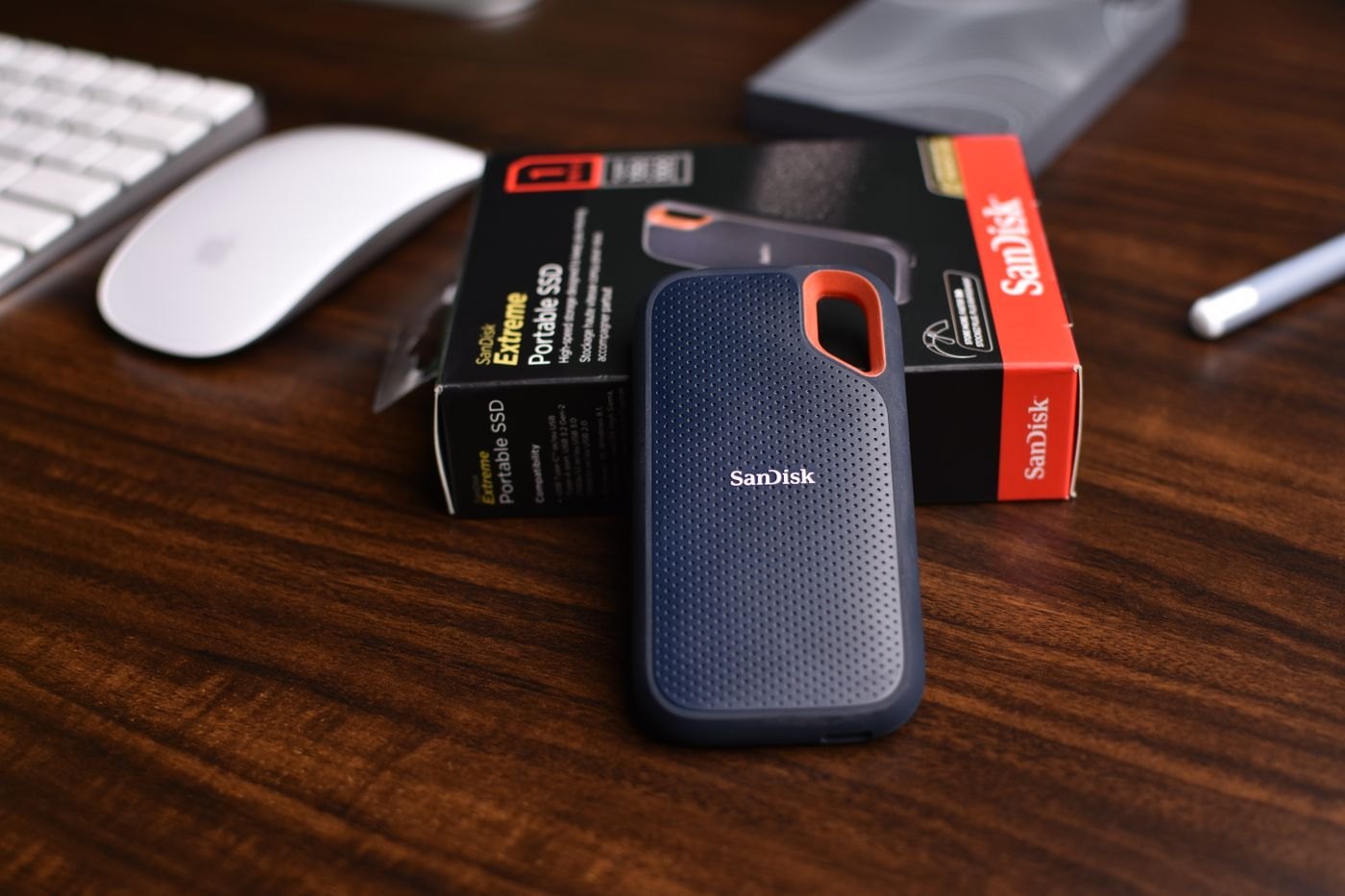
A used drive should enter your setup as an untrusted storage device, not as the immediate destination for the only copy of a project. Identify the exact model and capacity from the physical label, and compare them with the seller's description. Check the manufacturer's support page for documentation, software and any relevant service information.
Inspect the enclosure, socket and included cable for visible damage. A missing or unsuitable power supply matters for drives that require one. Do not experiment with a random adapter because its connector fits. Stop using equipment with damaged power components and seek an appropriate replacement or service route.
Test a disposable workload
Use the manufacturer's supported diagnostic tools where available and read what their results actually cover. A passed test is evidence about that test, not a promise of future reliability. Health indicators, when available, also need interpretation for the particular device; do not convert a single number into a guaranteed remaining lifespan.
Before erasing or testing a seller's leftover files, respect their privacy and follow the agreed handover process. Do not browse personal material out of curiosity. If the drive appears to contain another person's data, ask the seller to complete the handover appropriately or use the return route.
With an empty drive ready for testing, copy nonessential files representative of your normal work. Open them from the destination and, where appropriate, compare checksums to confirm that the copied bytes match. Try the actual cable and computer connection you intend to use. Record interruptions or unusual behaviour rather than dismissing them because a later attempt succeeded.
Assign a limited role first
Keep a separate verified copy of anything placed on the drive. A used device may be acceptable for transporting replaceable files or holding an additional copy, but its purchase price should not encourage you to remove other protection. Even a new drive should not be the sole home of irreplaceable material.
Retain the receipt and run the checks within the seller's return period. If errors recur, contact the seller or manufacturer with the model and observations instead of repeatedly reformatting and hoping the problem disappears.
Compare the total cost with an alternative that includes a clear warranty and known accessories. A used drive is a reasonable purchase only when its condition, role and price make sense together; extra capacity does not compensate for uncertainty you cannot accept.
Understand what an empty-looking drive does not prove
An empty folder view does not establish the physical capacity or condition of the underlying device. If the manufacturer's tools offer a supported capacity or full-surface test, read the instructions and warnings before running it on an empty drive. Some tests write data or take a long time, so they belong before important files are entrusted to the device, not after.
Do not download an unknown utility merely because a seller recommends it. Obtain diagnostic software from its official source and check that it supports the model and operating system. Keep the test result with the purchase record, including the date and the connection used. If a test reports an error, ask what the result means rather than repeatedly rerunning it until one attempt passes.
A used enclosure can also contain a different internal device from the one originally sold in it. Where the software exposes model information, compare it with what the listing promised and ask the seller about discrepancies. Avoid opening an enclosure merely to investigate if doing so would damage it or affect the agreed return process.