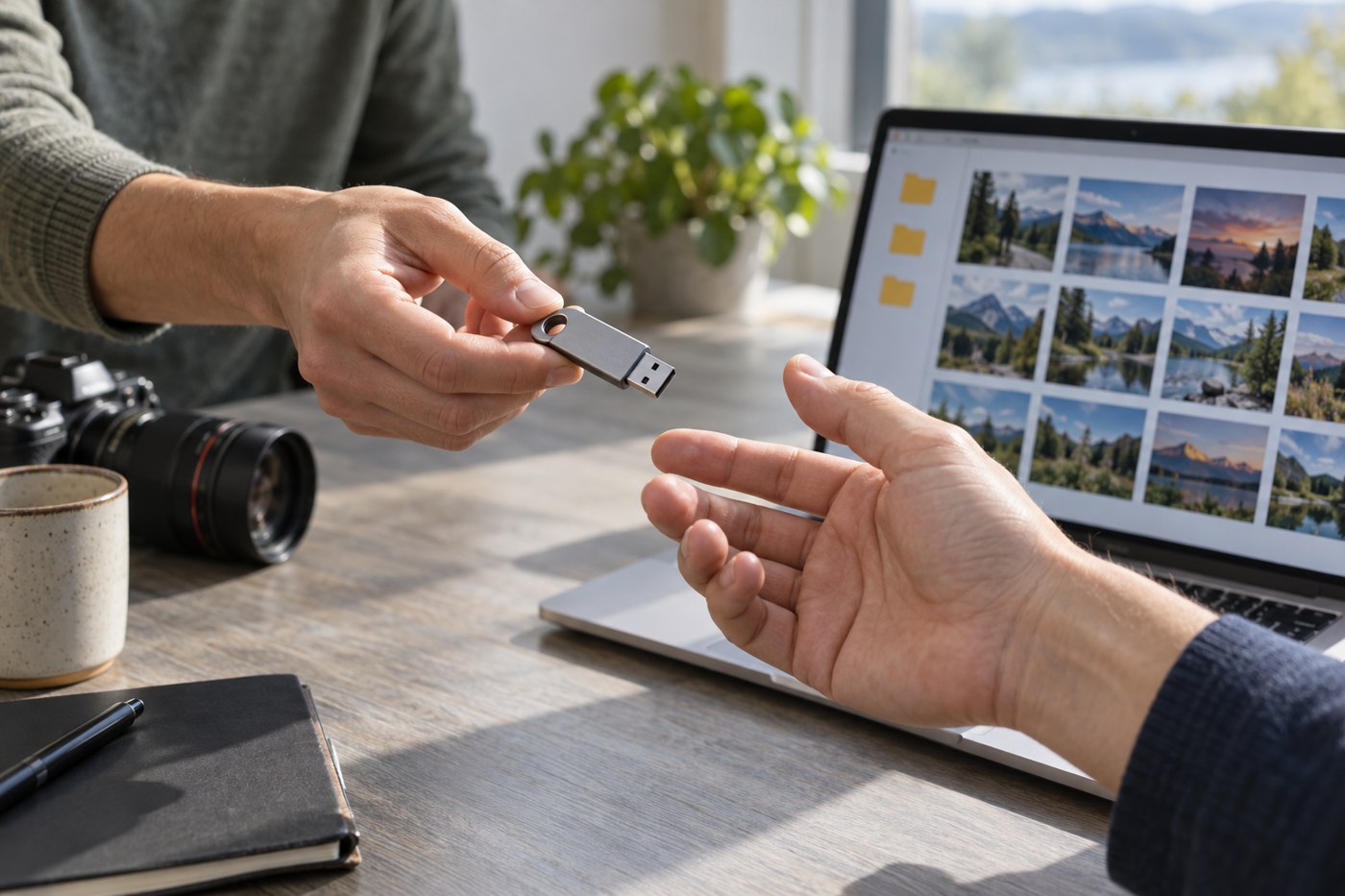
Ask the recipient what they want to do with the collection. Browsing family photographs, making prints and continuing an editing project call for different files. A useful handover begins with that conversation, not with copying every folder from your computer onto the largest available drive.
Decide whether the package includes originals, selected exports or both. Label them clearly. If an application catalogue is necessary, explain which software opens it and whether the recipient has access to that software. Do not assume that a proprietary library file will behave like a folder of ordinary pictures on another computer.
Preserve context without overwhelming the recipient
Use event and date folders that make sense outside your personal filing system. Add a short text document explaining the structure, uncertain dates and any known gaps. Identify people only to the extent appropriate for the intended recipients, and avoid including unrelated private information merely because it appears in an old working note.
Keep filenames stable when they connect to captions or other records. If you rename the collection for clarity, preserve a mapping where necessary. A beautifully organised folder loses value if it breaks the connection to a list identifying the people in each photograph.
Do not silently edit history during the transfer. If a date or name is uncertain, label that uncertainty. A guessed year repeated as fact can become harder to correct once copies circulate among several relatives.
Check the receiving setup
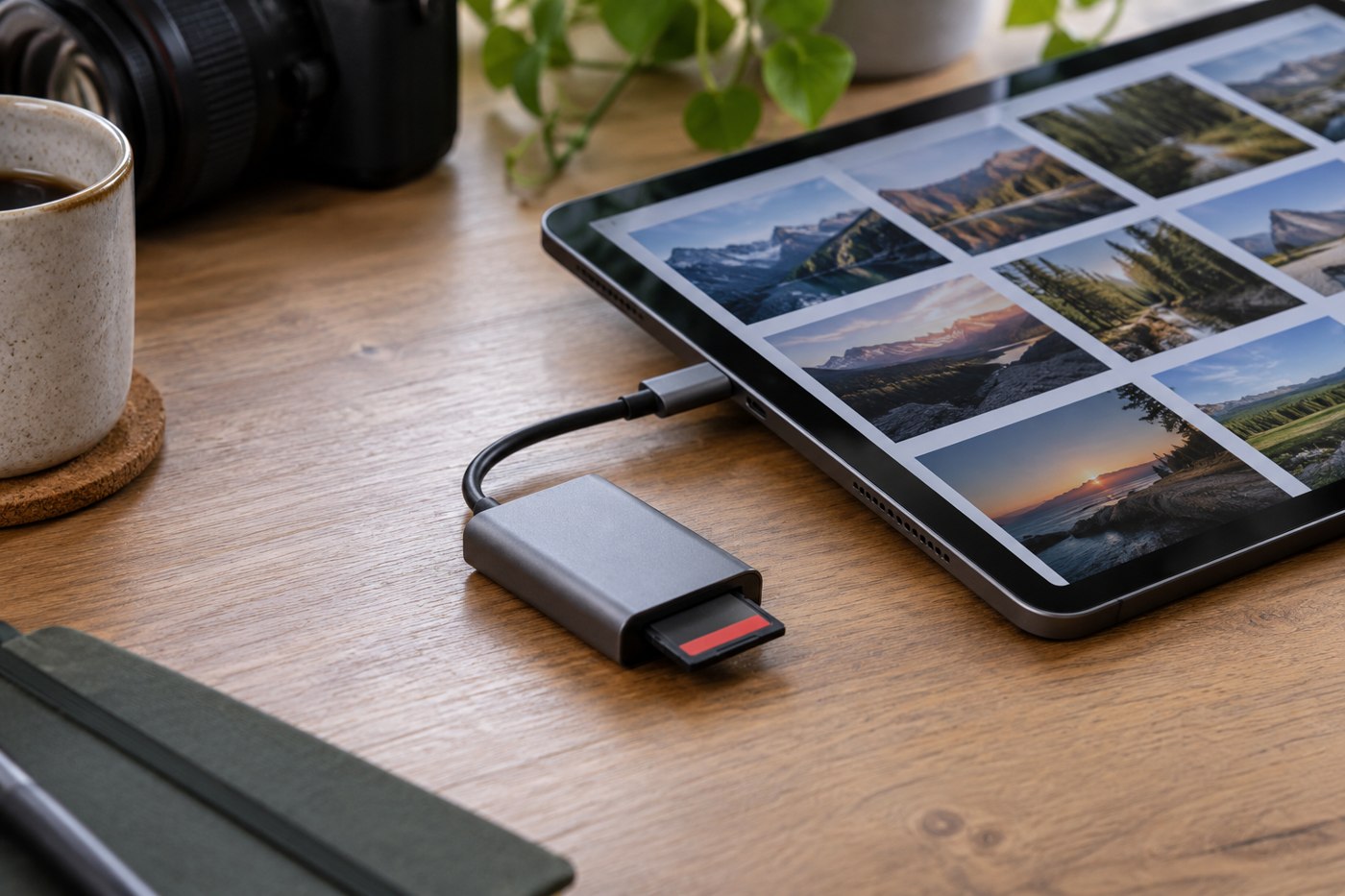
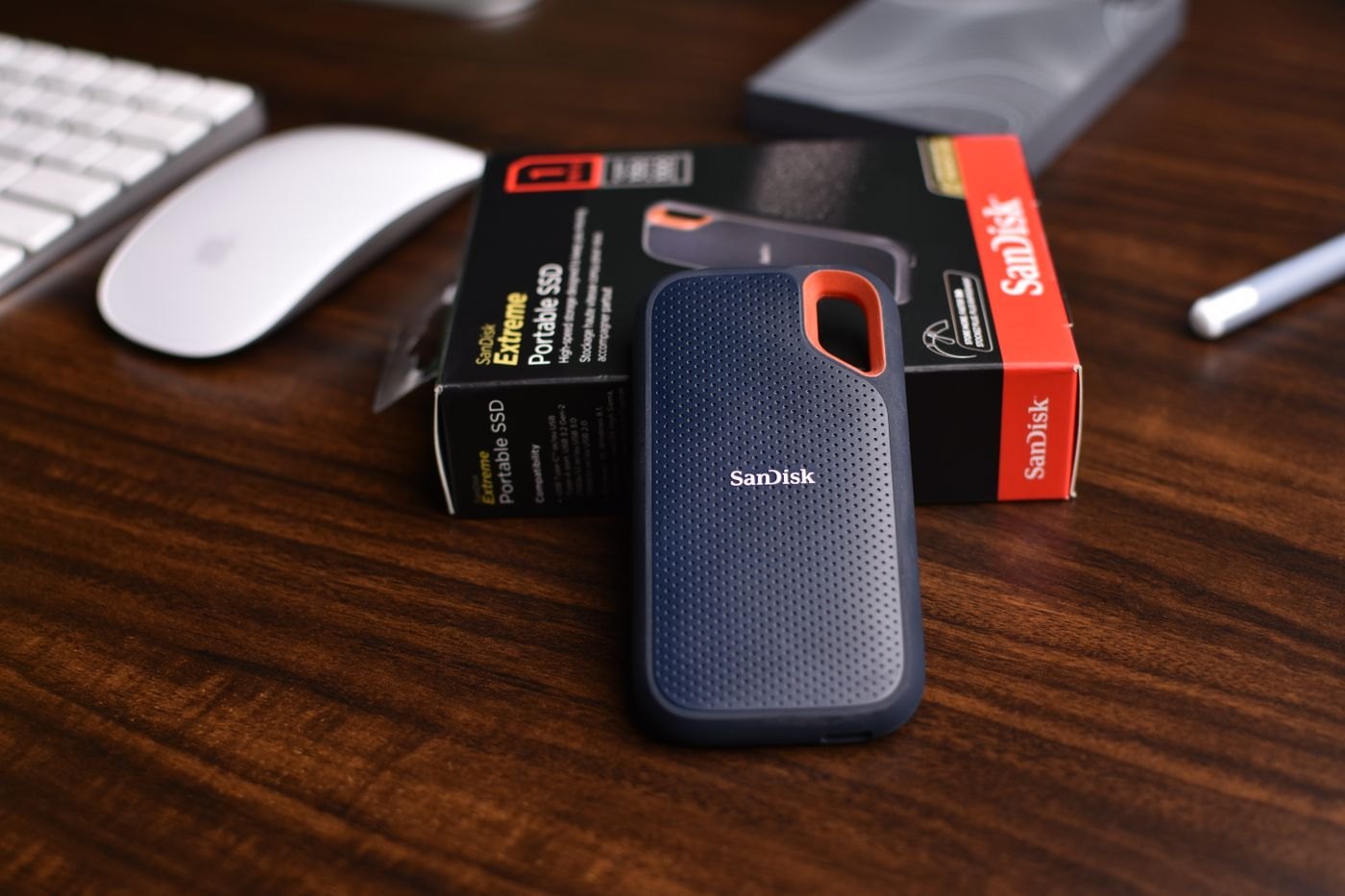
Confirm the recipient's computer, available storage and preferred delivery method. If using a drive, choose a format their equipment supports and include any required cable or adapter. Keep confidential material protected through an agreed method that they can actually use.
Open representative files on the receiving system when possible. Include an older image, a recent image, a video and any unusual format. Check that folders display understandable names and that the text note is readable. A successful copy operation on your computer does not establish all of that.
Keep your original collection intact until the recipient confirms that the package is complete. Ask them to create a separate backup rather than treating the handover drive as permanent protection by itself. State which version you delivered and the date, so later additions can be distinguished from the initial collection.
The most valuable extra may be a brief conversation about how to find one specific photograph. If the recipient can follow the folder structure and locate it without your help, the collection has become usable rather than merely transferred.
Make the collection usable for a second recipient too
Before finalising the package, imagine that its first recipient later passes it to another relative. Include a plain explanation of who prepared it, the period covered and any restrictions on sharing particular material. Keep that note factual and limited to information appropriate for the people receiving the collection.
Separate a convenient browsing set from specialist originals if both are included. Explain why two versions of a scene exist so the next person does not delete one as an obvious duplicate. If a small preview is provided only for navigation, label it accordingly and point to the higher-resolution source.
Where names or dates are disputed, record the competing information without selecting a confident answer simply to make the folder tidy. Invite corrections through an agreed process and identify which version of the collection receives them. Otherwise several relatives may independently rename files and make later updates difficult to reconcile.
Keep an inventory of the delivered top-level folders and total file count, alongside any verification method you used. This gives the recipient something concrete to compare after copying to their own storage. It also distinguishes a complete handover from a later selection that someone may create for a smaller device.