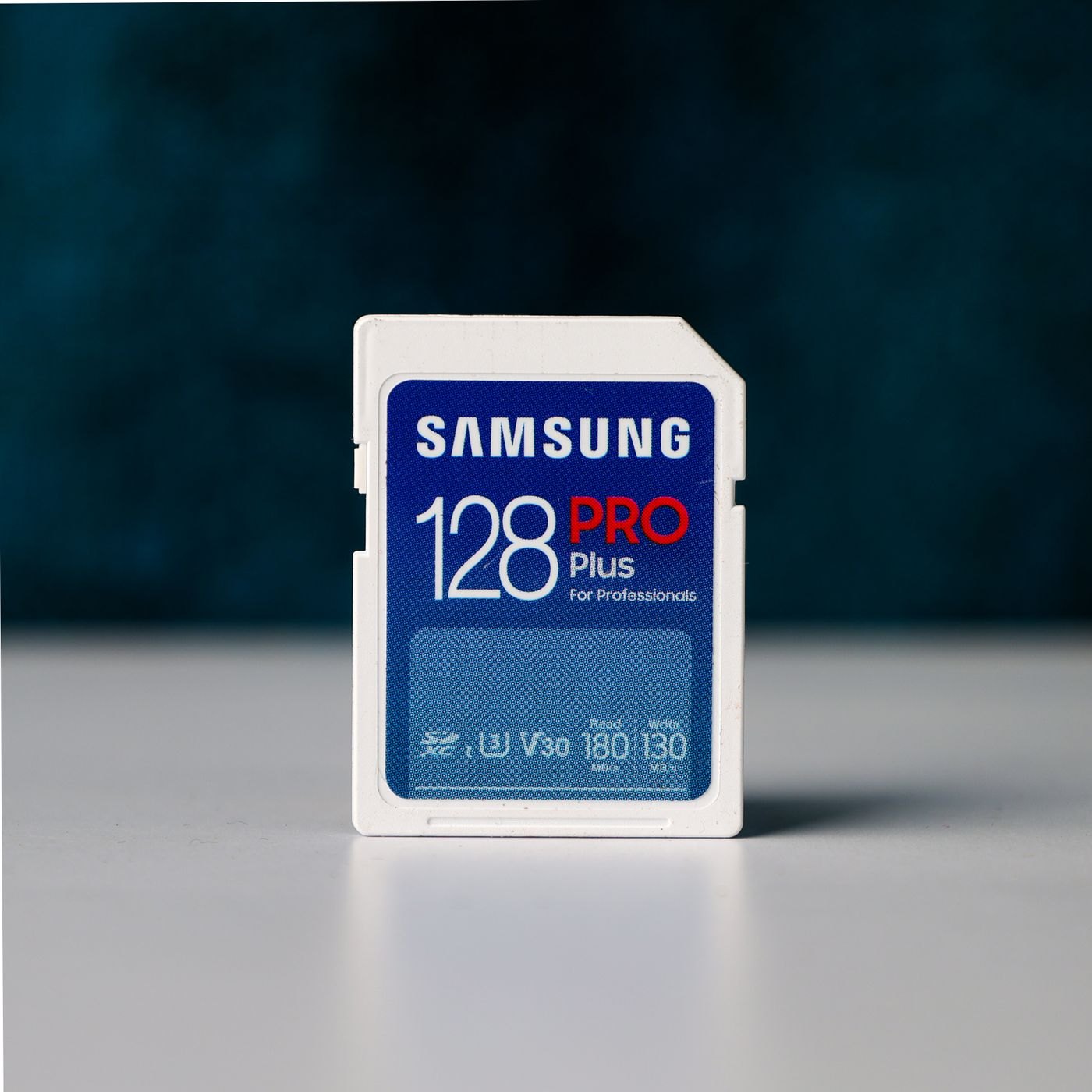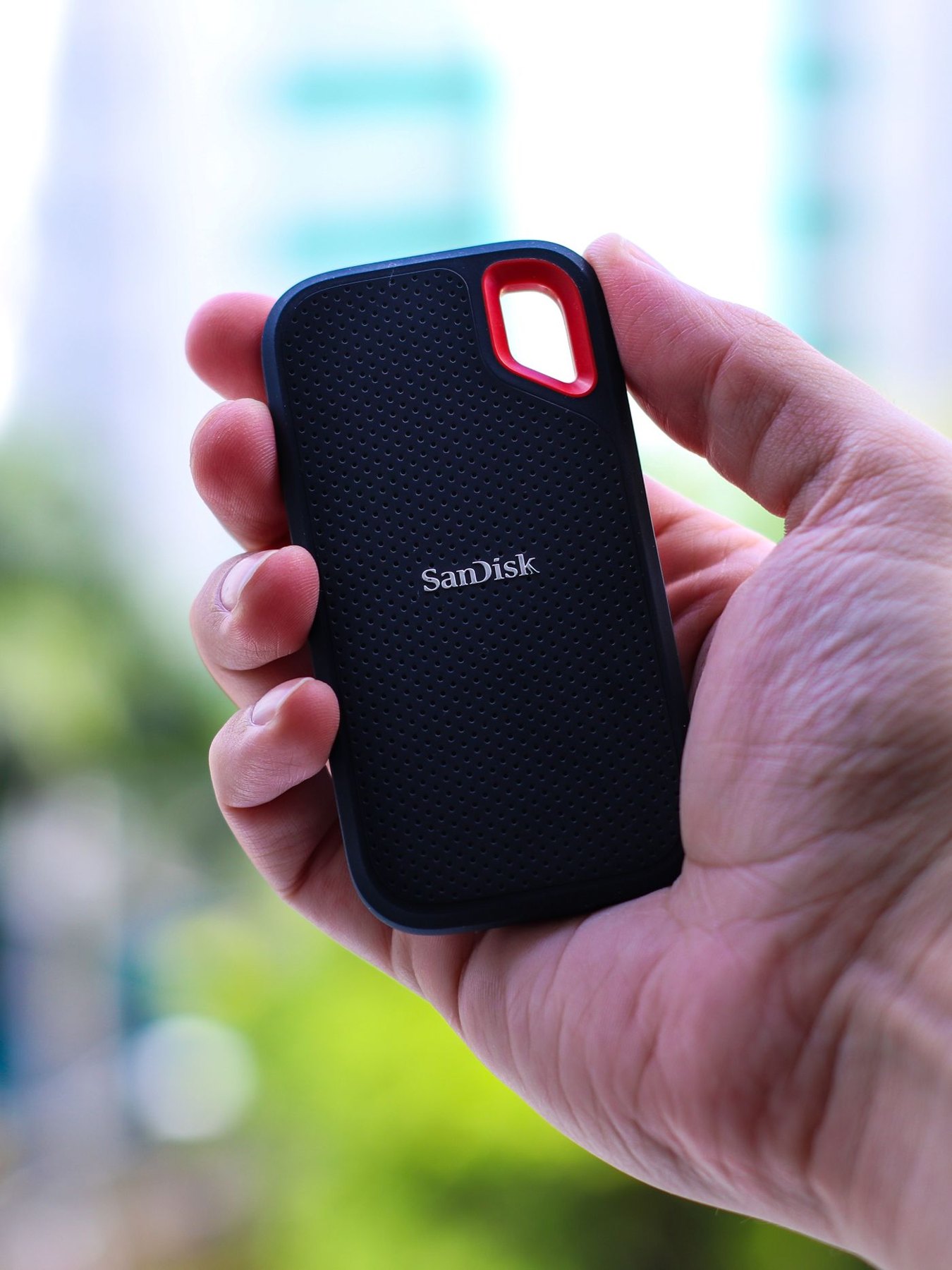
Start with a folder you moved recently. Was it a small set of documents, a collection of camera originals or a large video project? The size and frequency of that job tell you more about a portable SSD purchase than the largest speed figure on a product box. A drive used once a month to deliver documents has a different job from one used to carry unfinished editing work every evening.
Write down three quantities: the files that must fit today, the new material you expect to add during a typical month and the material you intend to remove after a project ends. Keep the arithmetic visible. A collection already approaching the capacity of a candidate drive leaves little room for a second version, an unexpected import or a temporary export.
Trace the connection from computer to drive
Look up the data capability of the port you will actually use, including any hub or adapter in between. A connector fitting into a socket establishes only the physical connection. Samsung's T7 documentation, for example, makes its maximum transfer claim conditional on the host connection and cable supporting the required USB mode. Treat this as a reason to inspect the whole path, rather than as a recommendation for that particular drive.
Consider a laptop with a convenient dock that remains on the desk. If the drive will normally connect through that dock, its relevant port specification belongs in your comparison. Paying for a faster drive cannot remove a limit elsewhere in that path. Conversely, a direct connection may be worth trying before you replace equipment.
Include the supplied cable in your packing plan. Check its ends, length and replacement availability. A very short lead works well beside a laptop on a broad table, but can leave a drive hanging awkwardly from a raised stand. Position the drive on a supported surface without pulling sideways on either connector.
Buy for the task after the transfer
If you plan to edit directly from the SSD, check your editing application's external-storage guidance and keep the folder structure together. If you simply deliver finished files, the recipient's operating system and ability to open them matter more. Confirm those details before choosing a format or enabling password protection that the receiving computer cannot use.
Do not confuse carrying a file with backing it up. A project that exists only on the portable drive still has one copy. Decide where a separate copy will live and how you will update it. For a shared project, agree which copy is authoritative so that two people do not unknowingly edit different versions.
During the return period, run a small rehearsal with nonessential files representative of your work. Copy a folder, open several files from the destination and try the connection on the devices you intend to use. Record any interruptions and the actual waiting time. This is a personal suitability check, not a benchmark that predicts every future transfer. Keep the original files until you have confirmed the copies and established your backup routine.
Compare two realistic jobs
Consider two people with the same amount of data. One carries a completed project to another computer once a month; the other opens and edits that project from the drive every day. The first person may value easy cross-platform access and a simple handover. The second may value a stable connection, the application's supported storage arrangement and a backup that preserves changes made during the day. Equal capacity does not make their buying criteria identical.
A comparison sheet can therefore have four columns: required capacity, confirmed connection, supported workflow and complete cost. Put uncertain claims in a separate note rather than awarding them an imaginary benefit. If one candidate requires a new dock to deliver the feature you want, include that dock and its power arrangement. If another meets the job with the equipment already on your desk, that is a concrete advantage even when its headline number is smaller.
Also decide what happens when you lend the drive. A removable label with a project name and return contact can prevent confusion, while the files themselves should contain only what the recipient needs. Keep private material and access credentials out of a casual project handover. The portable part of portable storage includes the people and places the device will pass through.