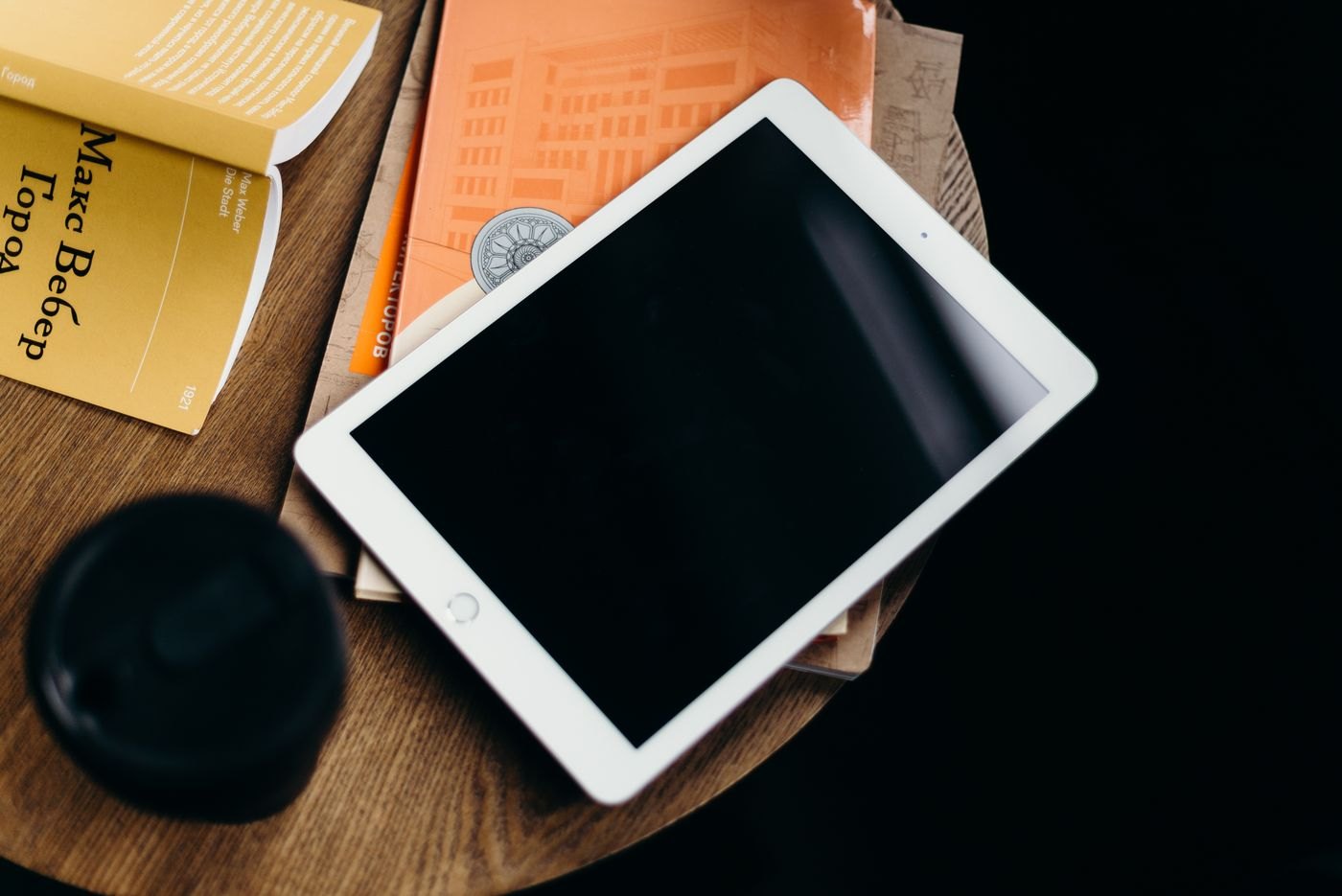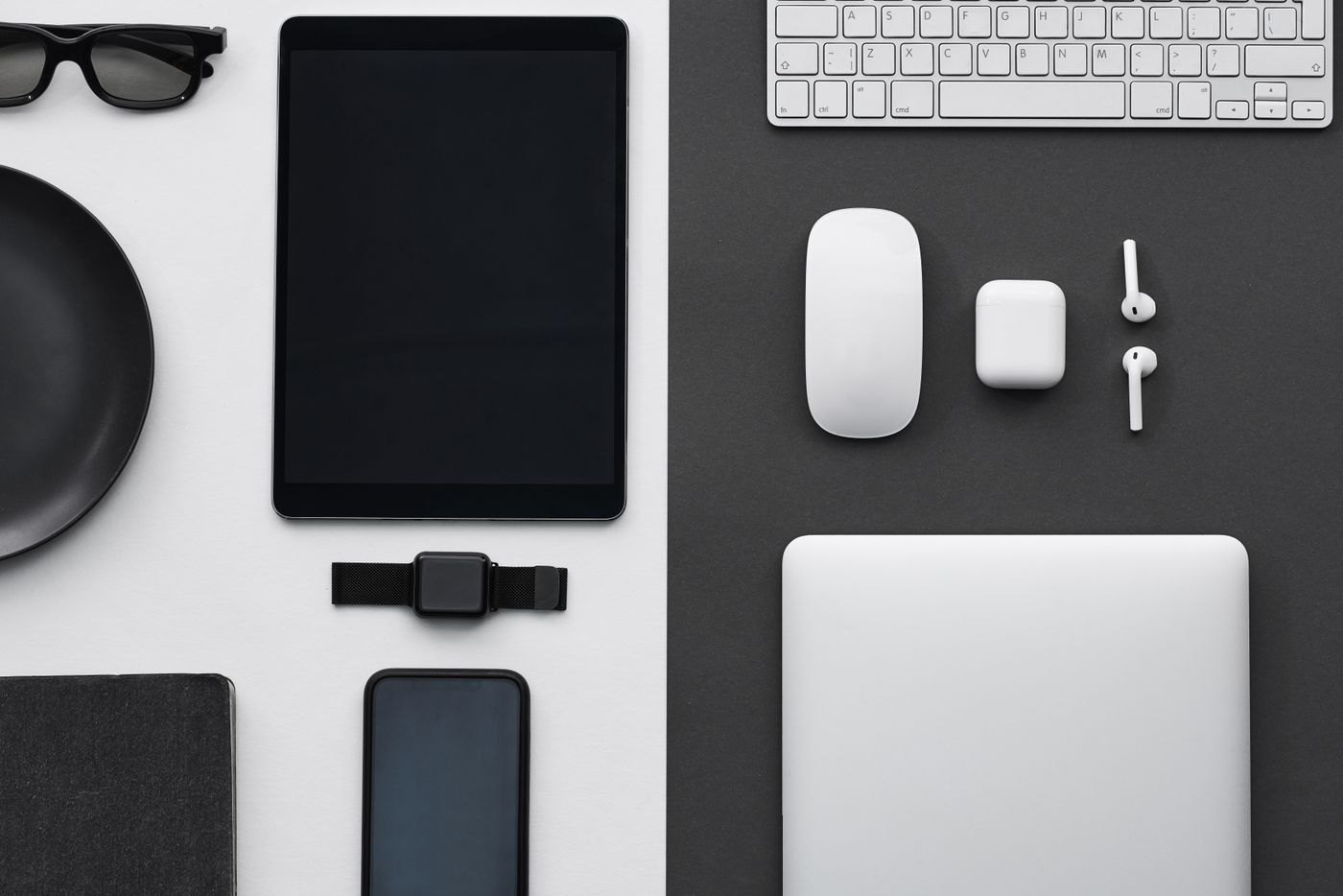
A tablet beside a laptop can be a reference screen, a handwriting surface or a separate communication device. It can also become another object competing for the same patch of desk. Decide its job before buying a support or rearranging everything around it.
Place the tablet where you think it will go and perform the intended task for a few minutes. Include the keyboard, mouse and notebook you normally use. A photograph of an empty desk can hide the space those objects need during work.
Choose a position for the action
If you mainly glance at reference material, a raised support may work. If you repeatedly write on the tablet, a lower position with suitable support may be more useful. Avoid choosing a tall stand for its appearance and then reaching awkwardly to annotate every page.
Check the camera view if the tablet handles calls. The camera should not be blocked by the laptop screen, a lamp or the stand itself. Test the actual framing rather than assuming a device placed at the side of the desk will produce the view you want.
Leave room for connections and movement
Route the charging lead so the tablet can move through the positions you use without pulling the connector. Keep it clear of the laptop hinge and the path of your pointing device. A cable that works when everything is still may become inconvenient each time you slide a notebook into place.
If the arrangement uses a software feature linking the tablet and computer, verify the supported devices and software through the platform documentation. Physical proximity does not establish that a particular second-screen or shared-input feature will work.
Make it easy to put away
A desk used for other activities needs a place for the tablet when it is not working. Consider a stand that remains useful without dominating the surface, or a sleeve and storage position nearby. Keep the pen or keyboard with the device if those items belong to the same task.
After several sessions, notice whether the tablet is being used for its intended role. If it mostly blocks the notebook or duplicates a window already on the laptop, simplify the arrangement. The purpose is to support a task you perform, not to keep every available screen visible at once.