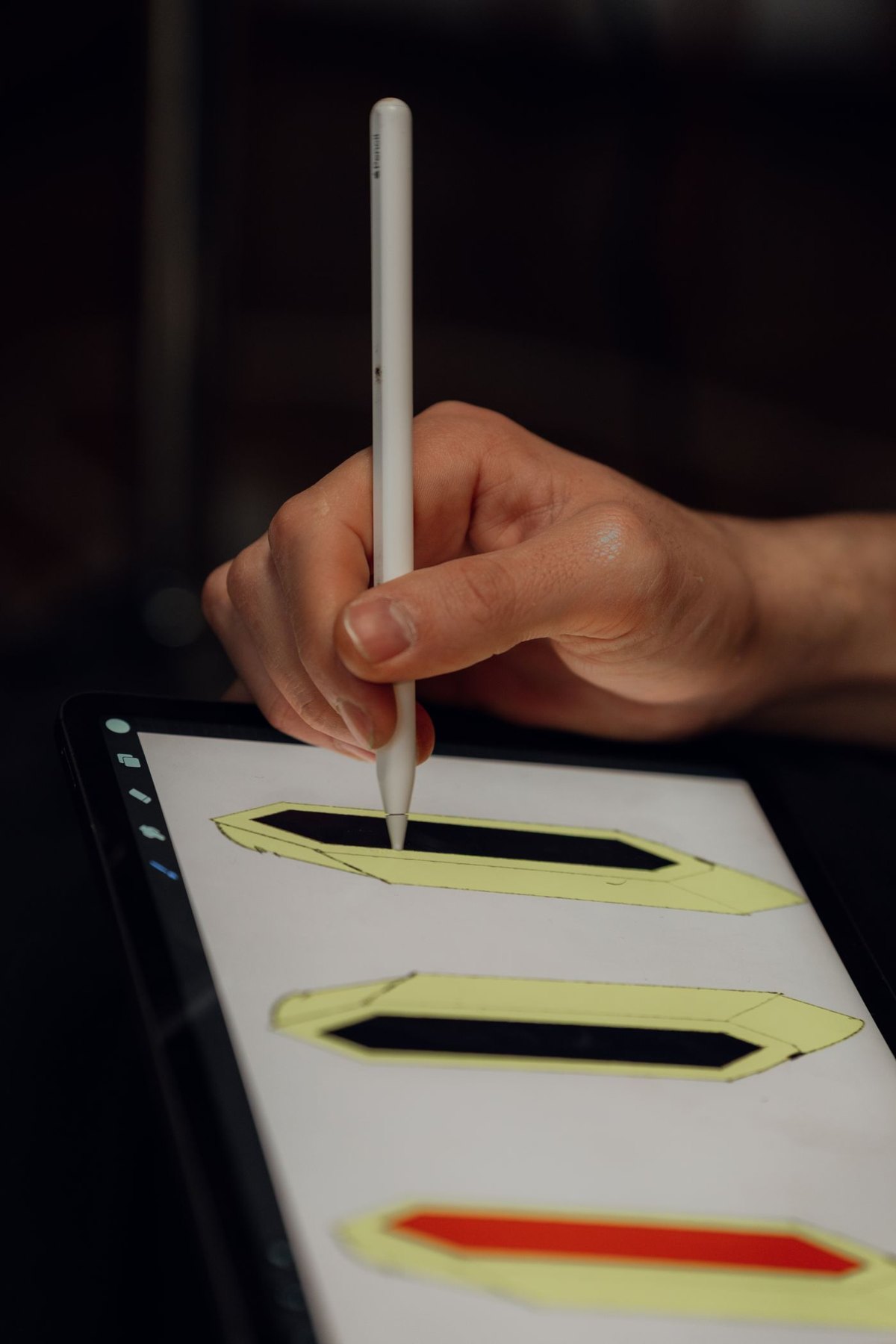
A tablet can make handwritten notes easy to carry, but a pile of unnamed digital notebooks can be as hard to use as loose paper. Before choosing covers, pens or applications, decide how you will find a note several weeks later. The course, date and subject are usually more useful starting points than a different decorative cover for every page.
Try one real study session with the arrangement you already have. Include opening the reference material, writing, making a correction and returning to the note afterwards. This reveals more than testing a pen on a blank page for a minute.
Give each note a route back
Use a naming pattern that fits your course structure. For example, a subject name followed by a date and topic can help distinguish sessions without writing a long title. Keep the same meaning for each part of the name rather than changing the order whenever you create a notebook.
Decide where imported slides and your own writing belong. You might annotate the supplied material or keep a separate notebook with a reference to it. Either can work, but avoid scattering the same topic across several locations without a reason. Check how the application handles exports so your work can leave the application if needed.
Arrange the screen for the task
If you read from one document while writing in another, test the application's supported view on your tablet. A feature shown on a larger device may not leave comfortable space on yours. Consider whether a separate book or laptop reference is simpler than forcing every source onto the tablet screen.
Keep the pen's charging and storage method part of the setup. A compatible pen that is regularly empty or missing will interrupt the routine. Check that the case allows the intended attachment and that a spare tip, if you carry one, is the correct type.
After the session, open the note again and locate a particular fact. If it is hard to find, adjust the naming or page organization while the material is familiar. Do not wait until an exam period to discover that every notebook is called Notes.
Finally, establish a backup or export routine appropriate to the application. Verify a sample copy by opening it rather than assuming an enabled setting proves every page is protected. Study notes become useful through repeated retrieval; choose accessories and habits that make that retrieval straightforward.