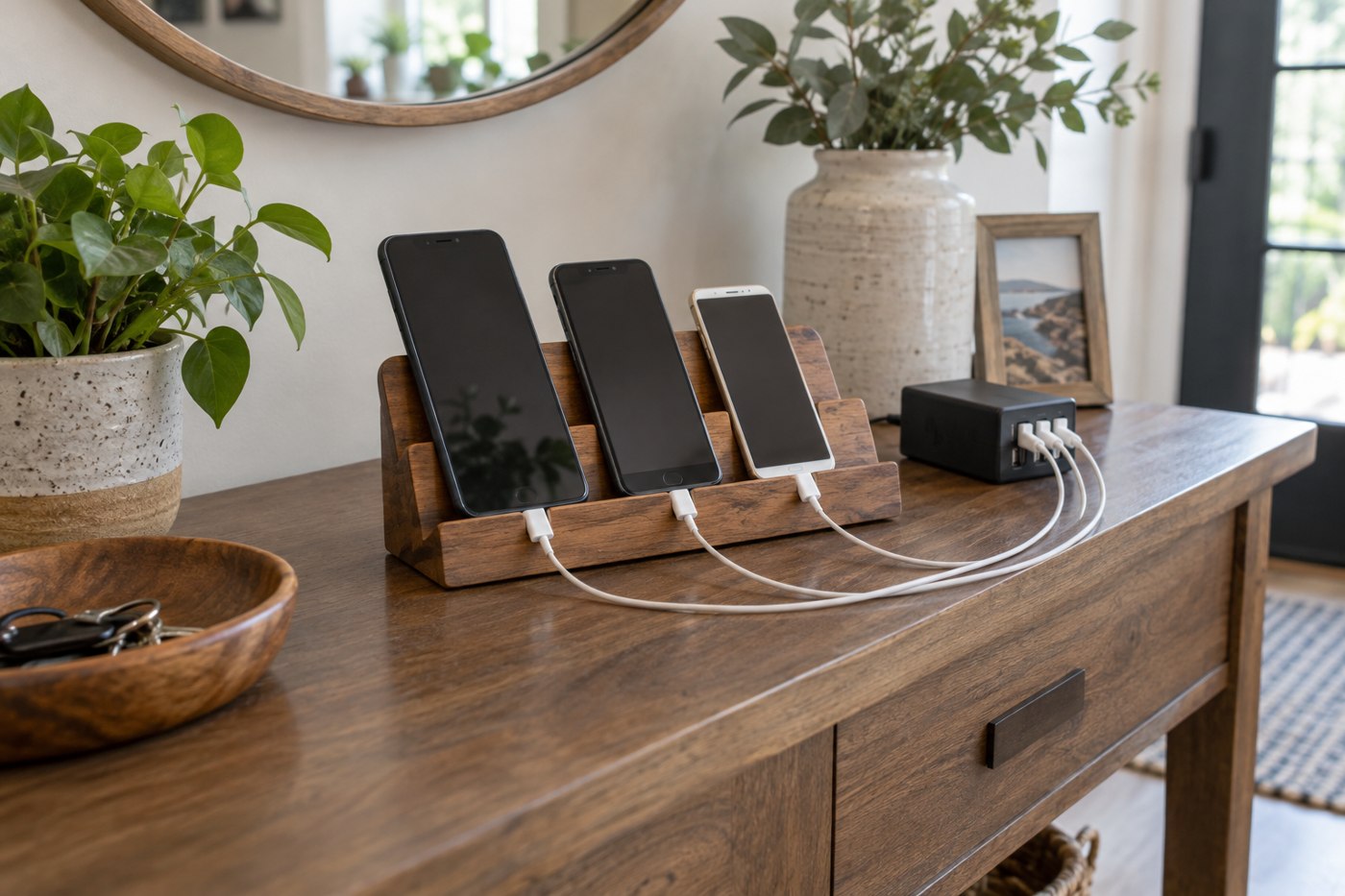
A shared charging area becomes easier to use when every device has an obvious place and the relevant cable is available. Start by listing the phones, tablet, earbuds or other personal devices that regularly arrive there. Include the charging requirements from their manuals rather than treating every connector as interchangeable.
Choose the location before choosing an organizer. It should allow the equipment to be used as instructed, with power supplies and devices uncovered and away from conditions their makers warn against. A decorative box is not automatically a suitable enclosure for operating chargers.
Assign space by device
Check the tablet's size in its case and the space needed to insert its connector. Small slots can look orderly while pressing against buttons or forcing cables into sharp bends. A simple open area may work better than an organizer whose divisions do not fit your equipment.
Keep earbuds and other small items where they cannot be hidden under a larger device. Decide whether the charging case stays with the earbuds or has a permanent position. The arrangement should make it apparent when something is missing.
Make cable identity visible
If several leads look alike, label their intended use after checking their specifications. A label such as tablet charger is easier for a household member to follow than a technical abbreviation they do not recognize. Do not let the label imply that an unsuitable cable has become compatible.
For a multiport charger, read the output allocation when several ports are occupied. The total printed power is not necessarily available from each port at once. Use the maker's port chart to assign higher-demand devices and check the result with the actual combination.
Keep the routine easy to maintain
Leave enough slack to pick up a device without pulling on the plug, while keeping loose cable away from a walkway. Avoid permanent fastening until you have tried the arrangement for several days. It is easier to move a cable clip before everything has been tightly routed.
Review the station when a device is replaced. A new connector, larger case or different power requirement can make an old assignment misleading. Retire damaged or unidentified equipment through the appropriate route rather than keeping it in the shared area as an uncertain spare.