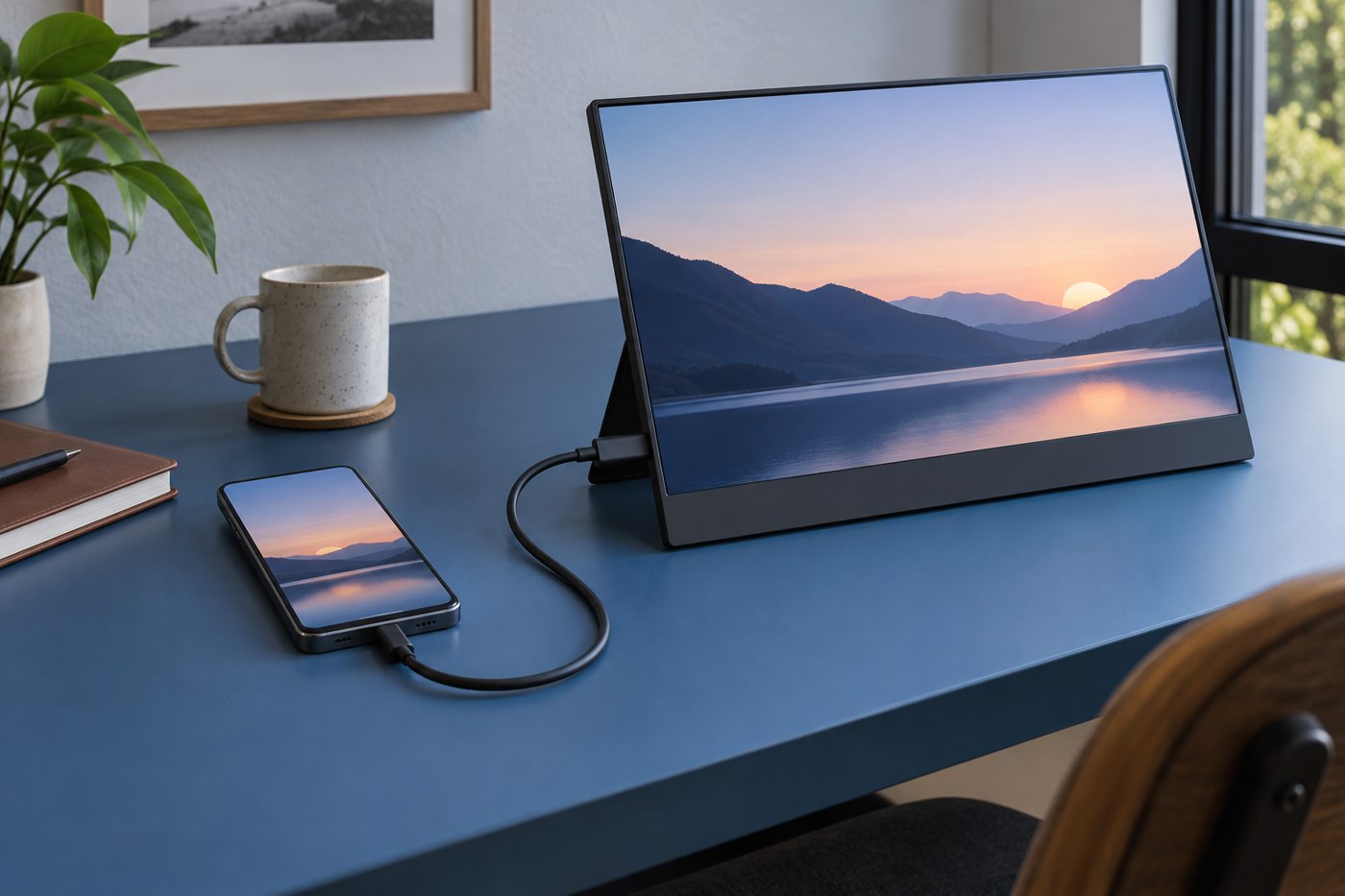
Before buying a cable for a phone-to-monitor setup, identify what you want the second screen to do. Showing the same picture on a larger display is different from expecting a desktop-style workspace. A connector that physically fits cannot establish either capability by itself.
Find the phone manufacturer's display-connection instructions for the exact model. Look for the supported connection method, adapter requirements and limitations. Do not transfer a claim from another phone in the same brand or from a tablet with a similar-looking port.
Identify the monitor's input
Read the labels and manual for the display. A USB-C socket may serve a different role from the one you assume, and a USB port intended for an accessory does not automatically act as a video input. Record the input you plan to use and compare it with the phone's documented output route.
If an adapter is required, check its direction and intended source device. A product with familiar connectors may be designed for a different signal path. Give the accessory maker the exact phone and display models if the listing does not settle the question.
Power can be another part of the arrangement. Find out whether the documented setup requires power for an adapter or portable display, and how the phone will be charged if that matters during a long session. Avoid building a chain of unverified adapters around an unanswered first connection.
Test the intended application
A successful home-screen image is only the first test. Open the application or file you intend to use and check the actual behaviour. Consider screen orientation, audio destination and how you will control the phone while looking at the display.
For a presentation, run through the entire sequence before the meeting. Check whether controls or notifications appear on the visible screen and use the device's documented settings to manage them. Keep an alternative copy of the material if the venue equipment differs from your test setup.
If the connection does not provide the workspace you imagined, return to the manufacturer's feature description. A cable cannot supply software features the phone does not offer. The outcome may be a different accessory, a simpler mirrored display arrangement or using another device for that task; establish which limitation you are addressing before spending more.