The device name on a case listing is the first check, not the last. Tablet generations can differ in button positions, connectors and camera arrangements while remaining similar in overall size. Use the exact model information and the case maker's compatibility statement before ordering.
Look at the activities you expect to perform with the case installed. Charging, using a stylus, connecting a keyboard and placing the tablet on a stand can each expose a fit problem that is invisible in a front-view photograph.
Follow the edges around the device
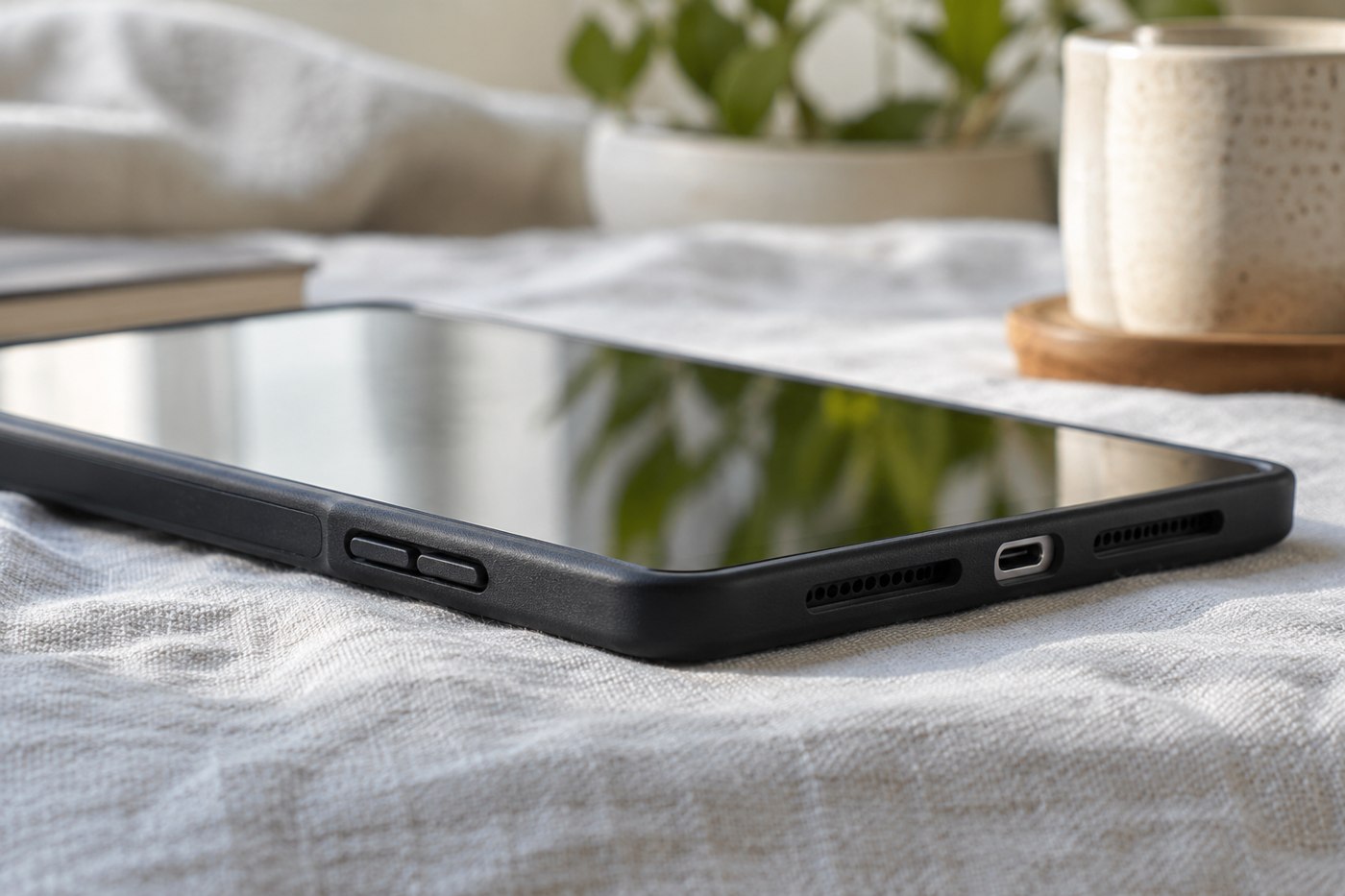
Check whether the connector opening leaves room for the plug housing on the cable you use. A port can remain visible while a thick adapter cannot seat fully. Do not force a connection through a tight opening or trim the case as a first response to a mismatch.
Find the buttons, microphones, speakers and camera area in the maker's product images. Covered controls may be intentional, but they should operate as described. Confirm that the case does not obstruct any ventilation or cooling provision identified in the tablet's instructions.
If a pen charges or attaches along an edge, examine that area specifically. A holder that stores the pen is not necessarily the same as leaving the required charging connection available. Include any grip or protective sleeve on the pen in the physical check.
Test the supported positions
Folding covers often offer more than one angle. Set them up according to the instructions and test the ordinary touch input you plan to use. Watching a video and typing on the screen put different demands on the support.
Check how the cover behaves when folded behind the tablet for handheld reading. Consider thickness, grip and whether a loose section hangs into the way. A case that is convenient on a table may be less pleasant in the hand.
During the return period, work through your normal connections without removing the case each time. If an accessory only fits with the case off, decide whether that is an acceptable routine or evidence that another case would serve you better. The goal is a case that belongs in the setup, rather than one that must be worked around whenever the tablet does more than display its home screen.