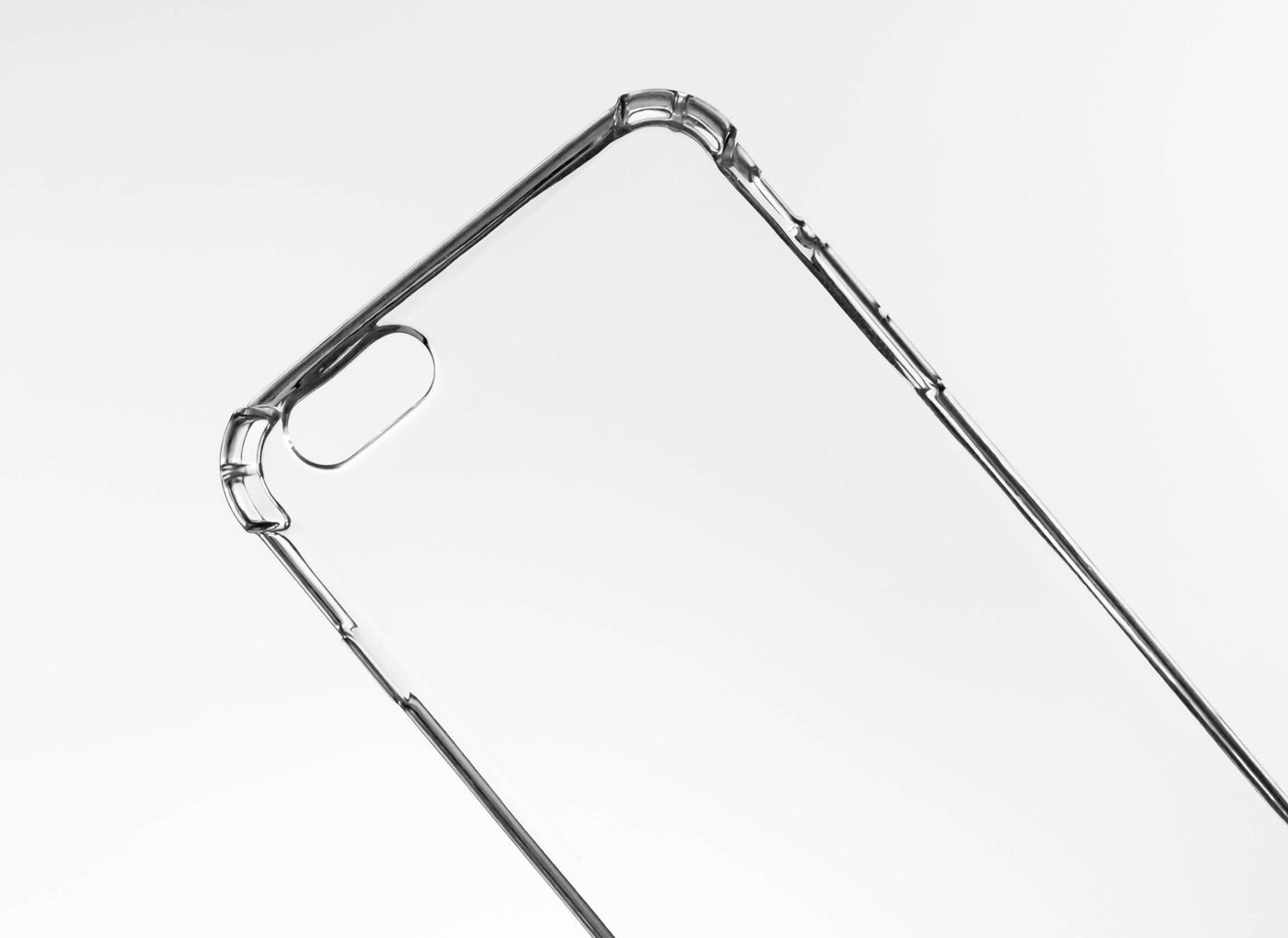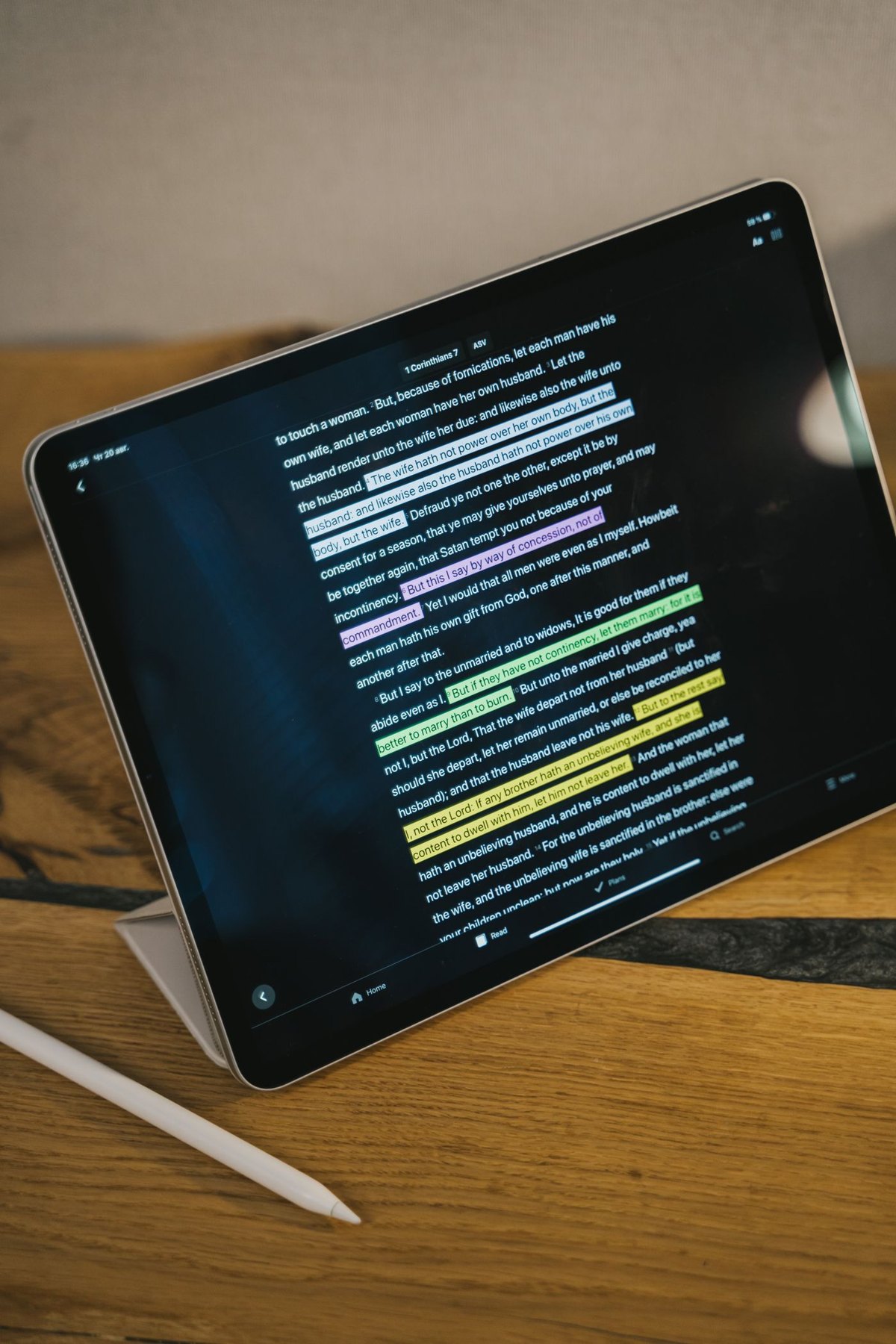
Two pen-shaped accessories can be designed for very different screens. Even within a manufacturer's range, compatibility may depend on the tablet model and the pen generation. Start with the tablet's full model identity rather than its size or the year you remember buying it.
Apple maintains an explicit Apple Pencil compatibility list for iPad models. Other tablet and pen makers have their own support information. Use that list as a first gate: a product that looks similar or shares a connector is not necessarily a substitute. A retailer's broad phrase such as “for tablets” is not enough to settle the match.
Decide which actions matter
Writing short notes, marking a document and drawing with changing line weight are different tasks. List the features you actually expect, then check whether the tablet, stylus and application support them together. Do not pay for a named pen feature without confirming that the application you intend to use can make use of it.
A student marking lecture slides might value predictable handwriting, a place to keep the pen and an easy charging routine. An illustrator may have additional questions about input behaviour and application support. Those needs can lead to different choices even when both people use the same tablet.
Try the pen in a realistic writing position where possible. The weight, length and grip may be more noticeable during a page of notes than during a brief demonstration. Check whether any replacement tip or grip is approved for the model before adding it.
Include charging and storage
Find out how the pen pairs, charges and attaches. A magnetic attachment point does not by itself explain the charging method. Read the instructions for the exact pen and check whether your case leaves the required edge or connector accessible.
Think about the moment you stop writing. A pen that has no secure place in your bag can be easy to leave behind. A case loop may solve that, but it should fit the pen without pressing a button or making removal difficult. Include the thickness of any grip you intend to keep fitted.
Avoid a partial compatibility answer
If the seller confirms only that the pen can make marks, ask about the particular features that matter to you. Keep the reply and the product model reference. During the return period, test your chosen application, normal writing posture and charging arrangement.
If a feature does not appear, consult the tablet, pen and application documentation before deciding the hardware is defective. The useful question is which part of the combination supports the feature, not whether the accessory has the most elaborate name on the shelf.
Make a feature comparison you can verify
Use a small comparison with three columns: the action you need, the maker's statement for the pen and tablet, and the application where you will use it. For note-taking, the first row could be handwritten annotation in your chosen document app. For drawing, another row could concern a particular input feature. Leave a row unanswered if the documentation does not establish it; do not turn a similar product's feature into a tick.
Add the non-writing details that can decide between otherwise suitable options. How is the pen charged while the tablet is in its case? Can a replacement tip be obtained for that exact version? Where does the pen go while the tablet is used as a display? These questions concern the whole ownership routine, so they can matter even when two products both produce a line on the screen.
If you can try a demonstration unit, use a short task from your own work: write a sentence, edit a word and navigate to another page. Ask which software and settings are being used. A demonstration in a different application can be informative about physical handling while leaving your intended feature support unresolved.