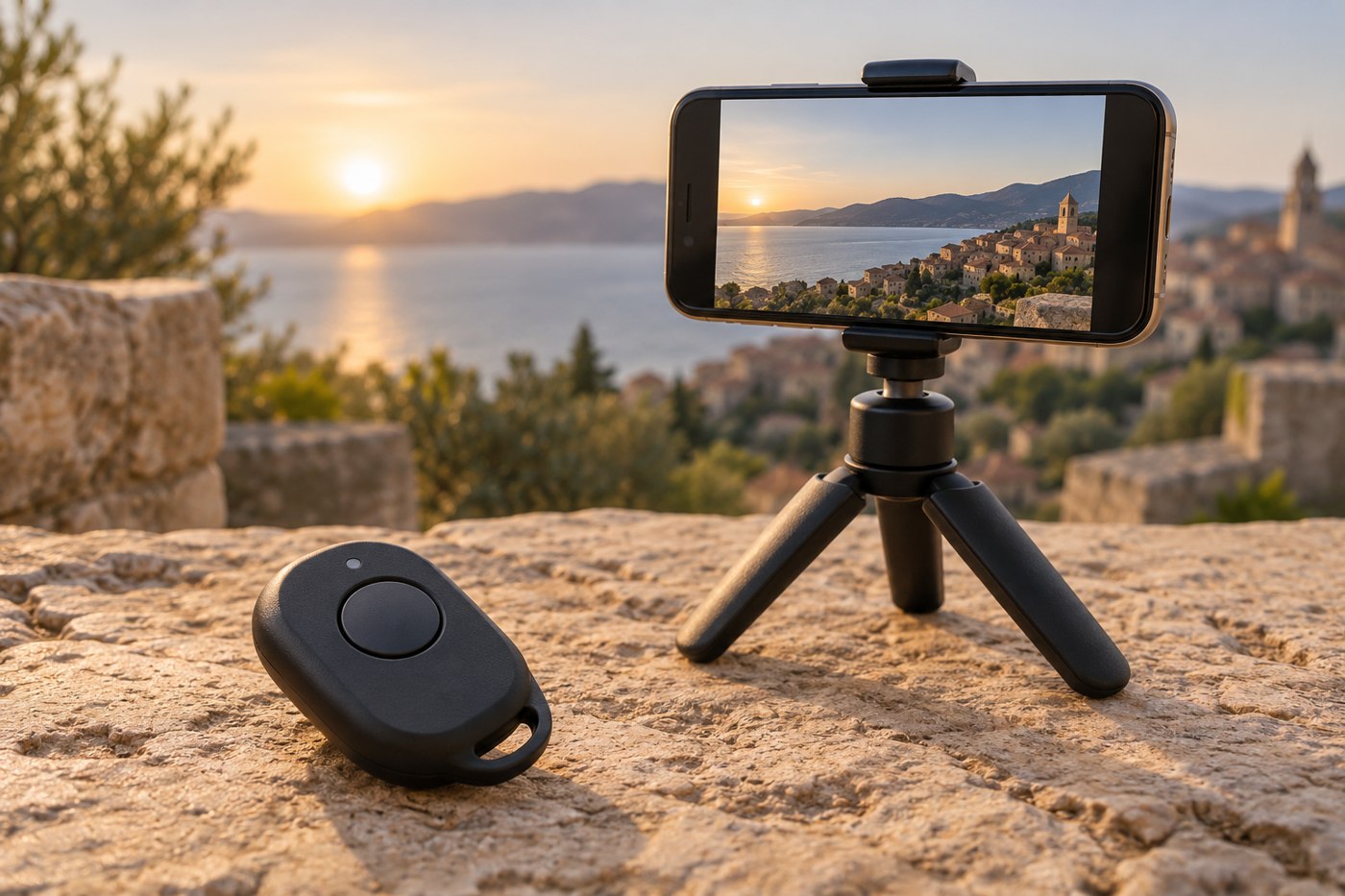
A small remote can help when the phone is on a tripod or outside arm's reach. Before choosing one, decide whether you need to take still photographs, start video recording or control another camera function. A listing that says camera remote may not promise all of those actions.
Read the maker's supported platforms and application notes. The important combination is your phone, its software and the recording application. Do not assume a remote demonstrated with a phone's default camera will behave identically in a third-party app.
Test the command, not just the pairing
Pairing successfully only establishes part of the setup. Open the intended application, choose the mode and confirm what the button does. Check whether it starts and stops recording, takes a photograph or triggers another control.
Try the arrangement from the position where you will stand. Use a short test rather than beginning an important recording immediately. A remote that works beside the phone may be less convenient when you are farther away, holding something or unable to see the screen.
Keep the phone stable on an appropriate support. A remote solves the need to touch the shutter; it does not solve a slipping holder, poor framing or a blocked lens. Check those separately before blaming the control.
Plan for an unresponsive button
Learn the remote's battery and wake-up instructions. If it has a small power switch, decide how it will be stored so it is not accidentally left on. Keep any replacement battery information from the manufacturer rather than guessing from the size of the compartment.
For an important session, know the application's ordinary timer or manual start method as a fallback. This does not require carrying several remotes. It means you can continue if the accessory is missing or needs attention.
After testing, keep the remote with the tripod or phone filming kit. A tiny controller stored loose in a large bag can be harder to find than the few seconds it saves. Choose a pouch or attachment intended for the product, and avoid leaving a lanyard where it can pull the phone support or interfere with the shot.