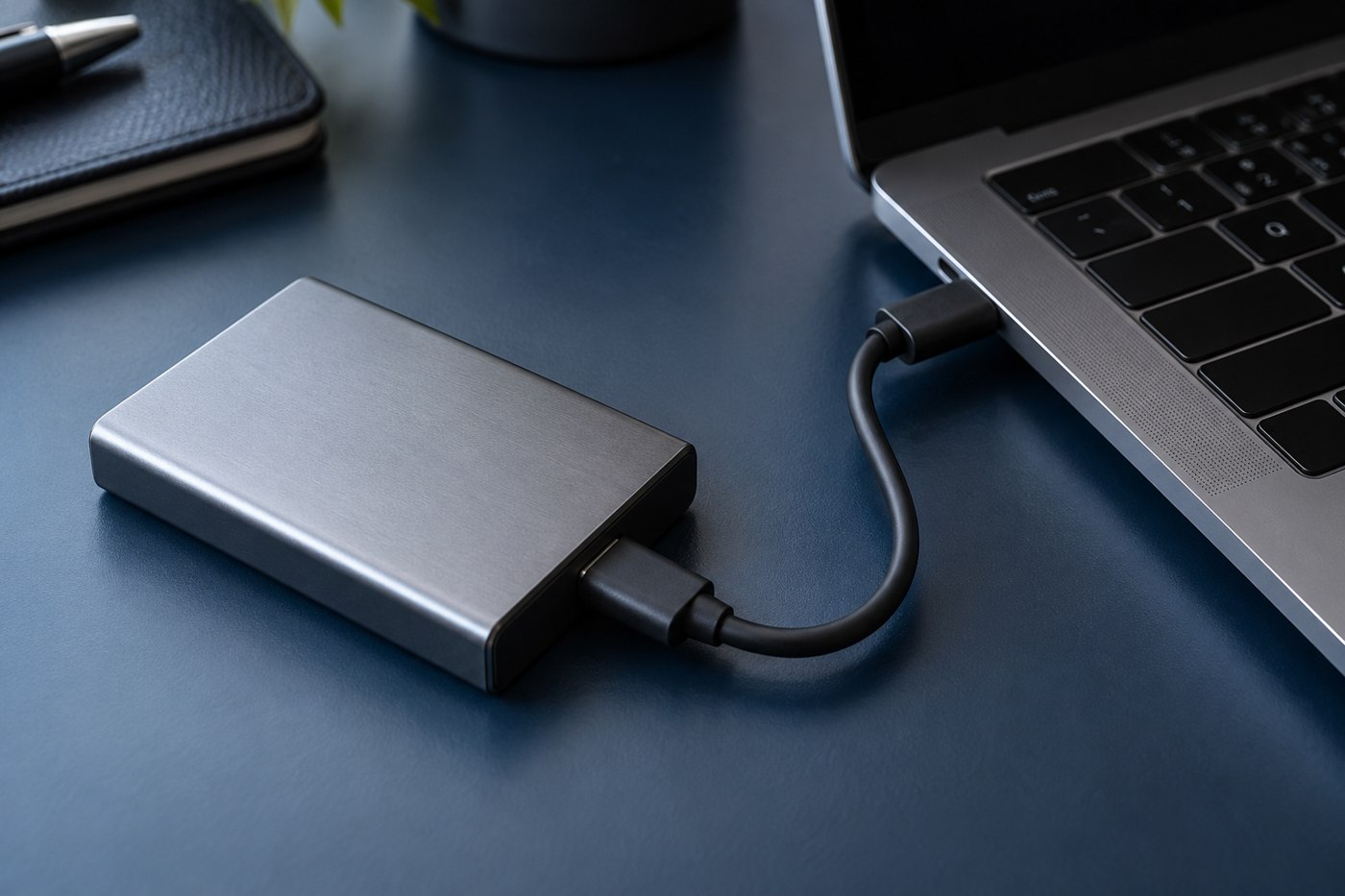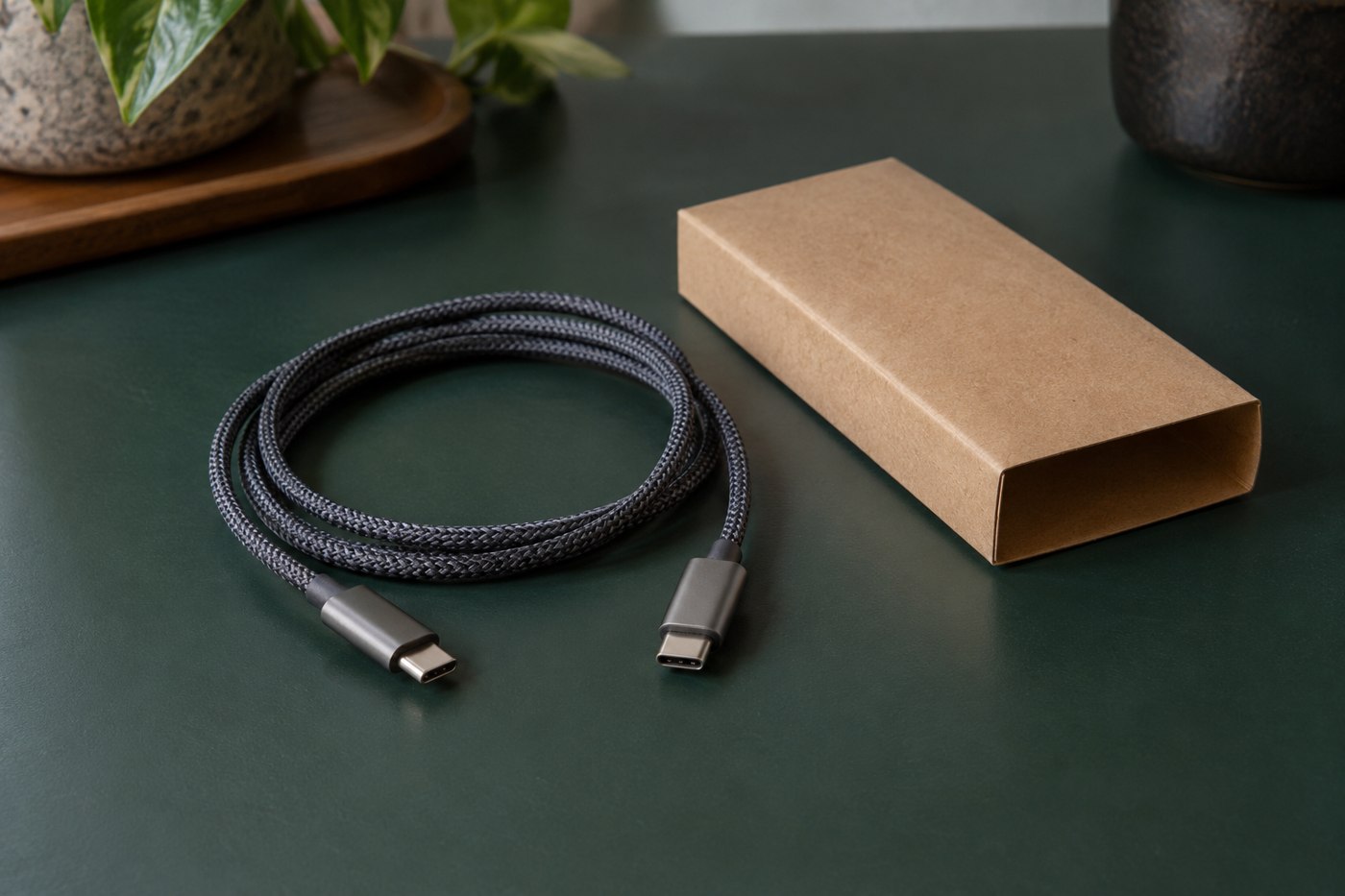
A USB cable photograph can show the plugs while leaving the important capabilities unstated. Begin with the task you need the cable to perform and list the information that would establish suitability. A charging replacement, external drive connection and display connection call for different checks.
Read the description for the selected variant. A retailer may group several lengths, connector combinations or capability levels under one title. Confirm the model number after making the selection and keep the relevant specification rather than relying on the first image in the gallery.
Translate broad words into explicit claims
Fast is incomplete without saying which task is faster and under what conditions. Look for a stated data rate when file transfer matters, a supported power capability for charging and a clear display claim when video is required. If a field is absent, treat it as unanswered rather than assuming the highest capability.
USB-IF's cable guidance and markings distinguish supported capabilities. Use the manufacturer's documentation and relevant certification information to interpret the product. A decorative badge or a familiar connector name is not a complete description of the cable.
Check the ordinary physical details
Confirm the length, connector housing and any directional requirement. A product can meet the electrical task while fitting poorly through a device case or beside another port. Read the dimensions or ask for clarification where that space is tight.
Check what is included in the package. A photograph showing several adapters may illustrate optional configurations rather than the exact item being sold. Make sure the checkout selection matches the combination you evaluated.
Ask a question that can be answered
Give the seller or manufacturer the source device, destination device and task. For example, ask whether the named cable model supports the connection specified in the drive maker's instructions. This is more precise than asking whether it works with USB-C.
Keep the reply and return terms until you have tested the intended use. If the cable fails the task, compare it with a known supported arrangement and document what happens. Clear model information lets you distinguish a defective item from a listing that never promised the function you needed.