When a charger, device and cable all mention USB-C, it is tempting to treat them as a complete match. USB Power Delivery adds a separate capability question. Read whether the relevant products support the charging method required by your device and what output the charger offers on the intended port.
USB-IF publishes Power Delivery information and certification resources. In a compatible PD arrangement, source and receiving device communicate about available power. The maximum printed on a charger is a capability limit, not an instruction that every connected device will take that amount.
Start at the device documentation
Find the manufacturer's recommended charging specification for the model. Some advertised fast-charging modes depend on particular supported features or accessories. Do not translate a broad PD label into a promise about an exact charging time without the device maker's conditions.
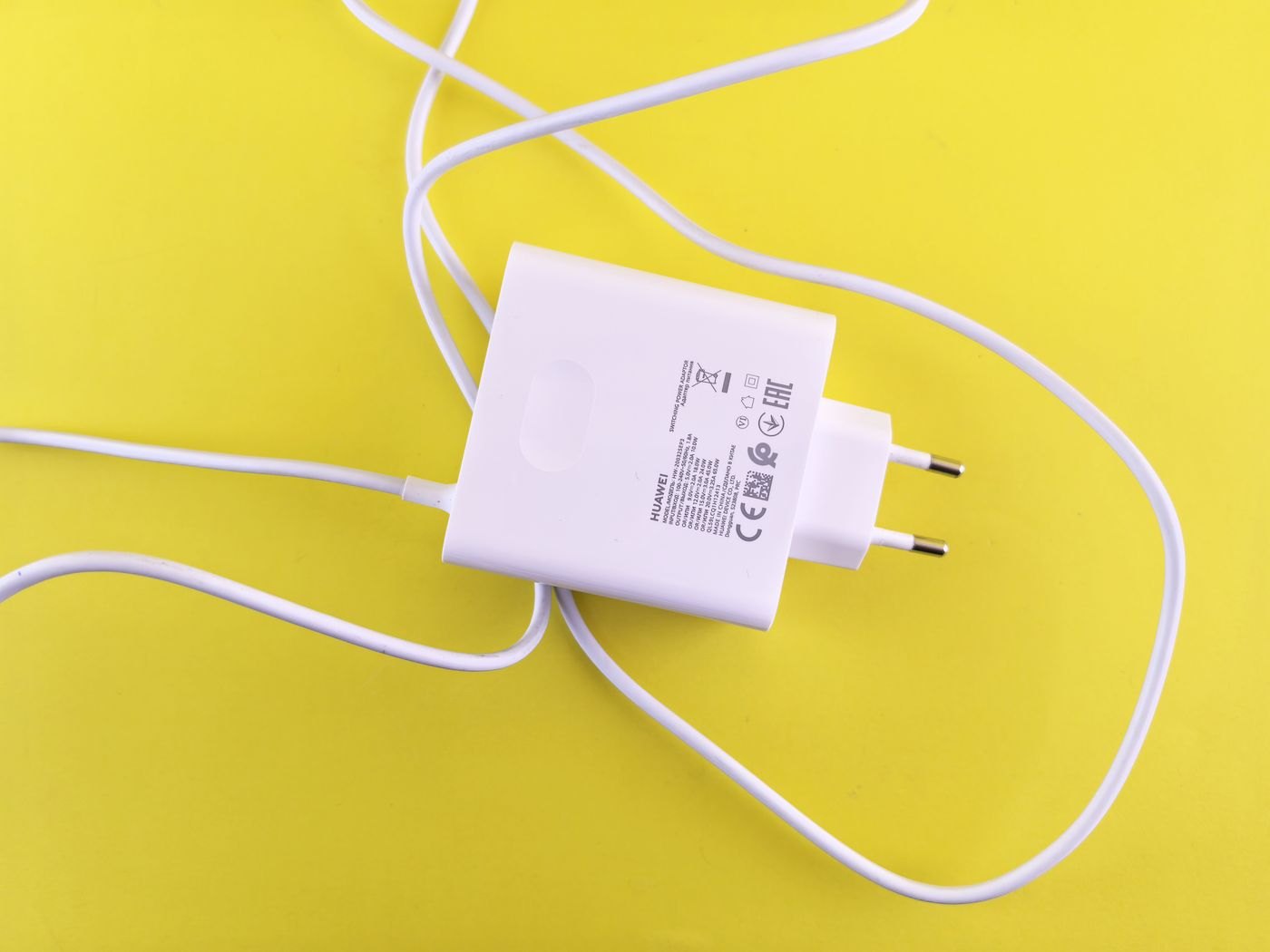
Record the requirement in the terms used by the manufacturer. Then compare the charger and cable documentation. If a listing only provides a total wattage and a photograph, ask for the missing details before assuming it supports the charging mode you need.
Include the operating arrangement
A charger with several outputs may assign power differently when other ports are occupied. Read the relevant allocation chart. A compatible single-device arrangement may not deliver the same output when a laptop, tablet and phone are connected together.
The cable also has to support the intended task. Keep its power capability distinct from data and display claims. A high data-rate statement does not automatically answer the charging question, just as a large power rating does not establish video support.
Judge the result using the device's own information
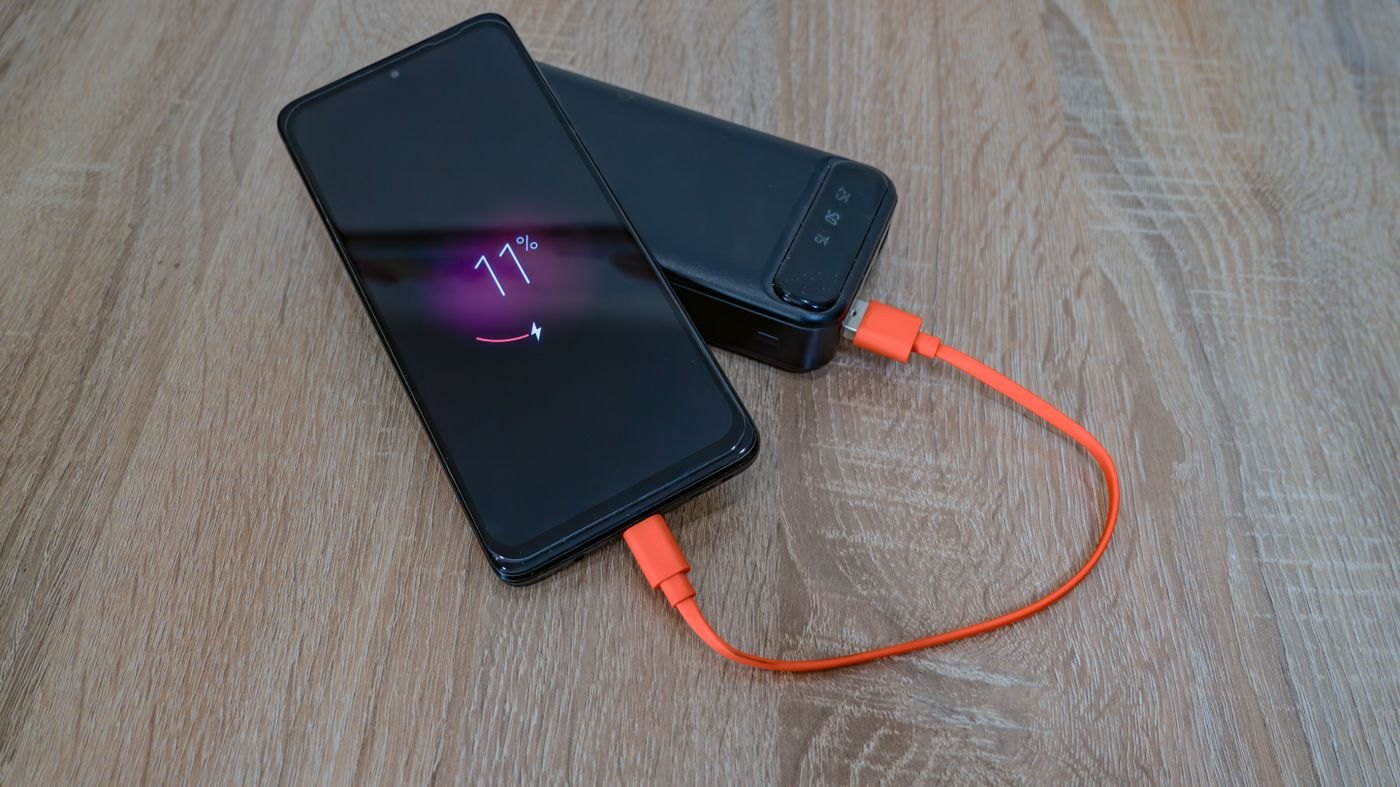
Check the charging status or warnings available on the platform and follow the maker's troubleshooting guidance if behaviour is unexpected. Charging rate can vary during a session, so an informal observation at one battery level is not a full performance test.
If the device reports slow charging, compare the complete arrangement with the recommended one before buying another charger. Identify whether the limitation is the port allocation, cable, charging feature or device requirement. A buying decision becomes clearer when PD is treated as one documented part of the connection rather than a badge that replaces all the other checks.
Avoid turning a compatibility check into a speed claim
A product can support the required charging method while still producing different observed rates at different moments. For a purchase decision, distinguish a documented supported mode from an advertised time-to-charge result. The latter usually has conditions involving the device, battery state and test arrangement. Keep those conditions visible if speed is a reason for choosing the product.
If your need is to keep a laptop operating during a meeting, the relevant question may be whether the documented power arrangement meets the laptop's requirement while in use. If your need is to recharge a phone during a short break, the device maker's supported fast-charging information may be more relevant. Both involve charging, but they should not be reduced to one largest-number comparison.
When asking support, describe the actual source, cable and receiving device. Include any dock or shared charger ports and the warning or behaviour you observed. A precise question can reveal an unsupported feature or port assignment before you replace working equipment. Do not interpret the presence of PD in two product titles as a complete answer to every condition in the connection.