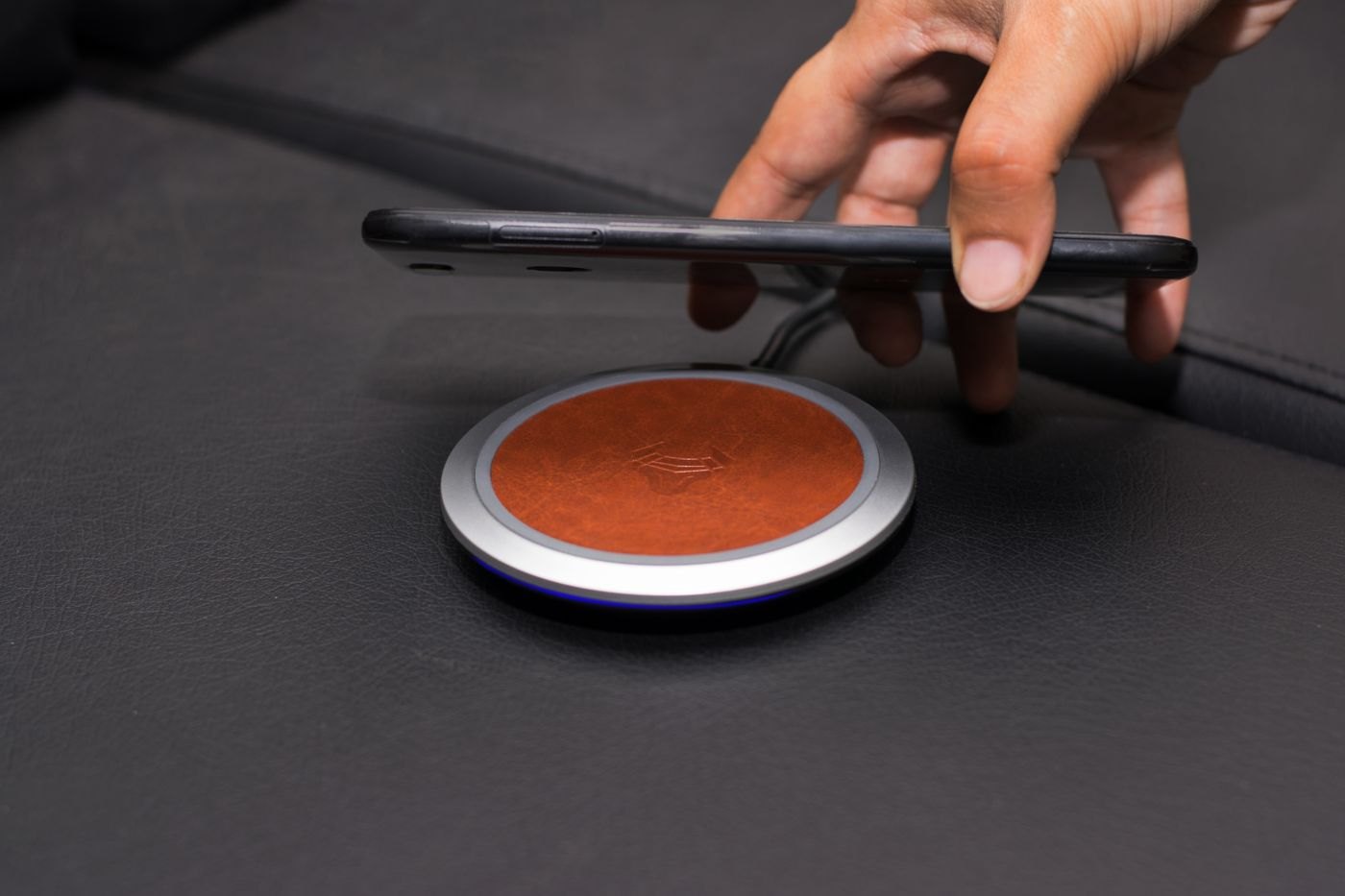
Wireless charging alignment is a physical part of the setup. A phone can sit on a stand while its intended charging area is not positioned as the charger expects. Start with the charger maker's instructions for placement and the phone models it supports, then add the case and attachments you actually use.
Apple's iPhone guidance discusses placement and the effect of certain cases or objects between the device and charger. Use the relevant manufacturer's instructions for your equipment. A successful arrangement with one phone does not establish that another size or case will work in the same position.
Look at the contact surfaces
Check whether a camera surround, grip or wallet keeps the phone from resting as intended. Some accessories are designed to be removed for charging; others specify a compatible combination. Read the product information instead of using extra pressure or an improvised spacer to make the phone stay in place.
If a magnetic system is involved, verify the stated compatibility of the phone, case and charger. Magnetic attachment is not by itself proof of the supported charging performance. Do not add an unidentified metal ring simply because it makes the pieces stick together.
Test the position you will repeat
Put the phone down in the ordinary motion you use at a desk or bedside and check its charging indication. Try the supported orientation you expect to use, including landscape if that is part of the charger's stated design. A single carefully balanced placement may not represent a convenient daily routine.
Keep the charger on the surface and in the conditions specified by its maker. Avoid covering equipment or adding materials between surfaces to solve a fit issue. If charging is inconsistent, use the documented troubleshooting process and compare with the recommended case-free arrangement where instructed.
Decide whether the extra step is acceptable
Removing a wallet before charging can be a simple habit if it has a nearby storage place. Removing several attachments every evening may defeat the convenience you wanted. Include that routine in the decision rather than treating it as a minor detail after purchase.
If the complete combination remains unreliable, identify which component is unsupported before replacing everything. The useful outcome is a repeatable placement that follows the instructions, not a phone that charges only when nudged into one unexplained position.