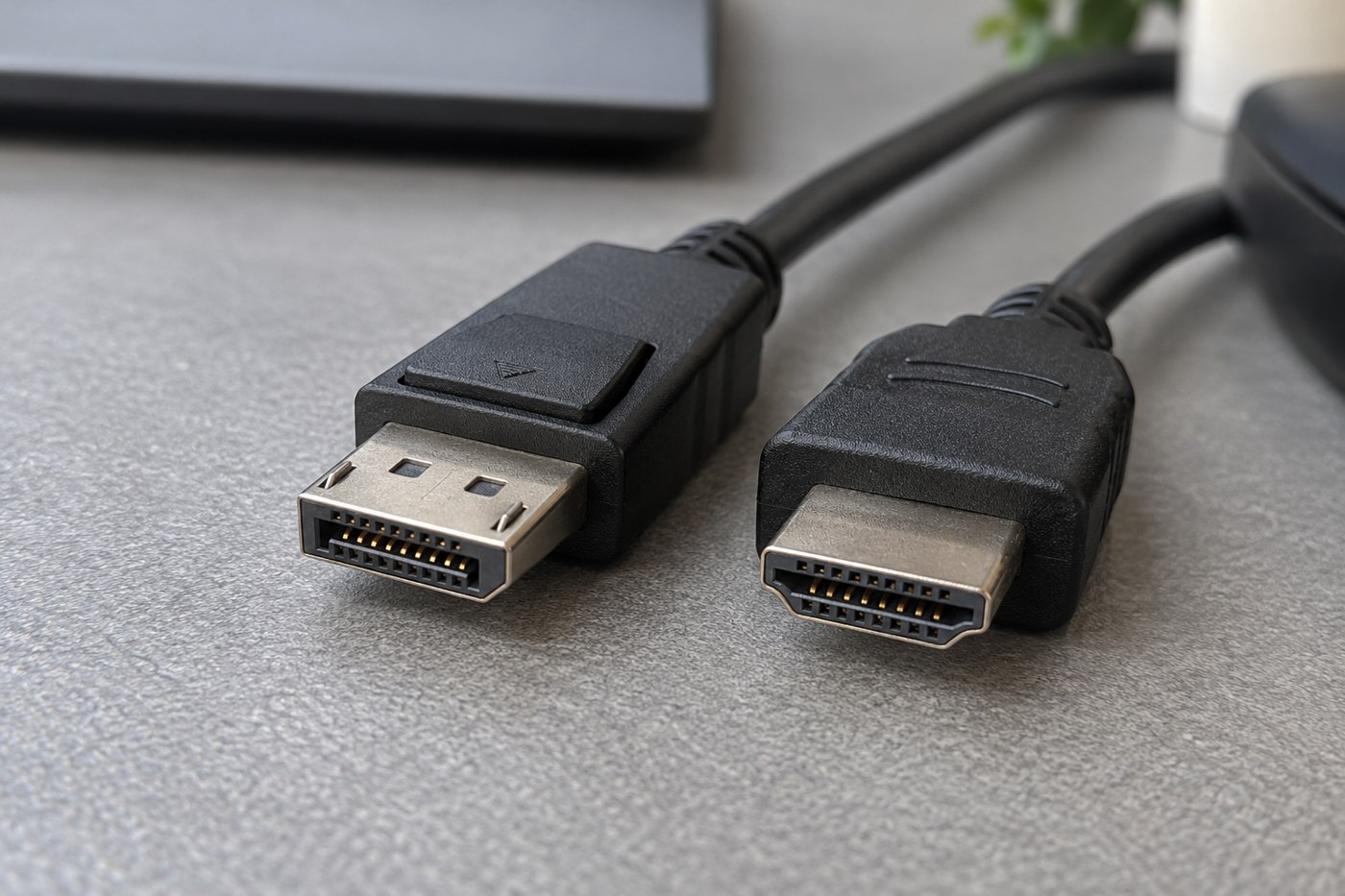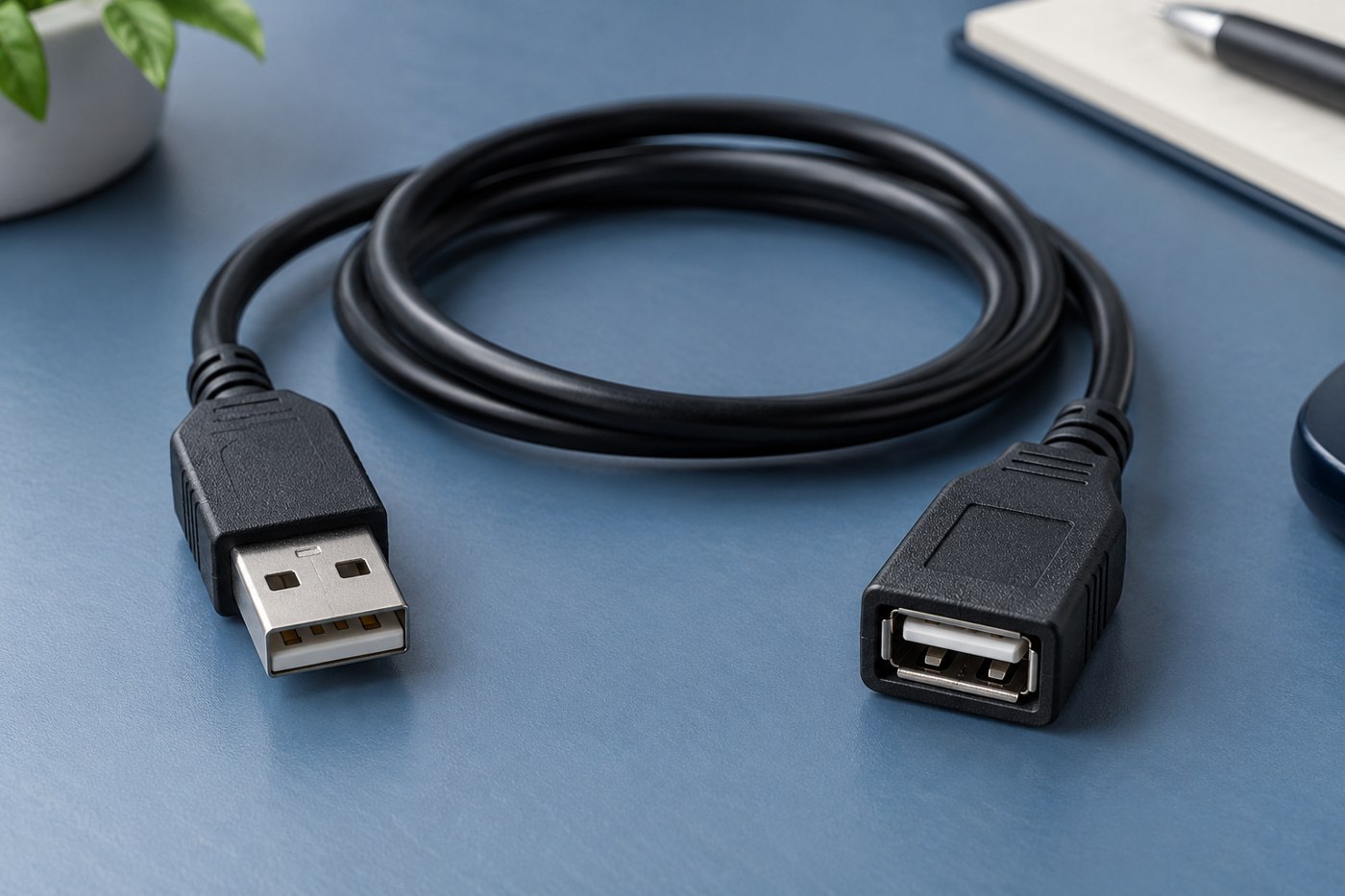
A USB extension can make a port easier to reach, but it is not automatically suitable for every USB task. A keyboard receiver, storage device and display-related connection can have different requirements. Start by naming the device and reading its connection guidance.
Check the extension manufacturer's supported use, connector arrangement, length and data capability. Do not infer support for charging, video or a high-speed storage connection from a pair of familiar-looking plugs. An extension adds another component to the path and should be evaluated as part of that path.
Solve the actual distance problem
Measure how far the device needs to move and why. If the aim is simply to reach a rear computer port, a short documented arrangement may be enough. If the device must cross a room, investigate a supported solution for that distance rather than joining several ordinary extensions together.
Consider whether a suitable hub or a different port location addresses the task more directly. Read its power and data requirements too. Replacing one uncertain component with another does not resolve the original compatibility question.
Test a direct baseline
Confirm that the device works through its normal documented connection before adding the extension. Then test the intended task with the extension in place. For a drive, use non-critical sample files and verify the copy; for an input device, try the ordinary controls. Avoid making the first test an important transfer with no backup.
If behaviour changes, remove the extension and compare again. Record the device, port and cable arrangement so you can ask the manufacturer a specific question. Do not keep extending a chain that has already become unreliable.
Route it without creating another problem
Keep the connection accessible and protected from being pulled by a chair or foot. Avoid tight bends at plugs and follow the maker's handling instructions. A cable tied so firmly that ordinary movement stresses the port has not improved the setup.
Once the extension is verified for the intended role, label that purpose if the lead joins a shared cable collection. A successful keyboard connection does not establish that the same extension is suitable for every device someone may later plug into it.