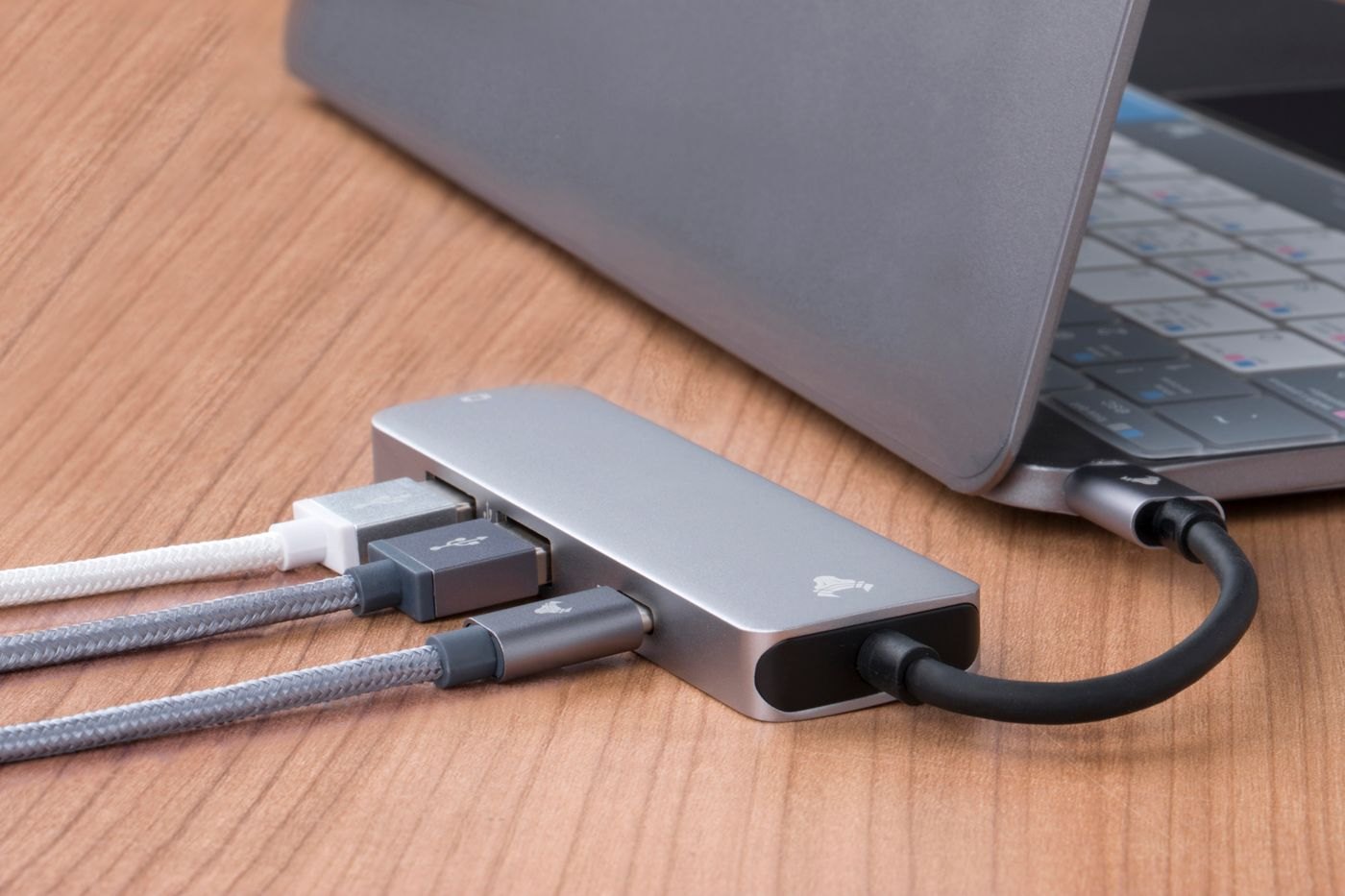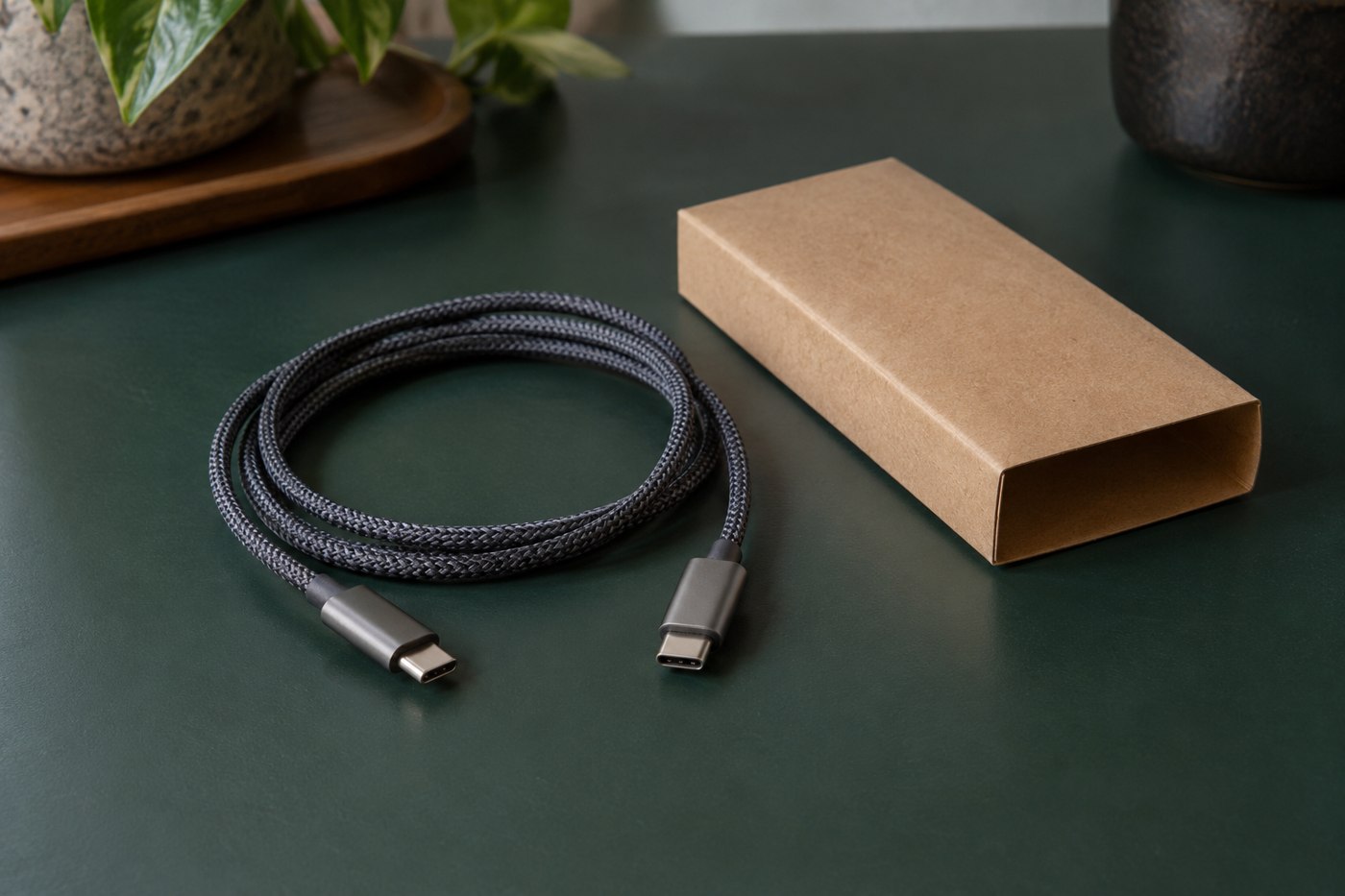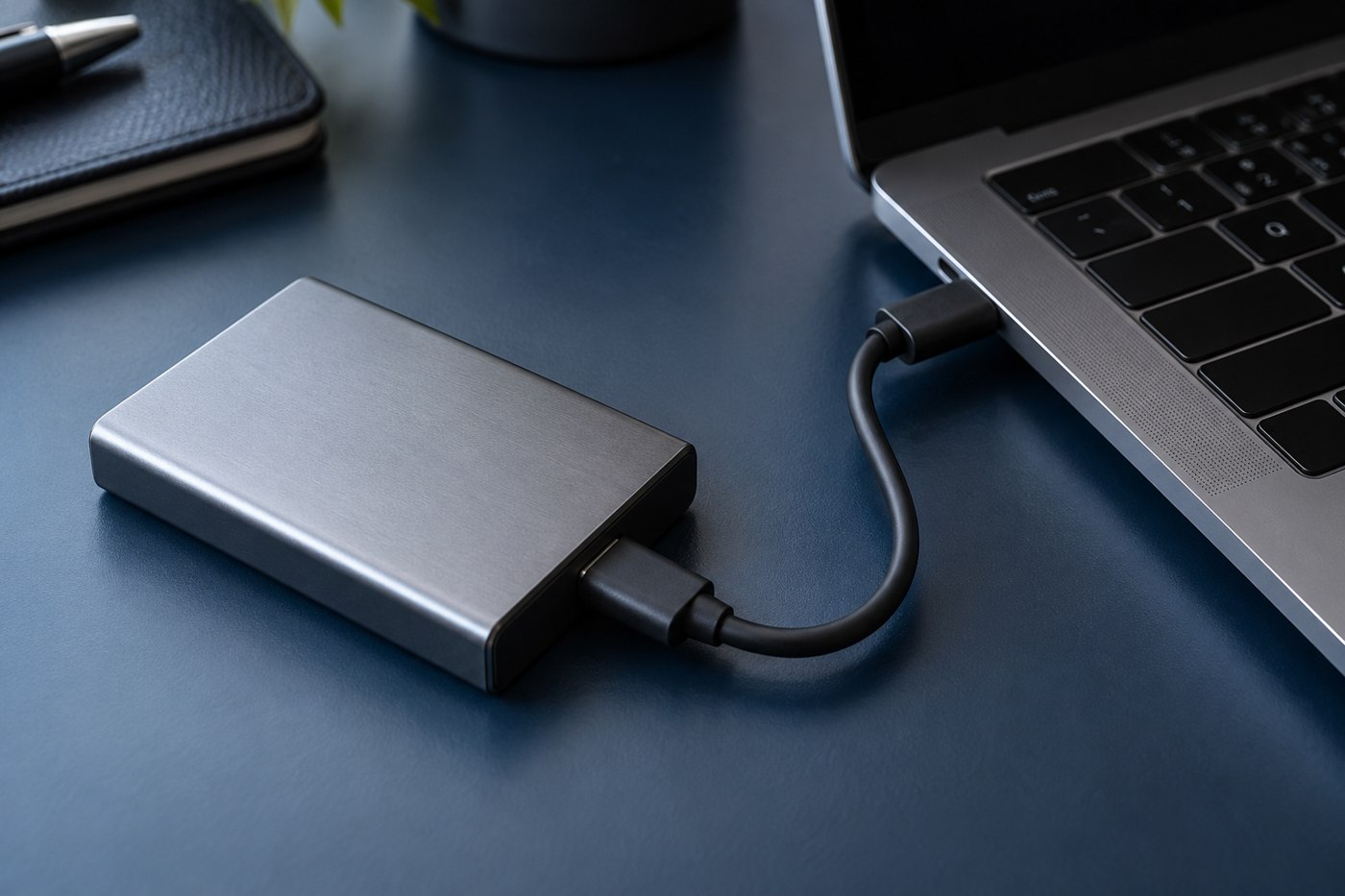
Portable SSDs are often used close to a laptop, so a short cable can reduce clutter. Choose the data capability first and the length second. Check the drive maker's connection requirements and the computer port you intend to use, then look for a cable explicitly suited to that task.
A cable that charges a phone is not automatically suitable for the drive's intended performance. Read the data specification for the exact cable model. Keep the included cable as a useful reference if the drive came with one and it remains in good condition.
Allow a natural resting position
Place the drive where it will sit during work and measure the route to the port. The lead should not be so short that the drive hangs from the connector or presses against another plug. Include the rigid housing at each end and avoid a sharp bend immediately behind it.
Check the laptop case, adjacent ports and the drive's own opening. A bulky replacement connector may interfere with the fit even when its data capability is suitable. If it does not seat normally, choose an appropriate alternative rather than forcing it.
Test with a copy you can replace
Use a non-critical sample file to confirm the connection and open the destination copy. Follow the operating system's guidance for completing transfers and removing the drive. Do not use an important one-copy archive as the first test of an unfamiliar cable.
If performance or stability differs from the normal setup, compare using the same port and task with the verified cable. A computer port, hub or drive condition can affect the result too. Change one part at a time instead of concluding that every difference is caused by length.
Store the pair together
Keeping the verified short cable with the SSD makes the next connection easier. Coil it gently and keep plugs from pressing against the drive or another device in the pouch. Label it by purpose if it resembles charging-only leads in your kit.
The aim is a compact connection that lets the drive rest securely and complete the intended transfer. Saving a few centimetres is not useful if it leaves the drive suspended or makes the connector difficult to reach when you need to disconnect it properly.