A visibly damaged cable is not a good candidate for continued use while you search for a bargain. Follow the device or cable maker's guidance for damaged equipment and disconnect it safely. Do not rely on tape around a damaged area as proof that the cable is suitable again.
Identify the task the old cable performed. It may have carried only charging power in your setup, or it may also have connected a drive, display or audio accessory. If the model marking is readable, use it as a reference, but check the device's requirements rather than assuming an old cable was always the correct choice.
Match more than the connector
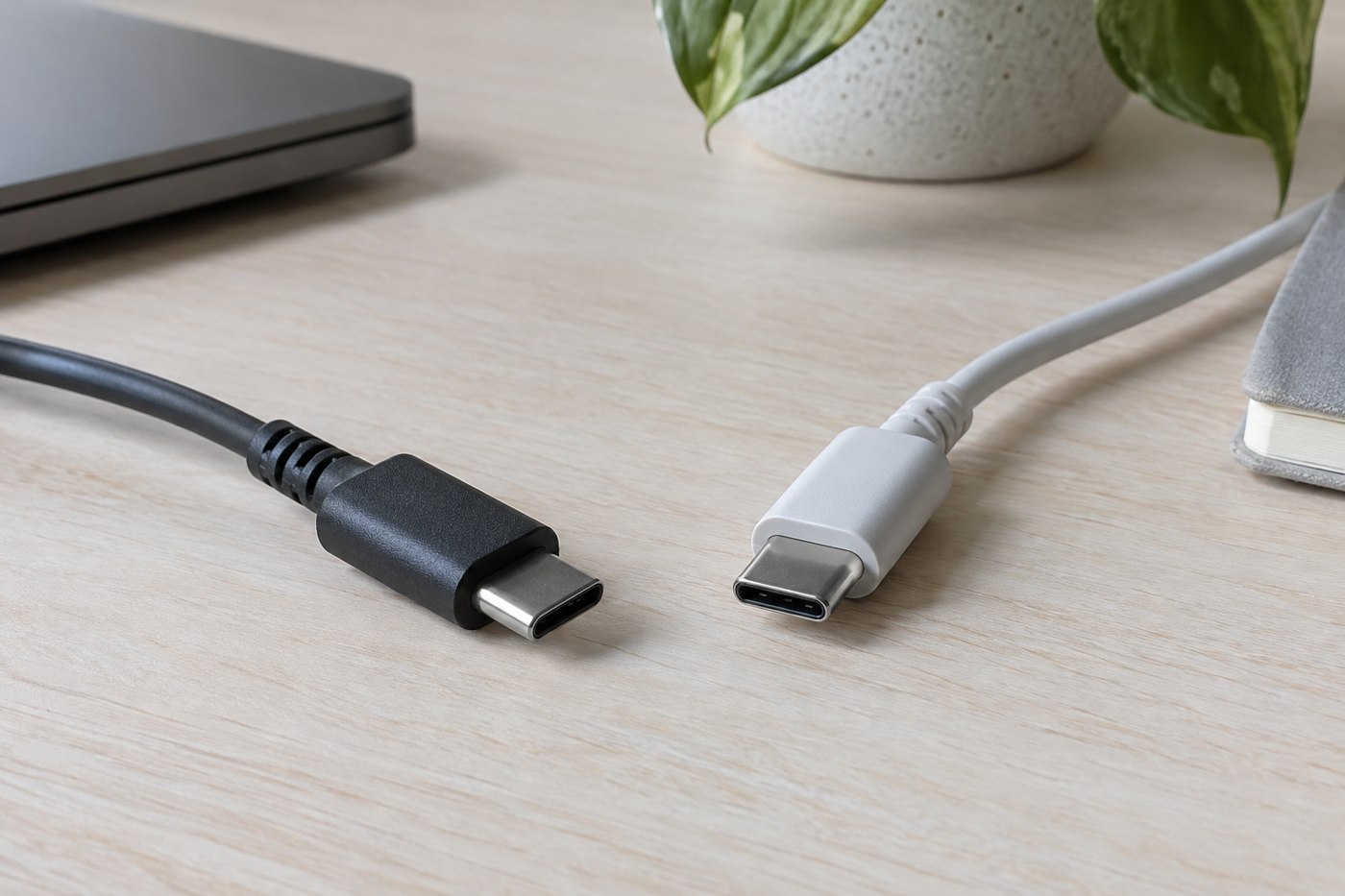
Confirm the plug types, supported power and any required data or display capability. Check the exact length and variant in the new listing. A product page containing several options can change the relevant specification when you select another version.
Include the physical fit. A larger connector housing may interfere with a case or a crowded port, even when the electrical specification is suitable. Avoid forcing it into place or modifying the case as the first response to a mismatch.
Look at why the old lead wore out
Consider whether it was pulled tight, repeatedly bent at the connector or trapped under furniture. Change that part of the route when installing the replacement. A longer cable, a more accessible outlet or a different storage method may address the cause better than choosing a thicker jacket alone.
Use the replacement according to its instructions and test the intended task. Keep the model information so you can identify it later. If charging or data behaviour remains wrong, investigate the device, charger or port through the maker's support process rather than repeatedly replacing cables without a diagnosis.
Finally, keep the damaged cable out of the ready-to-use drawer. Follow local disposal or recycling guidance for the item. Leaving it beside the working replacement invites someone to use it again because the connector looks familiar. A replacement is complete when the new connection works and the known problem has been removed from the everyday kit.