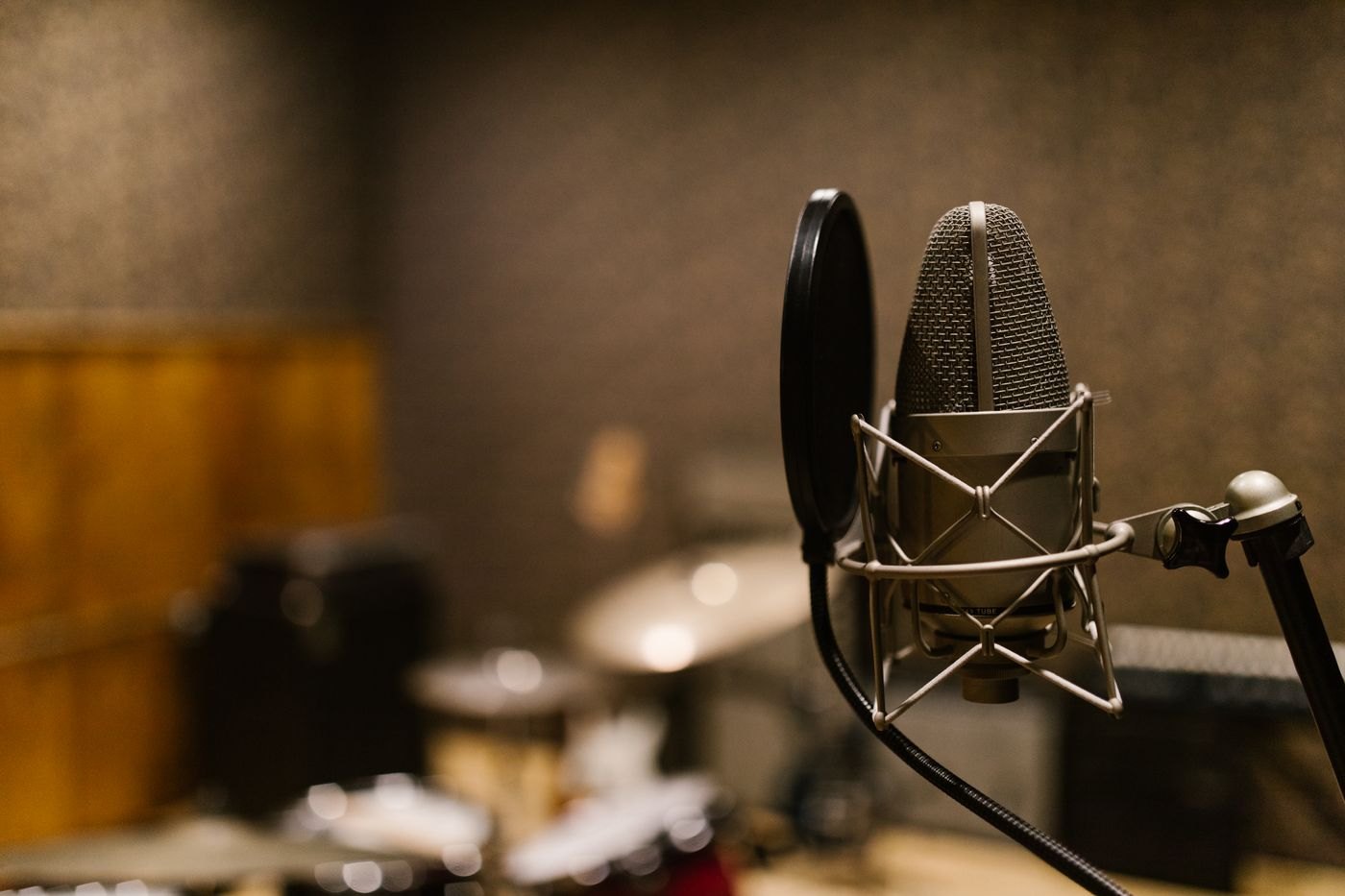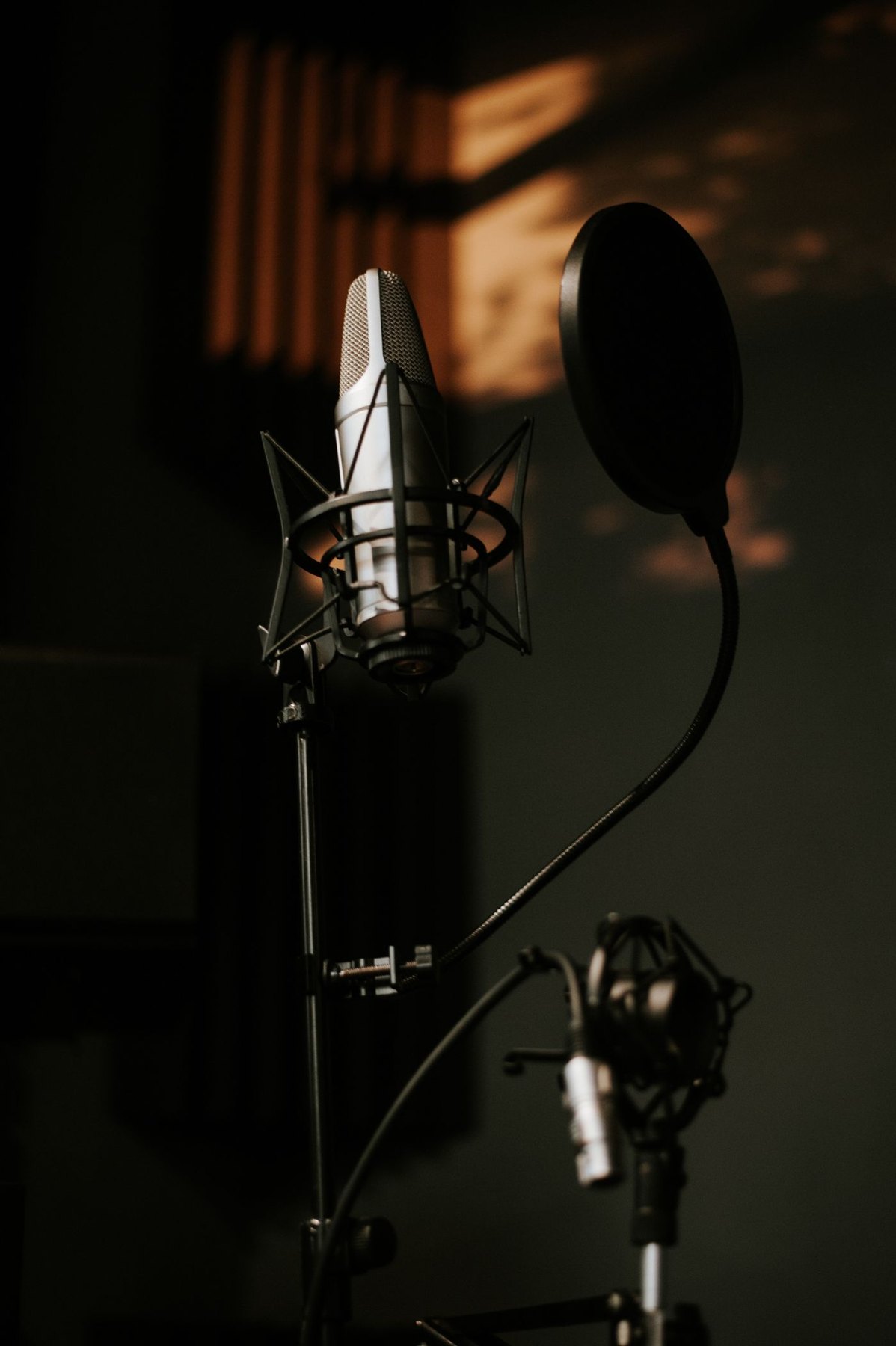
An online interview is a poor time to discover that the laptop has selected a webcam microphone or that the headphones are still connected to a phone. Prepare with the same computer, headset or microphone and application you plan to use. Avoid introducing unfamiliar equipment immediately before the appointment unless there is a specific problem to solve.
Test the complete route
Connect the equipment and select the intended microphone and output inside the meeting application. Use its test facility if available, or make a short permitted test call with another person. A general operating-system test is useful, but it does not establish that the meeting program has chosen the same devices.
Check permissions in the relevant system and browser settings. Microsoft documents that microphone access can involve more than one layer. Grant access to the application you intend to use and confirm it works, rather than changing unrelated privacy settings wholesale.
Listen to the recorded or returned sample. Speak while looking toward your notes, then return to the screen. Verify that the microphone remains usable throughout that normal movement. Test the mute and unmute controls until you can identify their state without guessing.
Arrange the objects that make noise
Place notes where you can see them without repeatedly handling paper beside the microphone. Keep the keyboard stable and move a drink away from cables. If using a microphone arm, check that its position leaves the camera view and main screen clear.
Set headphone level comfortably and confirm that notification sounds from another connected device will not unexpectedly take over the audio route. If multipoint is involved, disconnect the second device for the interview if that produces a simpler, verified setup.
Choose a modest fallback
Know how to select the laptop's built-in audio or another already-tested device if the main equipment fails. Keep the meeting's reconnection information available in a suitable form. Do not assume a phone can take over without checking the meeting service's supported process and your own access beforehand.
Finish software updates and charging with time to test afterward. Immediately before joining, confirm the selected devices once more and close unnecessary audio applications. If you plan to record the interview, agree that separately with the other participants and use the meeting's permitted recording process. The preparation is complete when you can hear, be heard and recover from a simple device change without an improvised troubleshooting session.