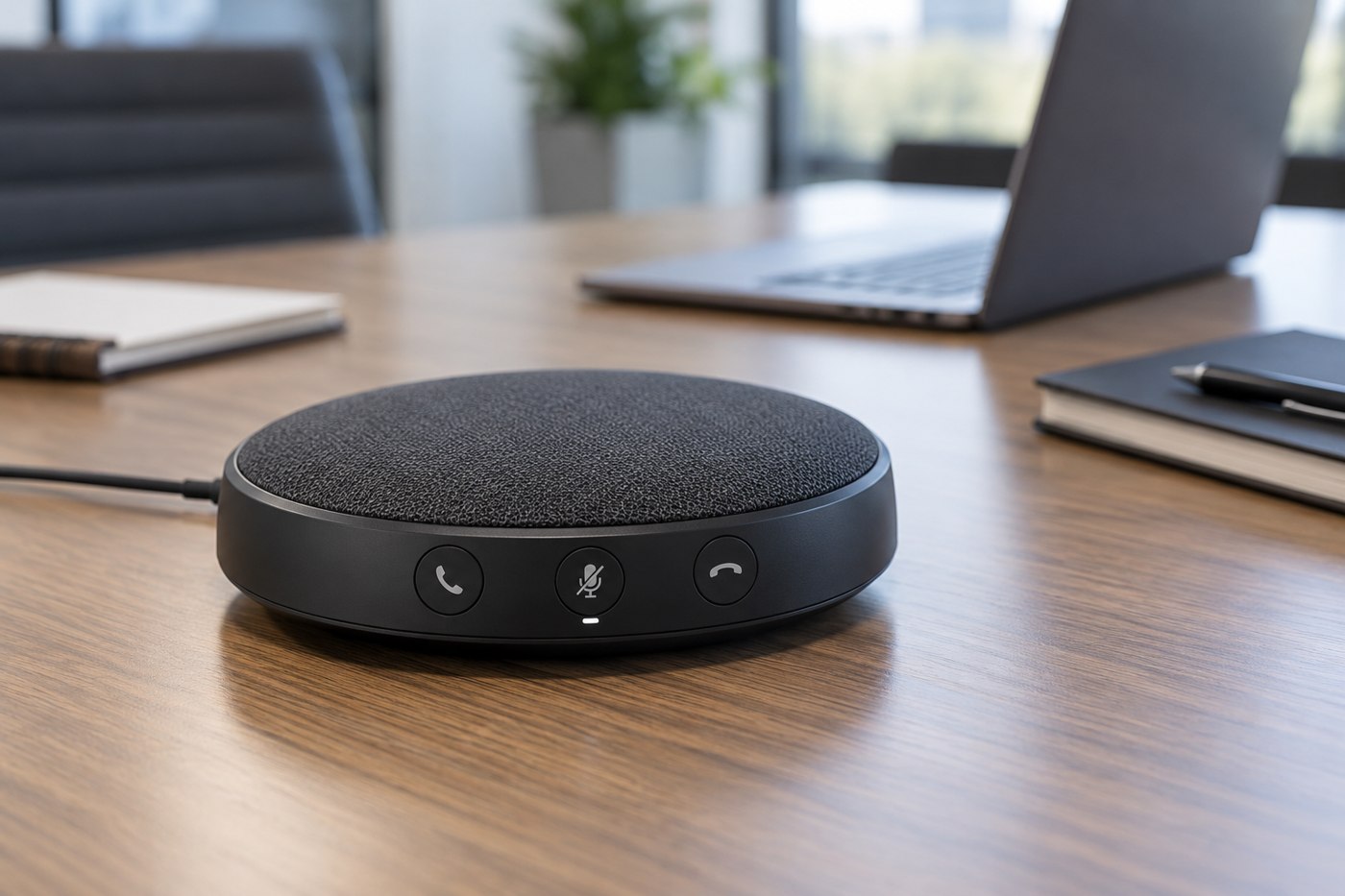
A shared meeting table asks one audio device to capture several voices and play the remote participants clearly. Before choosing a speakerphone, describe the room and seating arrangement. Two people at a small table are a different use case from a long table with someone speaking from its far end.
Look for the manufacturer's placement and coverage guidance for the exact model. Jabra's Speak2 documentation includes model-specific connection and positioning instructions; a capacity stated for one device or linked pair should not be assumed for another. Keep the stated conditions attached to any participant-count claim.
Place it where the conversation happens
Find a location that leaves the microphones unobstructed and gives participants a reasonably consistent relationship to the device. Do not hide it behind a laptop because the table is crowded. Keep papers, cups and cables from covering its controls or openings.
Check whether the table itself becomes noisy when people type, move chairs or put objects down. A short test meeting with someone outside the room is more informative than listening only to the loudspeaker locally. Ask the remote participant to compare different seats and ordinary speaking levels without people leaning unnaturally toward the device.
Verify the connection and application
Establish whether you will use USB or another supported connection and whether a receiver is required. Confirm operating-system support, any management software and the conferencing application's compatibility. Jabra's setup instructions also show why both recording and playback selections matter: a connected speakerphone may still need to be chosen in the system and meeting software.
Test mute from the hardware and from the application. Learn whether their indicators stay synchronized for the supported setup. A visible red light is useful only if everyone understands which microphone path it controls.
Keep one room from joining twice
If several people bring laptops, plan which device supplies the room audio. Multiple active microphones and speakers connected to the same meeting can create confusing echo. Other computers can be used for documents with their meeting audio disabled according to the application's instructions.
For a portable unit, include the cable, storage pouch and charging routine in the plan. For a permanent unit, keep it accessible for updates and cleaning. Choose based on a representative remote test from every normal seat; a favourable impression from the person sitting nearest the speakerphone is not enough.